I’ve converted a classic dashboard to kinetic. I have everything working but the reset button, I click it and nothing happens. I’ve looked at How To: Kinetic Dashboard Uplifts - Experts’ Corner - Epicor User Help Forum but I can’t get it to reset the fields.

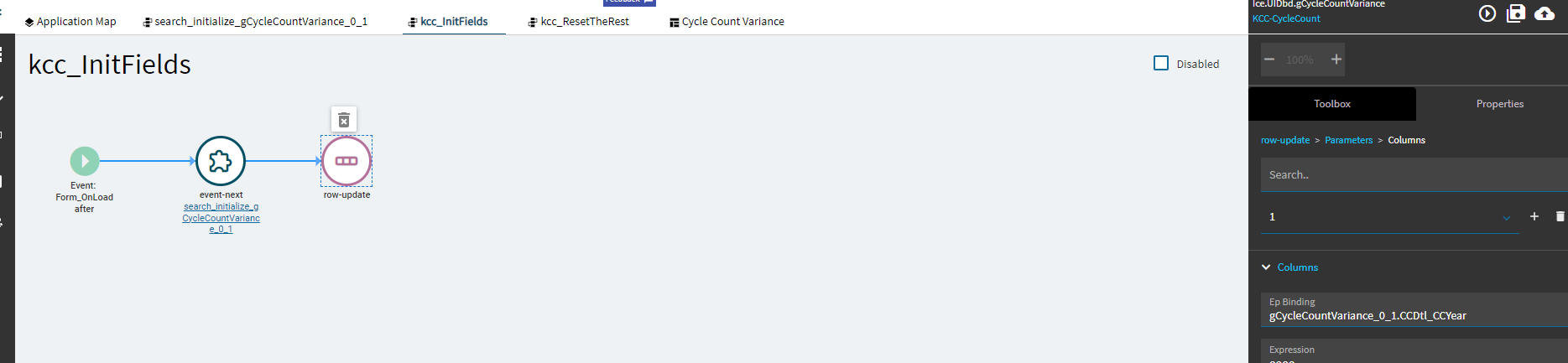
What fields?
And your pictures have relevant parts cut off.
More deets!!!

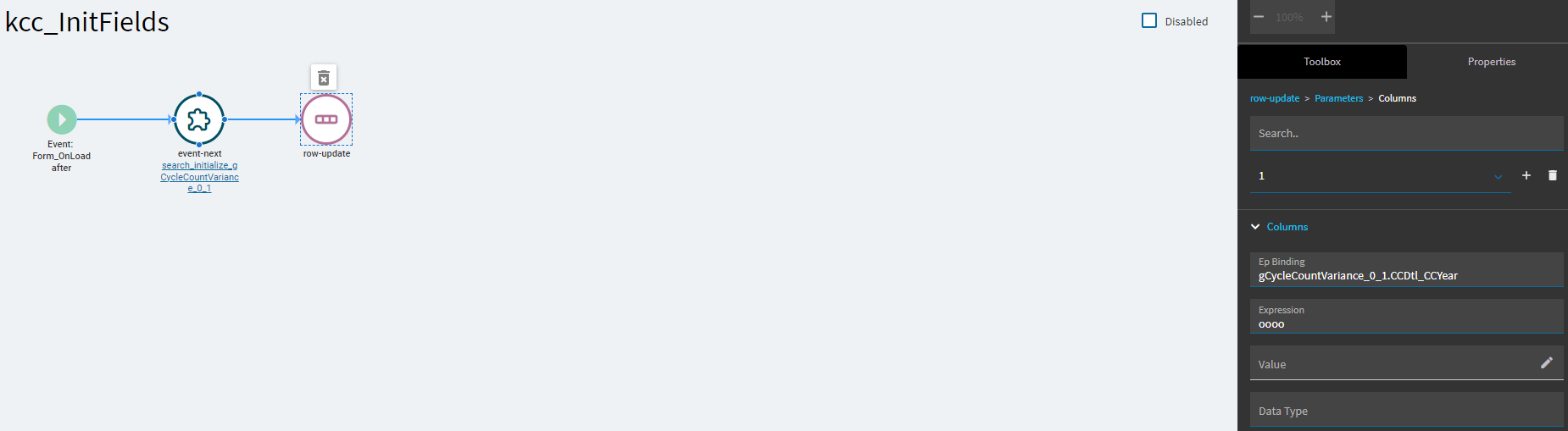


Are—
Are you setting the year to four letter o’s? 
no four zero’s. I tried YYYY and it yelled at me.
Okay, because I’m fairly certain your screenshot is showing oooo not 0000.
You might want to try the Value field…
The expression field should work just fine too.
If that’s an int field, just try one zero.
And what’s in that event before the Row-Update?
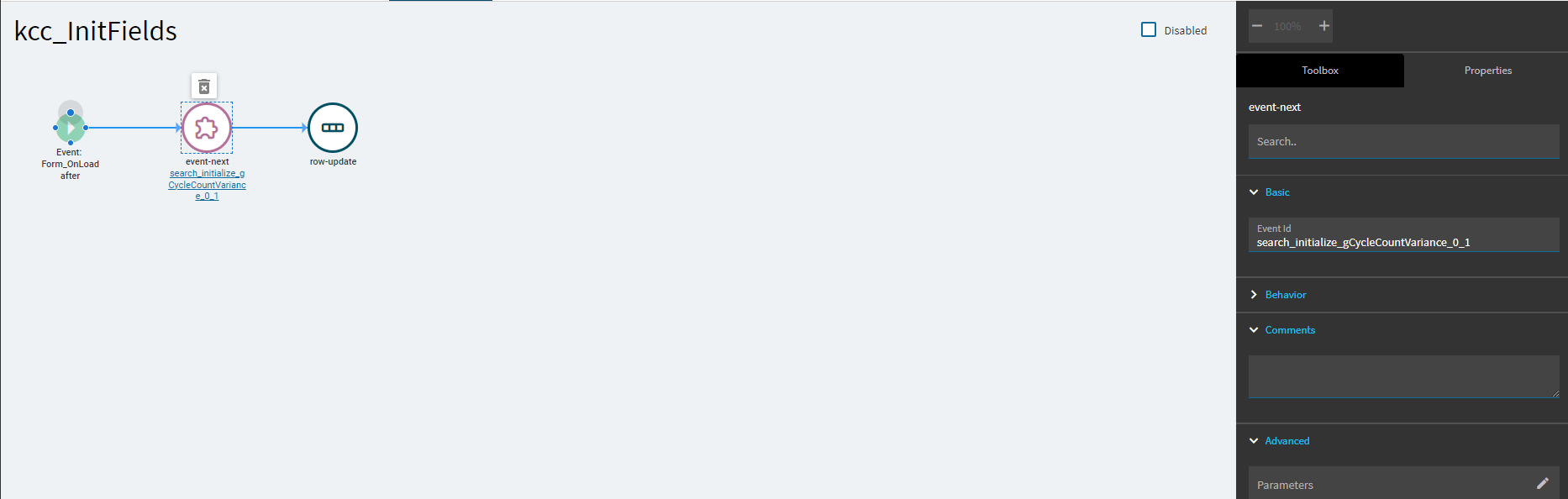
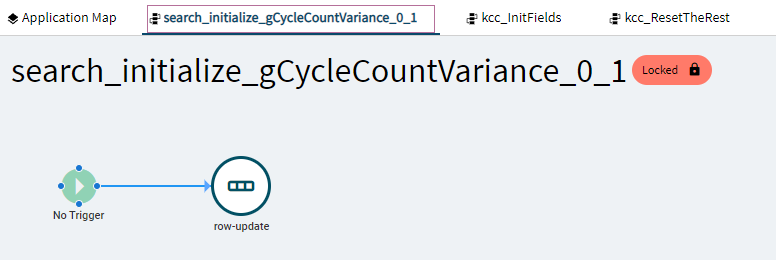
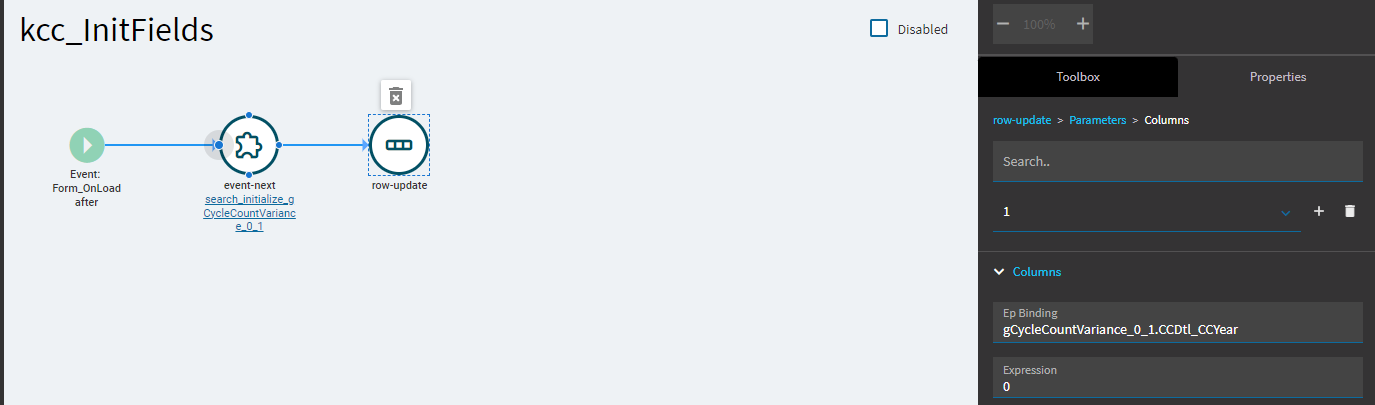
Some debugging steps to try:
- Create a button and have the onClick call kcc_InitFields. Watch what happens in Dev Tools when you click it. Any errors or issues? Is it setting your field? If it sets it fine, it could be a timing thing with the onLoad event and you’ll have to source a new one.
- Take out that event-next and leave just the row-update to see if it works. If so, then that event is causing issues.
If I wire up a button and call the kcc_InitFields it resets the grid and the input fields. I’ll take that. thank you hmwillett and klincecum for your help.