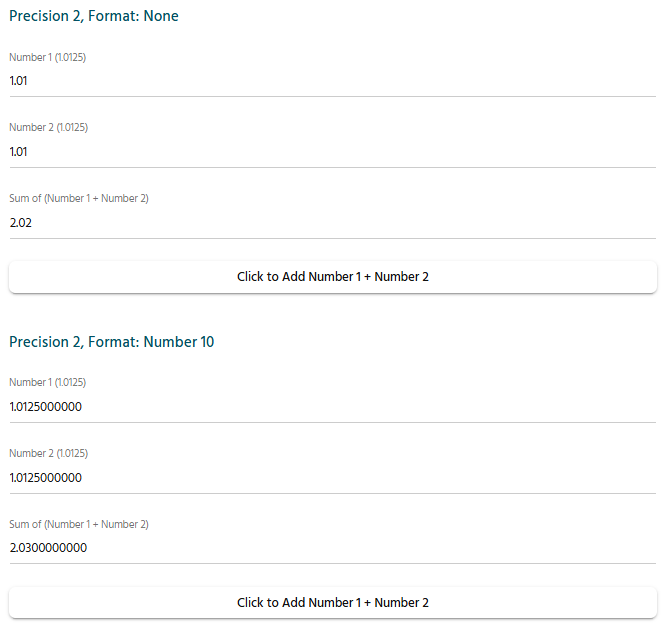
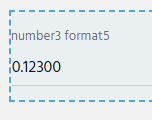
I am amidst building a configurator and have our Excel CPQ as a road map. With some calcs, we have discrepancies. Since Excel always calculates to 15 decimal places, on some real intense formulas in Epicor CPQ the values can vary.
We decided 5 decimals deep for Number precision in Epicor CPQ should suffice. But when I set eh Number precision to 5 and the Format precision to 3, it still shows all 5 decimals.
I thought Number precision was the decimals used for calculations and the Format precision was the displayed decimals, rounded? Is that not how it works?
In CPQ…
Number precision is the number of digits after the decimal that are allowed to display.
Format precision is the minimum number of decimals desired/required for a calculation.
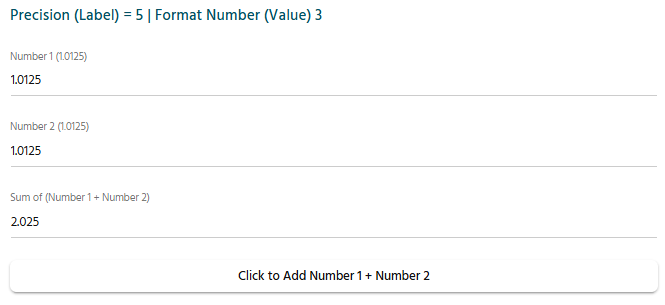
In the next example, I entered 1.0125 with the precision (label) set to 5 and the format number (value) set to 3.
We end up with a total of 2.025 and this makes sense because we are telling CPQ that we want to see up to 5 digits after the decimal.
(Remember that even if the number precision is set to 10, we would still only see 2.025, not 2.0250000000 – if that is the value we need, we would use the format precision instead)
For now, I’ll simply recommend verifying that the appropriate number of significant figures are present and then leaving the values be or disabling format altogether.
In general, having the number precision be larger than the format precision should get you what you want.
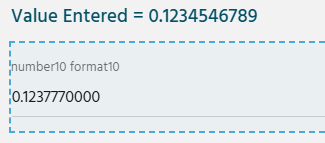
The longer I play around with this, the more I notice–here is another weird one:
How it landed on that value, I’ll likely never know.
(probably something related to how it determines what to calculate vs display–I did spend a few minutes trying out different variants.)
I played around with this a bit more and found that if you alter the number and format, the original value entered *sometimes* gets replaced by the new compliant value.
This can be reversed if you reassign the precision in the opposite way or remove it.
I think that this is what Epicor might call a “feature” because they expect you to only change things you mean to.
Personally, I think that values entered should remain stored and be editable in a non-destructive manner, but that’s just my opinion.
For now, I’ll simply recommend verifying that the appropriate number of significant figures are present and then leaving the values be.
In general, having the number precision be larger than the format precision should get you what you want.
If you wanted, you could store the values in a non-editable database–this would allow from some pretty cool tricks, but I don’t know what your use case is and I wouldn’t want to recommend something that isn’t a good fit.
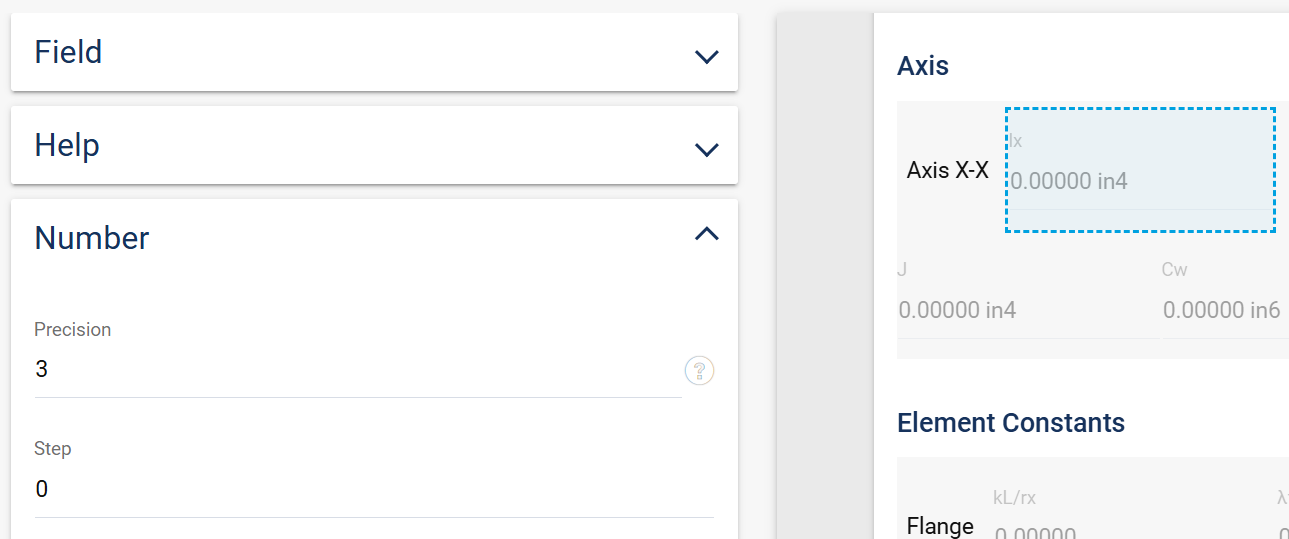
Number - precision is the number of decimal places that the value of the field will have.
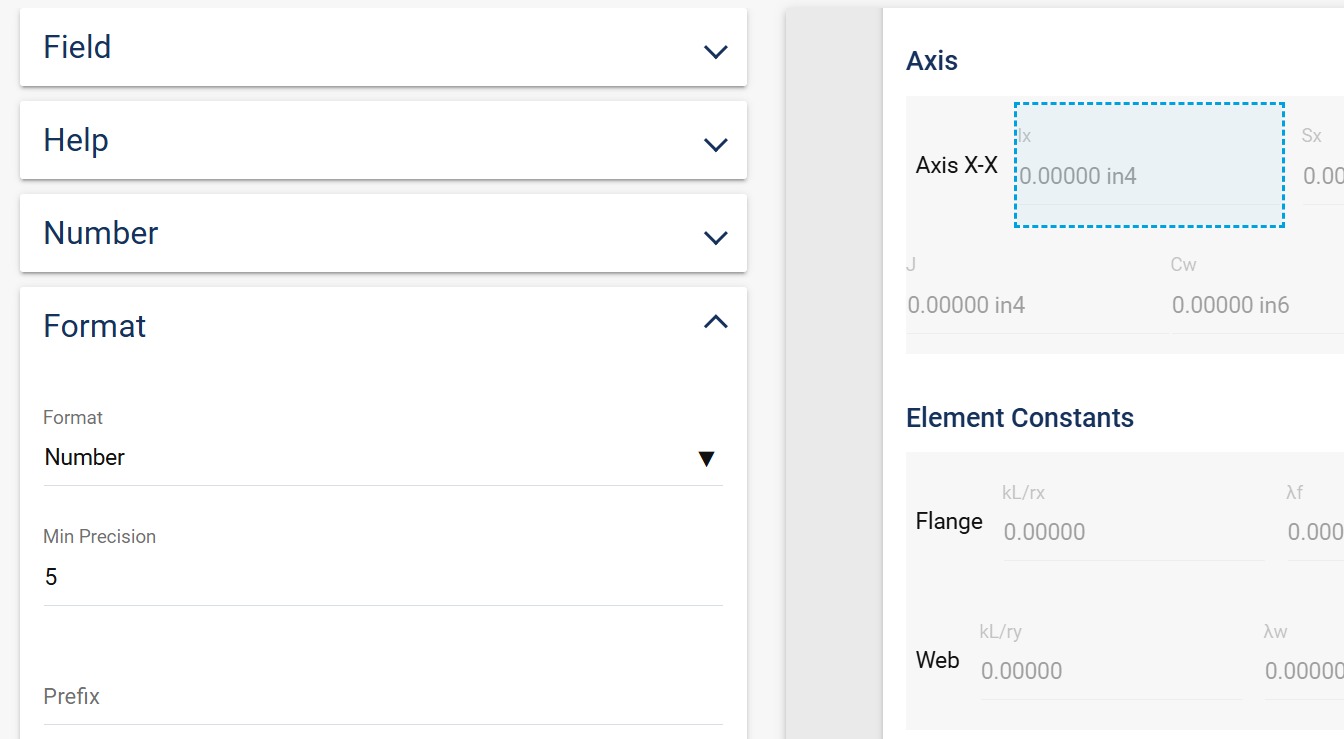
Format - number - Min Precision is the minimum number of decimals that the field will display in the UI. This is just about controlling the format/display of the number.
If my number - precision is 10 and my Format - Min Precision is 2, a value like .1234567891 will show all 10 decimals places because the format wants to show a minimum of 2 decimal places. If my number - precision is 3 and my Format - Min Precision is 6, the value will only go to 3 decimals but when it displays the number in a field it will show 6 decimals.