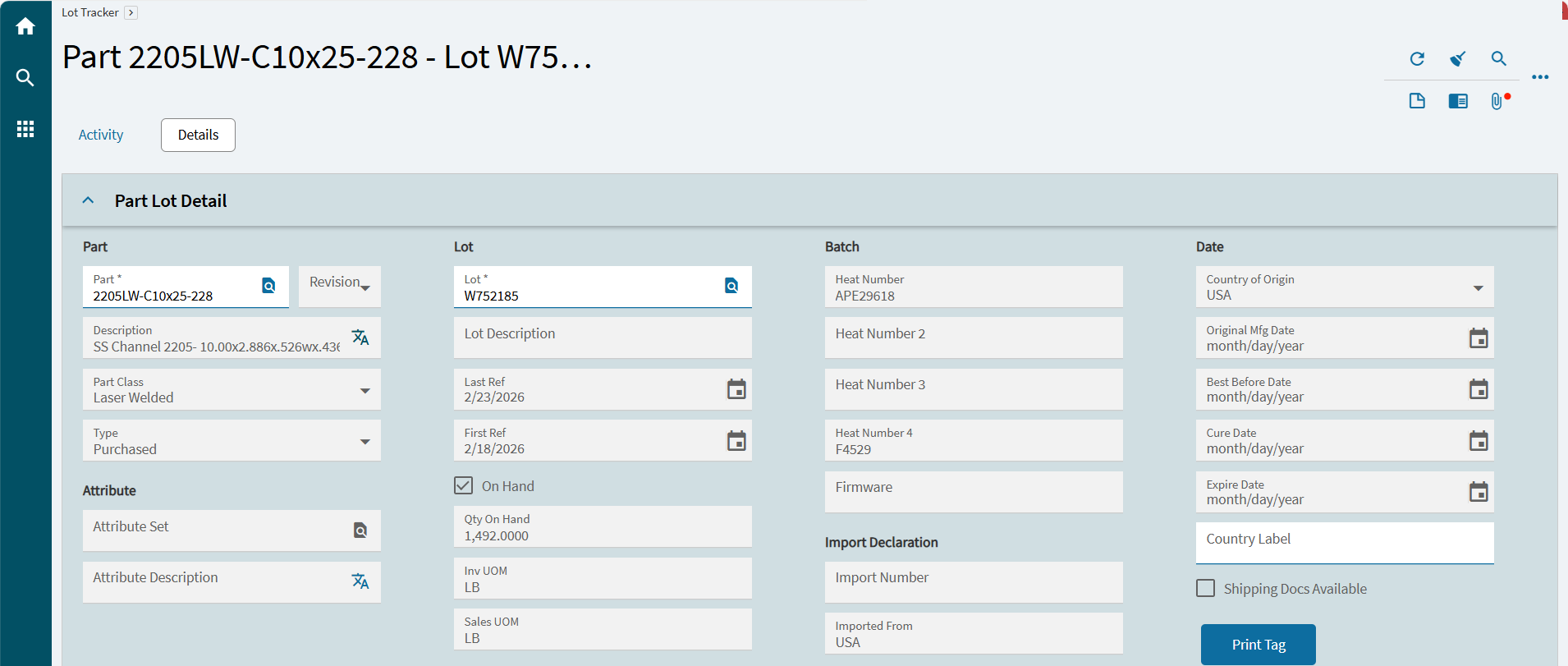
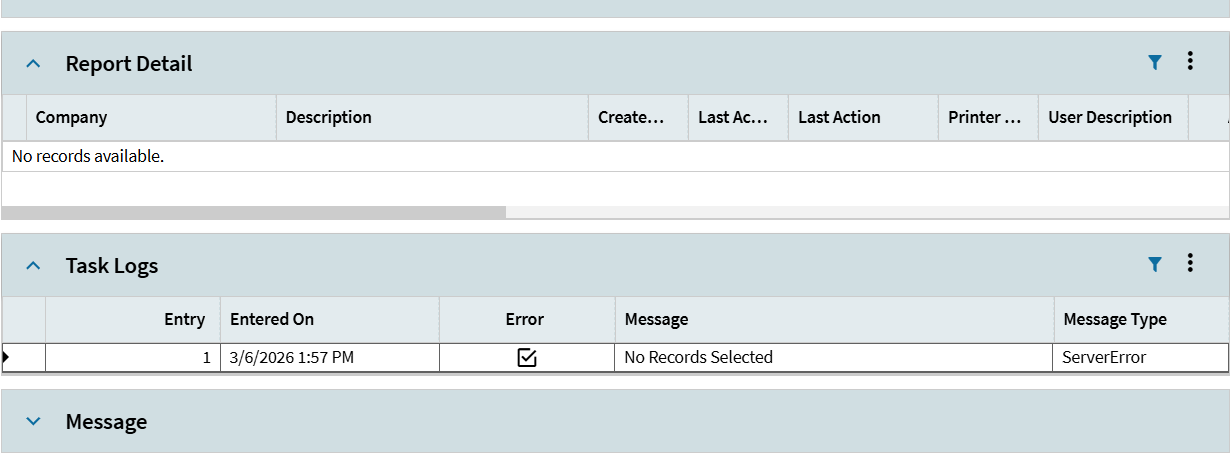
Hi Guys, does anyone know how to create a print report page? I created a BAQ for the tables and parameter now how to call them and display to print is depending on the pass parameters.
Looks for Report Style and Report Data Definition. There you will be able to connect a BAQ Parameters to a Report (.rdl SSRS).
Then via Menu Maintenance you will create a Menu ID for that Report. Then you can Print the Report via that Menu, its just like Epicors Print Job Traveler Menu for example.
Then if you want to add it to the Part Screen, you customize and have it launch that Menu, probably with Launch Form Options (not sure the right Kinetic term).
Search on the forums BAQ Report
Just be mindful there is a Legacy BAQ Report and the new way