Custom Fields from PORel to PORView for Inspection Processing

Requirement

klincecum edit: Please refrain from tagging absolutely everyone on the forum to help you.

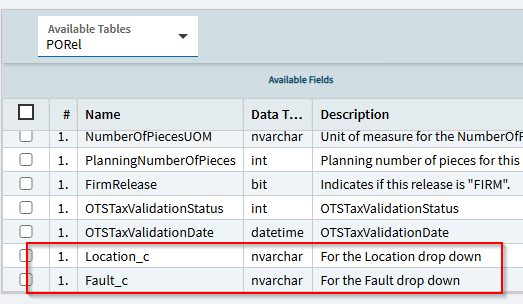
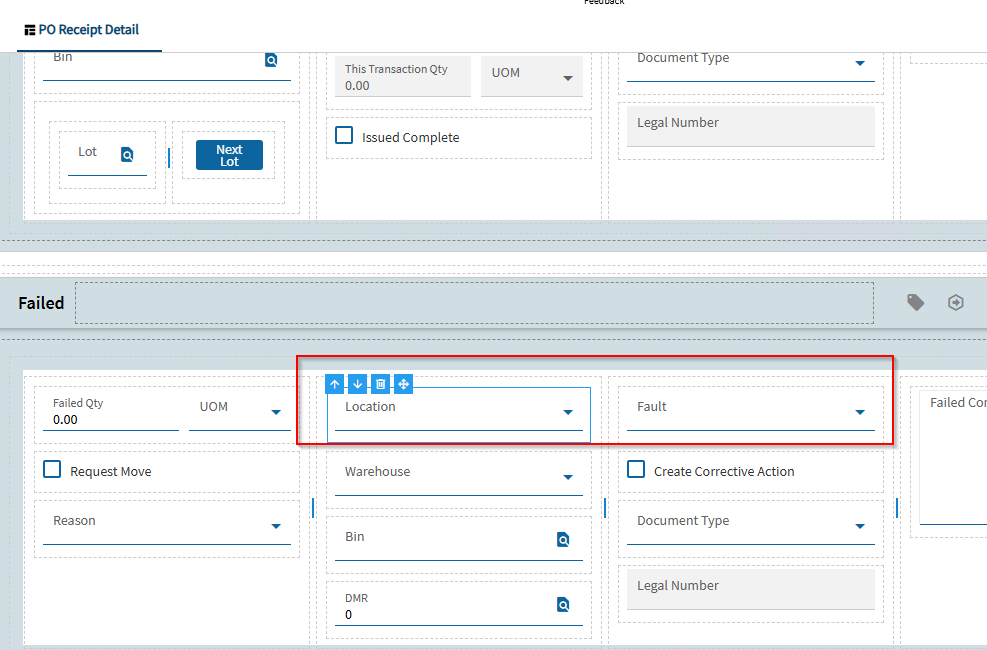
Two ComboBox controls, Location and Fault, have been added to the Inspection Processing form. I need to bind these controls to the custom fields PORel.Location_c and PORel.Fault_c.

However, the Inspection Processing form uses PORView, and I am unable to add these custom fields to the view.

Could you please advise on the recommended approach to add PORel.Location_c and PORel.Fault_c to PORView and bind them to the ComboBox controls?

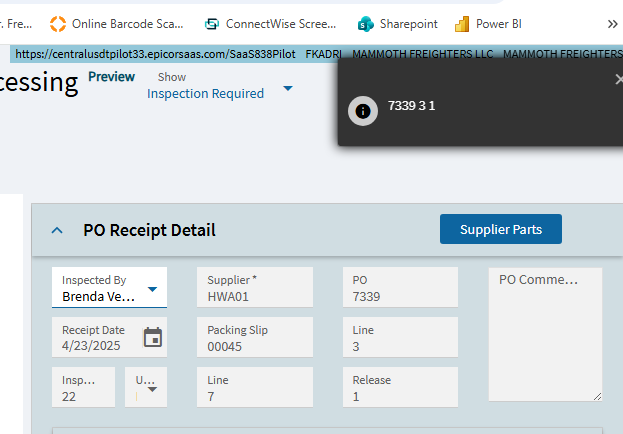
Inspection Processing Form:

What is the binding on the control? Should be able to add the fields there.

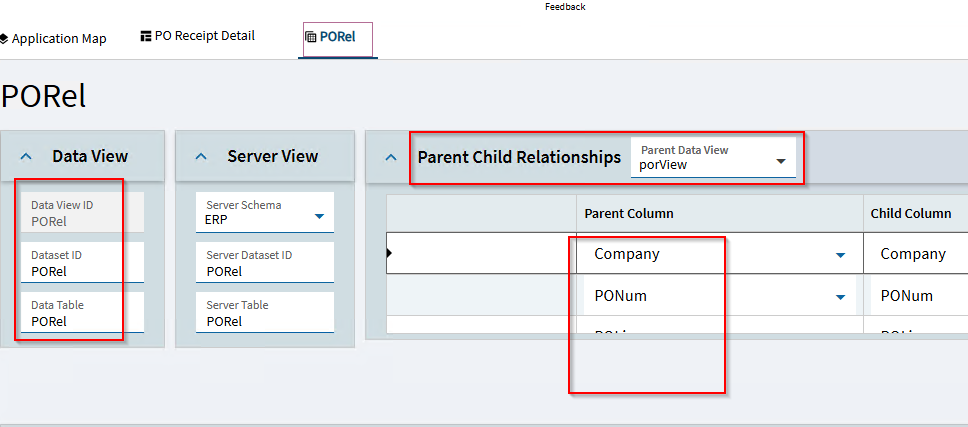
I have added a new view with a PORel relationship to PORView using the following fields: Company, PONum, POLine, and PORelNum. I have also bound the controls to PORel.Location_c and PORel.Fault_c.

Is this the correct approach?

binding of the contols are Porel.location_c and Porel.Fault_c because these columns not in porview

is there any way to add these columns in porview?

What exactly are you asking?

Just binding the controls like you are doing is fine.

Populating the combos is another matter. It’s not going to do it for you from the available options.

Permanently or temporarily?

permanently

I have added two ComboBoxes to the Inspection Processing form and populated them with the required values.

The values need to be stored in the PORel.Location_c and PORel.Fault_c fields.

The Inspection Processing form currently uses PORView. I see two possible approaches:

  1. Modify PORView to include the required PORel.Location_c and PORel.Fault_c fields, if this is supported.

  2. Create a new view based on PORView that includes the PORel fields and handle the required logic based on the appropriate conditions.

Could you please advise which approach you would recommend?

I would do this by adding the PORel dataview, like you did. I don’t know if you need the parent/child relationships defined.

Personally, i would delete your existing dataview, and recreate it via the dataview wizard.

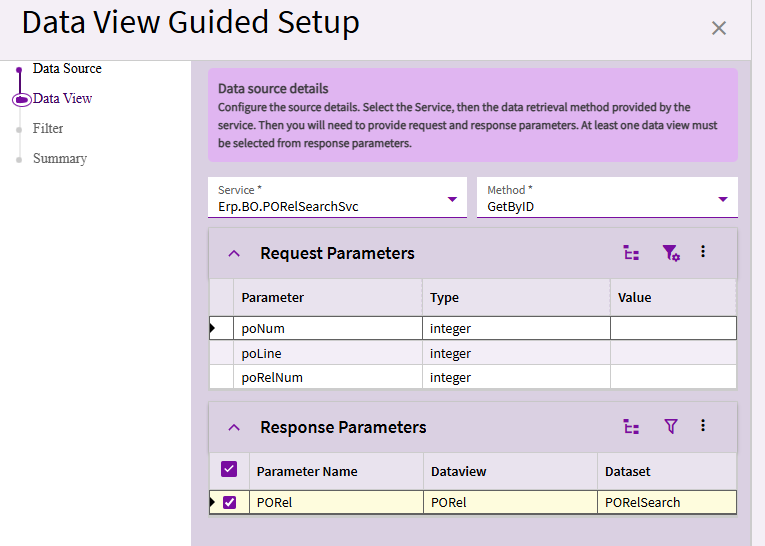
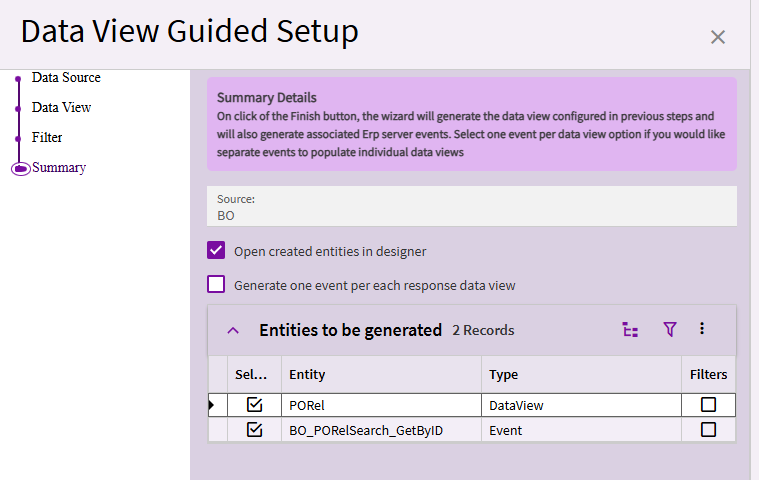
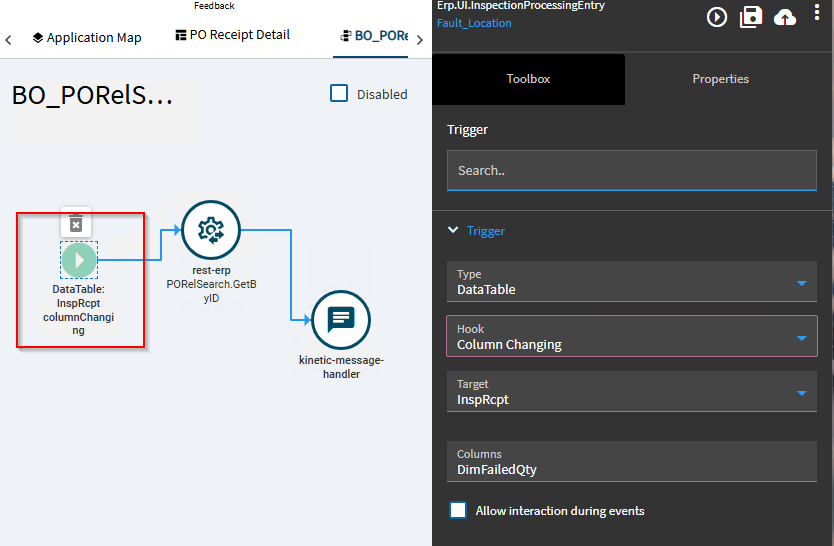
The wizard will create the PORel dataview and the BO_PORelSearch_GetByID event for you:

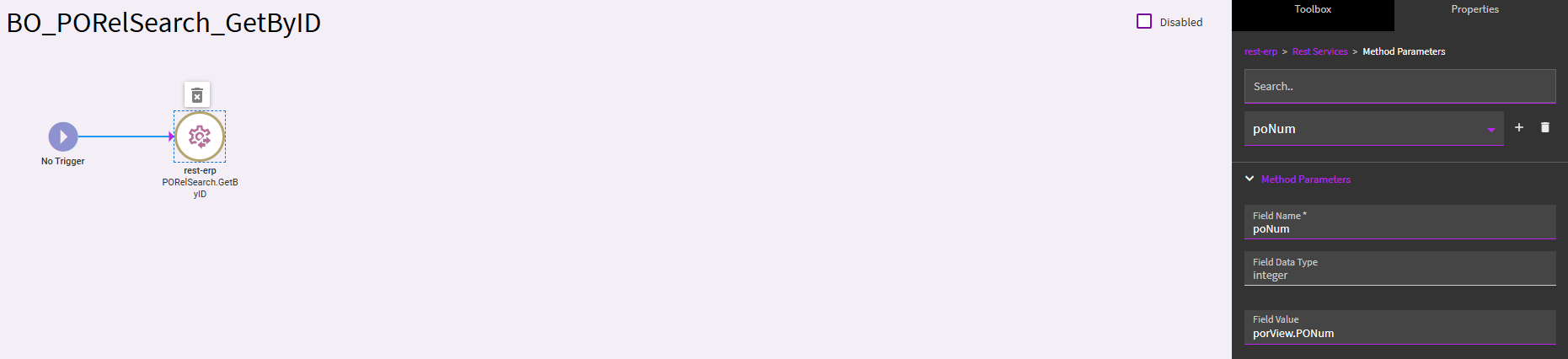
In the created event, set the method Param to use the porView PONum:

Repeat this for the other two parameters, using porView.POLine and porView.PORelNum

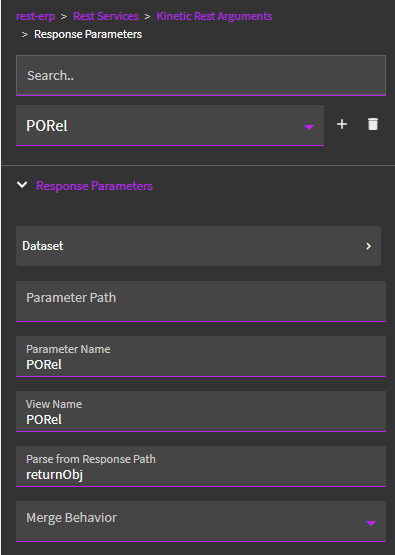
The Response Params should already be set up for you:

Then you can bind your two controls to PORel.Location_c and PORel.Fault_c.

You then need to figure out your trigger for this event. But this should perform the rest call to populate the PORel dataview and return the PO release based on porView’s PONum, Line & Release.

It looks like a solid approach. Let me try it. Thank you very much!.:folded_hands:

When the purchased items are in Inspection Processing, it is possible (or even probable) that the PO is closed (after it’s been fully received). Have you tested to ensure your UD fields still able to receive data once the PO is closed?

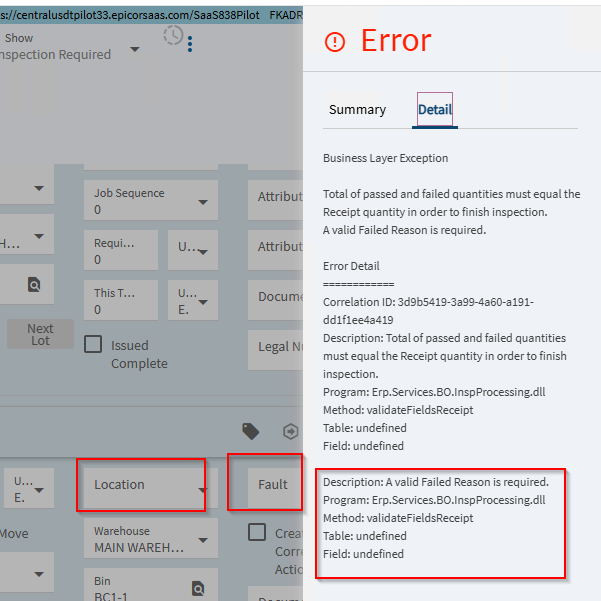
Error:

Location Combo → UserCodes.UserCodesCombo → CodeTypeID = Location
Binding: PORel.Location_c

Fault Combo : UserCodes.UserCodesCombo → CodeTypeID = Fault
Binding : PORel.Fault_c

Event BO_PORelSearch_GetByID Loading the data into PORel

When enter FailedQty: Data loaded with successfully

Issues with when click on location/fault drop down
Inspprocessing.dll called

binding problem specifically related to:
Binding =PORel.Location_c and PORel.Fault_c

remove the binding Controls remain disabled

The error is likely that PORel and porView are not the same data view, so when you click a control bound to PORel, it’s going to trigger the event ViewChanging, which then updates the screen.

What may be easiest is to create the Location and Fault fields in porView, then after the rest call to GetByID, copy them from PORel → porView in a row-update. Rebind the controls to porView, and it shouldn’t trigger the event again.

Make sure you can update the fields, if that’s your intent. If so, you’ll also need column change events on porView to copy the values back as they change.
What is the network call? You should be able to see the view being filled from the server. Then you will also see if your fields are even in the call.