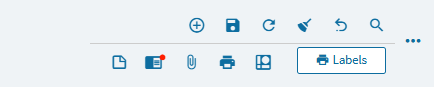
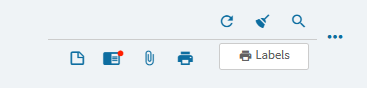
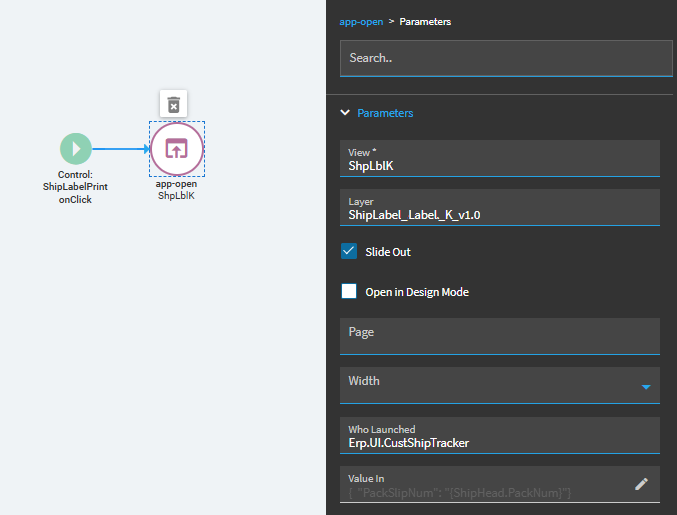
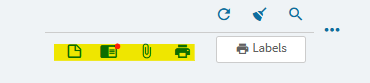
I added a custom “Print Labels” tool to “Customer Shipment” details page secondary toolbar. The tool appears as a button. On click the BAQ report opens with pack slip number populated. The “Print Labels” tool is enabled on the Customer Shipment Entry screen, but it is disabled on the tracker screen. How can I enable it on the tracker screen?
Then that’s likely it, what events run in Dev Console? Perhaps one of them checks for the read-only flag and is what is disabling all controls. You may be able to get it to exclude your button.