OK, that’s kind of cool, though - so it figures out what you backdated to get the numbers right?
Oh, no. No, it counts any transactions at any time there was a system date/time after the freeze. Even transactions applied today for a count started yesterday.
Well that is quite a moving target we get to hit now!
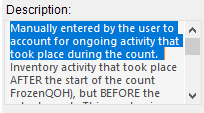
Now I have to verify that every tag has an activity of zero, or modify it immediately before posting the counts - you know, unless I actually meant to use the field!
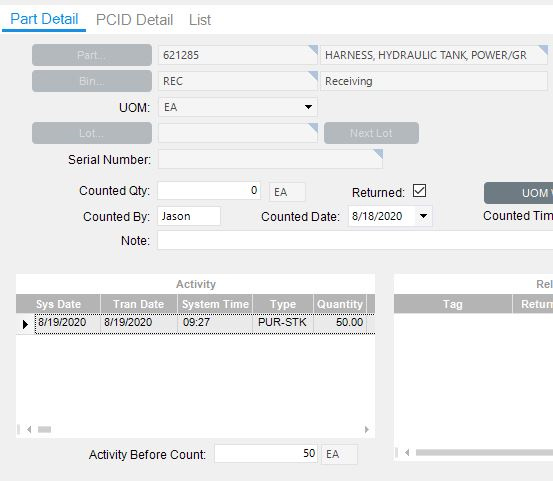
I’d like to dust this one off to seek some assistance with the Activity Before Count quantities if y’all don’t mind. Can you account for the activity shown there with the date and time fields in Count Tag Entry? For example:
I start a count at 8 A.M. on 12.18 when there is a quantity of 1 of unit A in inventory.
At 8:30 A.M., that 1 unit of A is issued to a job.
In order to avoid a variance, I can either:
Enter a count of “0” with a Counted Date of 12.18 and a Counted Time that is after 8:30 A.M., or
Enter a count of “1” with a Counted Date of 12.18 and a Counted Time that is between 8:00 and 8:30 A.M.
I think once you “Return” the tag, it stops the calculating of activity.
The presumption is that you “return” the tag in real time as it was counted, and that any transactions also occur in real time. Thus it is moving the target in sync with you.
But… if you are like us and do the counts and transactions not in real-time, then yeah you are stuck second-guessing the activity for the rest of your employment there.
The variance formula is Count - (freeze + activity) = variance
So if you need to outsmart it (we do), this is the formula.