Dashboard Default Groupings Not Working

I’ve got a dashboard I’m releasing and, as a last minute request, the user wants to have it default to have count/sum on, as well as default grouping to Start Date and Color.

Amazingly, I publish, and the groupings are gone. I thought if you publish it with groupings set, it would hang onto them on the published copy. Not to mention, sometimes the sum and count shows, but sometimes it doesn’t… Am I missing something?
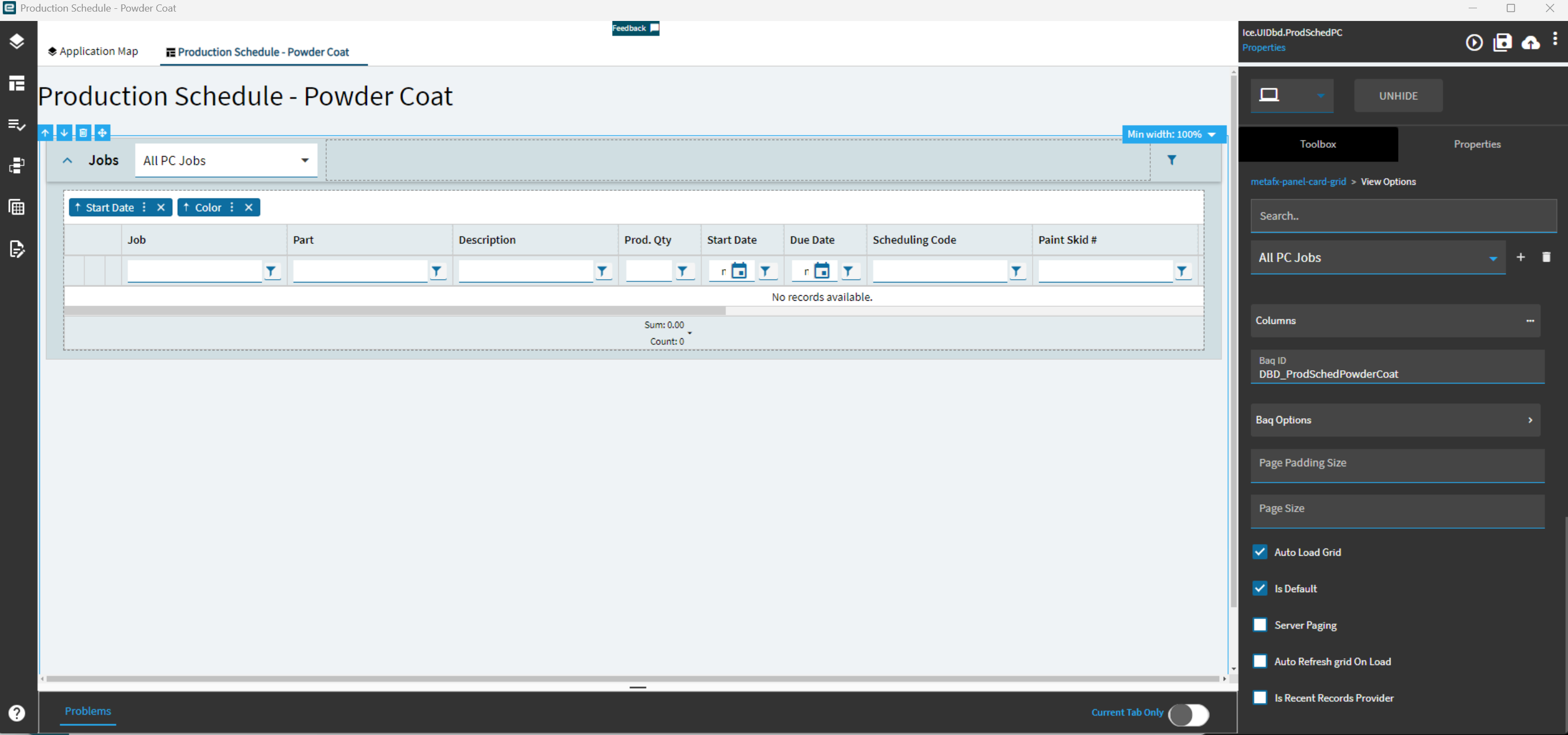
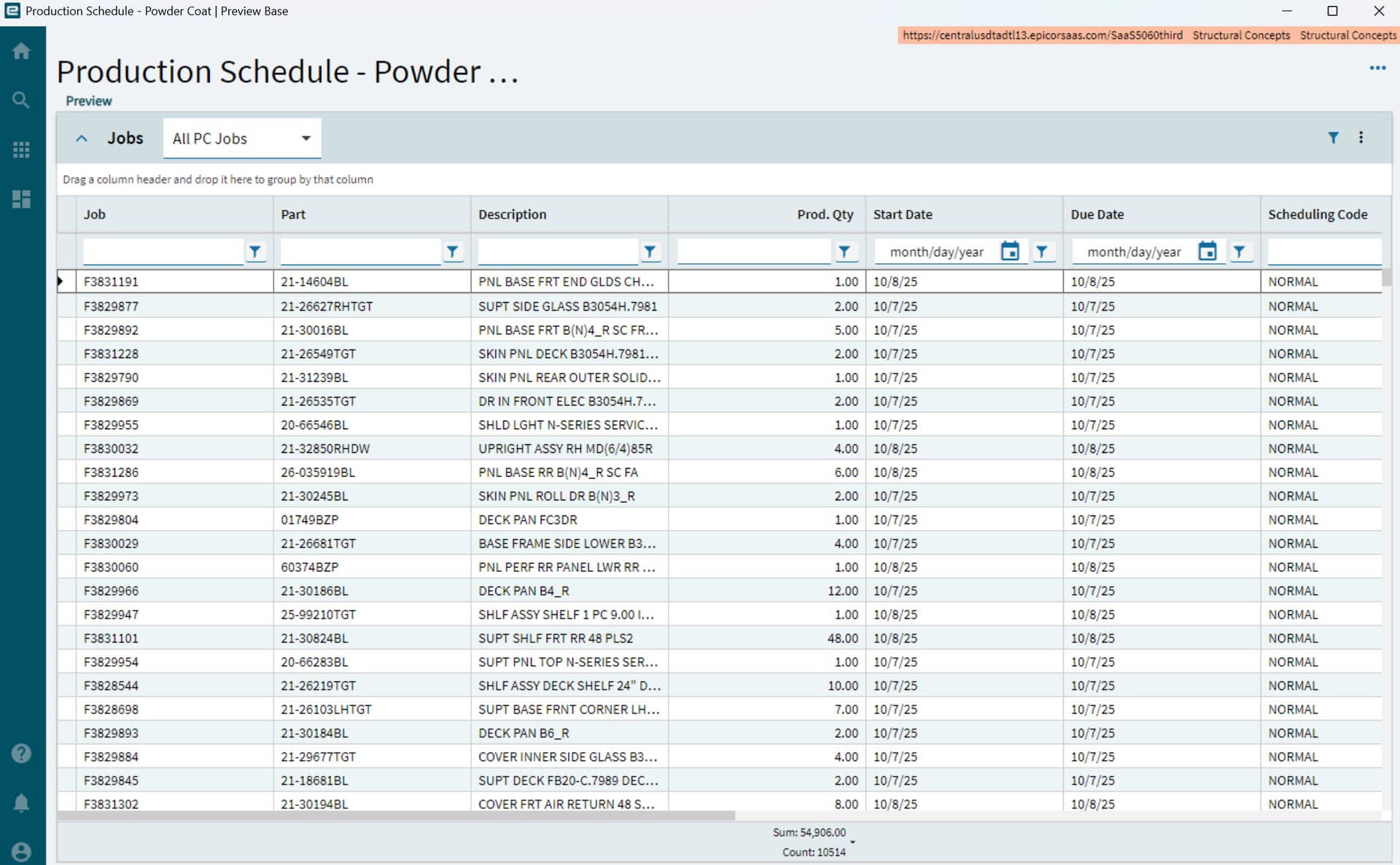
Yeah, grouping doesn’t save when you do it that way sadly. I haven’t tried this way yet but it’s been said to work

1 Like

Rats, I added those props onto the panel card expand action instead of a button, and got nothing! Guess I’m out of luck. Thanks though!

1 Like
  1. Open your dashboard.
  2. Click on the three dots (More options).
  3. Select Personalize Columns.
  4. Click on Reset to Default.

Unfortunately, this didn’t do anything either. Still no groupings when I hit Reset To Default.