Hello,
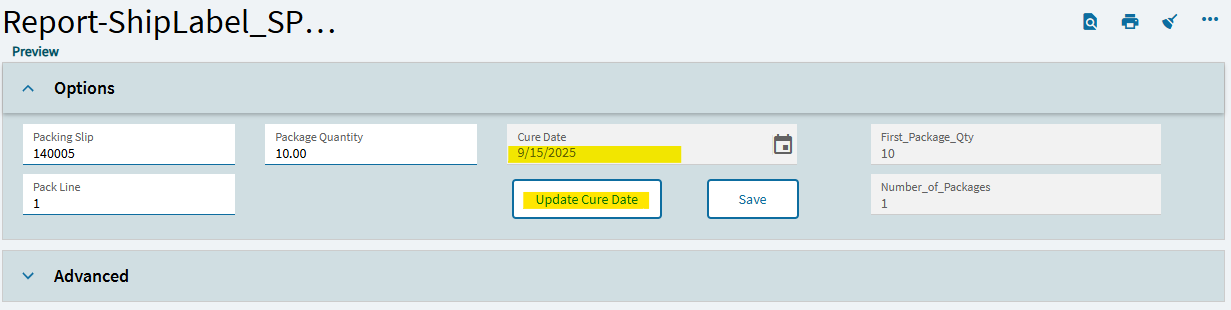
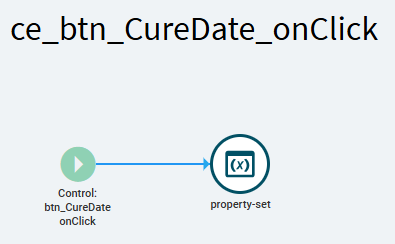
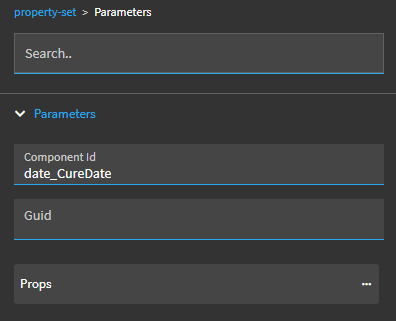
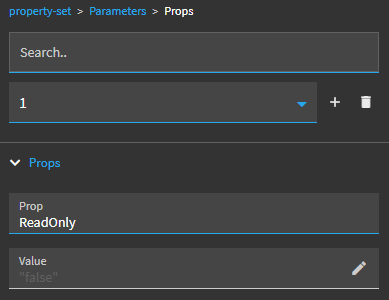
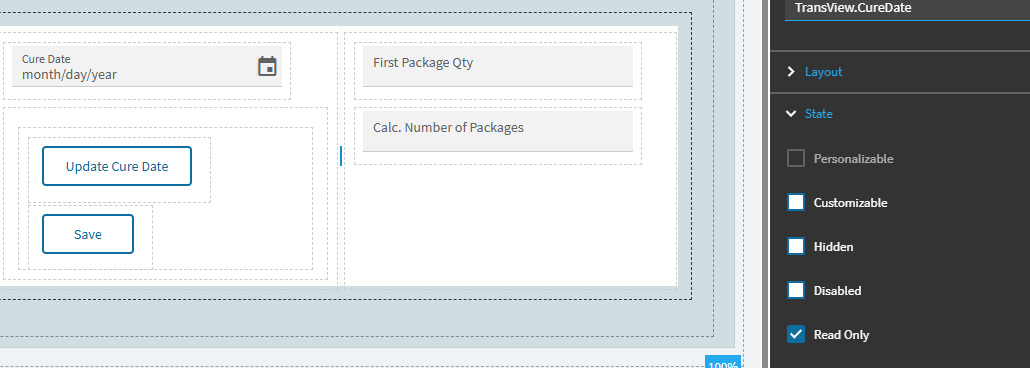
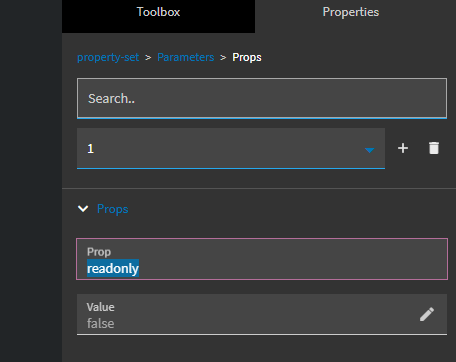
I added “Cure Date” field to the custom label printing app and set it to read only. Added “Update Cure Date” and “Save” buttons. Created a button click event for the “Update Cure Date” button to set the read-only state to false but the event is not working. What am I doing wrong?
It is bound to TransView.CureDate field. I purposely set the property to “Read Only” so when the user clicks on the “Update Cure Date” button, he will be able to update the field. After updating it the user will click on the “Save” button to set it to “Read Only” again.