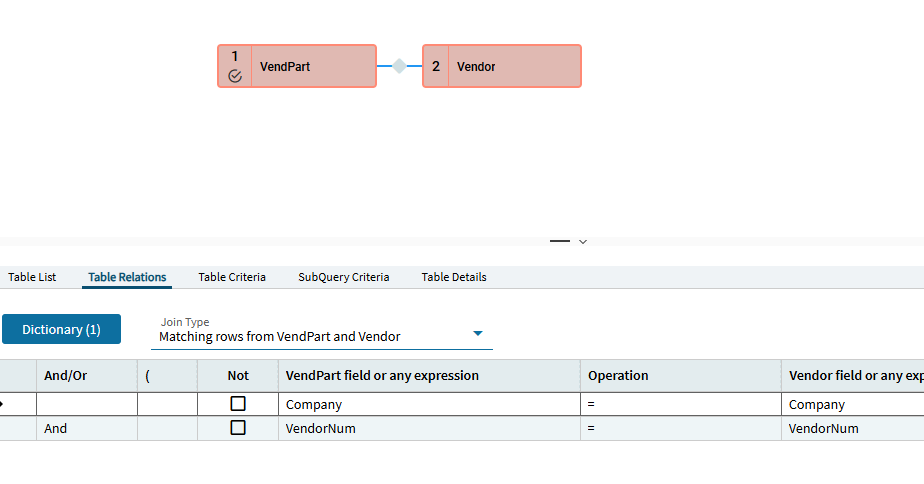
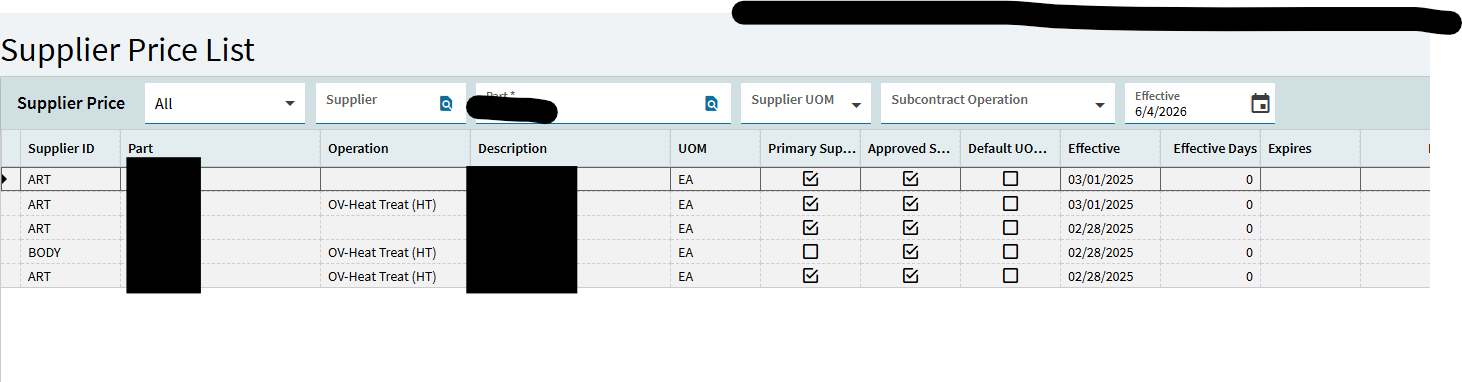
my brain is fried today but i thought VendPart was Supplier Price List table. No?
PS - red flags go off in my head when i see a price row with Approved Supplier checked. Are you showing the rows you want to delete? I think you have to delete the approved supplier row first on those. VendAprv
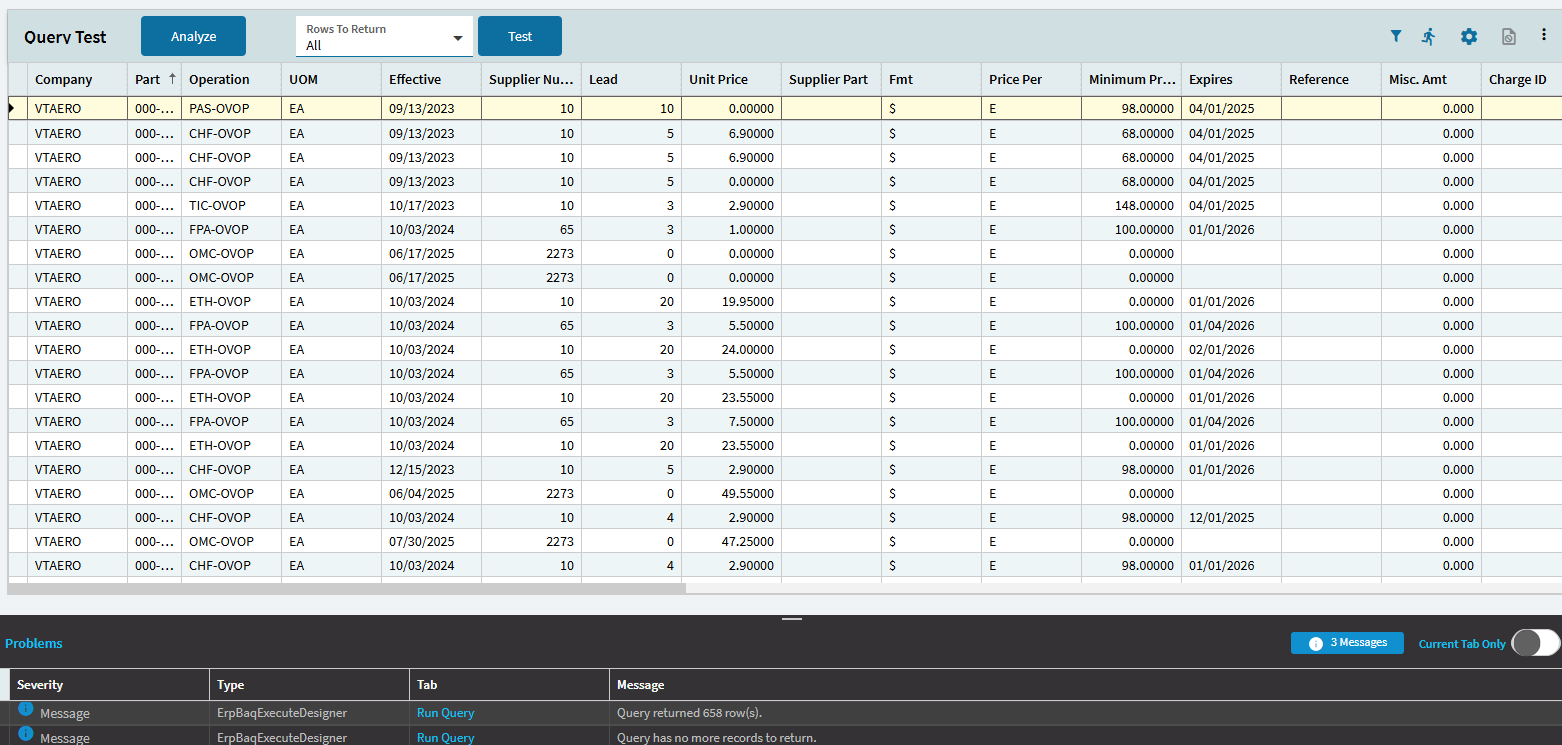
Right? I am so confused! I think VendPart is Supplier Price List, and VendPBrk is the price break table. I have remove the price breaks with DMT, but I cant remove the price list. When the part is on the price list, even with out price breaks, the days out still overrides the part master days out.
How do I delete parts from the VendPart table? I can do it one at a time with the UI, but this is a DMT task for over 1100 parts (according to the BAQ).
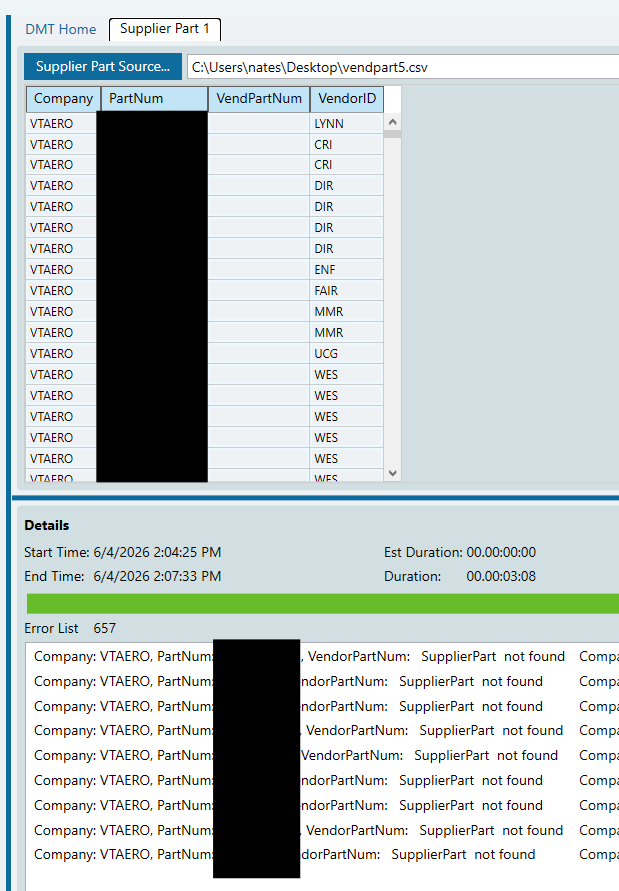
Looking at the DMT logs I see one record did process! It was the only record that also has a supplier part num. So now what about all the blank supplier part nums? How do I delete the price lists for those parts?
I think you’re getting supplier price list confused with supplier part numbers.
Use the Supplier Price list DMT
Join VendPart to Part. Anything returned is a part that’s in supplier price list. Company, PartNum, PUM, EffectiveDate, VendorID is what you need for your template.
VendPart to PartXRefVend returns the supplier part numbers. But you shouldn’t need those to delete the price list.