We have a part master with a couple of subcontract operations. We have always left these suppliers as 1DUMMY so that we could change it later. We are now in the process of fixing that poor choice. So as we modify our part masters we expect new jobs created from them to have the correct supplier, and the correct Days Out.
After changing some operations to use the correct supplier, we noticed that new jobs are pulling in the wrong Days Out. We assumed we messed up the master file. When looking back at the master file, I can see that Days Out has been changed.
Recreating the issue, I checked out a part to EWB. Unapproved the part, and went to edit one of the subcontract ops. I made sure the op showed 1DUMMY as the supplier, and 4 as the days out. Then saved and reloaded to make sure it saved. Next, I open that same operation and change the supplier ID. If I choose one supplier the days out does not change, if I choose another supplier the days out does change to 0.
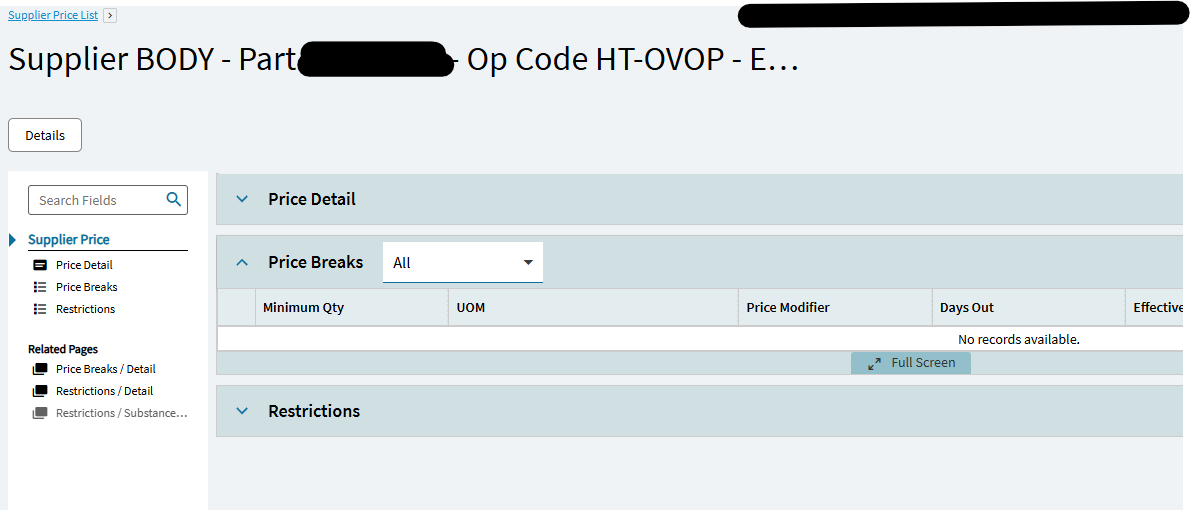
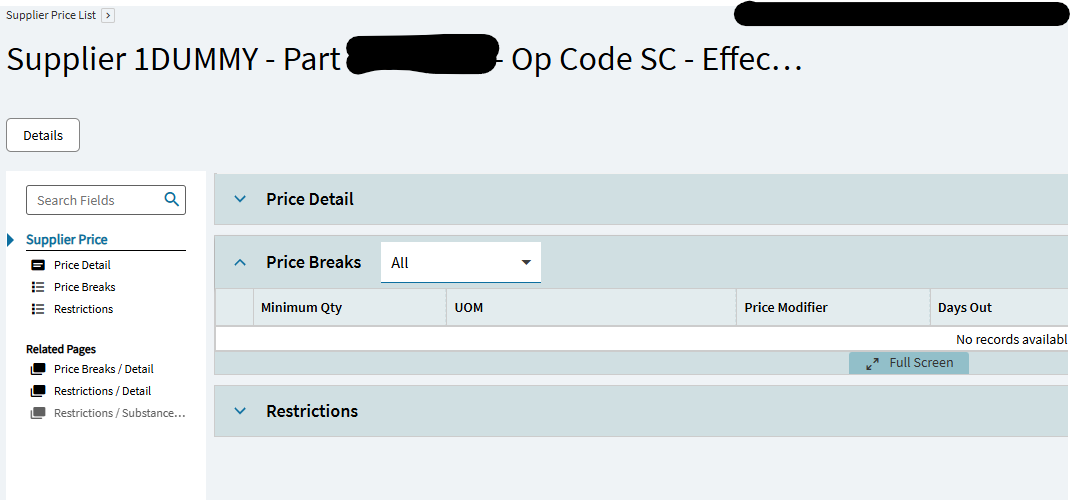
Why is the Days Out value sometimes changing when I change the supplier ID for a subcontract operation? I can’t find anywhere in the supplier that days out is specified. I can see in the supplier price lists, if there is a price break it can have days out attached, but we don’t have any of those setup for this part or supplier.
So where do you look when Days Out is changing based on supplier?
The “Days Out” field in a subcontractor price list in Kinetic specifies the number of days until the price breaks expire. Kinetic uses this value to calculate the expiration date of the price list entry. This helps manage how long a given price is valid from a subcontractor.
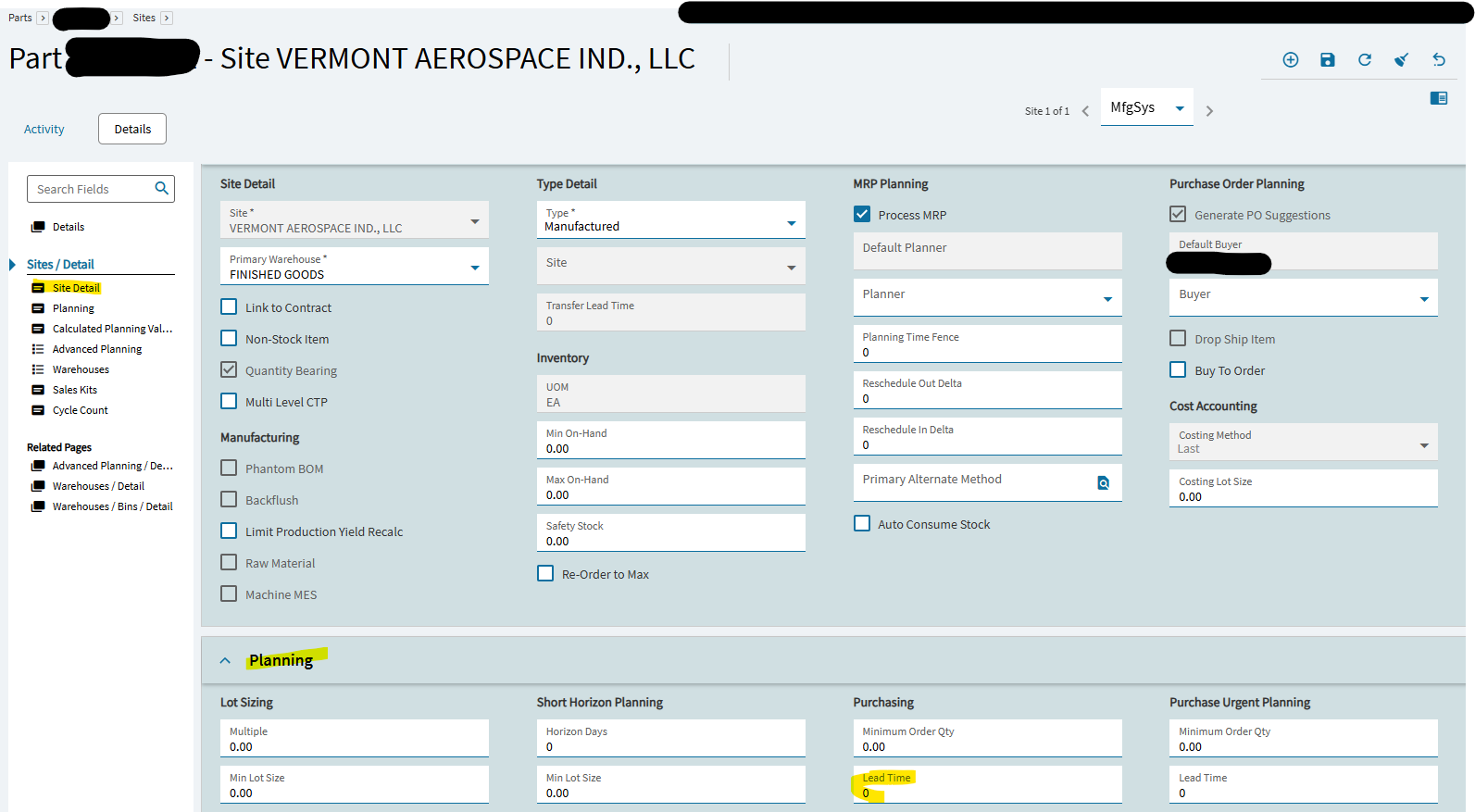
Days out on an operation defaults from the lead time on the part master (PartPlant.LeadTime).
If the part is added as a subcontract part inside of a supplier price list then the days out on the job will use the lead time on the supplier price list (VendPart.LeadTime)
We dont have any entries for the part and supplier in question. We do have price lists for some suppliers and some parts. In this case the supplier has about 20 other parts on the price list, all with 0 lead days, and no price breaks setup.
Can there somehow be a price break without being on the price list?
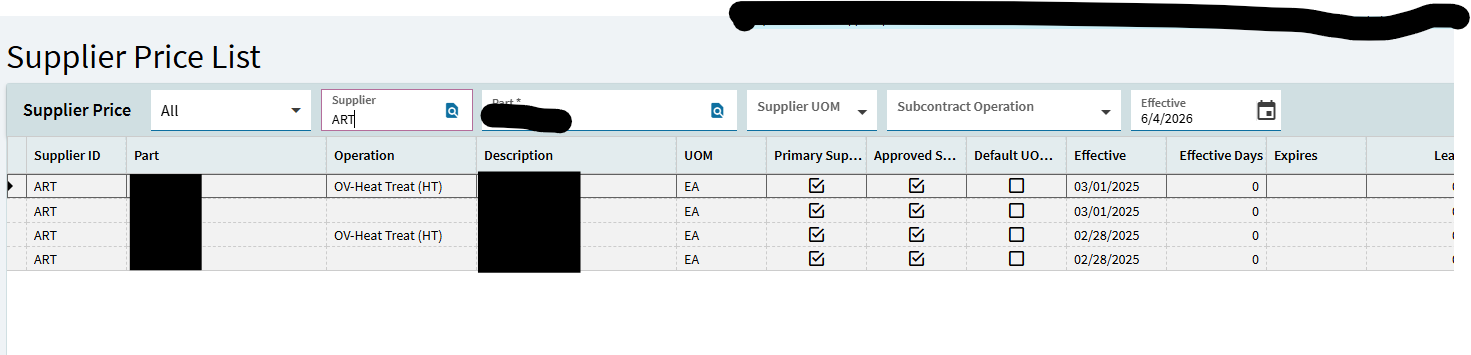
If I look at the supplier price list for the part in question, there are two entries, one for the 1DUMMY supplier (0 lead days, no price breaks), and another for a different supplier (also 0 lead days, no price breaks). No entries at all for
I can’t find anyplace that shows my days out as 2. The master shows 3 days out for that operation, and all the part planning details show 0 days for lead time.
I think I found something! Here I ran a query on VendPart, and found a record not listed when I look at the supplier price list. It is an expired price list, but it is still getting pulled in for new jobs. So confusing! How do I get rid of this old entry?
It should have been that easy. but the price list was effective in 2023, and expired a few months ago. So it never showed up in the list until I changed the effective date to the exact date on that part. I found that by running that BAQ. Once I filtered by the effective date, I found the expired list and I could delete it right there. Now I am going to try DMT to get rid of all our price lists. Whoever used it in the past messed it all up and now the values are useless. No price lists would be better in this case, then we default to the master file values.
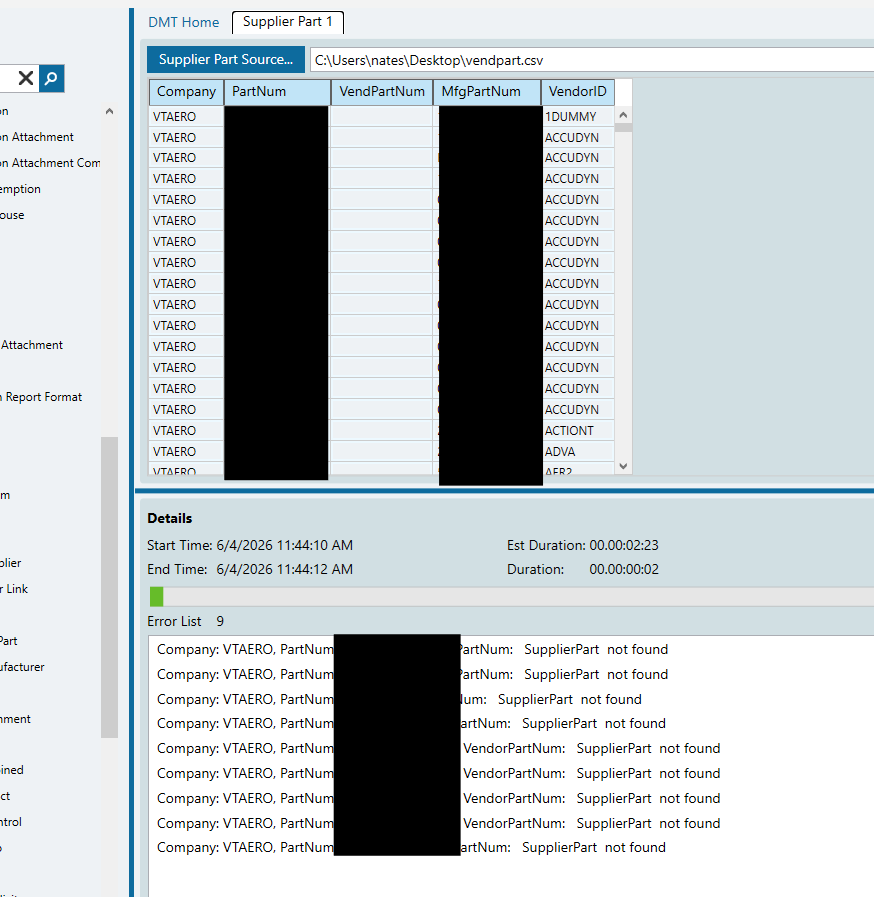
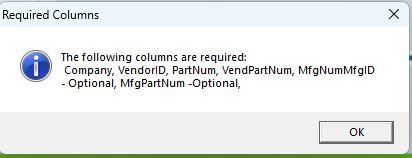
It says I can’t leave out VendPartNum, which is blank on all our entries, but it doesn’t like that. with the error “VendorPartNum: SupplierPart not found”
Price lists are great when they’re set up right. They fill in most of the stuff for PO Suggestions, autofill pricing, default and approved suppliers, different lead times for different suppliers, etc. You don’t need to use the expiration date.
With all these filled in, the DMT completed, and deleted the records. Though you wouldn’t know it to look at DMT, it gave me all errors:
2026-06-04T12:40:47 VendorID: UCG PartNum: XXXXX EffectiveDate: 8/14/2023 Record not found.
Record not found.
2026-06-04T12:40:47 VendorID: UCG PartNum: XXXXX EffectiveDate: 8/14/2023 Record not found.
Record not found.
Sure enough, when I rerun the VendPBrk BAQ, all the records are gone. I hope this worked!
Well that was only part of it. There are still parts in the Supplier Parts, not on a Price List, that are causing issues. How do you delete the supplier parts? Im using the Supplier Part DMT template. I keep getting “VendorPartNum: SupplierPart not found”. Most of our parts dont have a supplier part num, so that column is empty.
I could be misremebering an issue with Approved Suppliers but seem to recall Price lists DMTs get tricky for SubConOperations. You cannot just look for partnum also include Operation. I;d suggest go back to this step, look by operation, and reassess your assumptions with regard to ‘missing’ price rows
I have removed all the price lists that are related to any kind of operation. Now the only place I see records is in the actual VendPart table. I think i need to get the parts out of there. I did need opcode when DMTing the price list, but I think I need to work on the VendPart table.