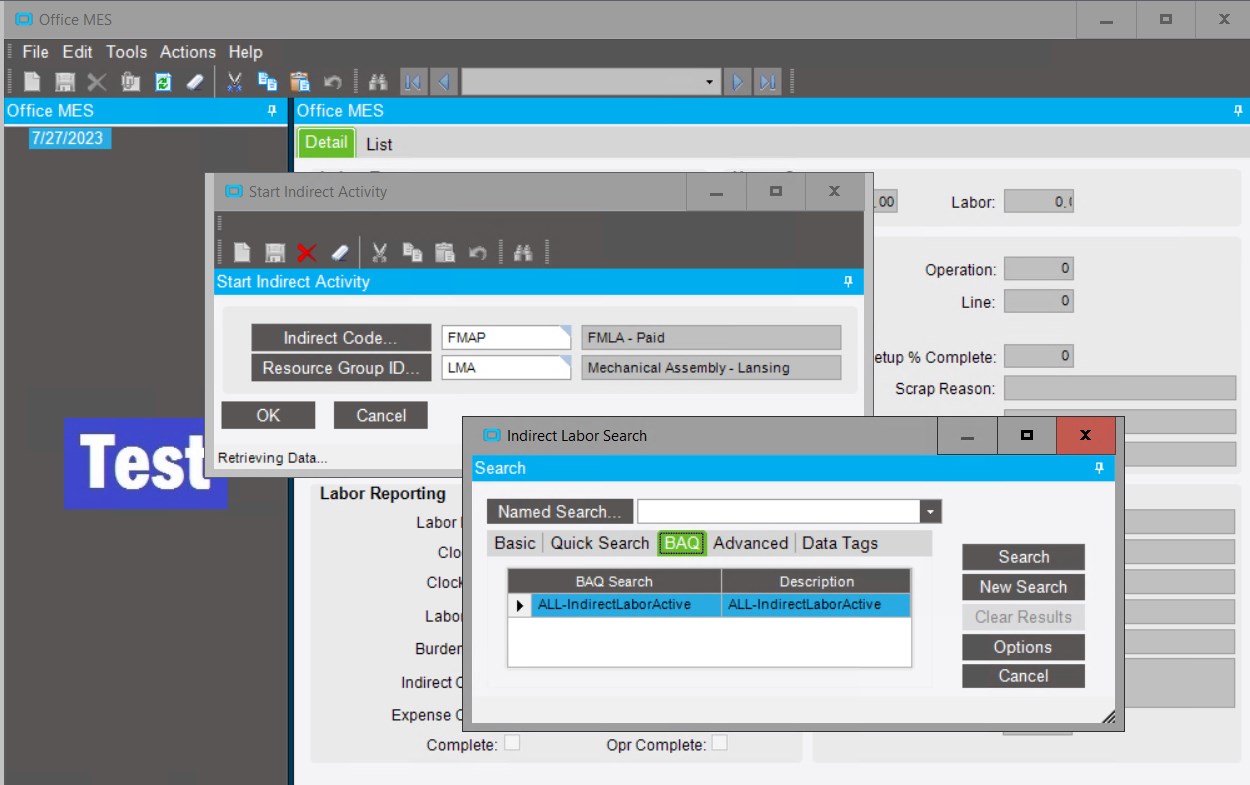
Is there a way or can you point me in the right direction on how to make a BAQ Search my default Search
I’m not sure how to make it your DEFAULT… but below is a short-cut I use:
(I’m using Part Search as my example because I have a BAQ search built for that.)
When you search, you can click on “Named Search”… and design your own reusable search criteria.
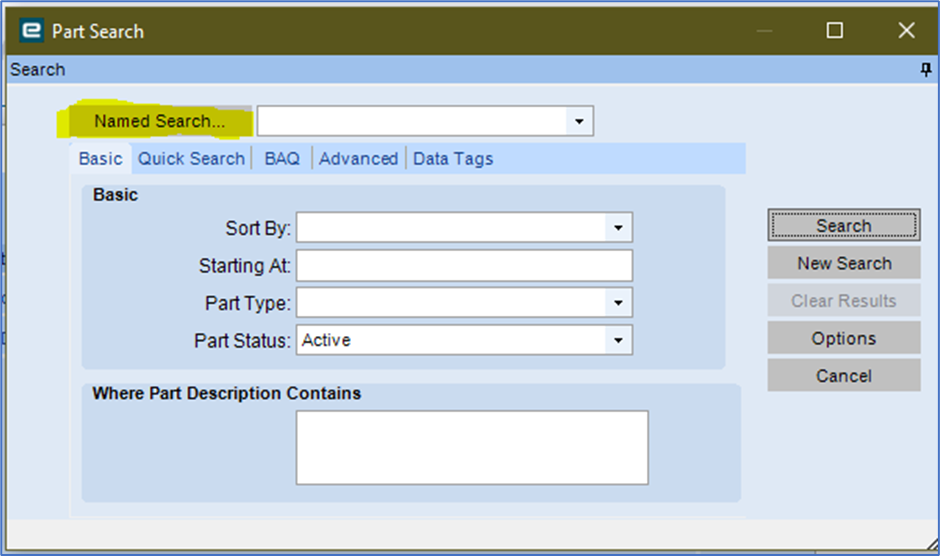
Click NEW…
Design your Search… Name, Description… choose BAQ for Search Type, Select your target BAQ…
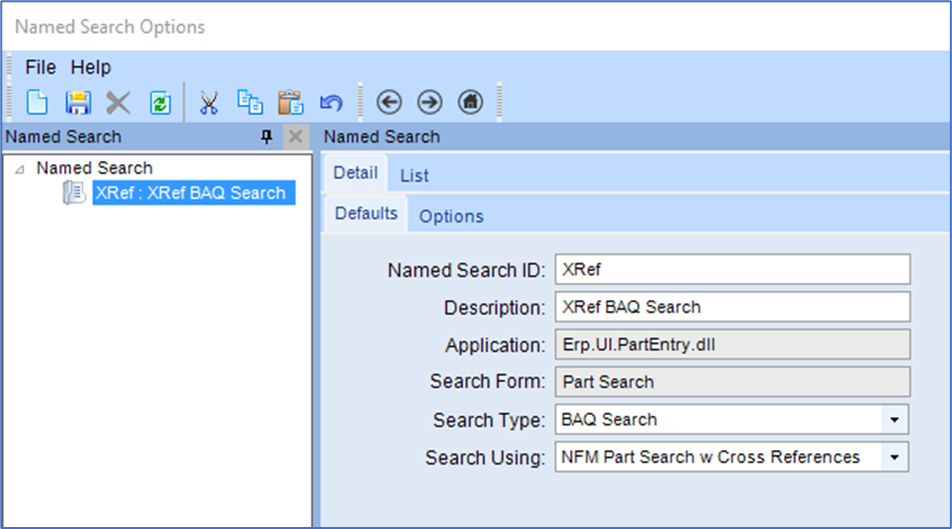
Save
I’ve found that when I Search… it still “defaults” to “Basic”… but you can just select your “Named Search” from the drop down and it loads all the criteria quickly.
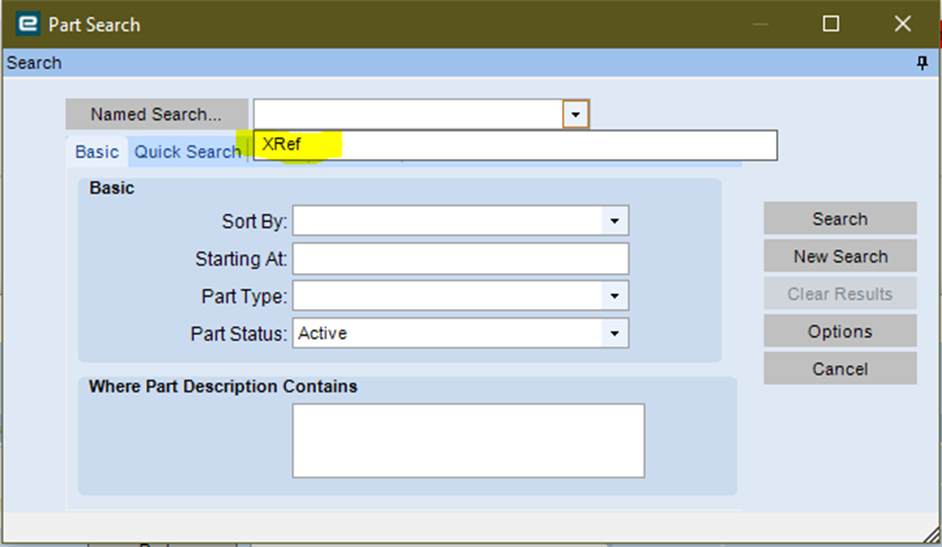
There is a “Default” in the options tab on the “Named Search”… but I think that may just set a default Named Search, not a overall default search.
I generally live in the Kinetic world, so perhaps someone more experienced with Classic may chime in with a better solution.
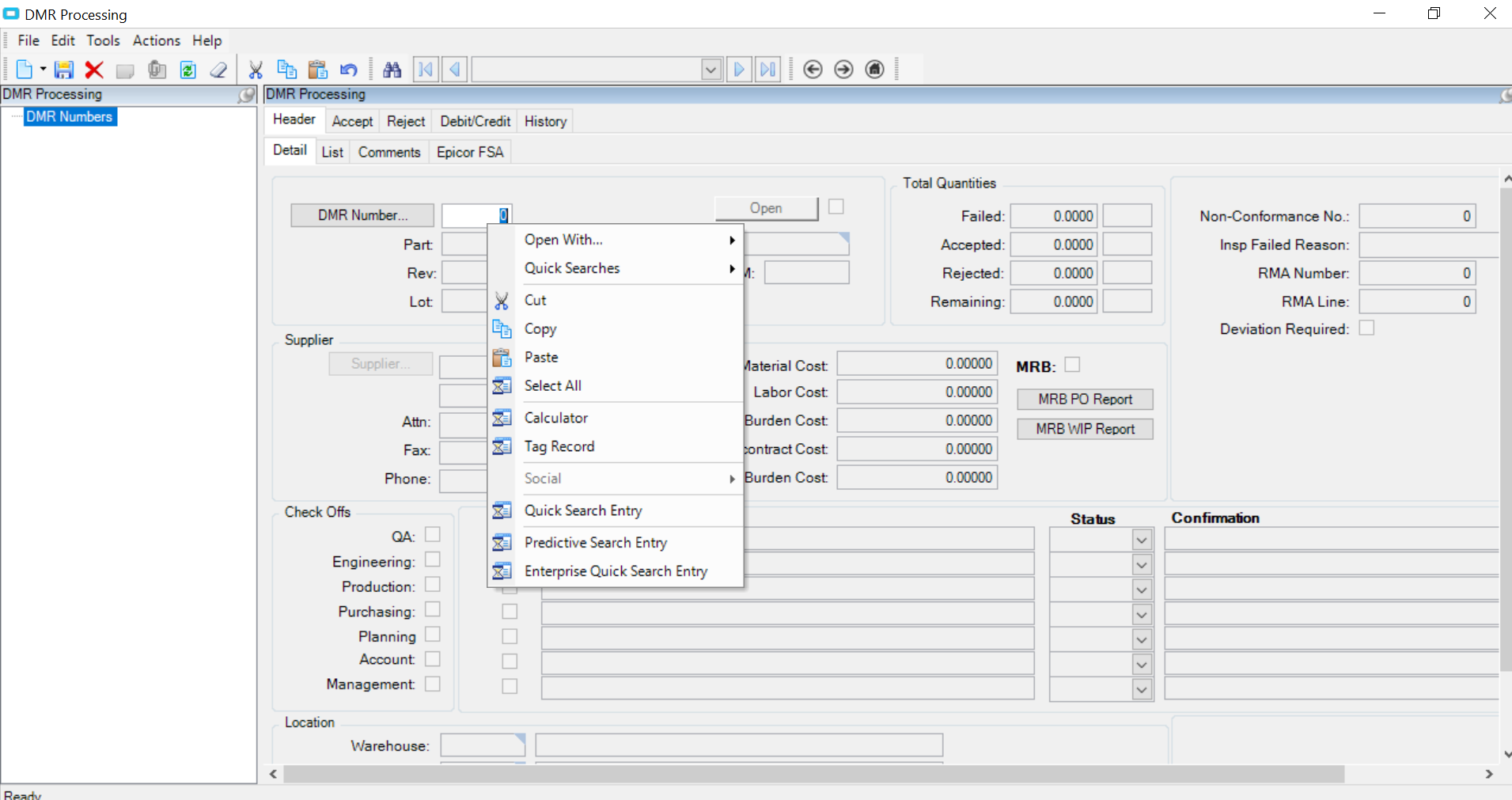
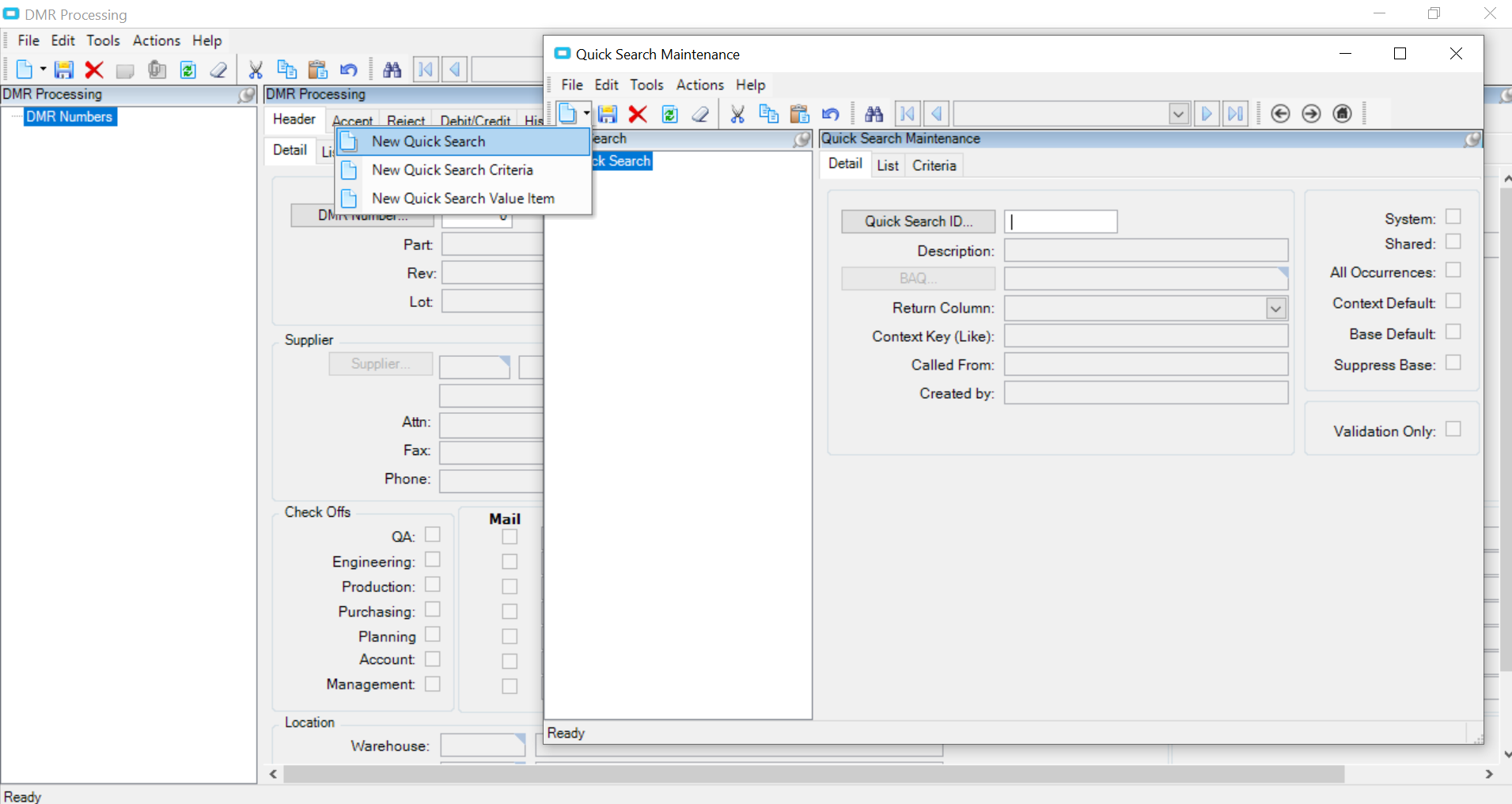
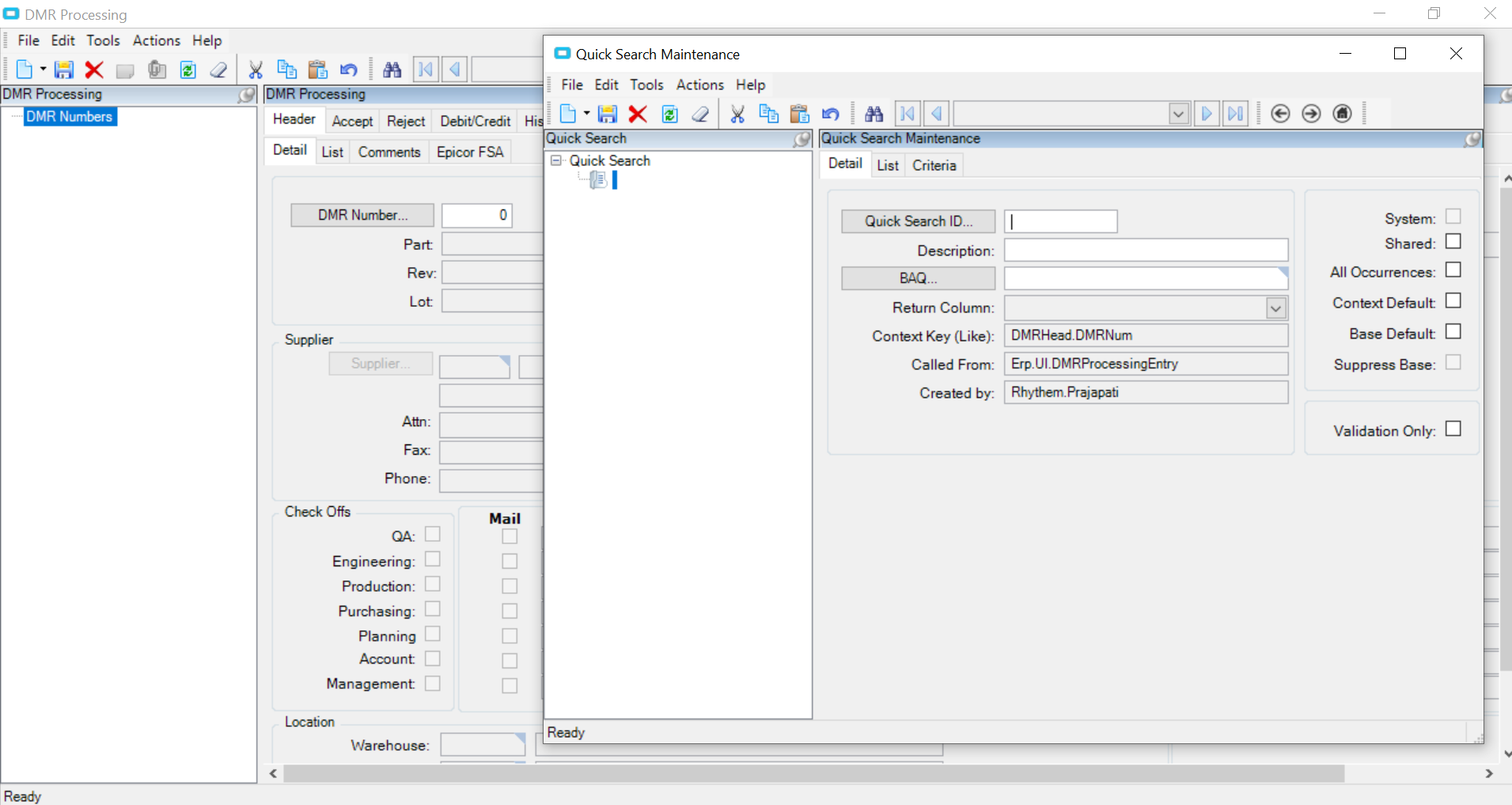
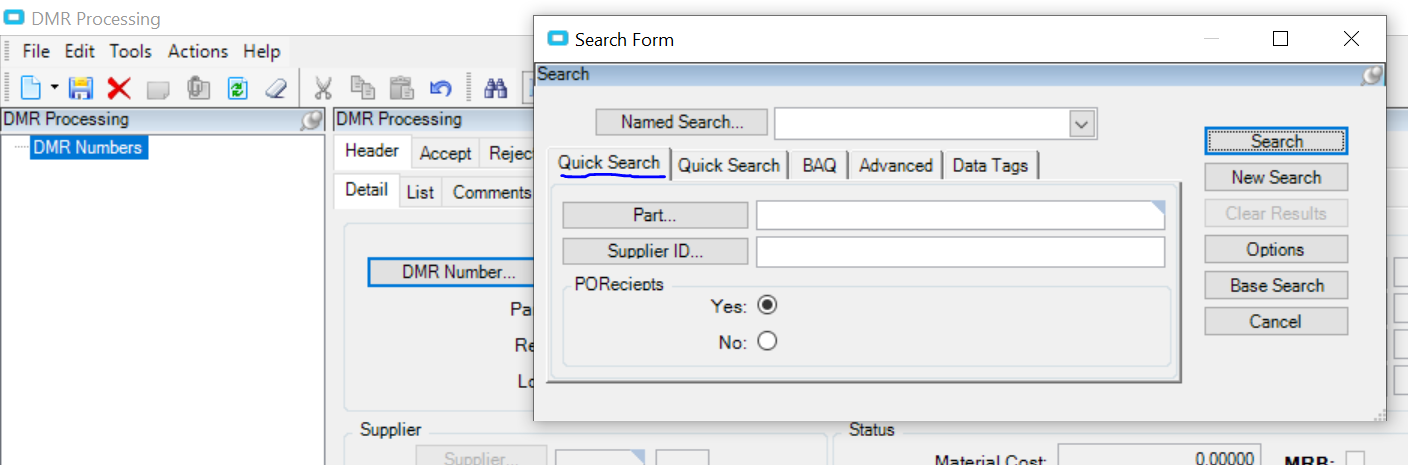
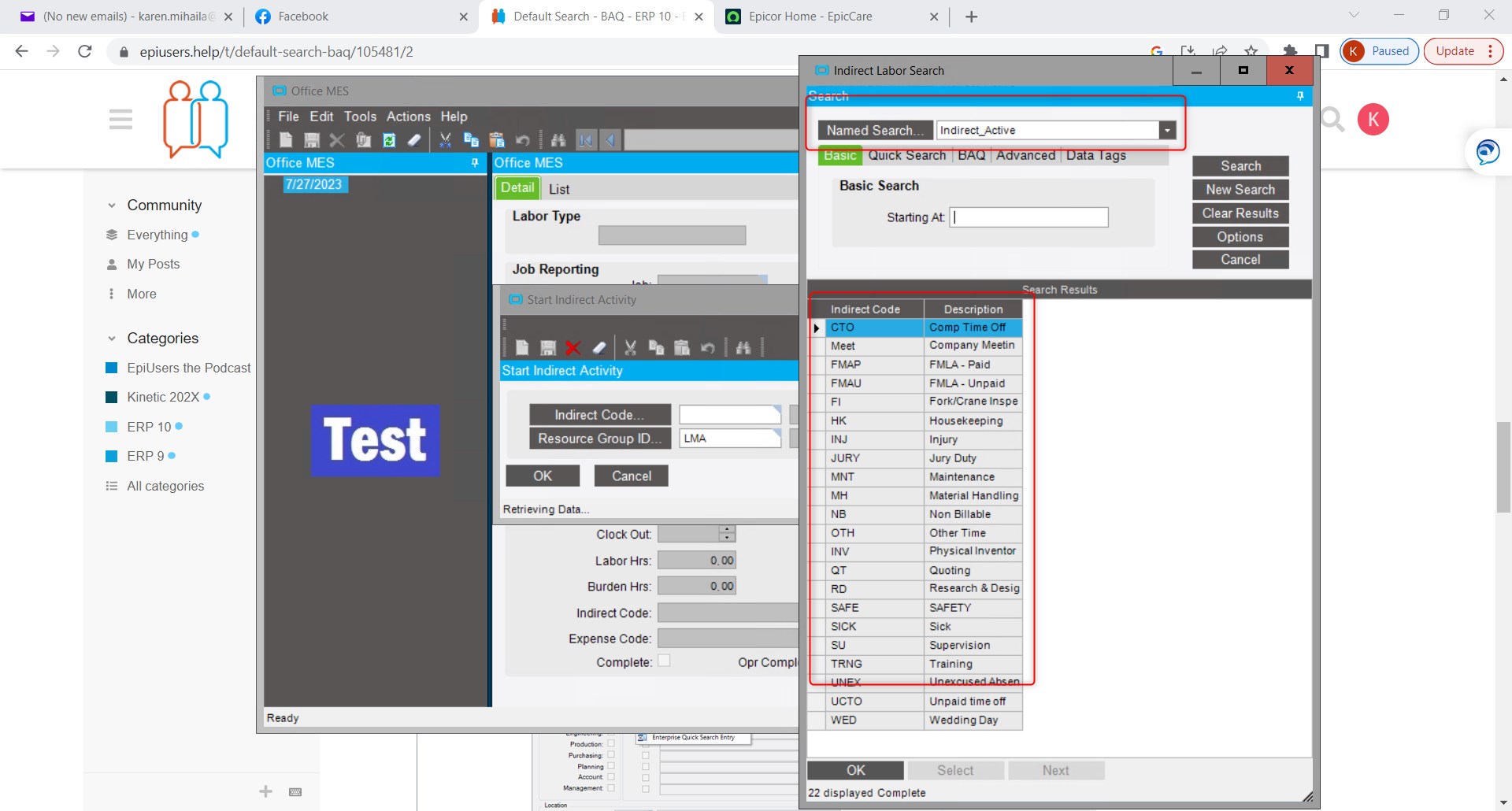
Named Searches is only a personalization and only for the current user. Each user will need to create the Named Search. Create the quick search and you can make this the default and it will apply for all users.
Thanks, I made this a Quick Search as the Default and it is working.