This must be helpful to someone. I can’t find a single thread that’s clear about it, and neither google or AI provided useful insight. So I wrestled with this a bit to finally get it right.
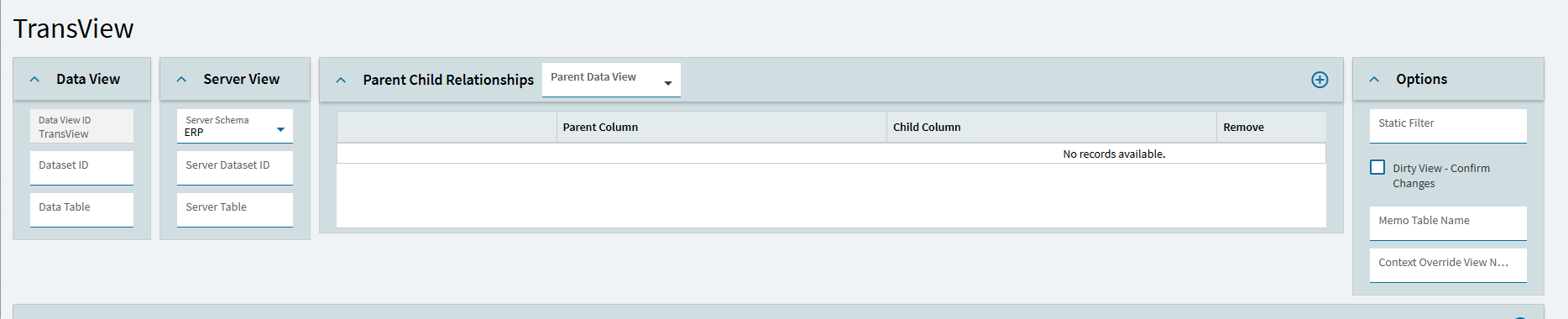
If you are starting with a blank dashboard and you have a BAQ that returns a lot of data and you want to filter it by a date range by default onload so it actually gives you a smaller load footprint, first you need to set up a TransView DataView. I’m pretty sure all you have to do is literally just put in the Data View ID
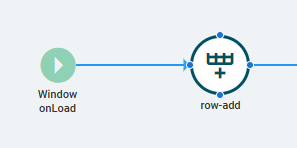
Create a new Event and hook it to Window → On Load
then add a row-add widget
in the properties for the row-add:
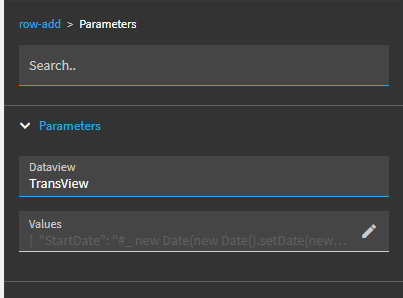
Use TransView as the DataView. Click the pencil and add the following as an example.
{"StartDate": "#\_ new Date(new Date().setDate(new Date().getDate() - 90)).toISOString() \_#",

"EndDate": "#\_ new Date().toISOString() \_#"}
Bind your controls and your parameters for the BAQ settings in the Panel Grid View to these (i.e. TransView.StartDate in a DatePicker in the Data → EpBinding) and should handle everything very smoothly.
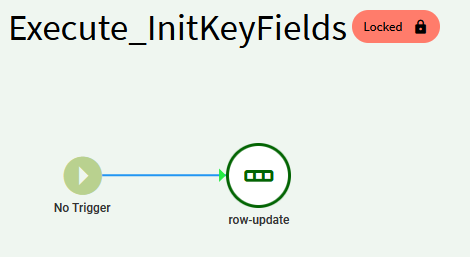
EVERYTHING I was seeing in threads and in AI queries (which was just finding the same forum threads as I was) was pointing me to use a row-update widget which is furstratingly problematic.
The TransView object needs an inital row add to work and even if you do that first, row-update doesn’t do what you expect. It was just breaking it. I’m not using row-update anywhere for anything and it’s working great.
Also: in your baq param settings make sure you tell it to send an empty value or it will prompt you