Sorry for hijacking your thread. Took your example as a opportunity to learn whats available in BAQ designer.
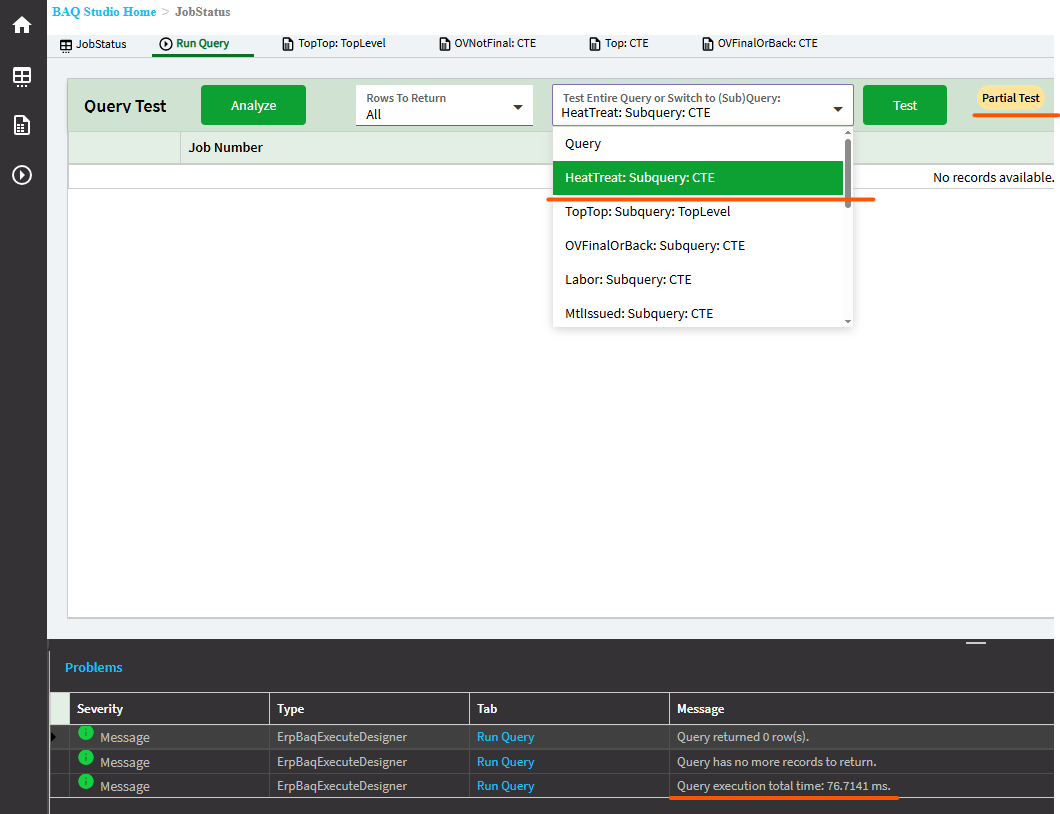
So you can see the execution time when you run and you can run individual subqueries and look for longer exec time to pinpoint the badies.
You can also analyze your query to get some good suggestions.
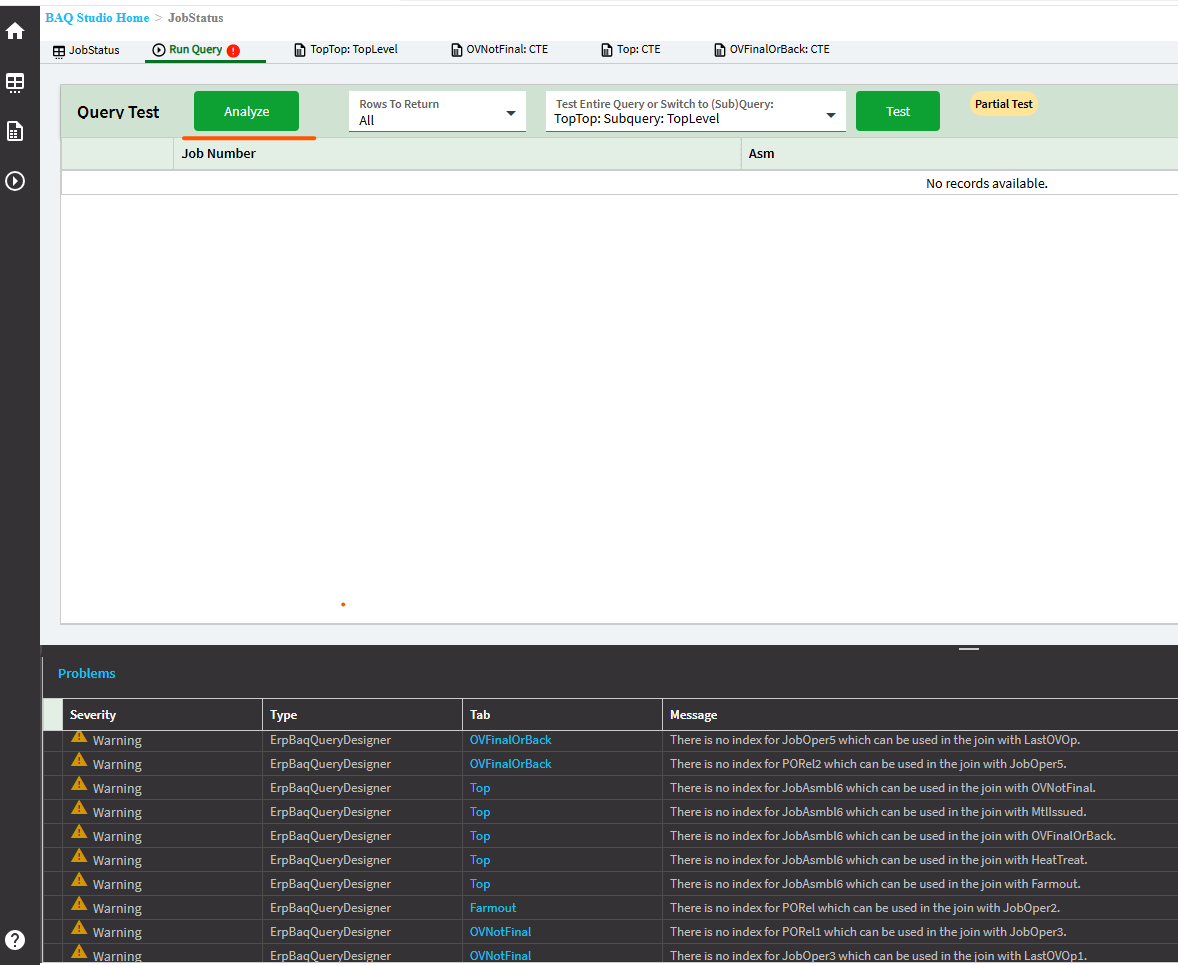
For example, these missing index warnings are those missing Company in the join criteria:
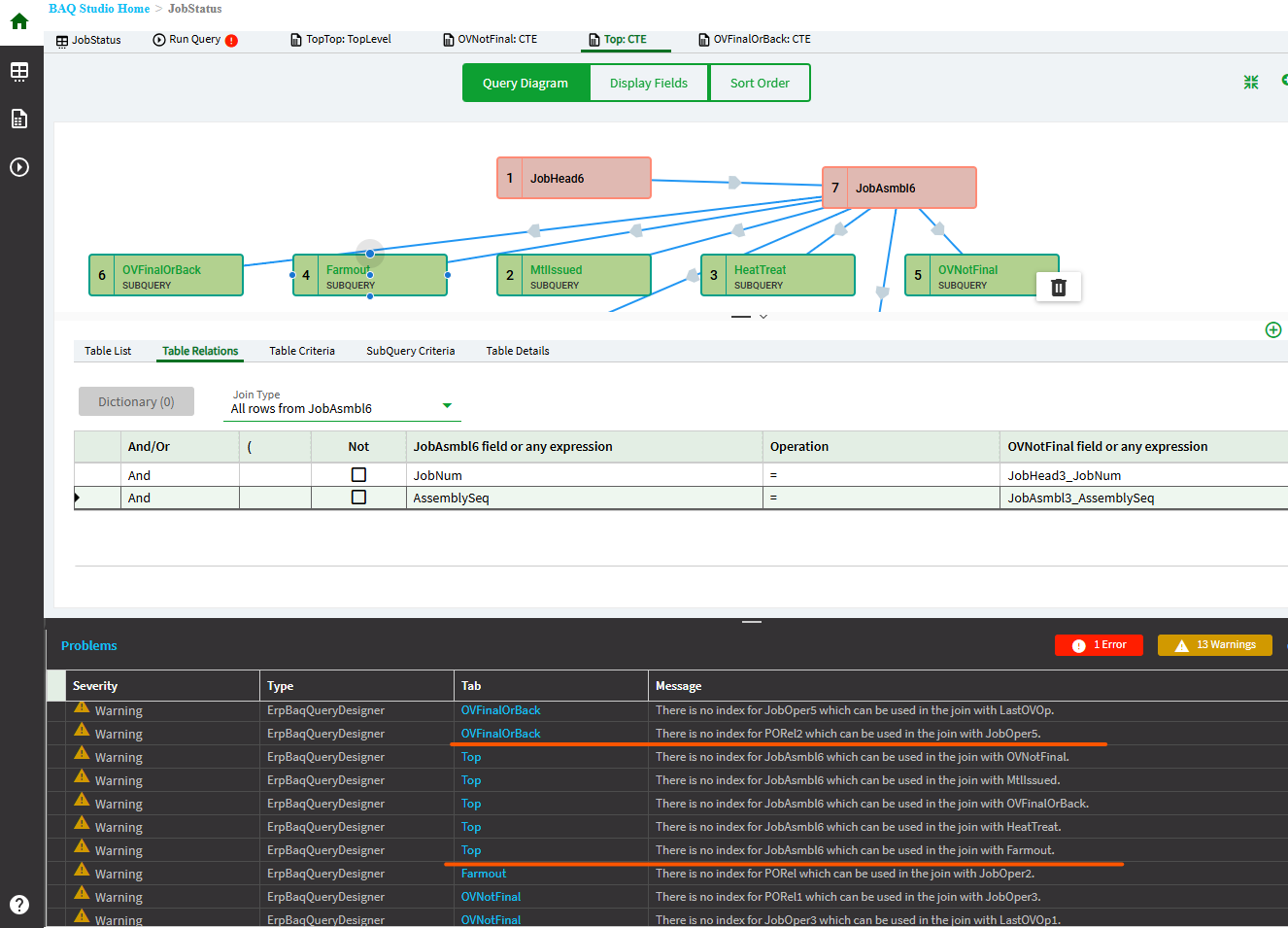
If you add company to the subquery then to the relationsions (join) the warning should go away and perf is better.
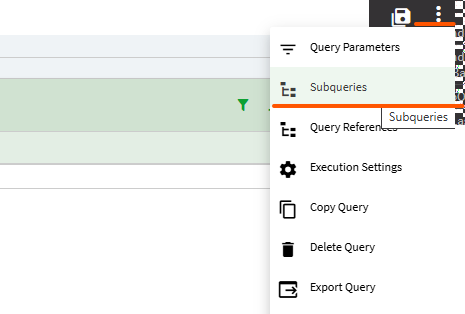
Regarding CTEs. Switching from inner-subquery to a CTE is pretty straight forward. In the Subqueries slider, simply drop down and choose CTE
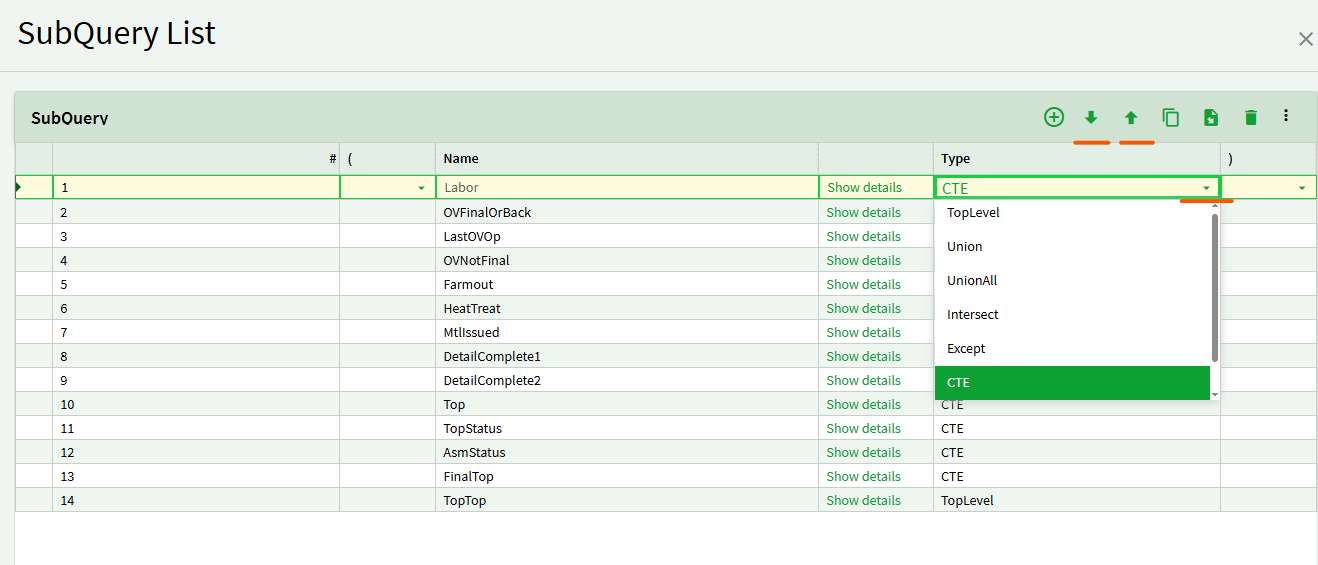
Now the important part when it comes to CTEs is the order top to bottom. CTEs used in other CTEs must come first. In your example. Top is used in TopStatus and AsmStatus so Top must come before those.
If you’re familiar with MSAccess, think of CTEs as TEMP tables (like when you first run a Make Table Query and then use the temp table in subsequent queries). Sometimes you can get away with subqueries ( query in a query in a query, etc) But other times those inner queries are running so may times you take a perf hit so it pays to run a make table then join to the table instead. CTE is like the temp table. Especially beneficial for aggregates, calcs, and conditionals like CASE (IIF), COALESE (IsNull) - do them once then use them many times in subsequent queries.
Hope that helps. I know I learned a thing or two.