Disable "same check" popup in AP Payment Tracker?

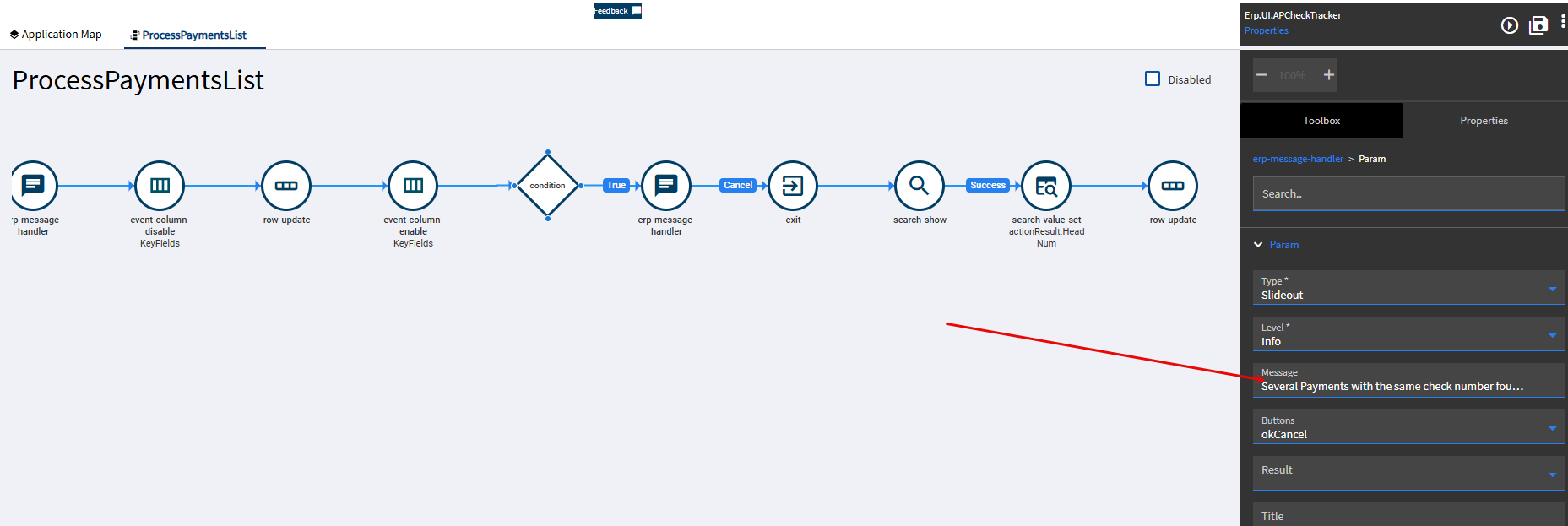
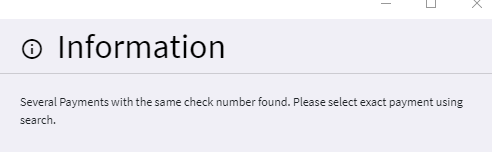
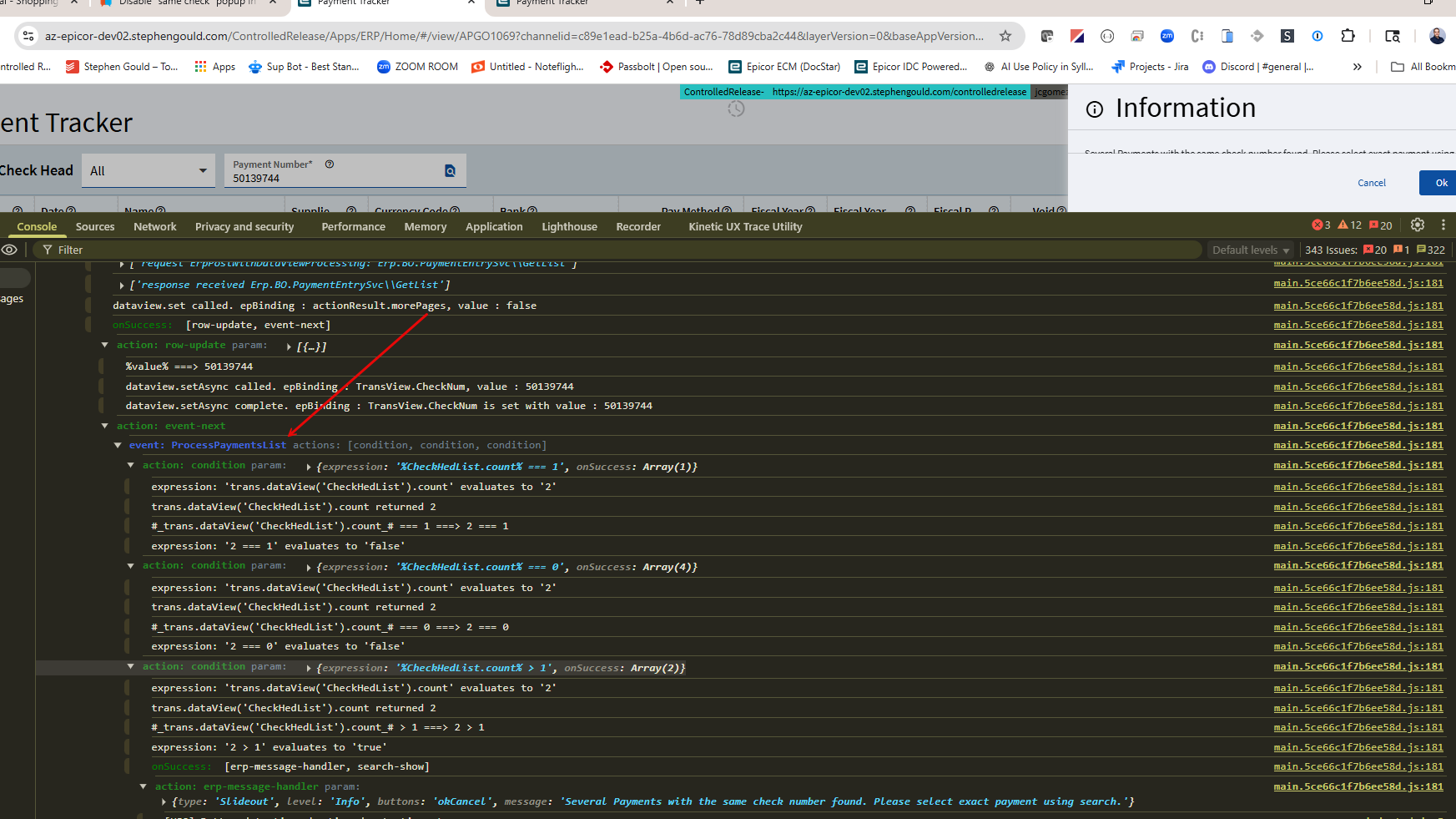
The popup below occurs when selecting particular checks in Payment Tracker. I have a request to disable the popup, but in Application Studio I don’t see a slideout for it, so I’m guessing there is an event which generates it, but out of the many dozens of events I can’t tell which one it might be. Or perhaps it is a BPM?

Any ideas how to track it down?

1 Like

Awesome - thank you! I didn’t think Console would help me out, but I should have tried!

You need to turn on Debugging on the Console…

Also… I have to ask… Why are you trying to change this? If you have multiple payments just turning off the sldie out won’t fix the underlying problem.

It is a request from a senior person in Finance. They know what they’re doing, so they just consider the popup a nuisance.

Hey Folks,

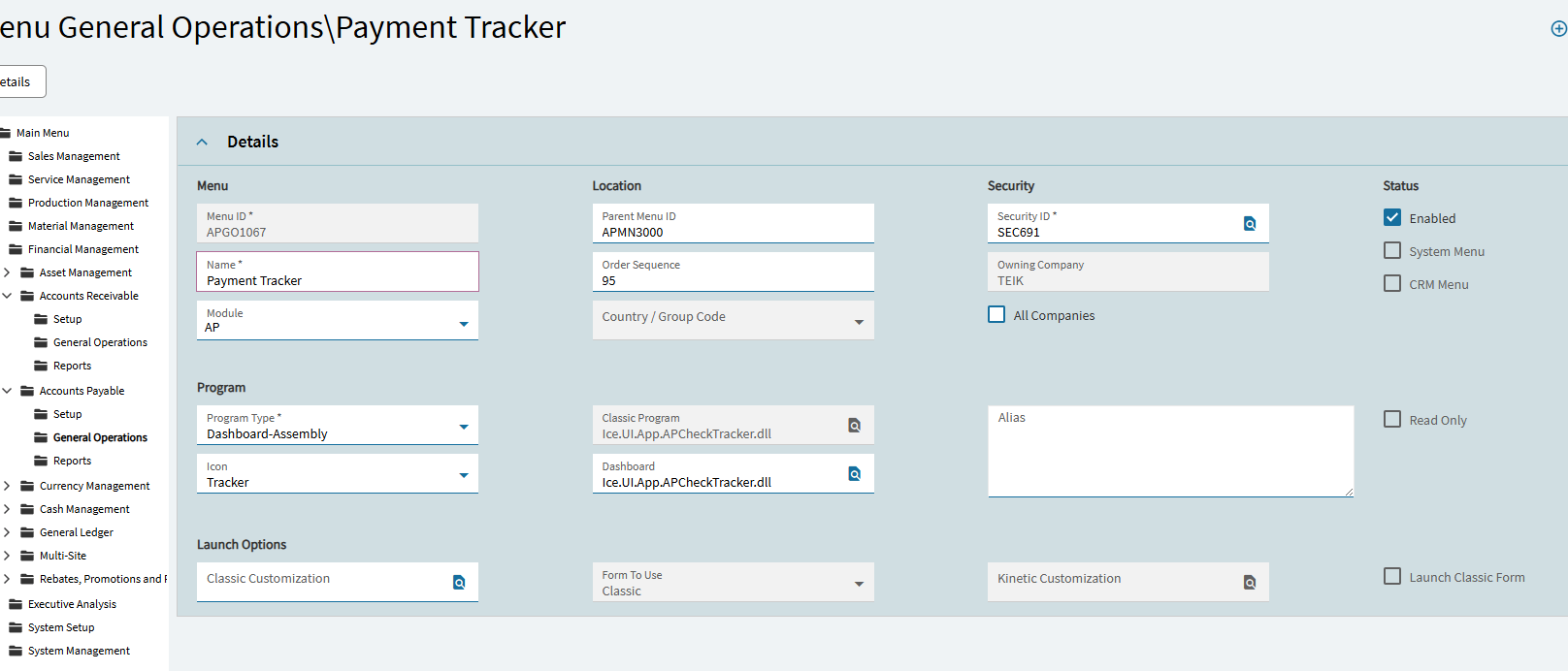
Where is this AP payment tracker that you speak of? I am not seeing it in Kinetic browser 2025.1. We only have this and I don’t see any Kinetic program to replace it.
thanks,
Nancy

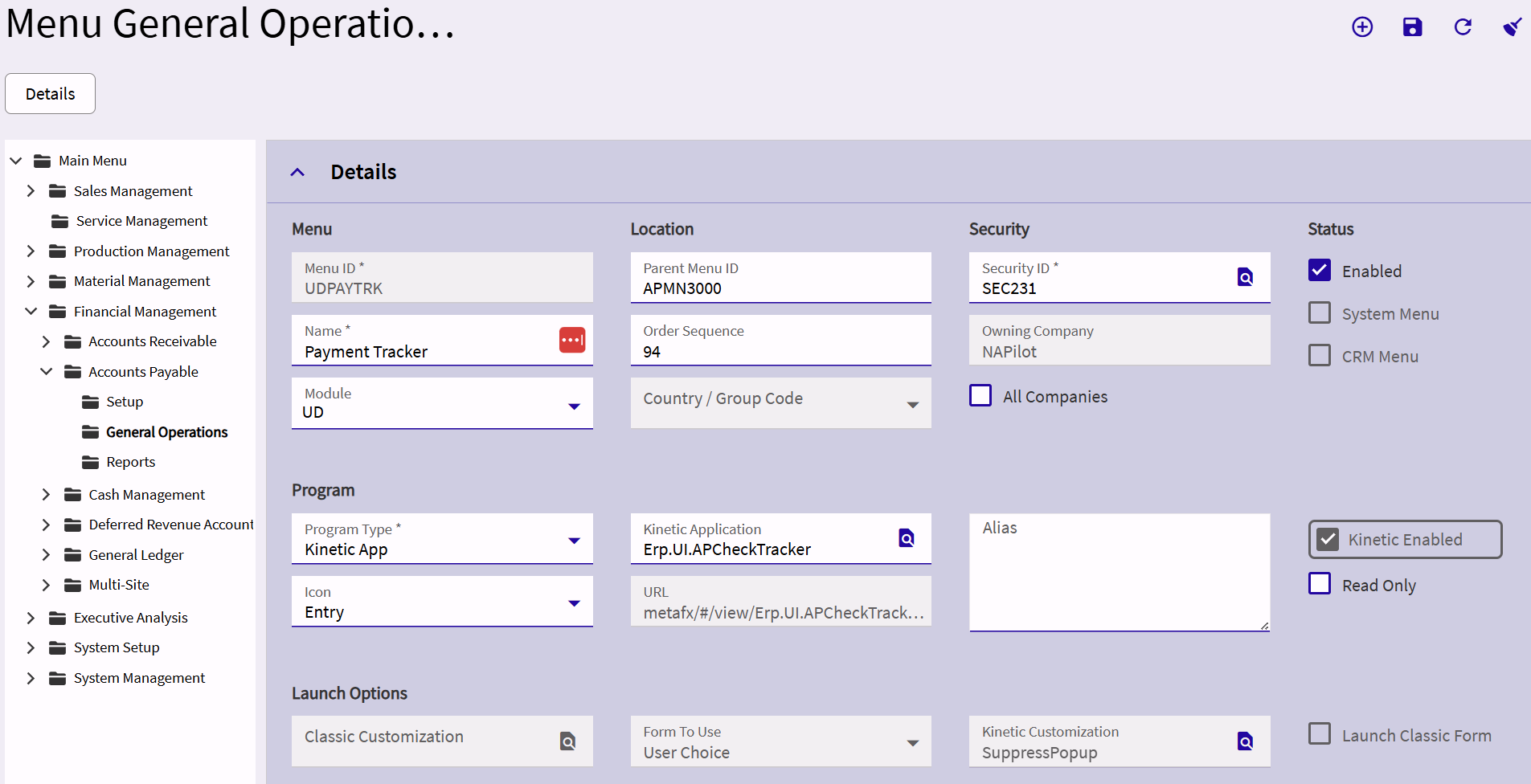
I’m not sure how it got on the menu - I don’t recall adding the UD menu entry - but here it is:

2 Likes

Thanks so much Tim!
Nancy