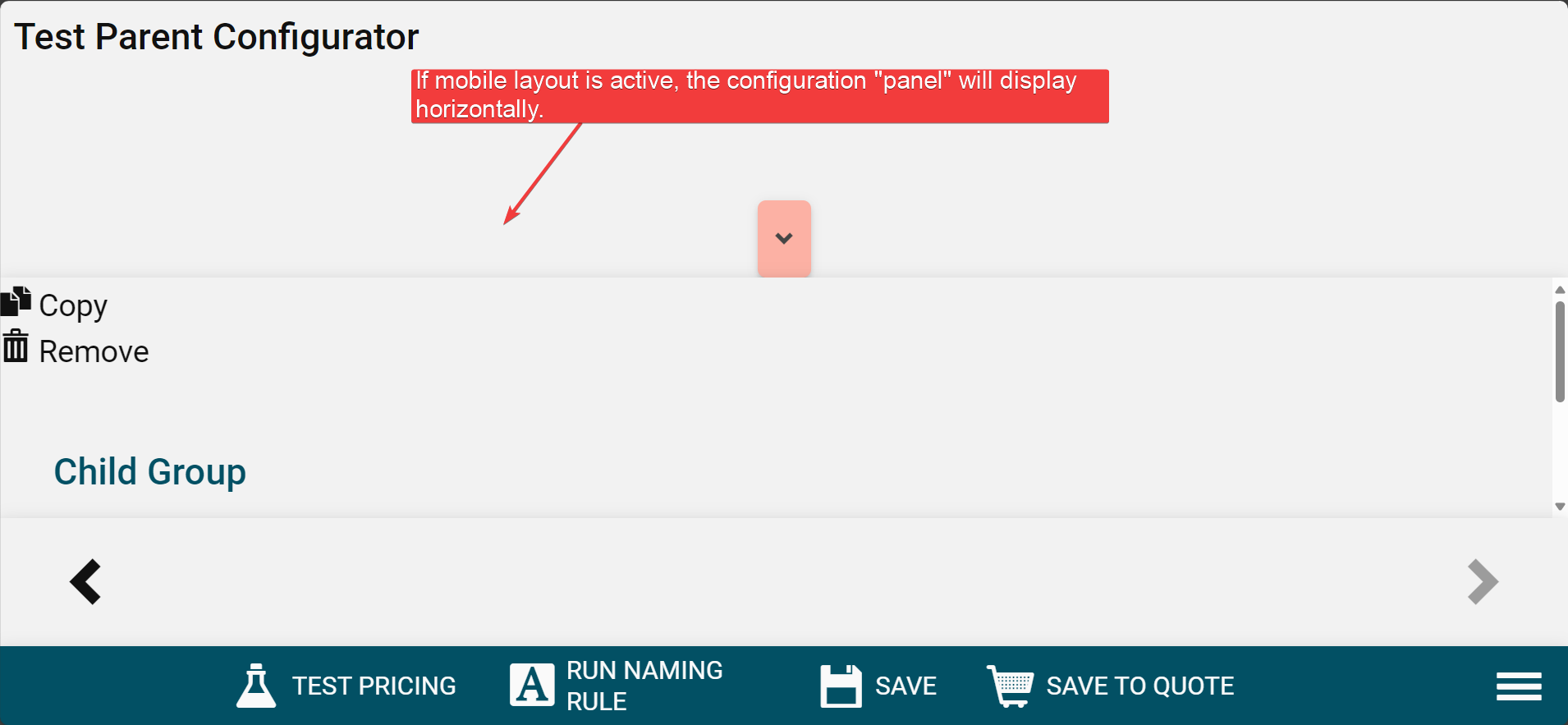
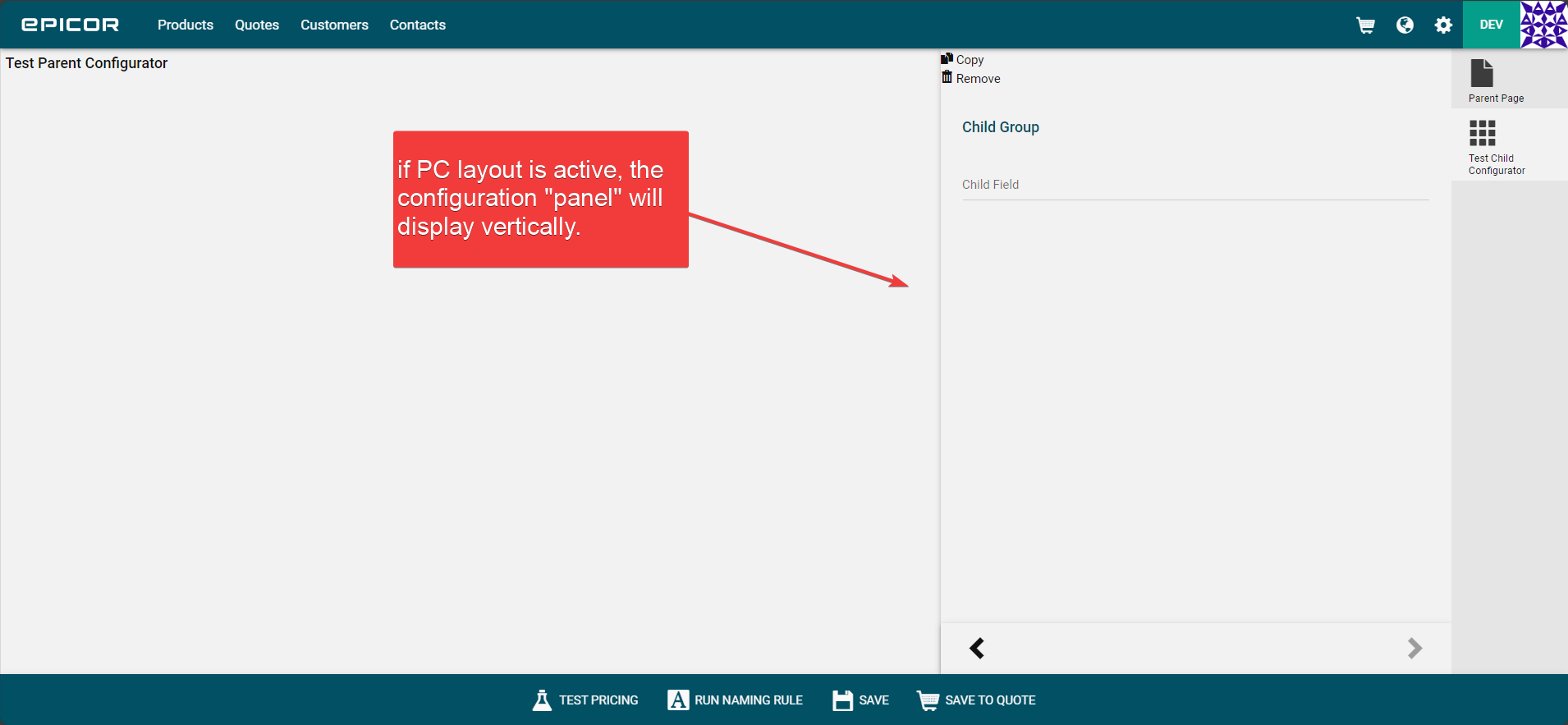
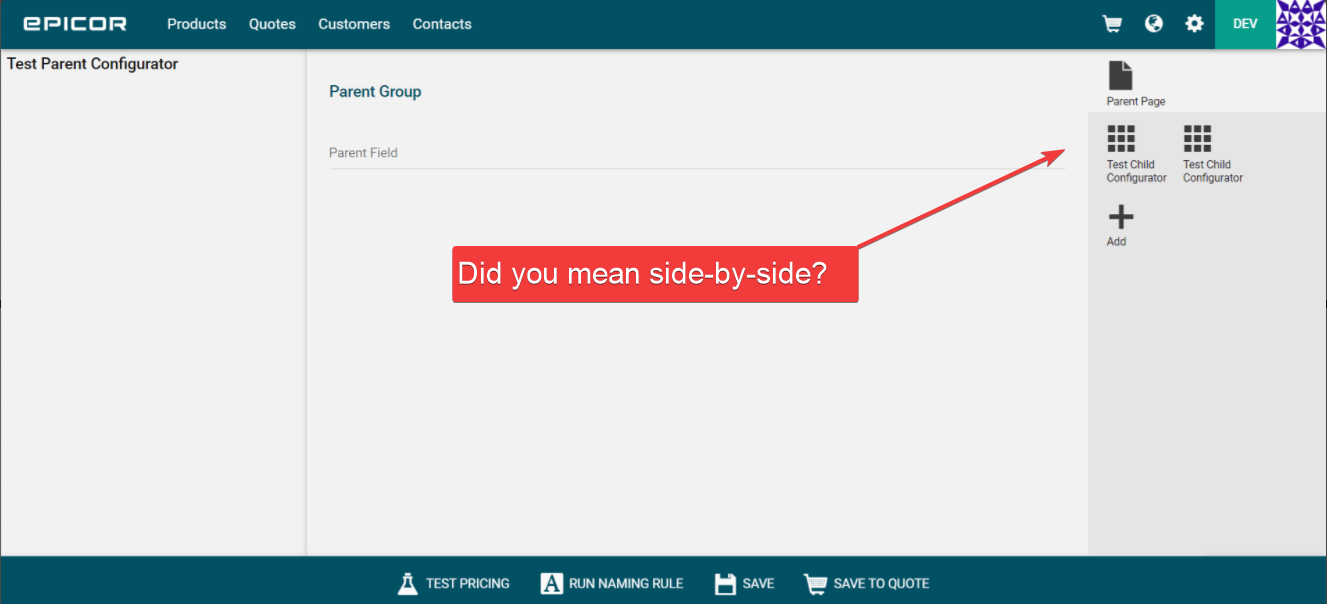
Has anyone been able to get Nested configurators to display horizontally? Even though you can add them to a container, they don’t follow the container rule (vertical or horizontal). They only get added vertically.
Thanks Alexander! Mobile / Desktop not needed for this application.
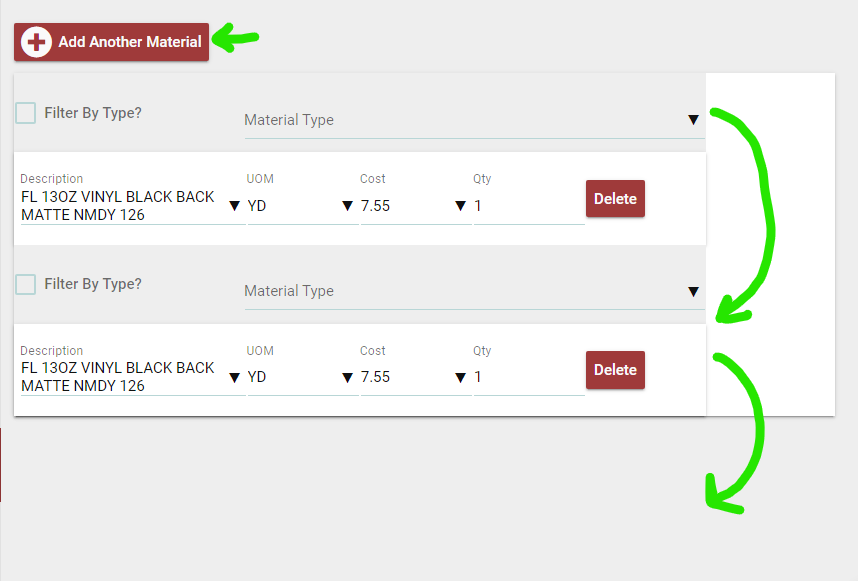
We use nested configurators to allow the user to dynamically add materials to a Quote / Job. This is done very simply like the following image. These are always stacked vertically, and that makes sense for that application.
However we have a different need and we want to display them horizontally like the following image:
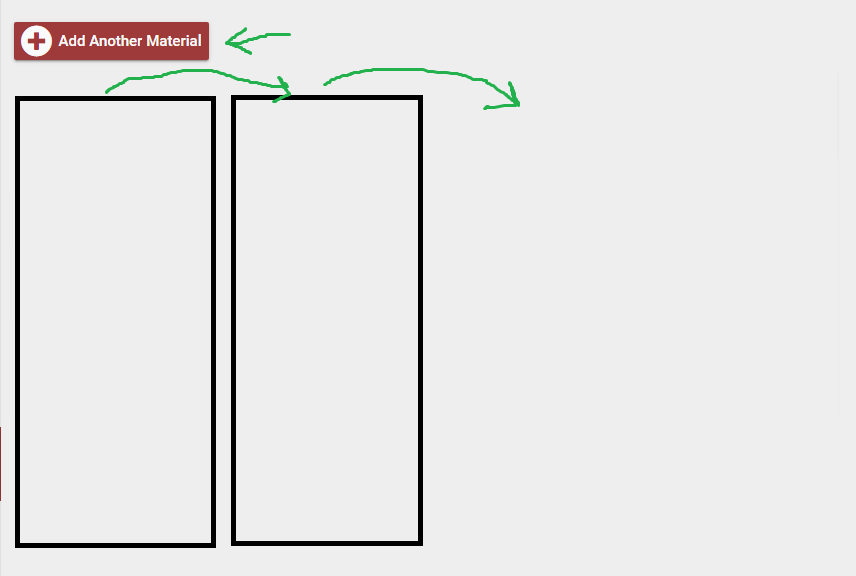
So far I have not found a way, and it appears there is an Epicor Ideas out there from over a year ago on this topic with no resolution.
Thank you for the additional information–could you provide the “Ideas” number?
I would like to take a look at it and see if there is any additional information there or in the knowledge base.
(If you are trying to change the layout of the out-of-the-box quote header / submit page(s), some API wizardry may be required.)
CPQ-I-58 - Nested sets to be added horizontally on the screen
Thanks for the number!
I’ll add my vote to it and see what I can find as time permits.
In the meantime, have you reached out to Epicor?
I could be wrong, but I don’t think asking for updates or if something is possible has any cost associated with it. 
///
EDIT:
I played around for a bit, but couldn’t find a suitable method.
I reached out to Epicor for a status update on CPQ-I-58 and they confirmed that the desired functionality is beyond the scope of CPQ.
Epicor’s CPQ Professional Services team might be able to add that functionality, but it’ll cost a pretty penny.