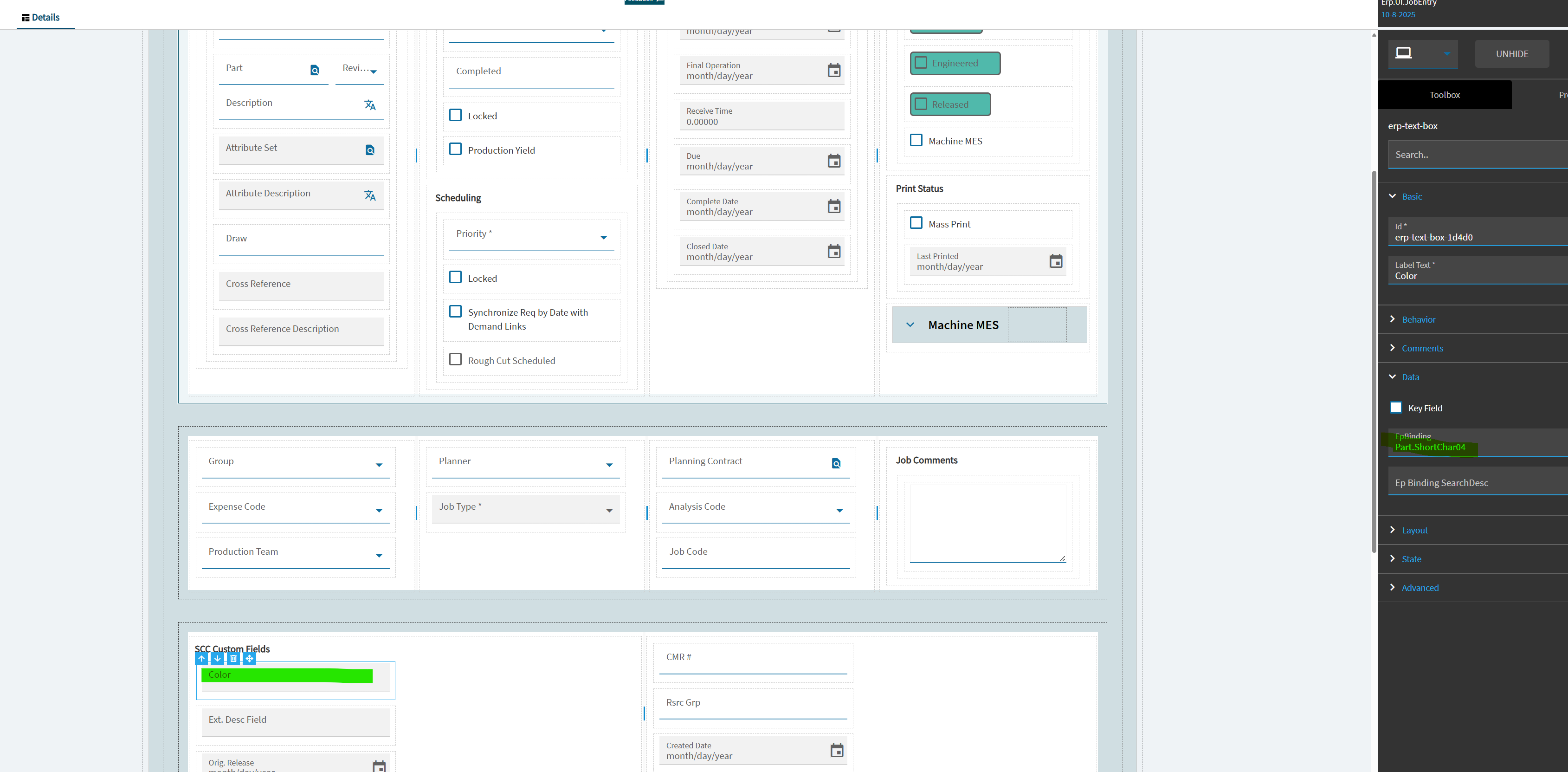
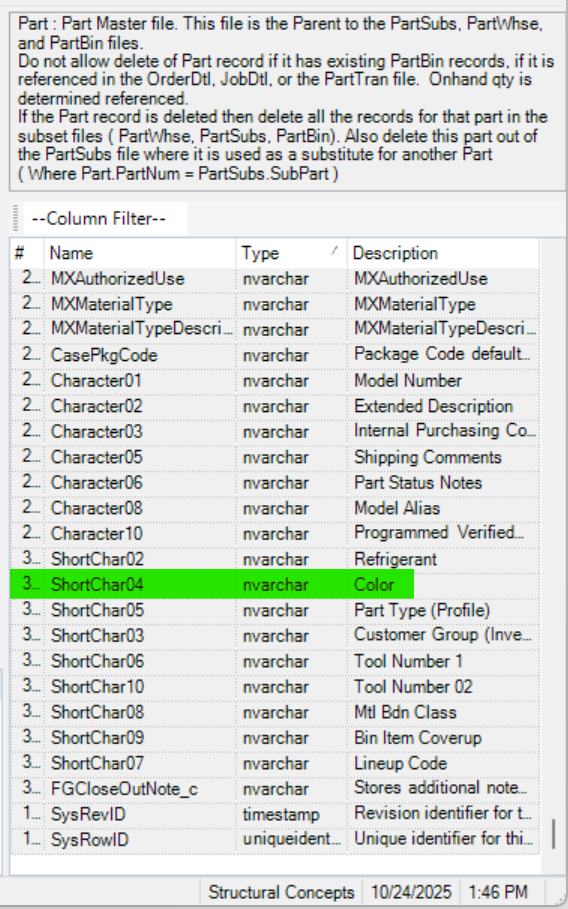
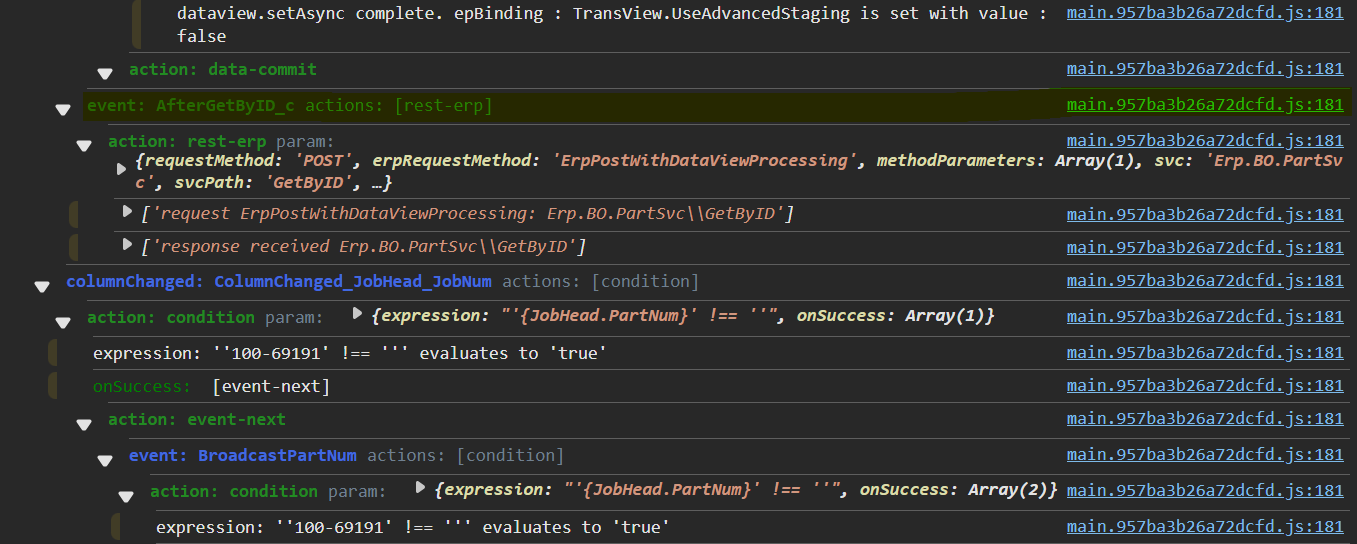
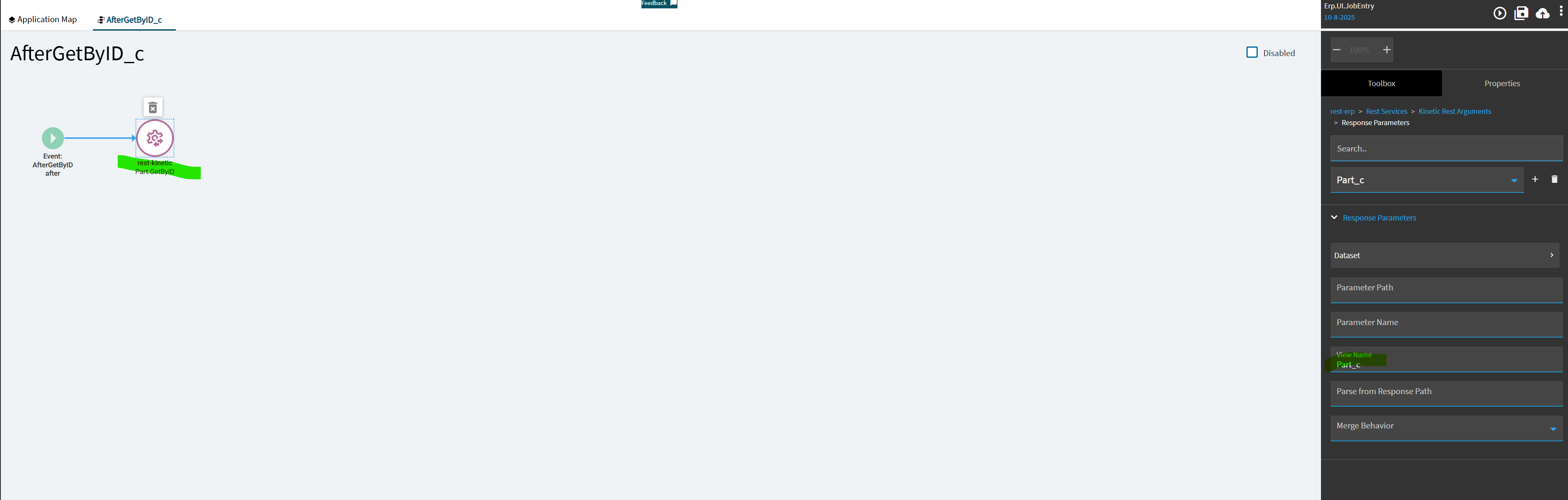
I’m trying to simply display a UD field from the Part table onto the Job Entry Kinetic form. The Part table already exists natively as a dataview, but it looks like it’s not populating, since the field isn’t showing any data when I preview.
I tried checking out the events to see if anything is triggering the Part dataview to populate but I want to know if I’m on the right track or if I completely missed something.
While previewing the app from app studio (not in app studio’s development mode)
Hit f12 to open the developer tools console,
Click back into the browser/kinetic window,
Press ctrl-alt-8 to turn on debug mode. (in the kinetic app) - you should see debug mode enabled in the console of the f12 dev tools window
Click back in the kinetic app, press control-alt-v
This lists out all the dataviews in memory.
Check Application Dataviews → Part → Expand Array(xxx) (where xxx = the number of rows in the Part dataview)
Expand > 0: …rowdata
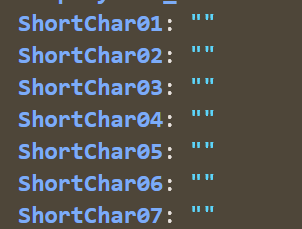
Scroll down, you should see (…), that is an expansion toggle to show the full row data, click it, scroll down more
You should see the ShortChar fields like this, with data in them:
You can do a quick test to see if your control works, double click the “” (the value) of the appropriate shortchar, and change the value to something (type some text in)
Do you see your data there?
If not, it’s not there for the control to pull up.
If so, there’s an issue with set-up of the control.
If the dataview is empty, you will need to set up an event to populate it yourself.
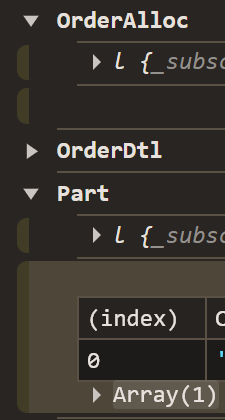
In this screenshot, OrderAlloc is empty (no rows of data), Part has 1 row of data “Array(1)”
If the dataview is indeed empty, I would not re-use it, as another event will likely overwrite the data in there on you unexpectedly (whenever epicor uses it to do what they put it there for) - instead, create another dataview (just give it a name and uncheck the dirty box, don’t define any fields or do any other setup) - then you’ll want to create an event that includes the kinetic-rest widget, calling PartSvc.GetByID and supplying the partnum as a param, with the REST Response bits set up to output the data into your dataview. I’d set up the trigger on that event to an “Event” “After” trigger and set it up for some event that fires after the jobnum is entered and the job loads. Or you could put it on a columnchanged event for JobHead.PartNum or something like that. Whenever the PartNum is available on JobHead for you to feed in.
When talking to business objects using kinetic-rest component in an event, it is helpful to use the REST Help (Swagger) in Kinetic to reference what you expect to “say” to it and what you expect it to “say” back to you.
Take the URL for your Epicor, let’s say it’s this, and change the end bits of it to point to resthelp:
in there, search for “PartSvc”, go into it, click “RPC”, then search for “GetByID”
In here you can see GetByID_output, that informs you how the BO talks back to you.
“returnObj” is important here, that’s the name of the rest response, you want to put that in “Parse from Response Path” in your screenshot. “Merge Behavior” should be “replace” and “Parameter Name” we get from resthelp, if we expand the arrow next to returnObj → we see “Erp.Tablesets.PartTableset” - this tells us what returnObj is, and what’s inside it. We see Part, and we know that’s what we want, so we put “Part” in “Parameter Name”
Those 3 settings →
Parameter Name: Part
Parse from Response Path: returnObj
Merge Behavior: replace
should get you in the right place to where your data lands in the dataview.