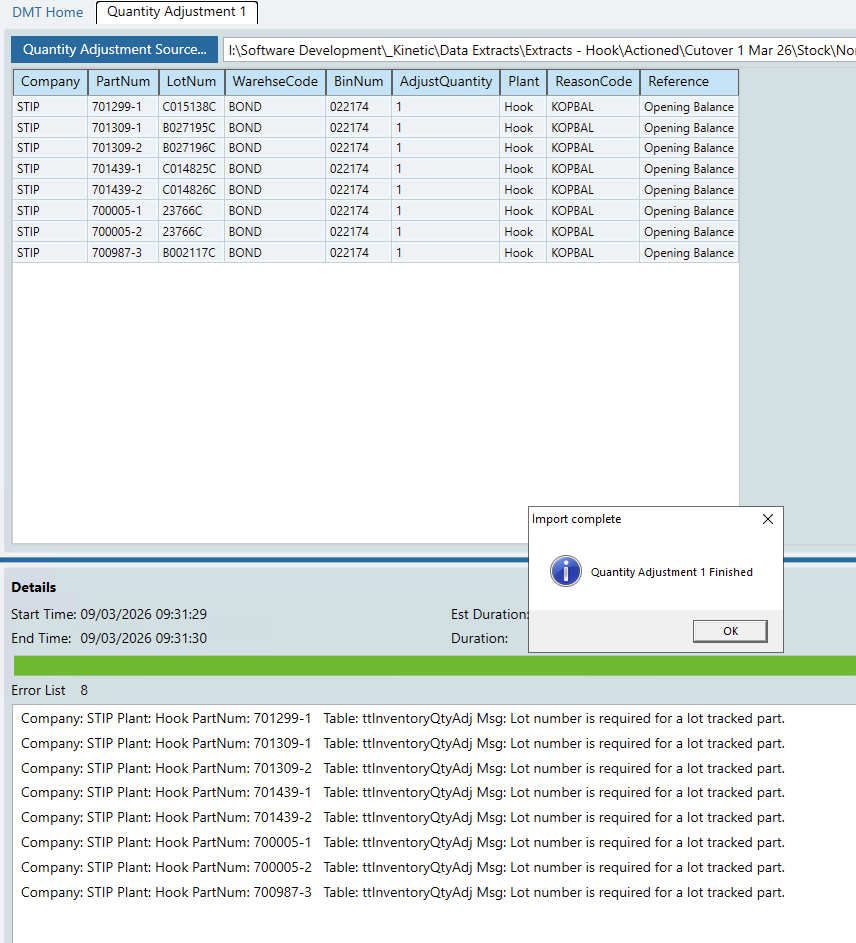
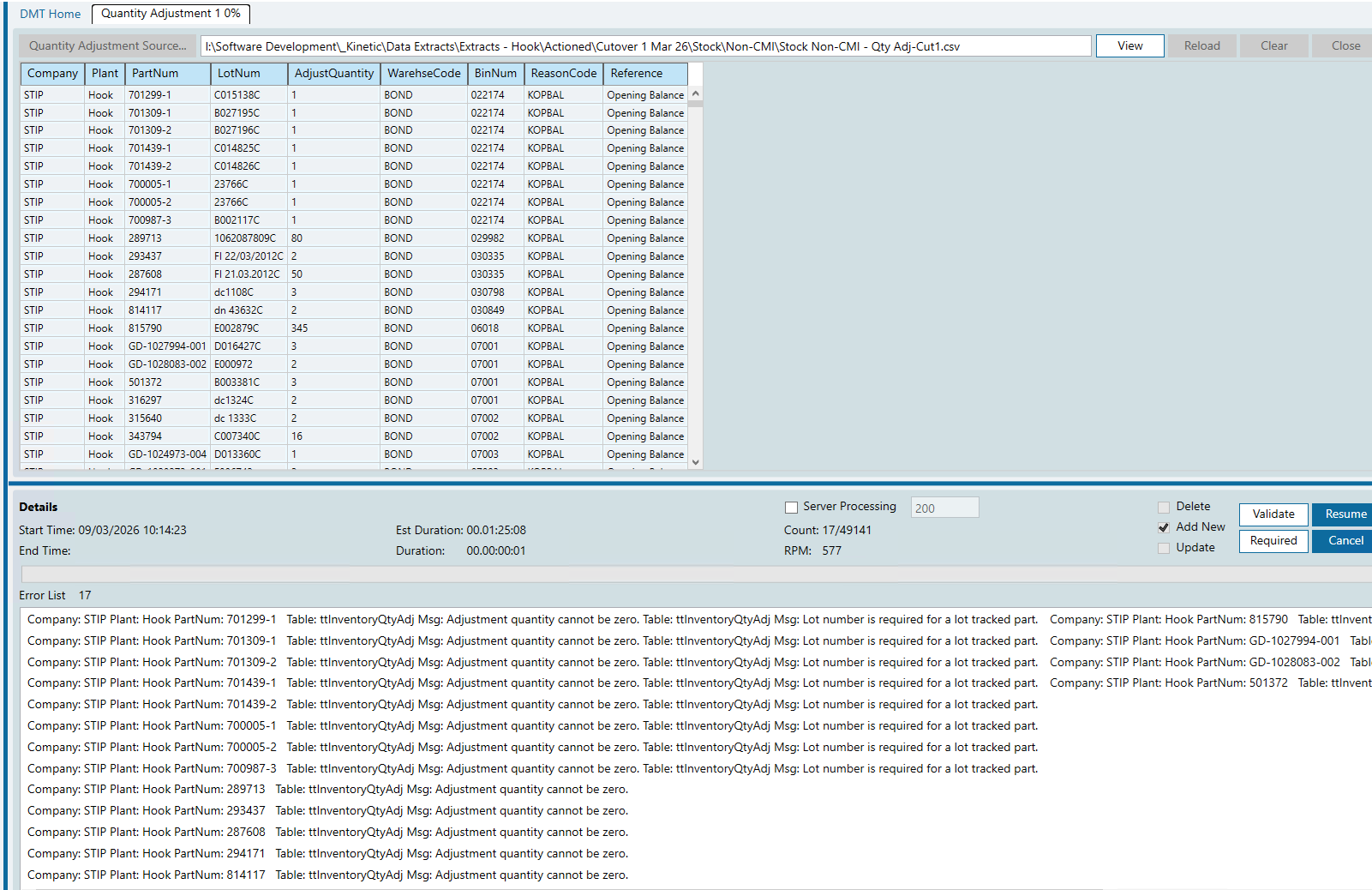
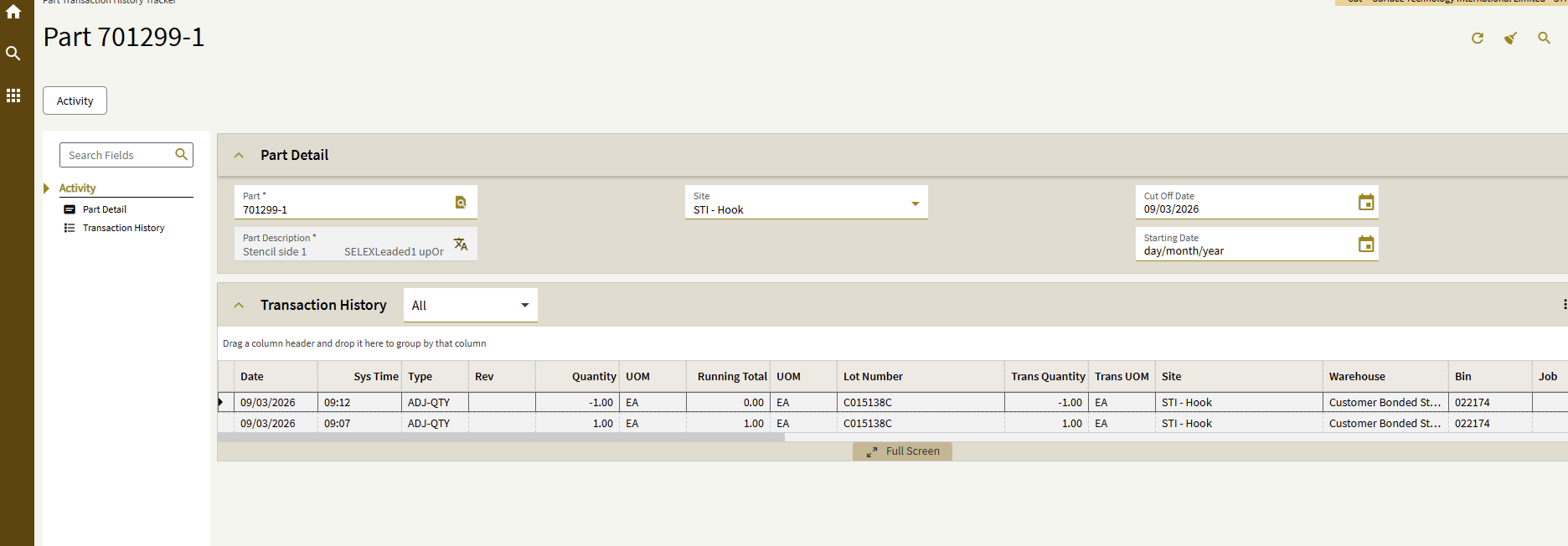
The odd thing is that i did an initial test to make sure the layout worked in the first place with the first item on the list of errors and i added it and removed it fine using the same script!
I have raised a ticket with Support, this is the second DMT related ticket i have raised in a few days as we are trying to migrate data into a Kinetic Test environment for one of our sites.
Out of interest, was that a recent file, the reason i ask is that the script i am using worked when we migrated our first site to Kinetic, albeit the beginning of 2025, i was just wondering if it is something EPICOR has changed.
When ANY DMT gets persnikity, I’ll look to the actual program in the UI to see what the field order is. In the Quantity Adjustment program in the Kinetic UI, the top portion of the screen wants the Part Number and Warehouse Code… so put those first. The Plant value is taken from the current plant you are logged into, so to cause the LEAST grief I’d put it last. The other fields are all in the lower part of the screen, and in this case the working DMT field sequence is NOT the UI field sequence, so it may or may not matter… but that’s where I’d start.
Certainly does, i just loaded another script which i have always used for Cost Adjustments and it was throwing another wobbly. It didnt like the fact that part number column was set as text cells. Again i have never come across that issue before and i am using the exact same set of scripts that we used to migrate our live site to Kinetic.
I’m GUESSING that the Adjustment Business Objects (both Cost and Quantity Adjustments) were changed slightly beneath the hood recently… I don’t recall either of these DMTs giving me grief in past implementations.
To test, open Quantity Adjustment. Enter a Part Number. Hit the TAB key. Fill out the fields in the TAB order, and NOTICE when it “thinks” between fields. That means some BO is running… and to me that indicates a “break” in the sequence. Fields grouped between “breaks” can (probably) be in any sequence, but the the groups themselves need to be in the correct sequence.