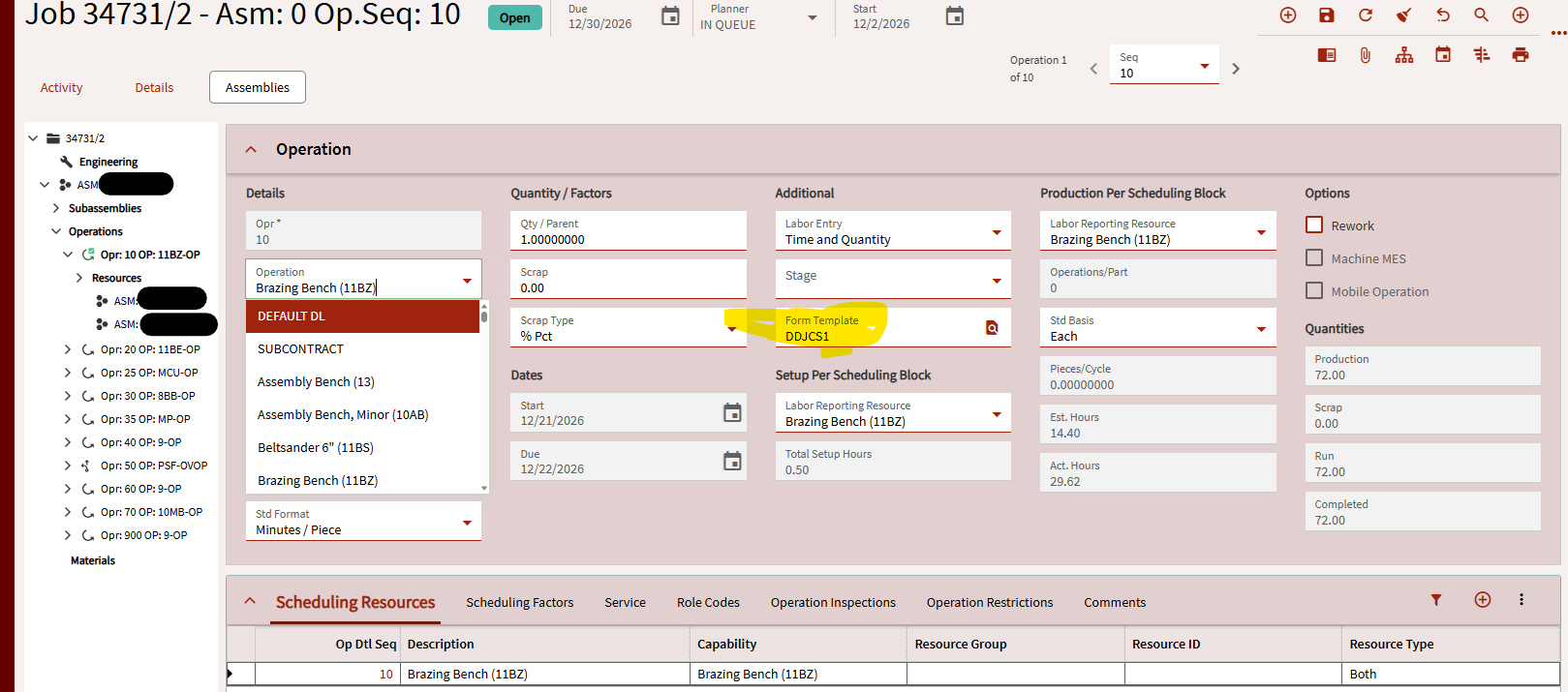
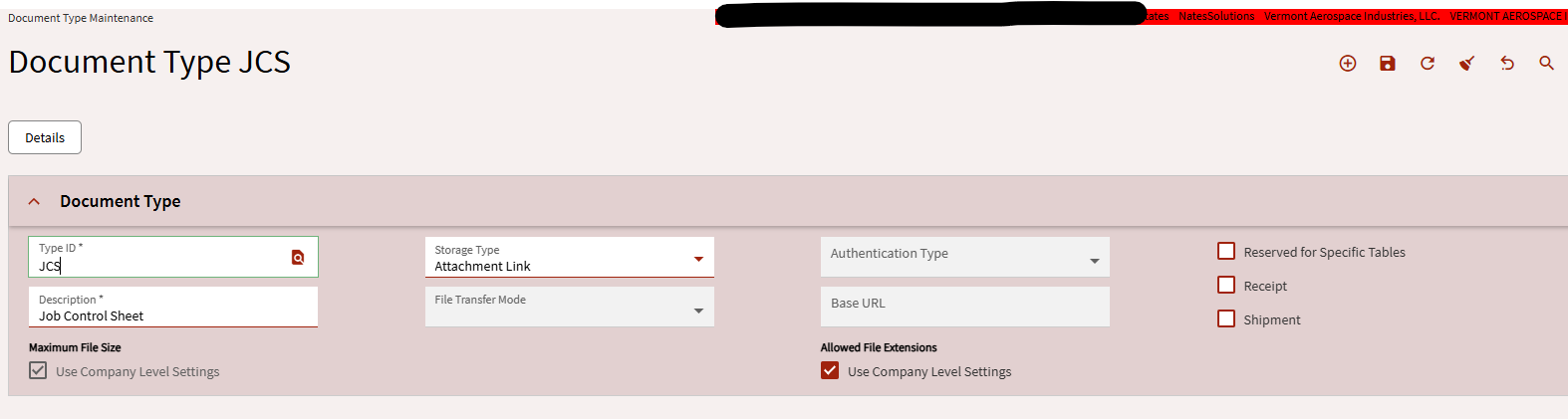
I have created the document type, setup the dynamic document, assigned the template to an operation on a job, and released the job. Now I want to submit data to that dynamic document.
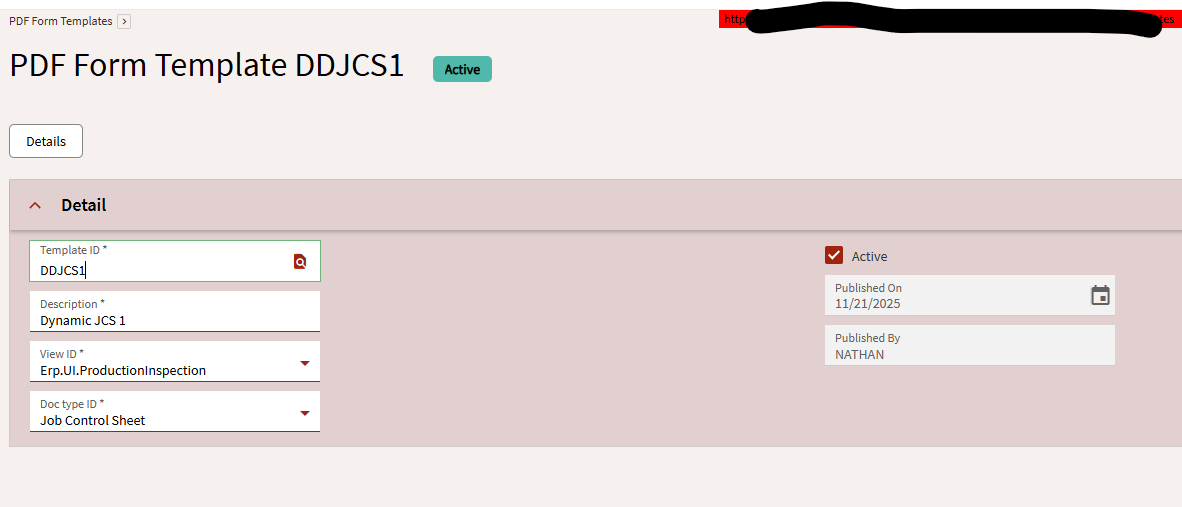
The View ID indicates what application launches when you open the template.
I am not sure why we need to launch a form at all. From MES, the user chooses the job and operation they are working. When they click start production, I want them to see the dynamic document, fill it in, and submit it. I don’t need them to open another view.
Perhaps I am misunderstanding the point of the View ID. Why do we want to open another form when viewing work instructions on an operation? I only want to see the editable PDF that goes with the operation. Do I need to make a custom app to open the PDF? I thought this was the point of DD? Does one of those view IDs open the PDF?
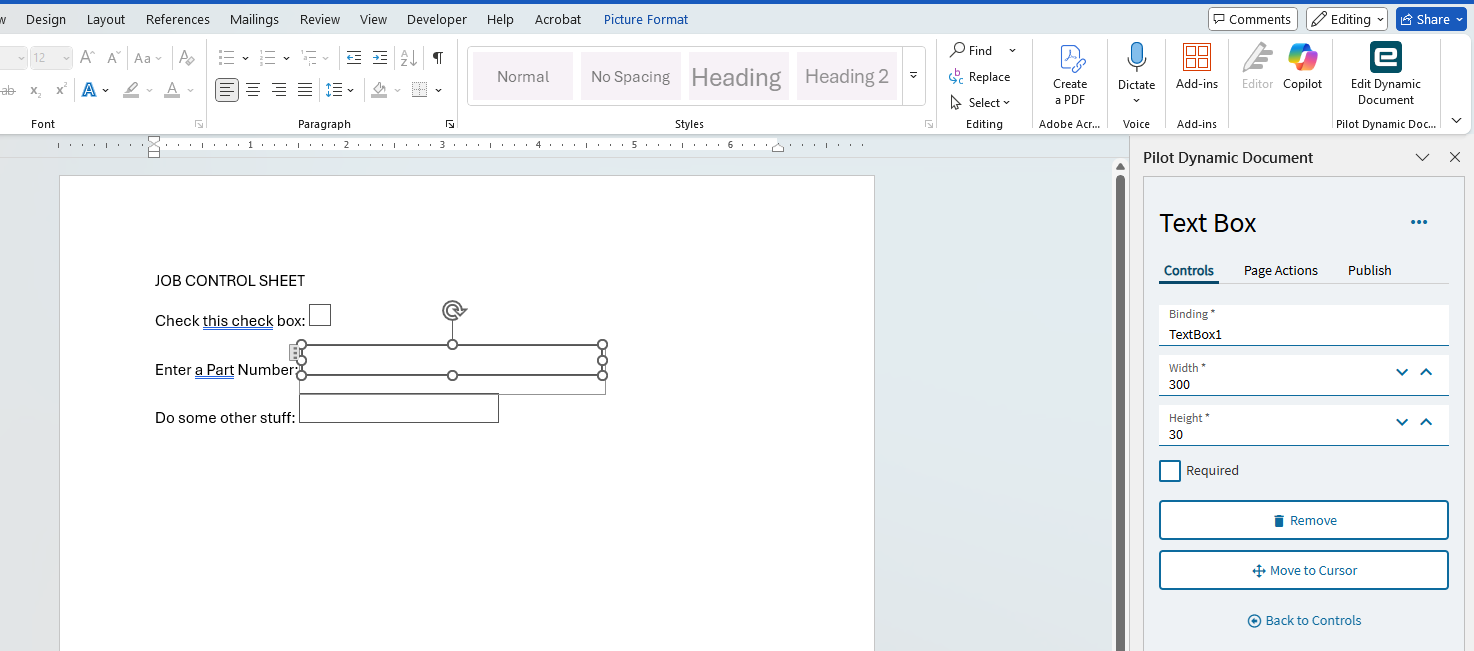
I can see where it could be nice to have the operator submit information about the op they are working. My Dynamic Document is not bound to any fields. I have setup a basic template like this:
I have to use Erp.UI.ProductionInspection as the View ID. However. I get an error when trying to end activity in MES (which triggers the Erp.UI.ProductionInspection).
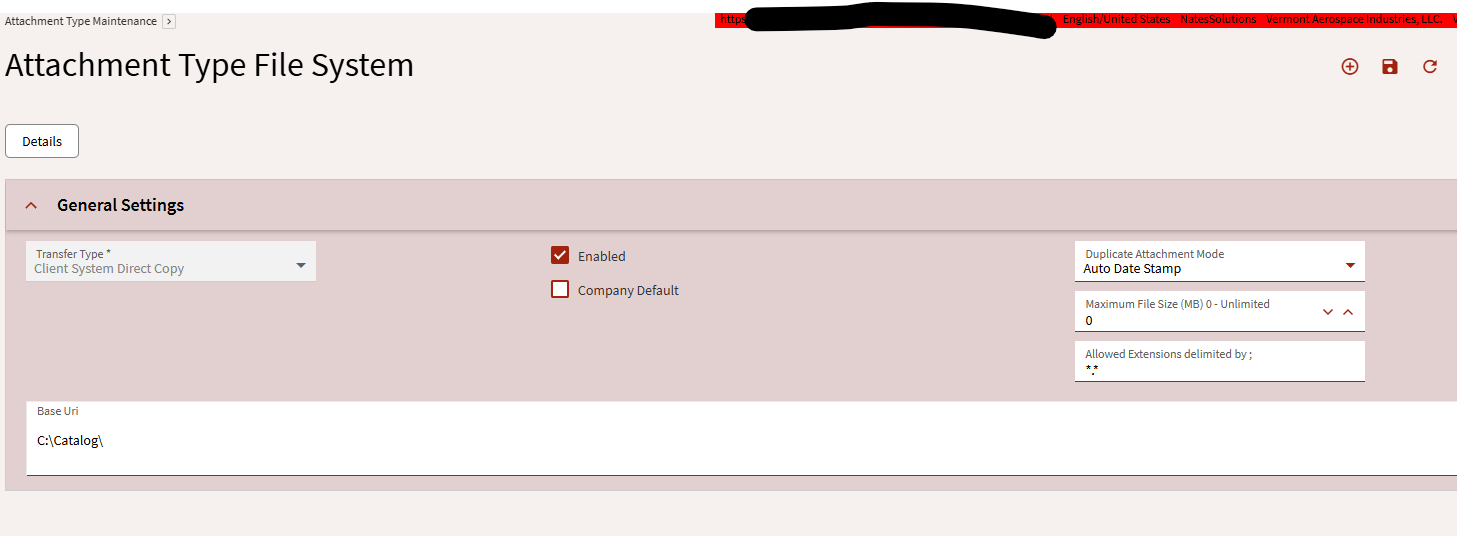
No page actions, no bindings. In MES I get the popup asking if I want to view the work instructions. But I get that invalid path 0 error. I have verified my local c:\Catalog folder is shared to “Everyone”. I cant figure out that invalid path 0 error.
I also tried a different Attachment type pointing to my local shared folder. I also tried using the shared folder name, and a networked folder.
I think the shared “\\Server\catalog” folder is only for Word to be able to pull the add-in functionality, and you may need to save all your Dynamic Documents on a different path. At least that’s the way I set it up and I’m not having any issues with that.