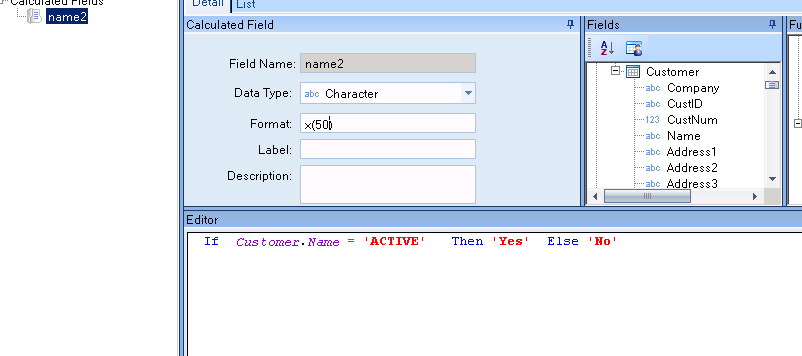
It’s been a little while since being in the Epicor 9 world… so it could very much be user error!
I’m running into a syntax/conversion error trying to create a BAQ calculated field and I can’t seem to resolve it.
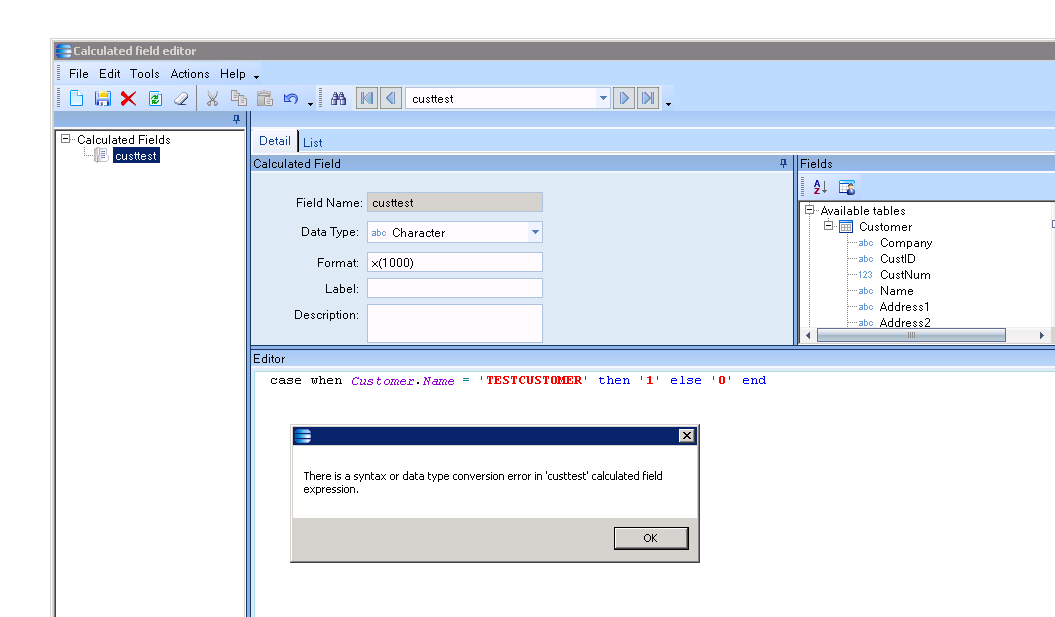
For the purpose of trying all options… I’ve moved away from the BAQ I’m trying to amend, and just created a basic one that looks at the customer table. The goal is to essentially create a ‘Sort’ field. In this example, I’d want TESTCUSTOMER to be shown first so I’m assigning it 1 but I keep getting the below error. Same thing happens if I assign it an ‘A’. Am I missing something please?
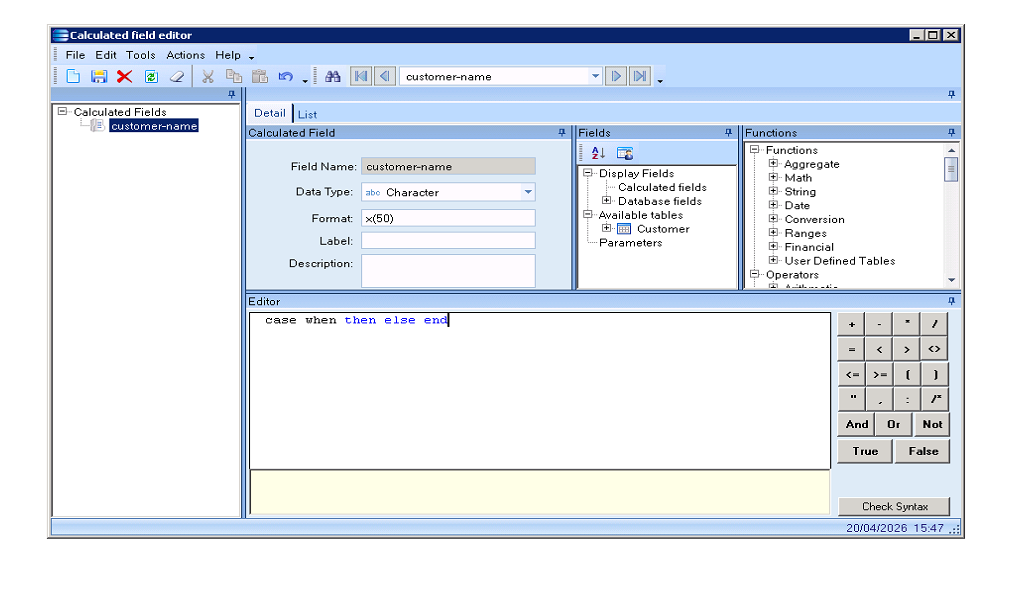
upvote this. It’s not recognizing CASE WHEN as a keyword. Re-add the field, or comment it out and just type CASE WHEN THEN ELSE END with nothing in it to make sure they all turn blue. If you copied and pasted that from another editor there might be a hidden character that’s buggering it up.
Thank you for raising this! I see what you mean, I deleted the field, even started a new query and wrote it out. It’s only recognising the THEN ELSE END


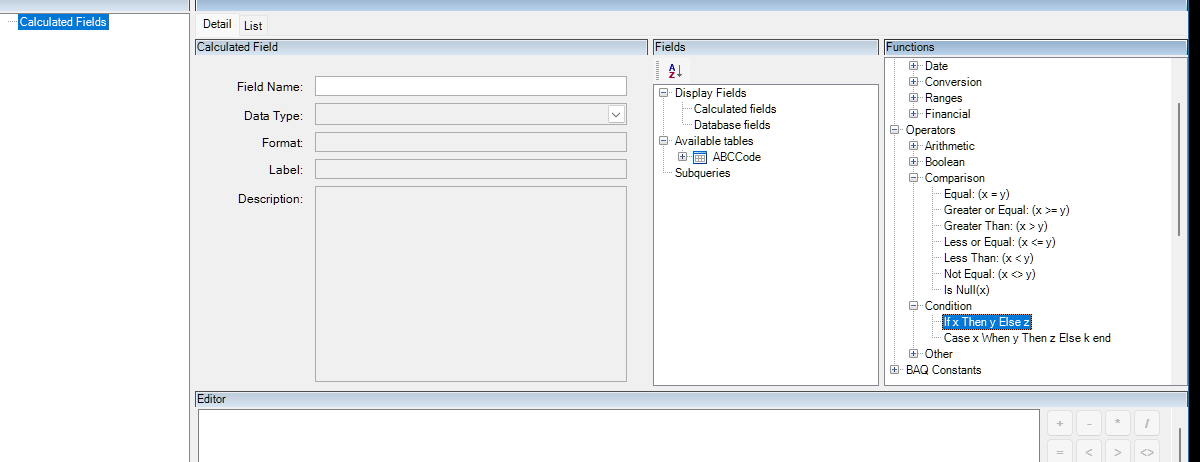
 This worked, needed to be an If!