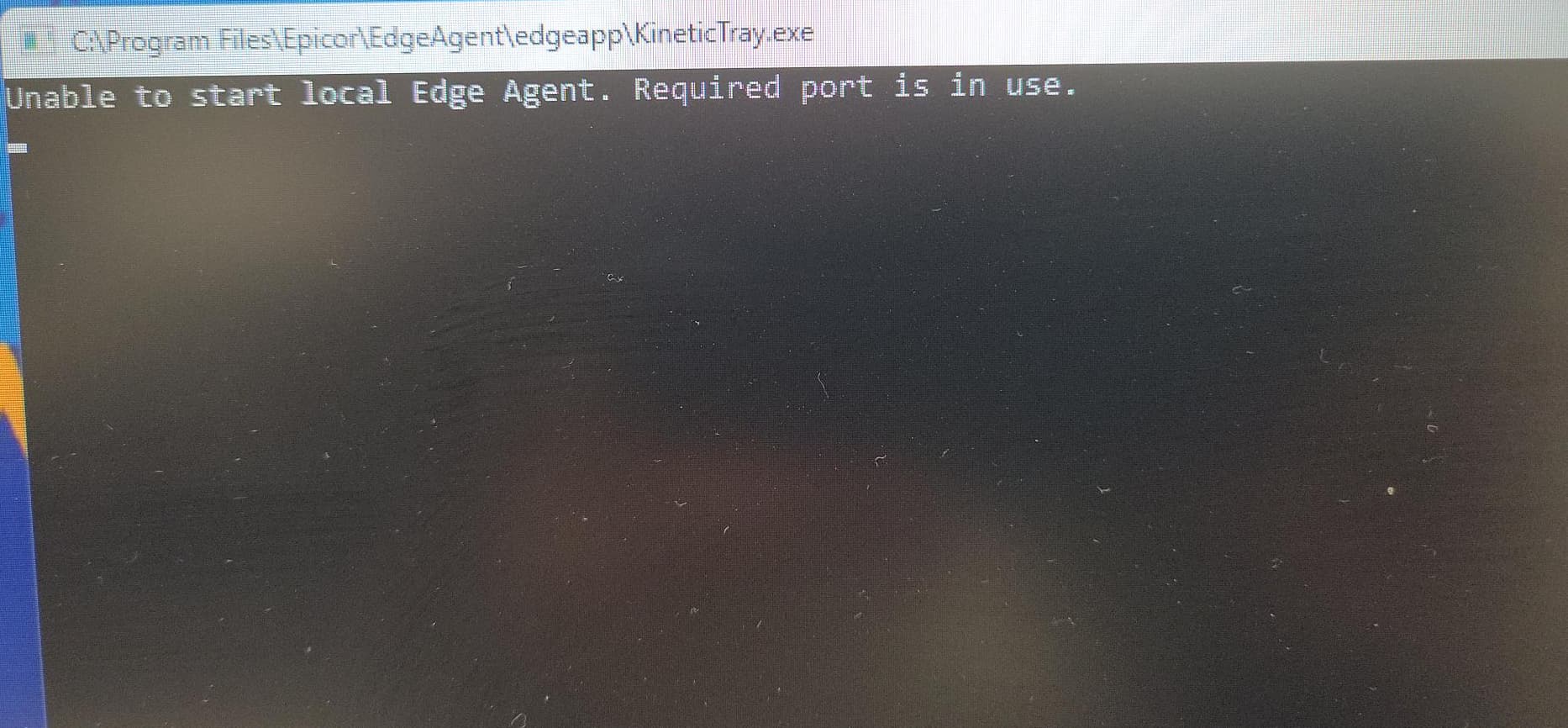
Yes, easiest solution is to reboot. You can also try to stop the edge agent service and restart it under the logged in user profile but that is more complicated than just rebooting the computer.
Yes, if second user reboots the PC then logs in they don’t get the error, and Edge Agent starts up ok. But this is not an acceptable solution for us. Our production staff work across multiple PCs and we have multiple staff sharing a PC, so they need to be able to switch users.
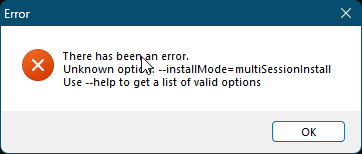
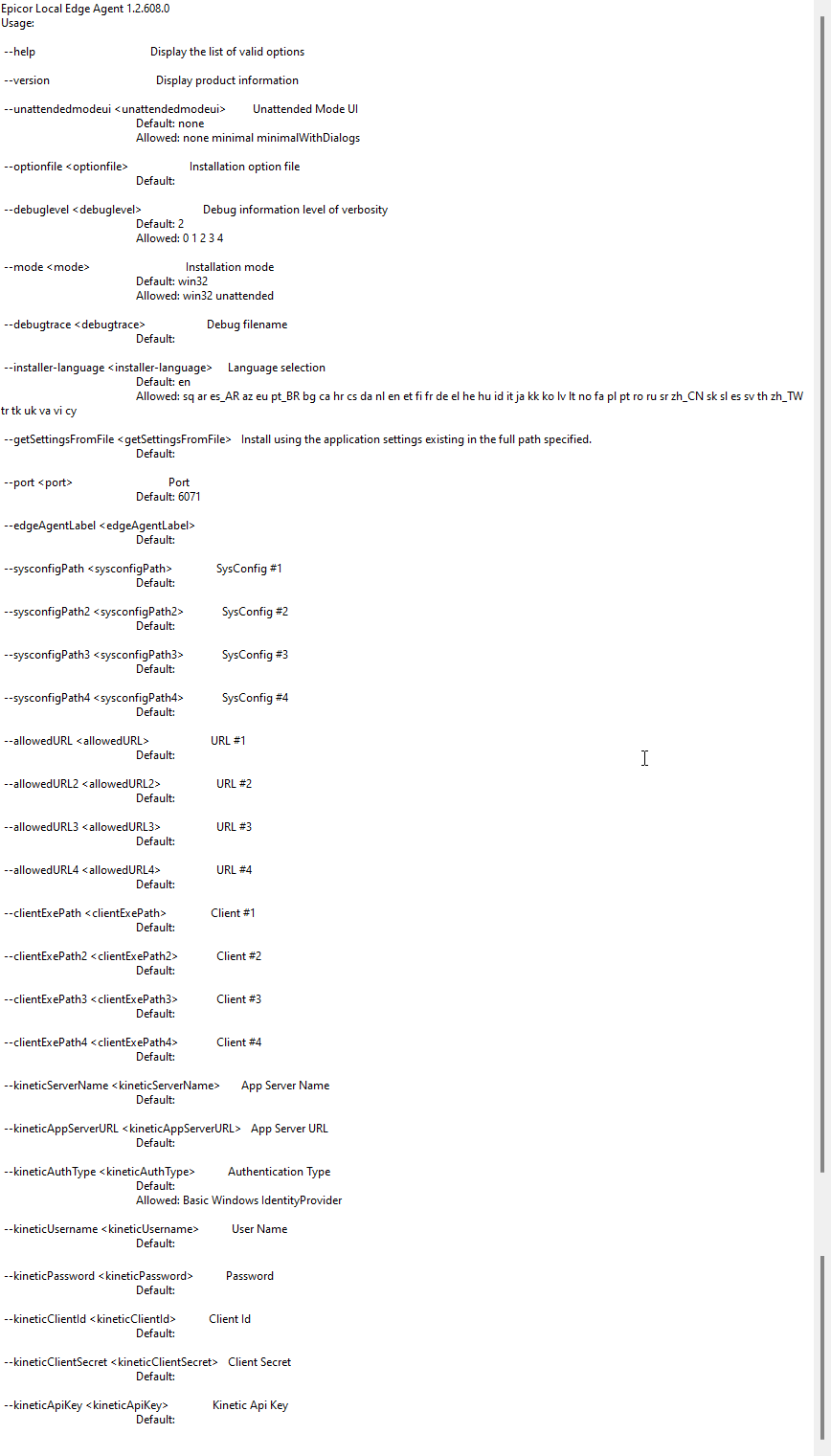
I found the below post yesterday after I posted my topic that states you need to set the installMode=multiSessionInstall.
“This will also install in Multi-User mode so that if you ever have a machine that more than 1 person could ever log into it will work for everyone, not just the first person to sign in (the fact that this is not just the default way it works is mind blowing to me).”
We are going to test whether changing the install mode resolves this issue.
It works unless the service fails to start for some reason, Multi User Mode installs the agent as a service and I have a few machines where for some apparent reason the service fails to start.
If you are referring to the alternative of the default install and locking the agent to the first person that logs in and not allowing for multi-user computers, yes.
We have a scheduled task that runs to check if the service is running during a user log on and to start it if it isn’t and since then I’ve not heard of any issues. We have used the multi-user install mode for close to a year now and that is really the only problem we have seen with it.
Very occasionally a user will have to ‘restart the agent’ from the taskbar but they can do that without Admin rights.
I actually went this direction because the default single-user mode actually started giving me the unable to start error even when that person was the first one to login to the computer, the multi-user got us around whatever was causing that issue and we haven’t really looked back since.
For 2025 onwards there are 2 installers. The main one that you are probably using there and the ‘network’ one. In reality the ‘network’ one is the old installer and has the option for RDs / multi session mode.