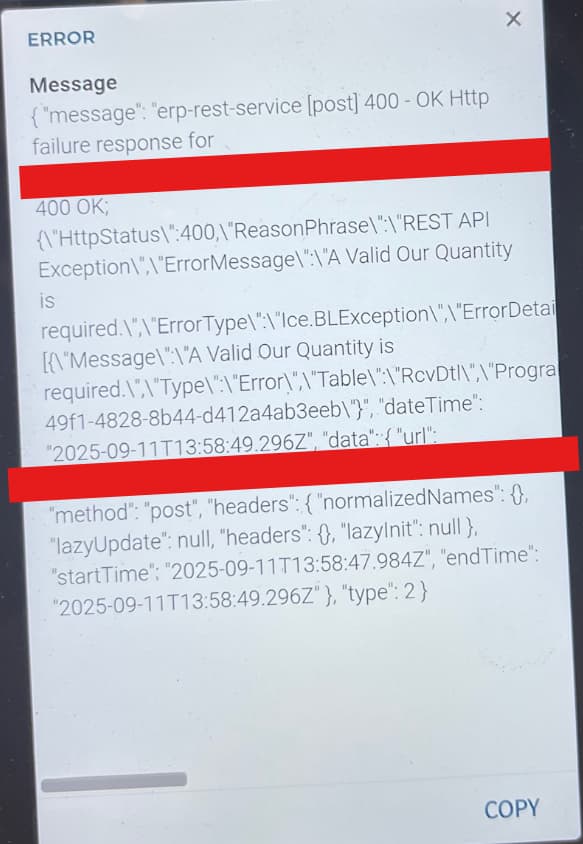
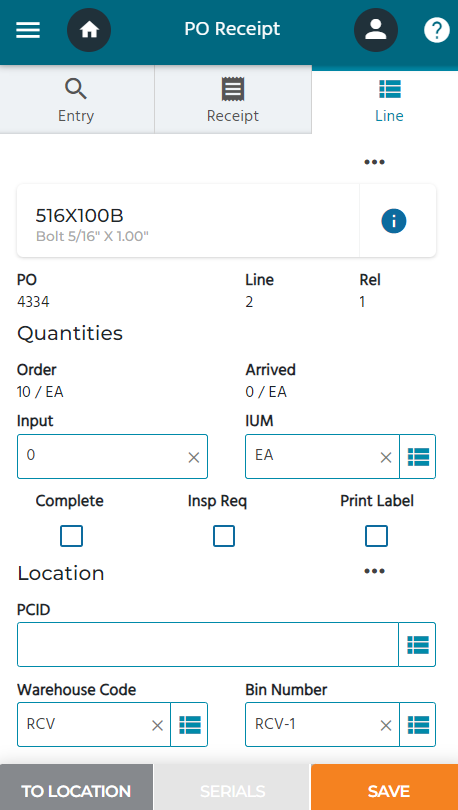
A related thought I had: I noticed today that the EKW interface does not seem to have a place to switch between Vendor Qty and Our Qty - it’s just “Input.” It makes me curious, given the error message.
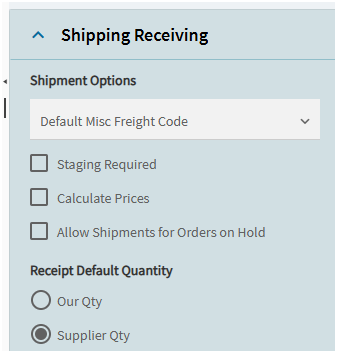
On the screenshot, the Input field is 0, that will trigger the error. If the team doesn’t want to type the value, there is a setting to default that to the expected receipt quantity. You may also use a scan incrementor to scan each of the ten pieces.
If that’s not it, I’d be interested to know, on company configuration > shipping/receiving What is the receipt default quantity.
Like I implied, it’s embarrassing, but we’ve had the Biscit licenses for many years now, but they never do PO receipts. Mostly used for order picking, I think. But since we pay for them, management rightfully wants people to use ALL of the app.
Even with that though, I have not heard any more on the issue here. Which more likely means they gave up again…
Thank you for replying, though - I had forgotten. I’ll have to pester some coworkers here.
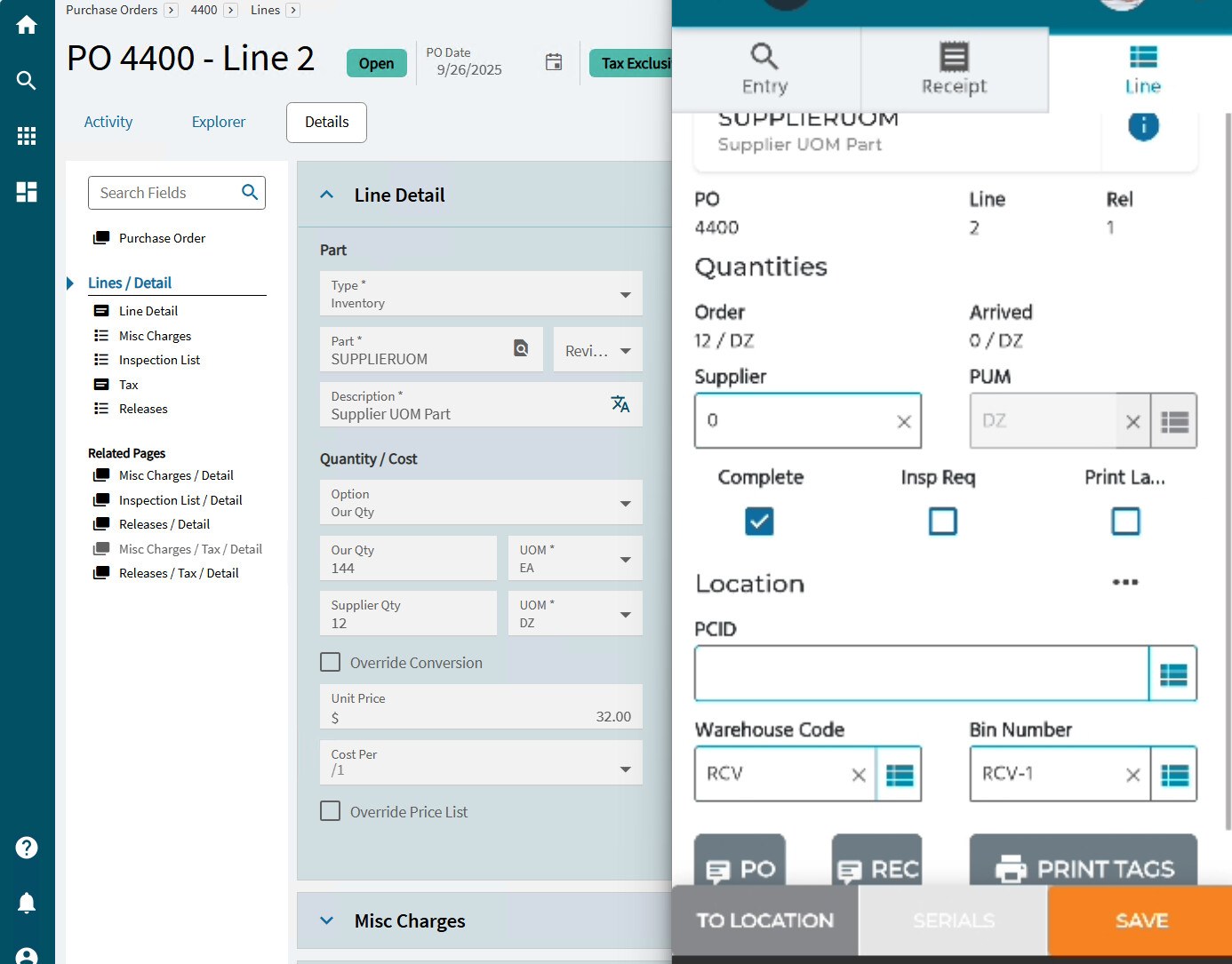
But since I have you here… what is the idea with the receipt quantity in the app (“Our” vs. Supplier)? Are you saying that it uses the company config setting? I’d think it would use the setting on the PO in the same way that Receipt Entry (in Kinetic) does.
We’ve had trouble with PO receipts when the UOM is different between “Ours” and “Theirs”. I submitted tickets in the past but it never really gets resolved. We have just saved those off to the side and used Epicor to get those done.
I’m assuming you’ve tested this on multiple POs. I wonder if you have any UOMs associated with either supplier or inventory UOM that have been inactivated on a part?
I haven’t seen this error before so I’m trying to think of ways to duplicate the issue in my environment.
One thing to test, in the EKW settings > Receipt there is an option to “Set Quantity to Remaining”. Toggle that on and test a receipt without changing the quantity.
@Doug.C consider emailing support@biscit.com with the issue to get a ticket directly with Biscit on this one.
If you have any feedback on using PO Receipt in EKW, we are evaluating any opportunities for improvement on these screens and any suggestions or info on issues would be appreciated.
No, but that’s really just lack of testing on my part. And no one has complained, which means they stopped trying, not that it was resolved/understood/etc.
Sorry if this is just is me just repeati g something that has been said. For the same handheld scenario does it work on kinetic receipt screen? I have seen issues before on the receipt screen where the UOM are not setup correctly, though that is normally the decimals issue…