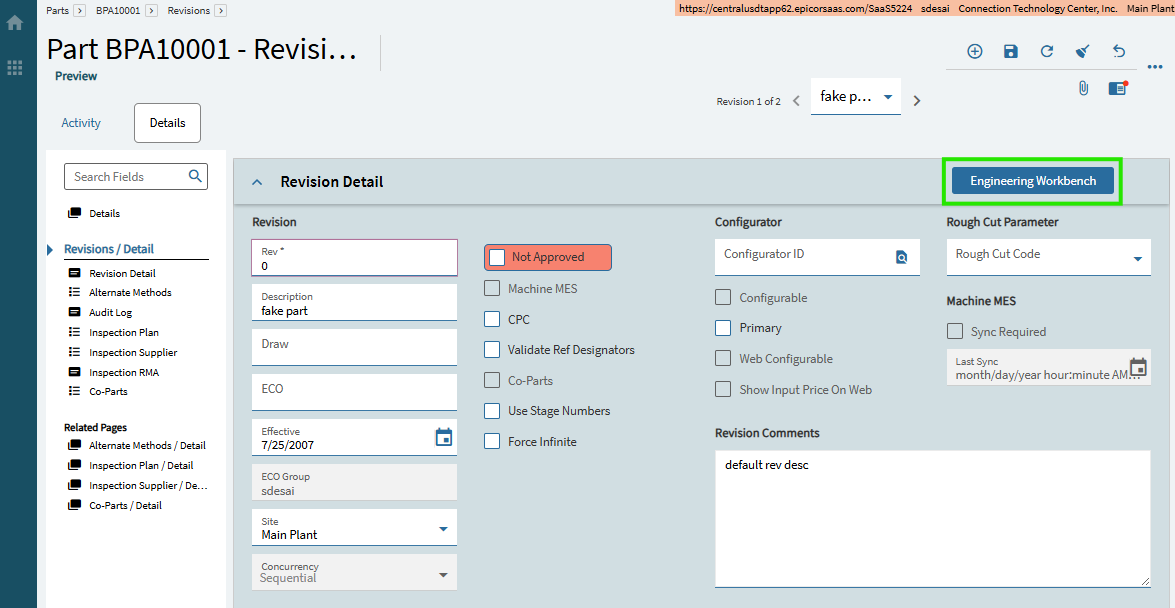
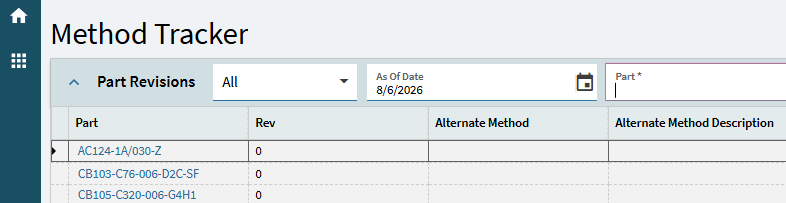
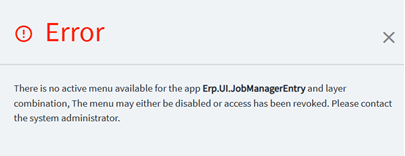
Has anyone else had the Engineering Workbench button on Part revision open Method Tracker landing page instead? This is on the base layer of Part Entry.
When I click the button, it opens Method Tracker landing page instead of Engineering Workbench
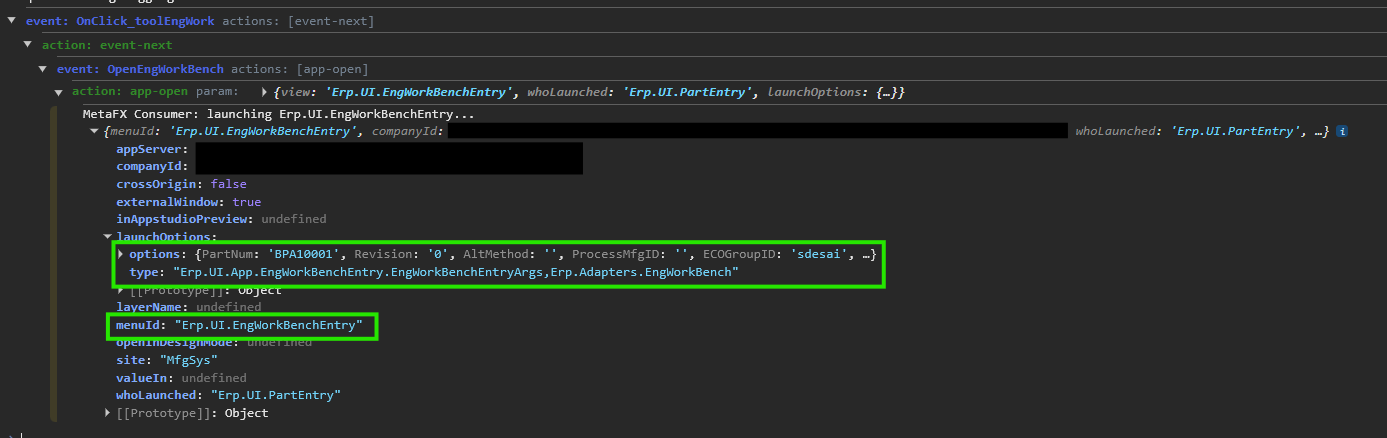
Has anyone else encountered this or is there something I am missing like security group permissions or Menu ID that is preventing Engineering Workbench from opening properly?
Yes still getting the same result in Live in incognito and after cleared browser cache with test part and another in use part. But I just tried it in Pilot 2026.1.9 which is same version as Live and same test part number and it opened Engineering Workbench properly. Could it be a part setup issue?
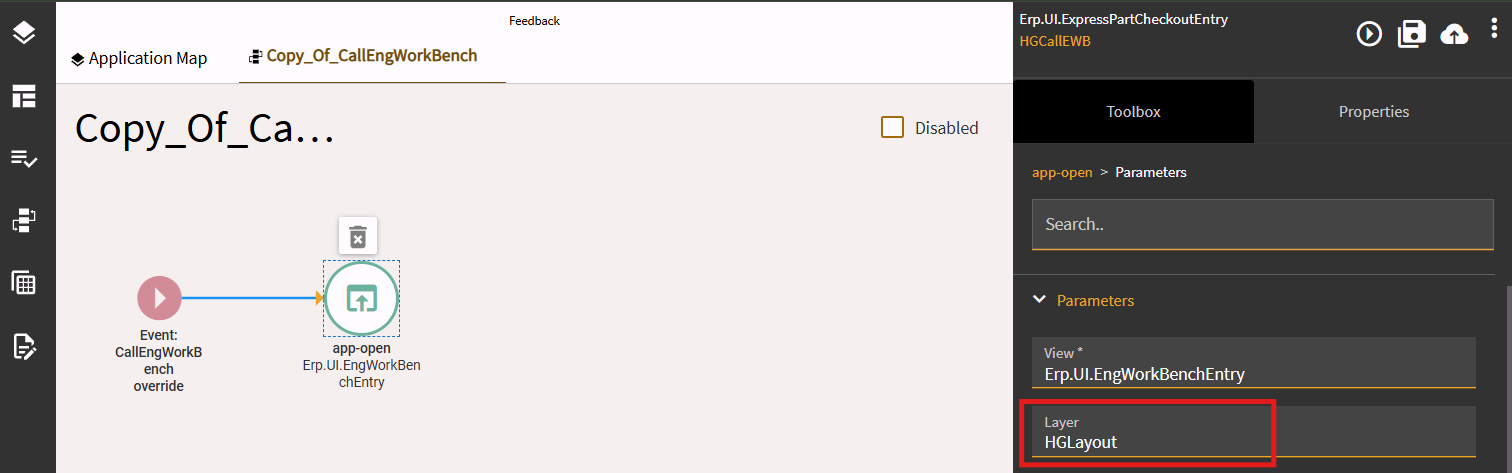
I had a similar issue where Express Part Checkout launched Method Tracker instead of EWB. This was because I had a customization on EWB and so the launch didn’t find a menu entry for EWB without the customization.
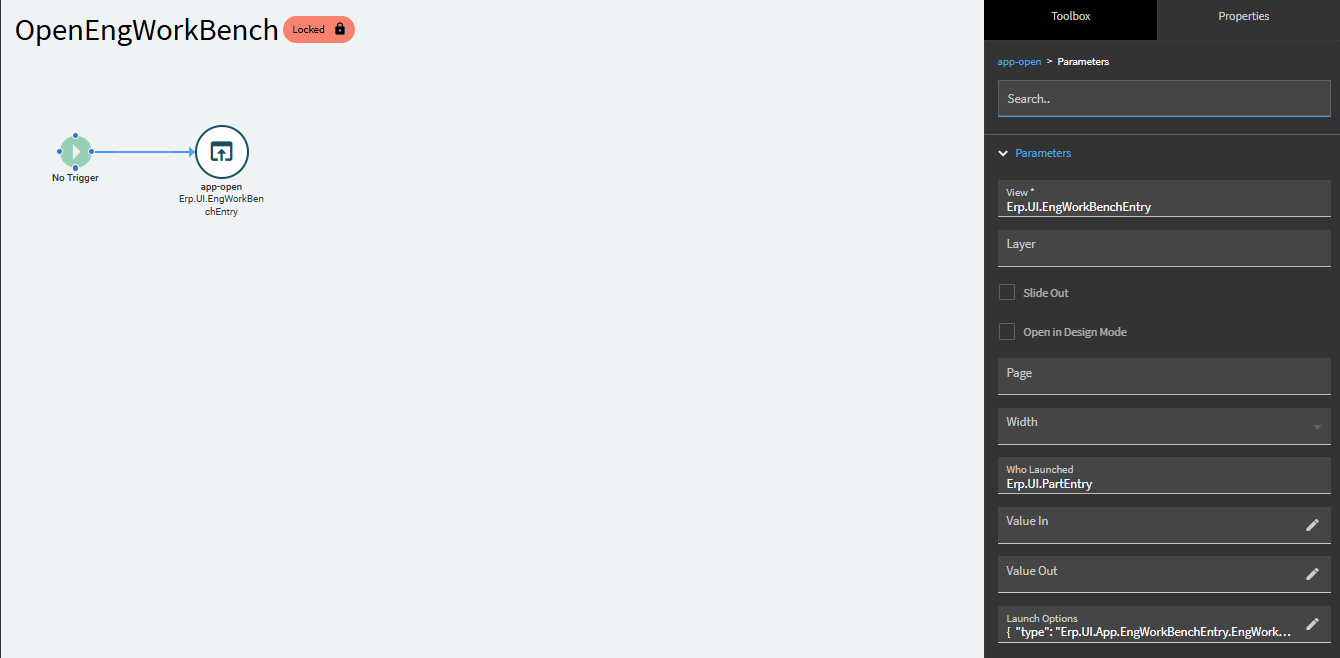
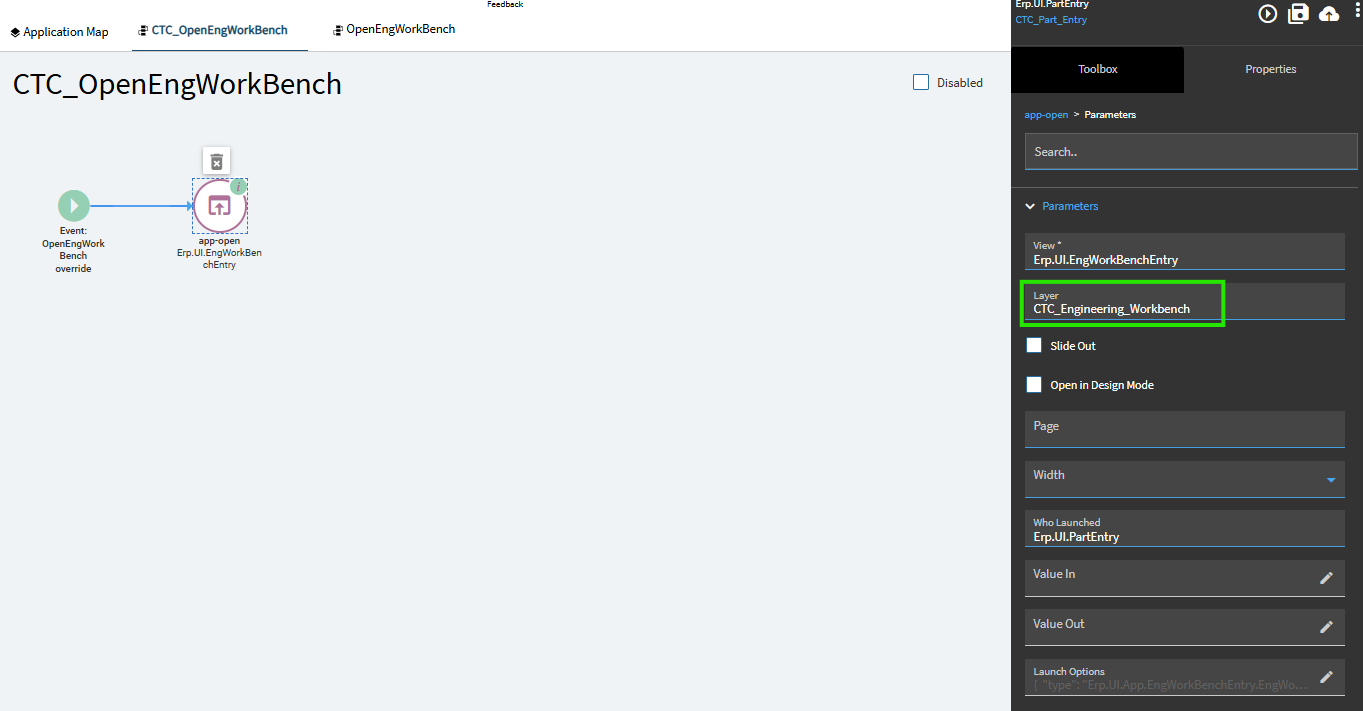
Resolution was to use KB0132277 to copy the event to one triggered as an override event and add the layer to the app-open parameters.
Seems like a nasty cycle though, for us there was no preexisting layer in Planning workbench and to copy/save an override event I needed to create one.
From how I understand the behavior, any buttons/events pointing to Planning workbench are now compromised and would need their own override events to include the new layer! Introducing new potential for the loop to continue