We’re upgrading to 2025.2 soon (yes on-prem…), and I can’t get Enterprise search going. Everything else is working. Ticket open with Epicor for 2 weeks but no help there yet.
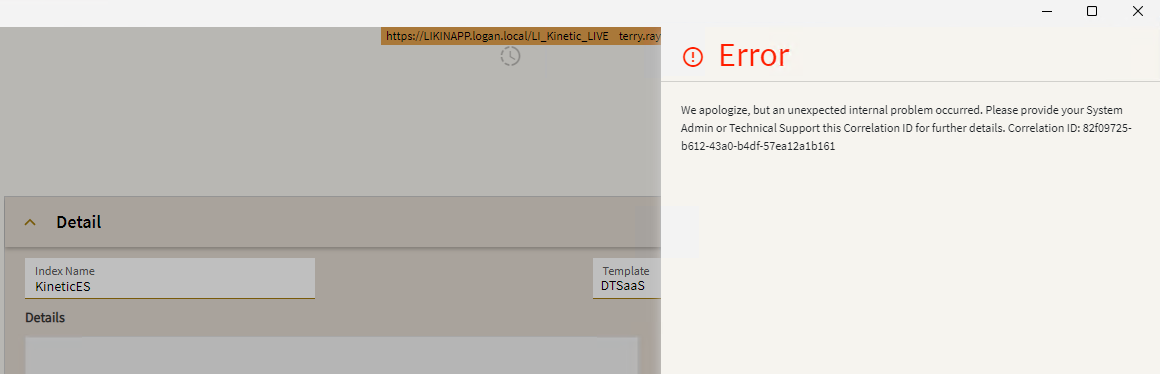
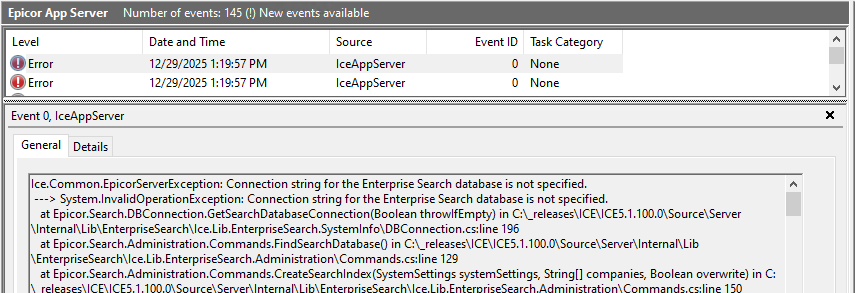
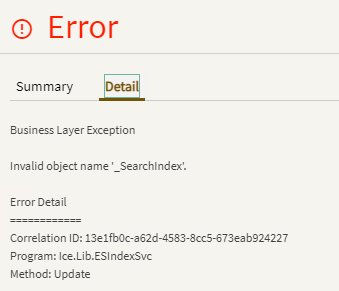
There is no ES Index defined yet, so I can’t add it to Company Maintenance. But when I try to make an ES Index, I get this error (client side).
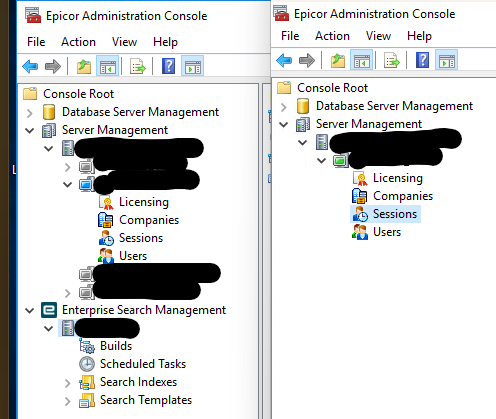
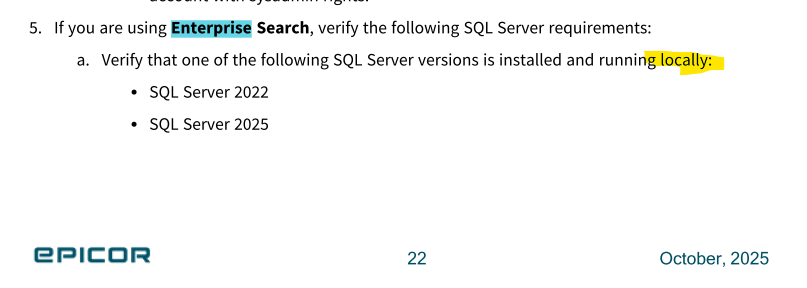
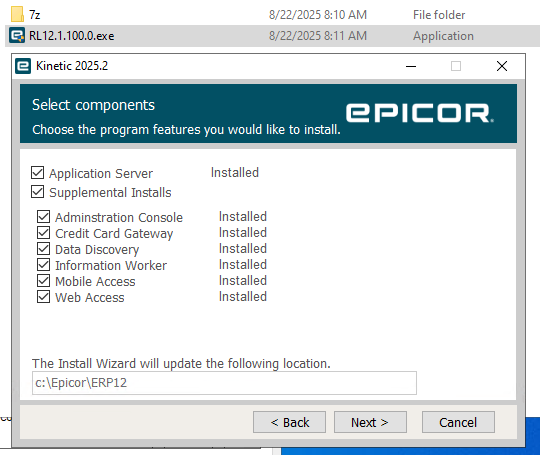
What’s the config look like in your Epicor Admin Console? Do you have a dB defined there? If you moved to new servers as part of your 25.2 upgrade you have to redeploy ES.
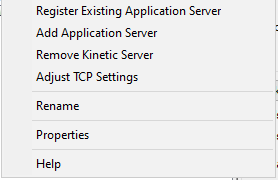
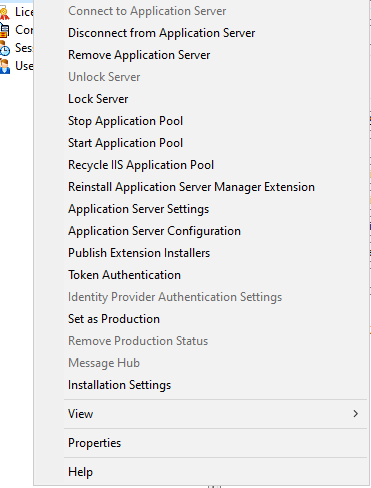
Right click your server name and you can create the dB. Then you go under Search Indexes to create your index. Once the index is created it will give you the endpoint to use in Kinetic.
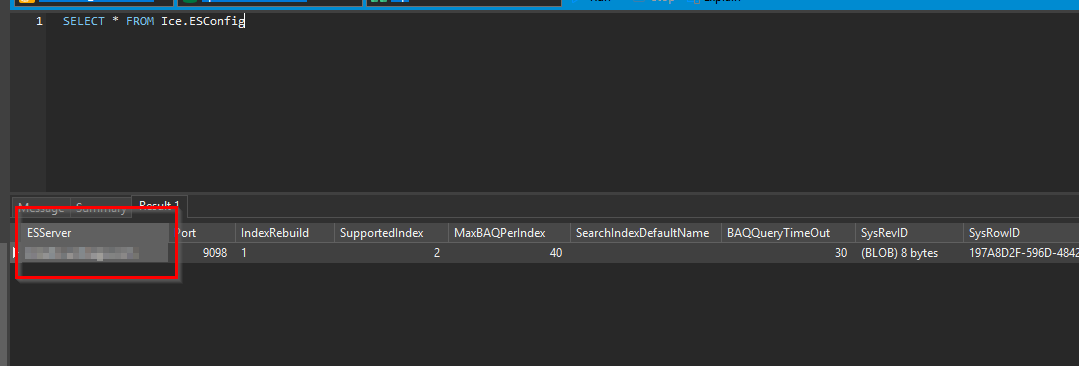
Depending on the version you are coming from this can be a bug. If you look at the table that holds the ES Config you might find that the server column is empty.
In the bug state you can’t even really open the ES Config screen.
Unofficial recommendation that I got from Epicor after some poking is to not use the recurring option built in the screen. Set the processes required to run for 29 minutes and put them on a 30 min interval task agent process that is recurring.
Well all I can do is laugh. The search index got corrupted or something, so in ES Config Maintenance I said delete the database. “Are you sure you want to delete the Enterprise Search database?” “Yes.” And it deleted the entire Kinetic Live database…!!