I’ve been tasked with sending out a graph (EDD Chart) every morning via email. Currently, the user is posting a print screen into their email. They don’t want an attached report. I’m stumped on a solution. Before I go back and say it can’t be done automatically–any suggestions??
EDD is not friendly for this kind of thing. Create a BAQ that shows the data you need. Expose the BAQ via Access Scope and API. Use Excel Power Query Editor to pull the BAQ data. Create the chart in Excel. Use Excel VBA to push the image into an email and send it.
However, as I am sure someone will point out, no one really wants a chart in their email every morning.
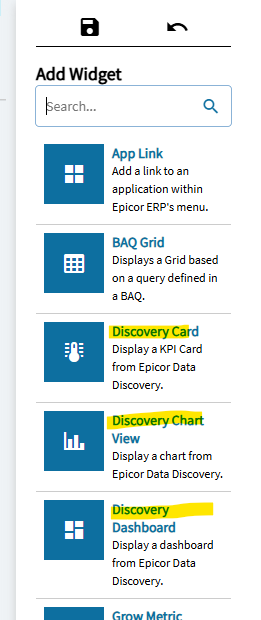
A better approach might be to add the chart to their Kinetic Layout, so its the first thing they see when they open Kinetic in the morning. I believe you can add EDD charts to Kinetic Layouts.
I ended up creating an SSRS report and convinced them they can click an attachment to see the data. In my previous job, I used Domo to serve all that stuff out and it nicely embeds data into an email. I’m looking at Power BI.
Thank you; yes I was checking out options to embed in the email. A 10 minute report was turning into hours–so I told them it has to be delivered in a report. In future, I’m going to probably use Power BI to serve out the data.
I have executives that don’t want to log in–they want to see a quick snapshot of specific data in an email. I understand why. It’s a non value add to have to log into a system they are looking at high level data.
Same…did it in Access/ODBC…emails a few toplevel forms every morning via PDF. If desired, they can log in and drill down into the details. Best of both worlds.