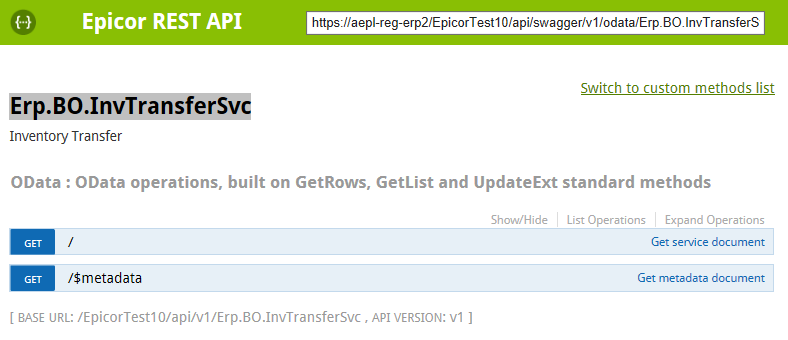
Has anyone tried doing an Inventory Transfer with the REST API? I scanned the list in the Swagger UI and saw:
Erp.BO.InvTransferSvc and didn’t think much of it. Fast forward to today and their are no ways to actually do this. I am on 10.1.600.13.
1 Like
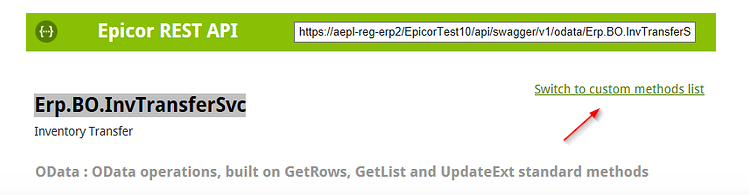
You’ll need to use the Custom Methods. InvTransferSvc is not a CRUD type BO so the REST generator is probably not smart enough to figure out what to do. Use the Custom Method
Or do what I do, and use a UBAQ
4 Likes
Thanks Jose!
I have done some work building a inventory transfer form.
Purely from rest
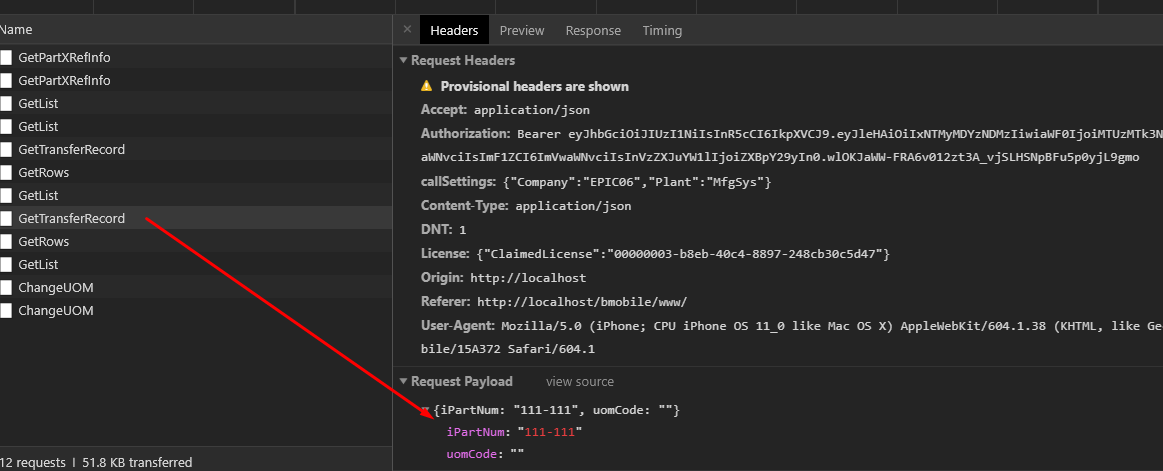
GetTransferRecord with the part you wish.
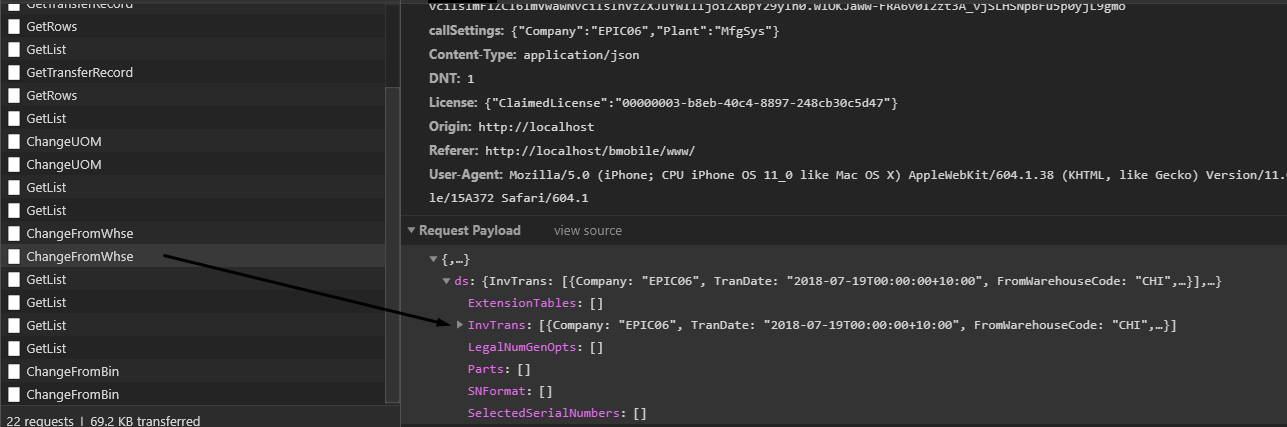
For each change of From/To Whse / Bin call the relevent Change Custom method with the dataset going through… (don’t forget RowMod U)
For change of UOM similar deal as above call relevant ChangeUOM method and send dataset through (dont forget RowMod U)

When you are ready to process it can be tricky and depends on if you want to do exactly what the front end traces do. Ill just assume that you want to do all the nested calls. From my past work there was 3 calls…
NegativeBinTest will take the following and if the result of the transfer is going to be a negative it will respond with a warning message. If it will not result in a negative inventory it will just be empty.
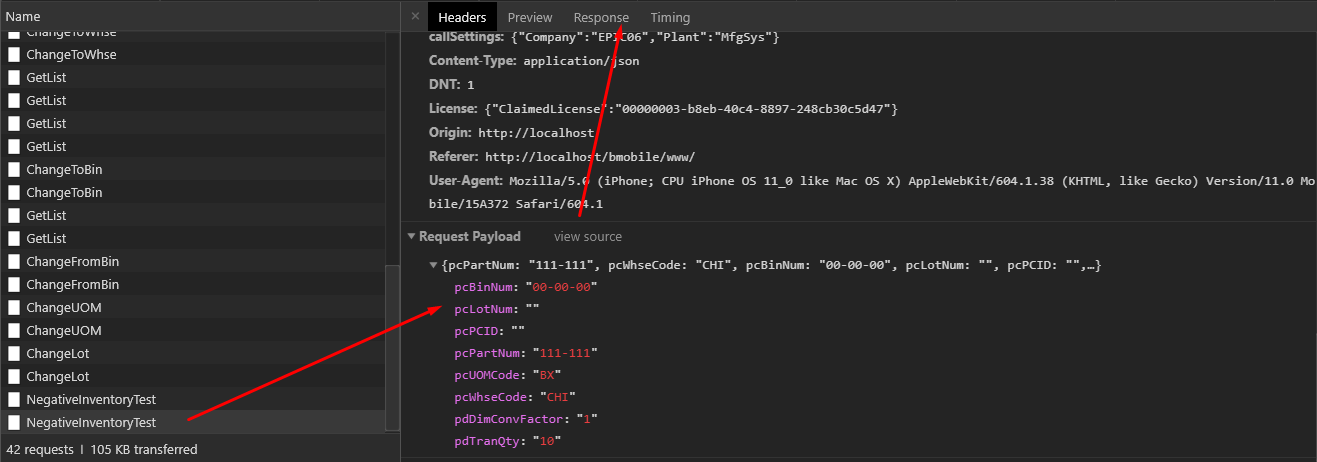
Negative warning
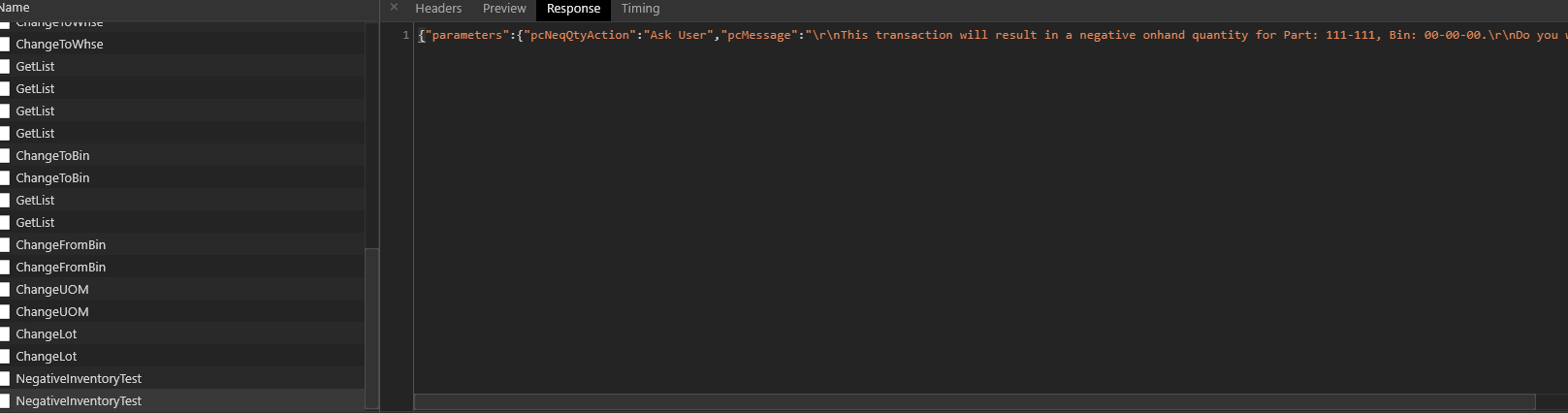
No warning.

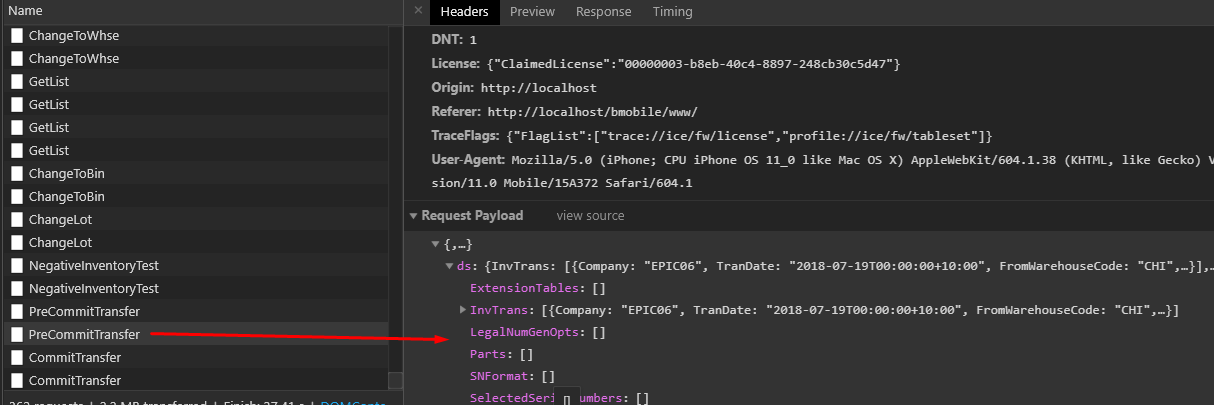
PreCommitTransfer is run however I dont believe that I ever figured out what that call does. Again RowMod U
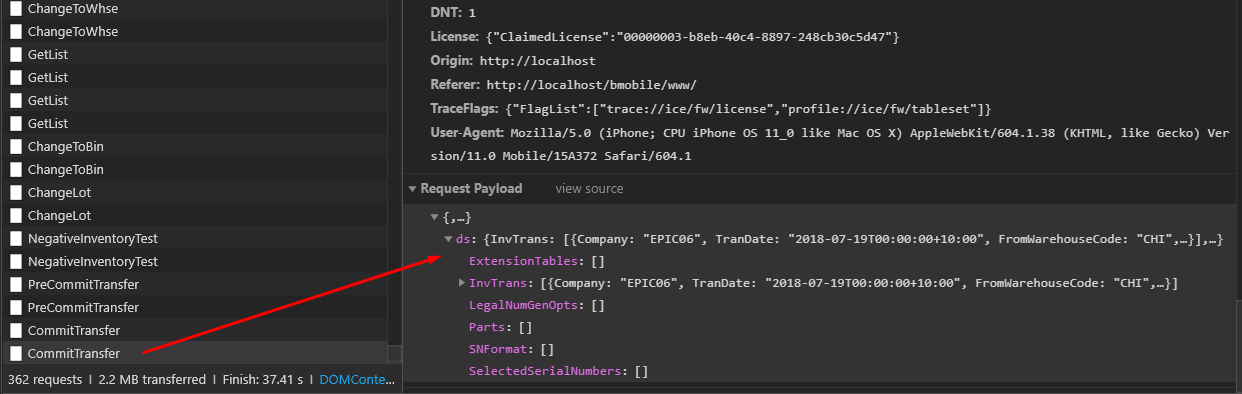
CommitTransfer is the last method that will execute the move in the backend. Again RowMod U
Here is the record in the ERP.PartTran table

That is a brain dump of doing a inventory transfer purely from REST. Hope it helps.
6 Likes
@josecgomez What objects/tables do you start with for your UBAQ? I was headed down this same road and quickly decided that UBAQ was my answer, but I’m stuck on where to start, because this isn’t a CRUD type.
Just do a trace and replicate it. Your UBAQ just needs some sort of table to launch off… PartBin?
Then on GetList post processing or Update() within your UBAQ you replicate the trace logic.