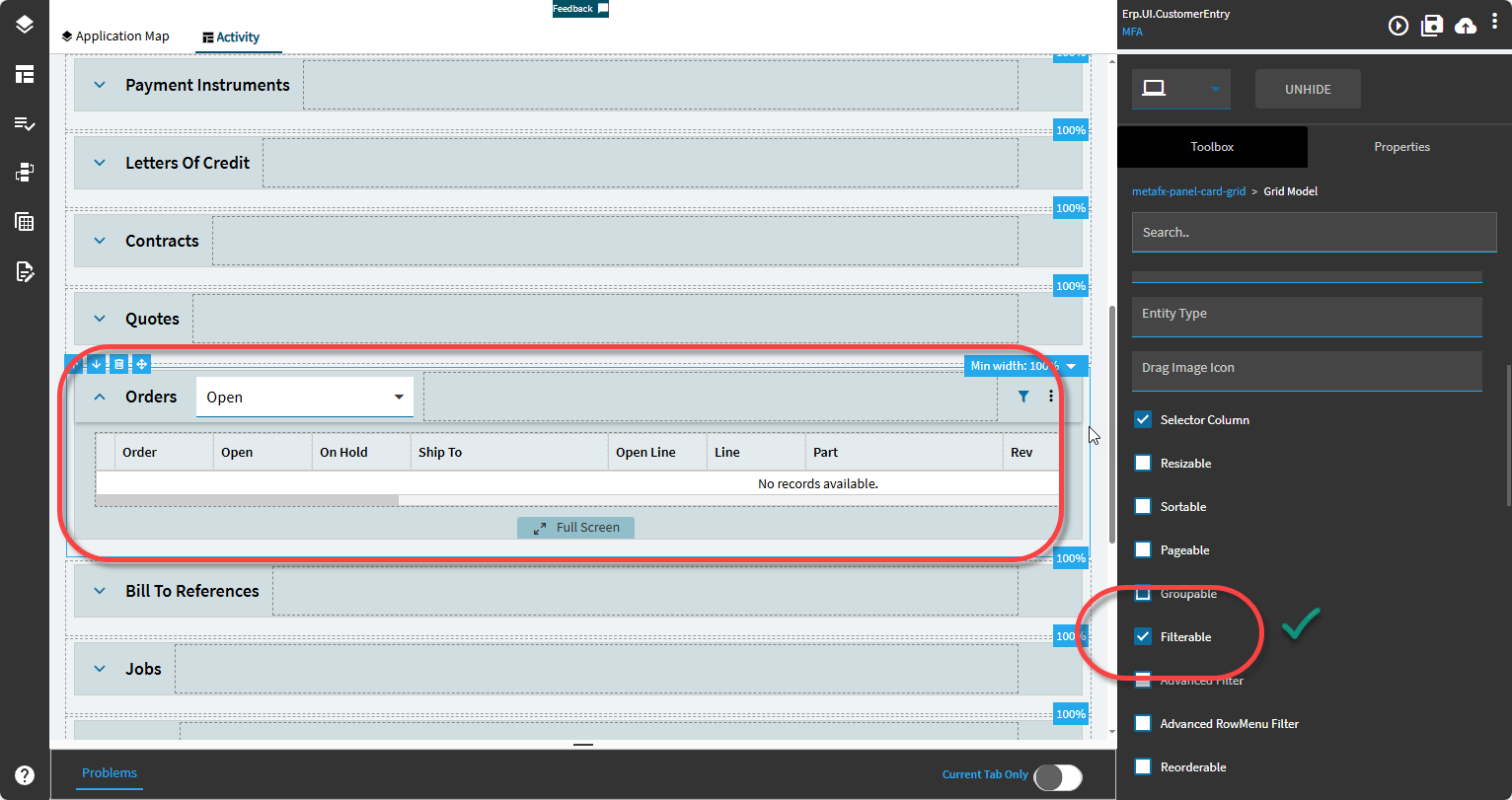
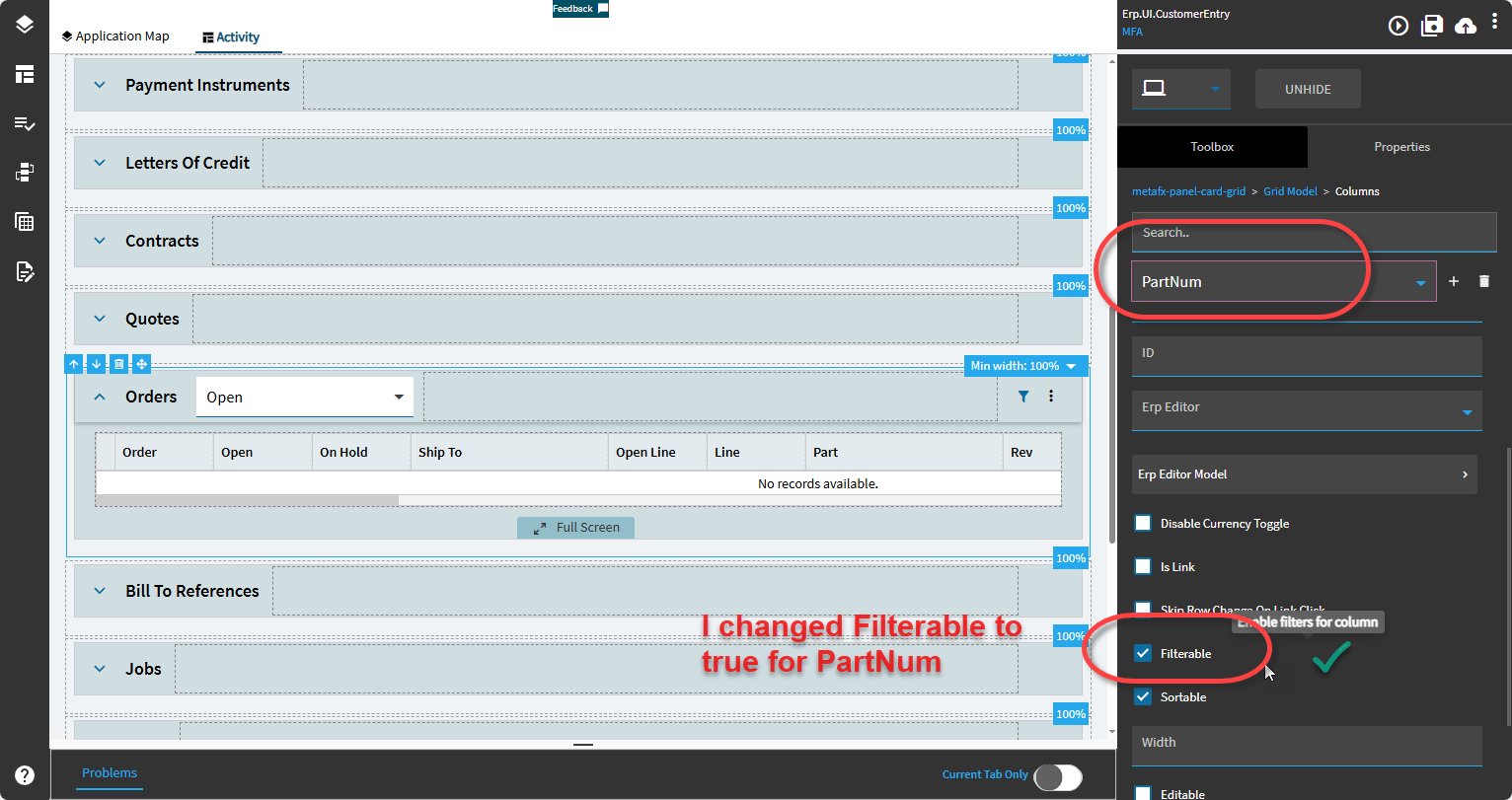
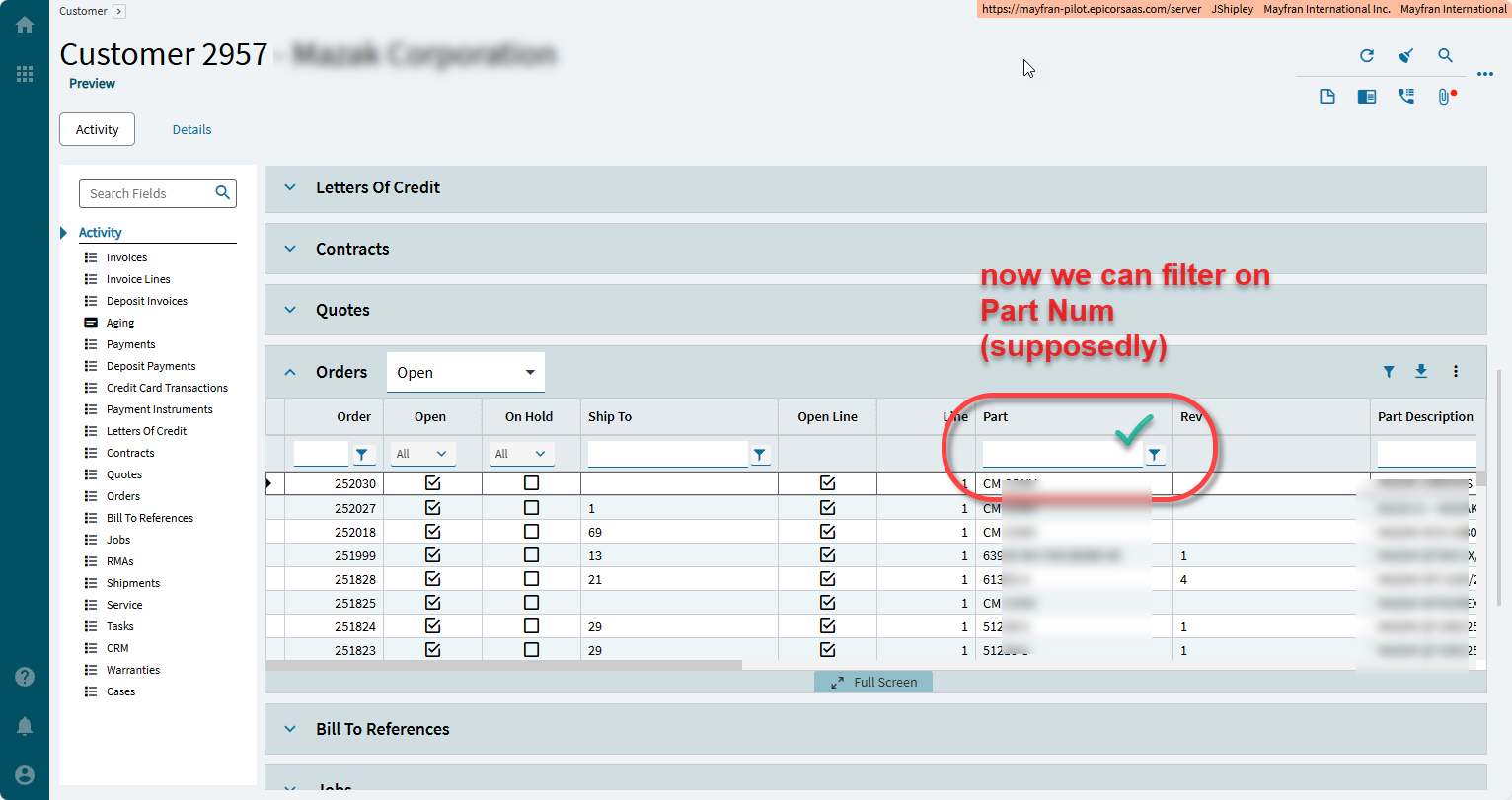
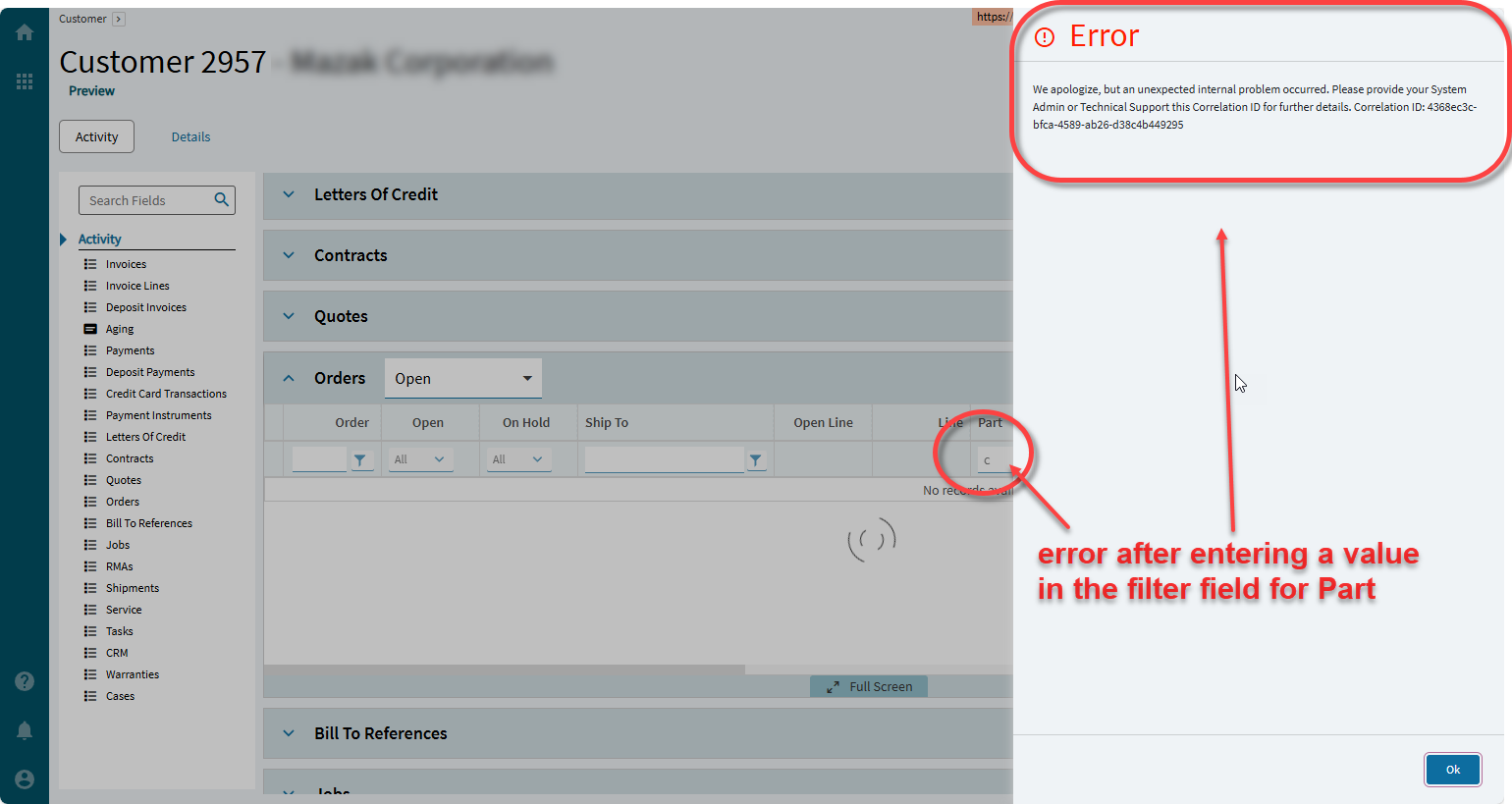
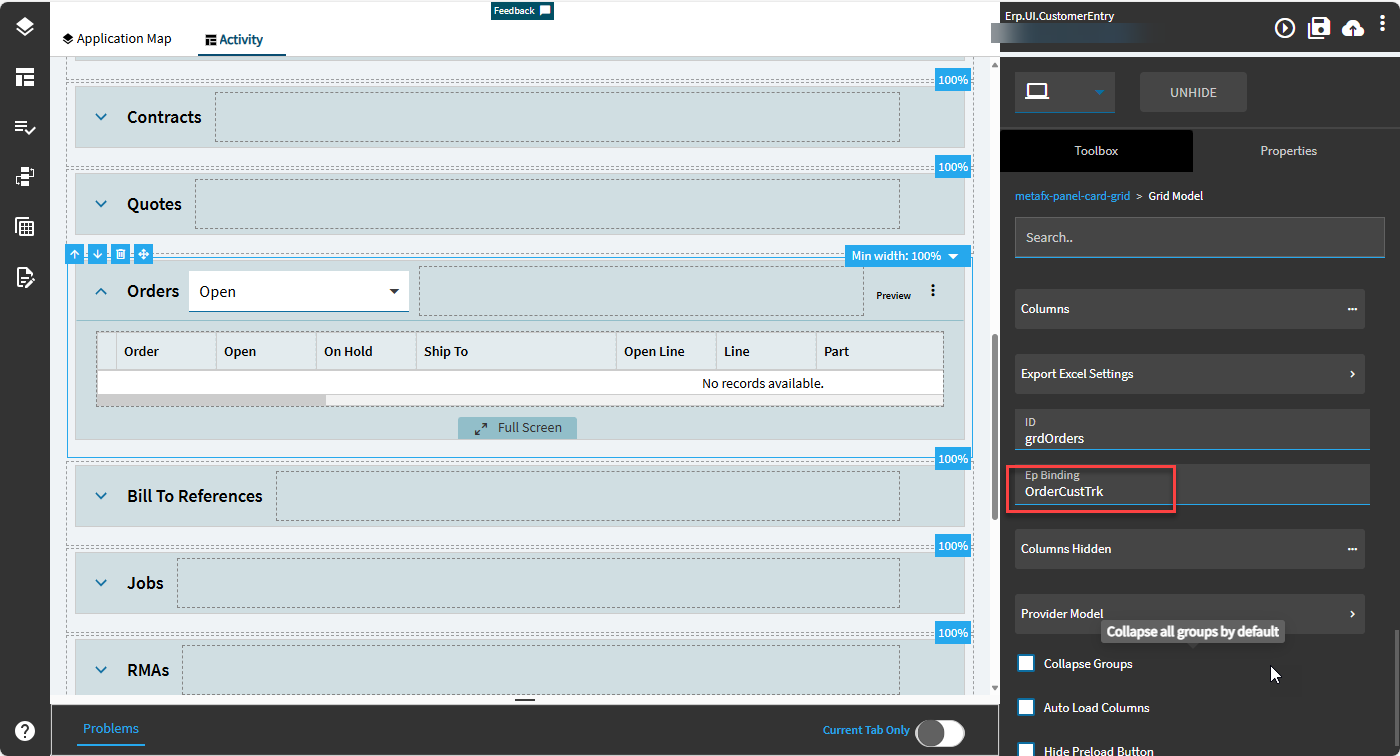
A user wants to be able to filter by Part Number in the Customer Tracker > Activity > Orders grid. By default there is no filter on that field when you enable the filter row. So I created a customization to enable the filter on that field and when you enter something in the filter box there is an error. Seems like it should work.. ?
Screens:
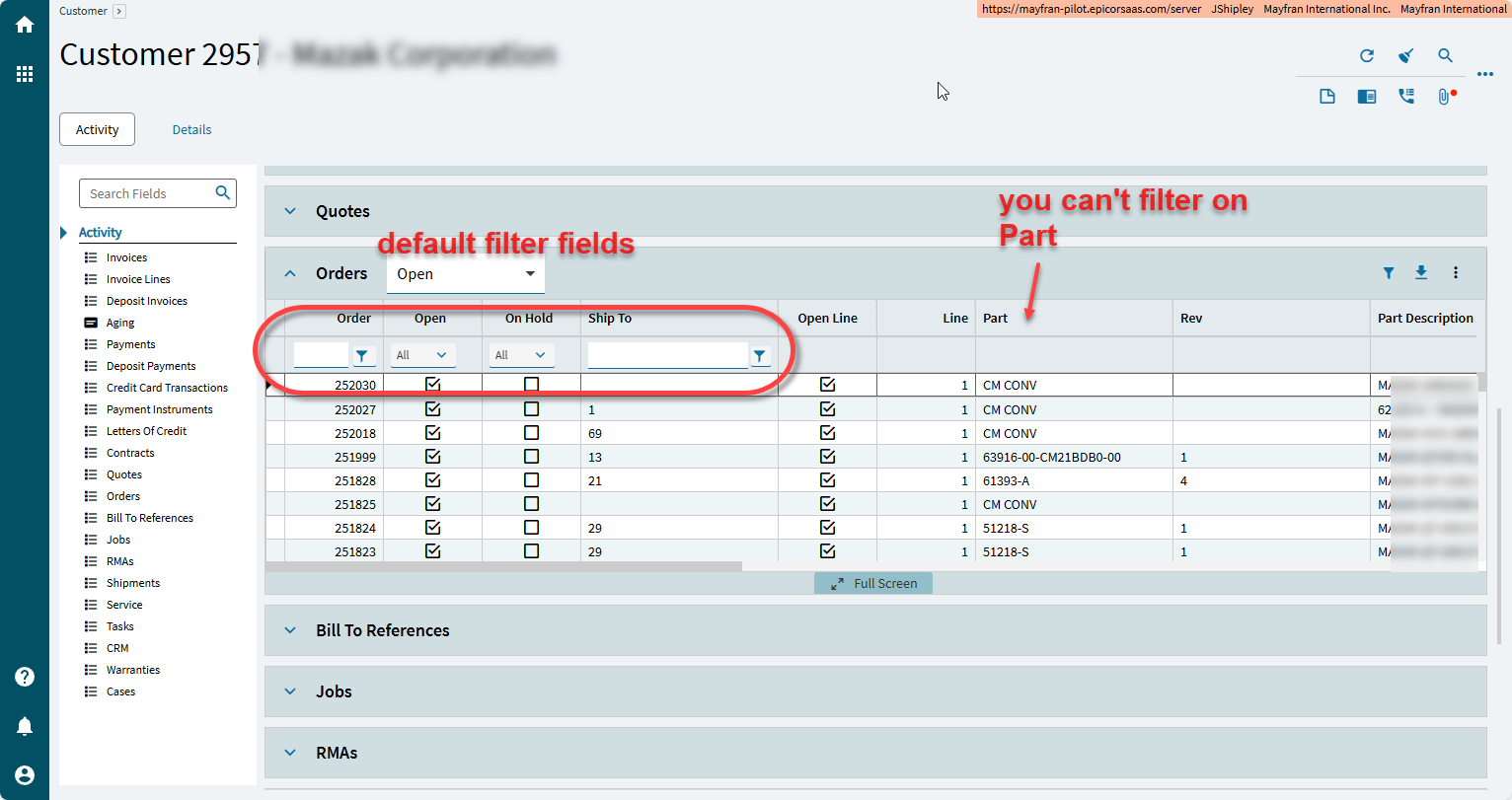
Here is the default filtering when you enable the filter for the Orders grid:
If you’re on prem, you can get it off your app server directly. Though the SaaS method may work for you as well.
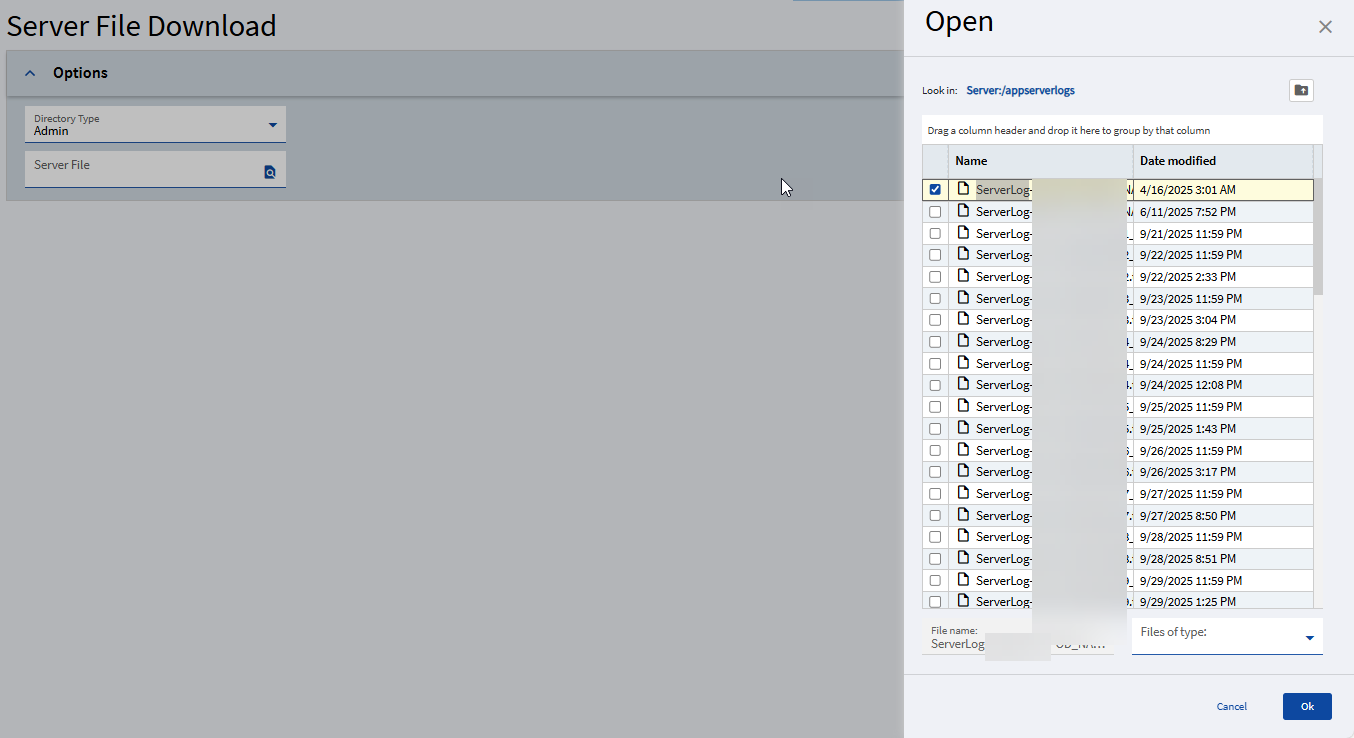
If you’re SaaS, then you’ll have to use Server File Download. Select Admin then search and wait for it to populate and find the correct dated log file in appserverlogs folder:
Column is already filterable if it is a native part of the BO method
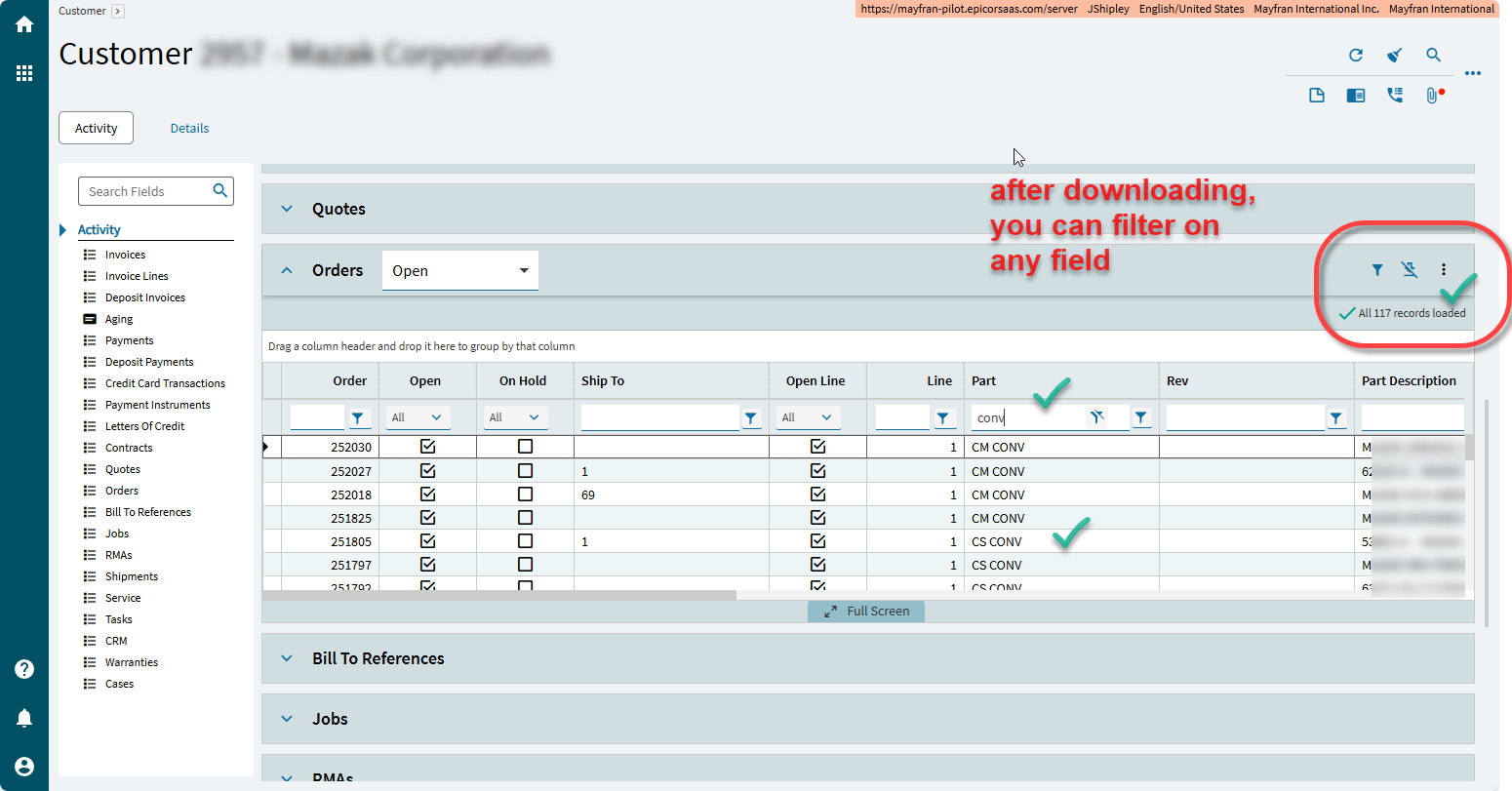
If you click the download button then you can filter anything.
Of course you are limited to filtering the records that you downloaded (say 500). You can override that.
@Mark_Wonsil will soon explain how wasteful that is…
Kind-of hack to this: If POs cannot be filtered by supplier name nor supplier ID (for example), you might find that supplier number (the integer) is hidden but is a default filter. (Been there.)
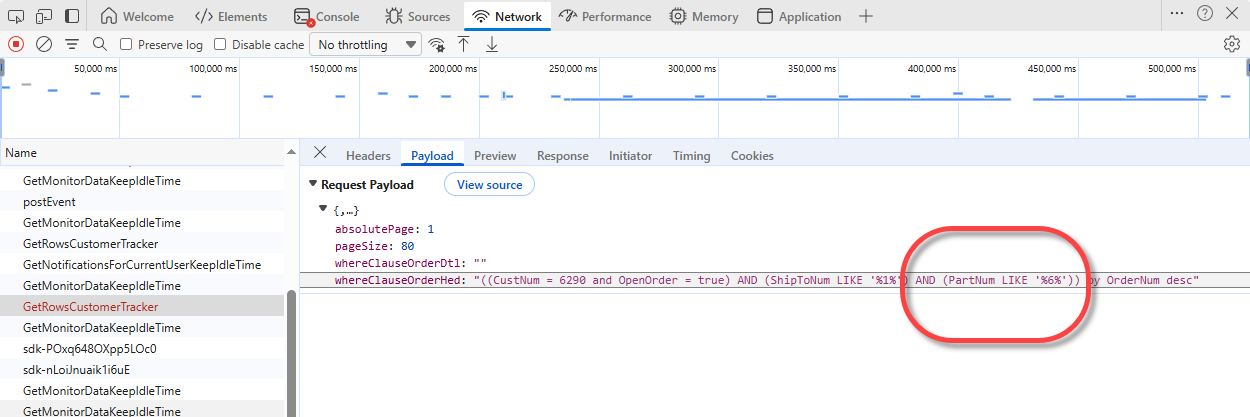
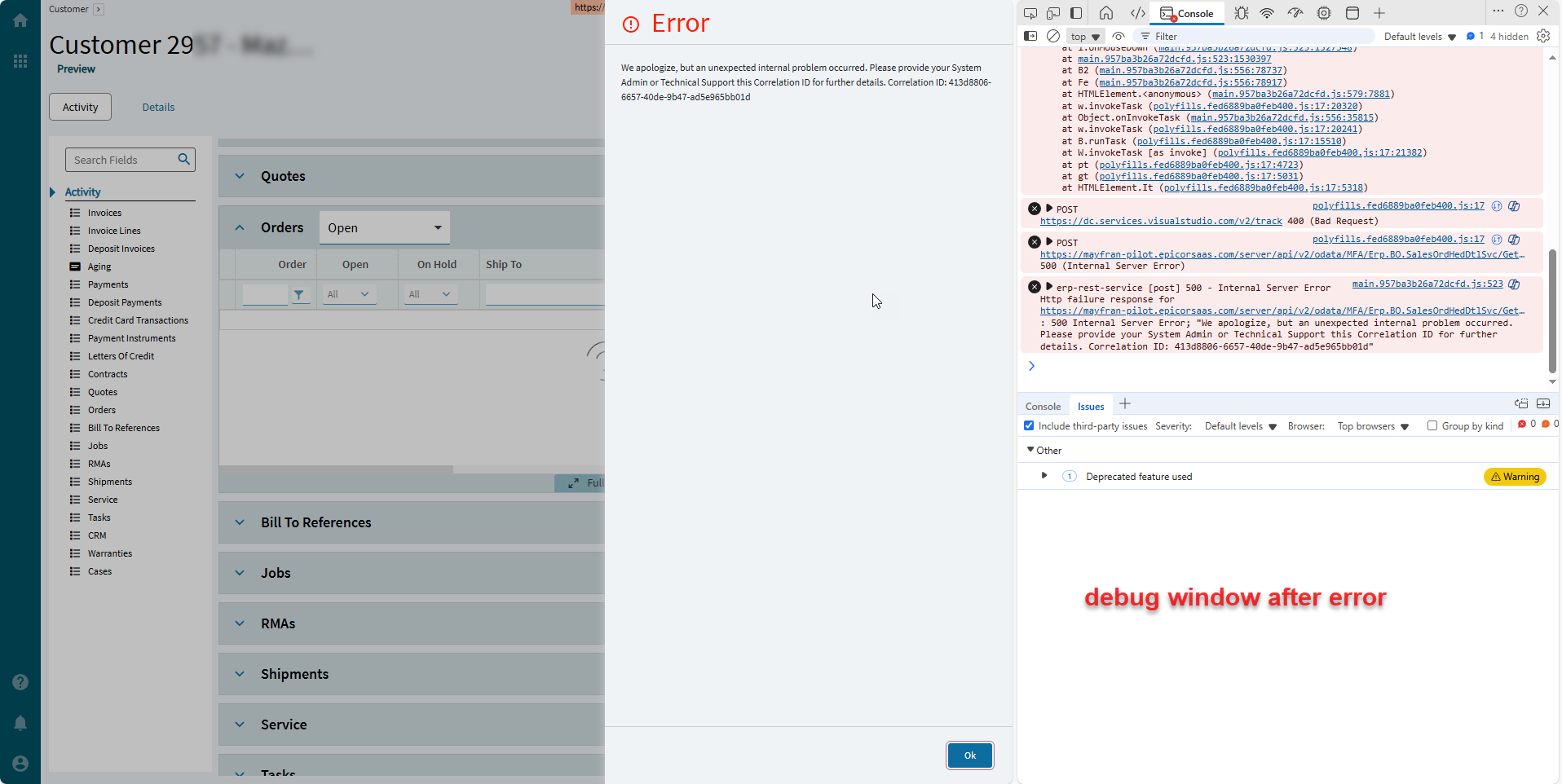
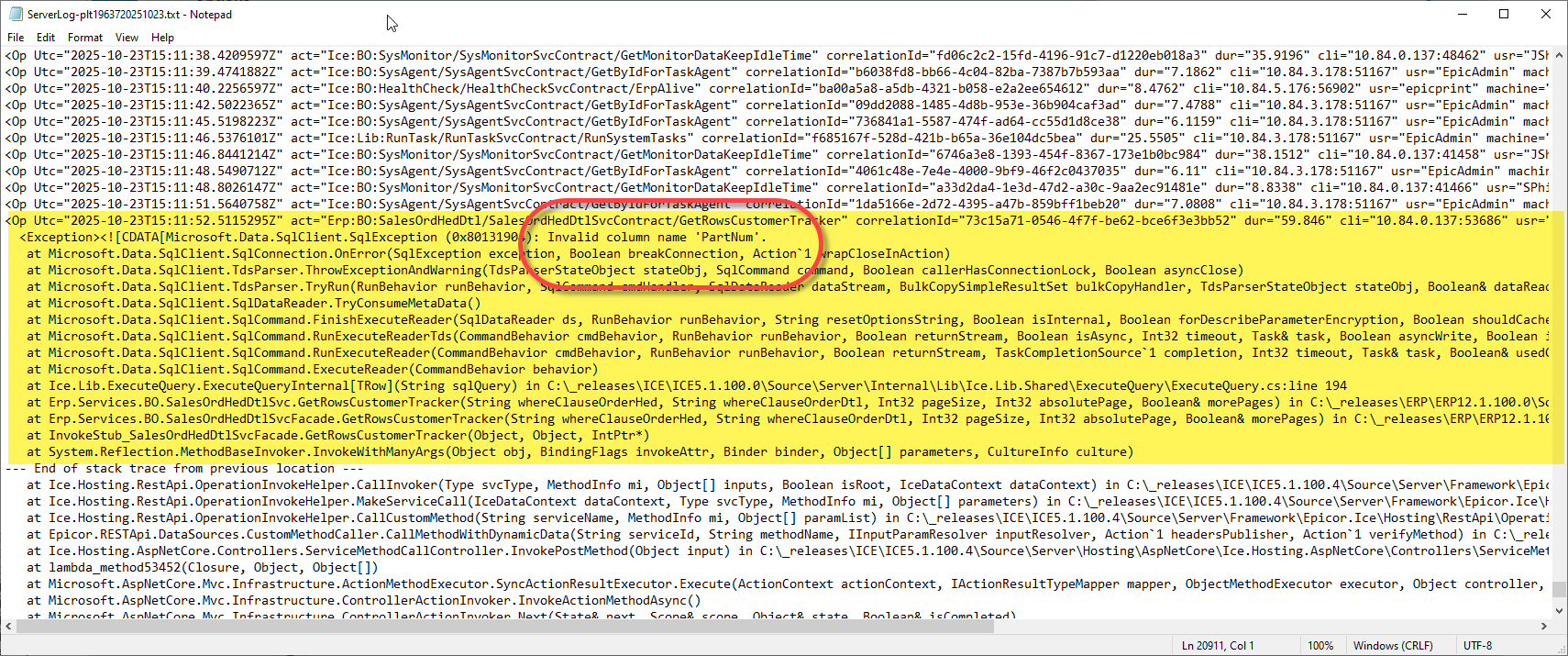
OK I poked around a little more in the debugging and was able to find the source of the error (I think). It looks like it is querying OrderHed and PartNum is not a field in that table:
 then you can filter anything.