Its not really clear what you are doing. If you start at the beginning of your process and explain what steps you have done and at what point you are getting the error somebody can probably help. For example, is this a new baq report and this is the first time you are trying to save the record? Or this is an existing report and you are trying to upload a revised rdl? Or something else?
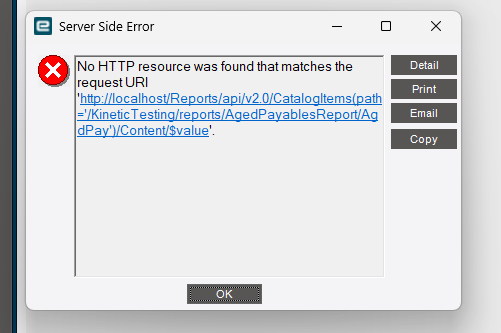
This specific issue is tied with saving a new report. When we go to save, the error is reporting that the path cannot be found (404). If we call the path from the application server via filepath in the URL, it gives a 404. If we call the path with GUID instead of filepath in the URL it works.
As an update to this issue, currently working with Epicor on a support case. The issue with this is known. The fix was recommended to be catching up all SQL and SSRS Cumulative Updates. Once I am able to test this, will update thread.
No issue copying report styles for me in 2025.2.10 (LIVE), or 2025.2.14 (PILOT)
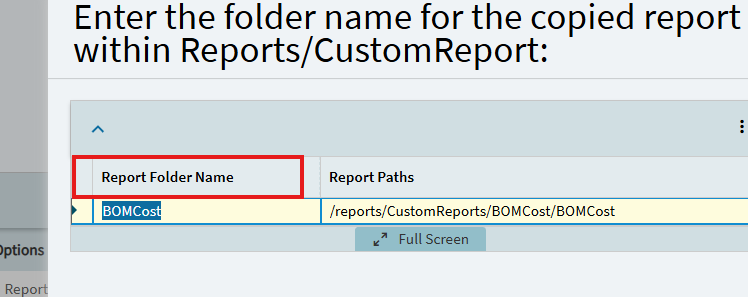
That being said… I did NOT give it any new names during the copy process. It prompts that you can change the folder… but typically the report styles all live together. I don’t want the file structure to change.
I let it create the new style as “Standard - SSRS - Copy”… then I’ll rename it in the details form afterwards.
Sorry Jose, not experiencing the same issue you appear to be having.