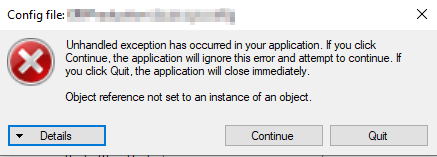
I know this method is going away, but can anybody with 2022.2 or greater use ConfigEditor.exe? Even if you don’t change anything and hit save, does it crash for you?
I know a workaround, but I’m wondering if it’s just me. This might happen in 2021.x and 2022.1 but I don’t have those installed to try.
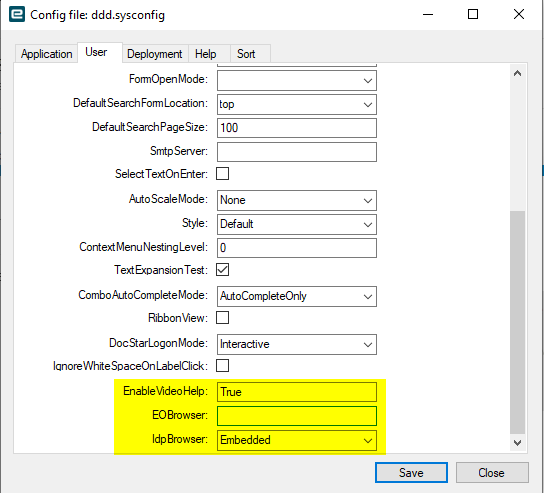
Ok, that makes sense. The configuration app has the following entries:
The XML is:
    <EnableVideoHelp value="True" />
    <EOBrowser>
      <!-- Sets the extra command line arguments for EO Browser -->
      <ExtraCommandLines value=" --use-simple-cache-backend=on" />
    </EOBrowser>
    <!--Browser to use for login with Epicor Identity Provider-->
    <IdpBrowser value="Embedded" options="Embedded|System" />
The code pulls the XML node by the name of the control, and since it’s a textbox it’s looking for the “value” attribute that is present in the other two entries shown.
Just changing it to this gets rid of the crash
    <EOBrowser value="">
      <!-- Sets the extra command line arguments for EO Browser -->
Again, not a big issue, but wanted to note it in case others had the same problem.