We’re running into this error message which is preventing us from closing a job in job closing.
Job A is producing QTY 1 serialized part. Looking at job A activity manufactured receipts, I can see that we accidently received an incorrect SN (618) from job A, noticed our mistake, unreceived it, then received the correct SN (617) from job A.
So now job activity → serial numbers shows 2 different serial transactions. The correct SN is assigned in serial number assignment, but how do I get job
A to recognize I don’t need 2 SNs so I can close it?
To further complicate matters, the incorrect SN (618) has since been received from its own job B, but now I cannot assign 618 to job B in serial number assignment because it does not appear in available serial numbers, but I cannot create it either since it already exists. It is assigned to job B on our serial number screen though…
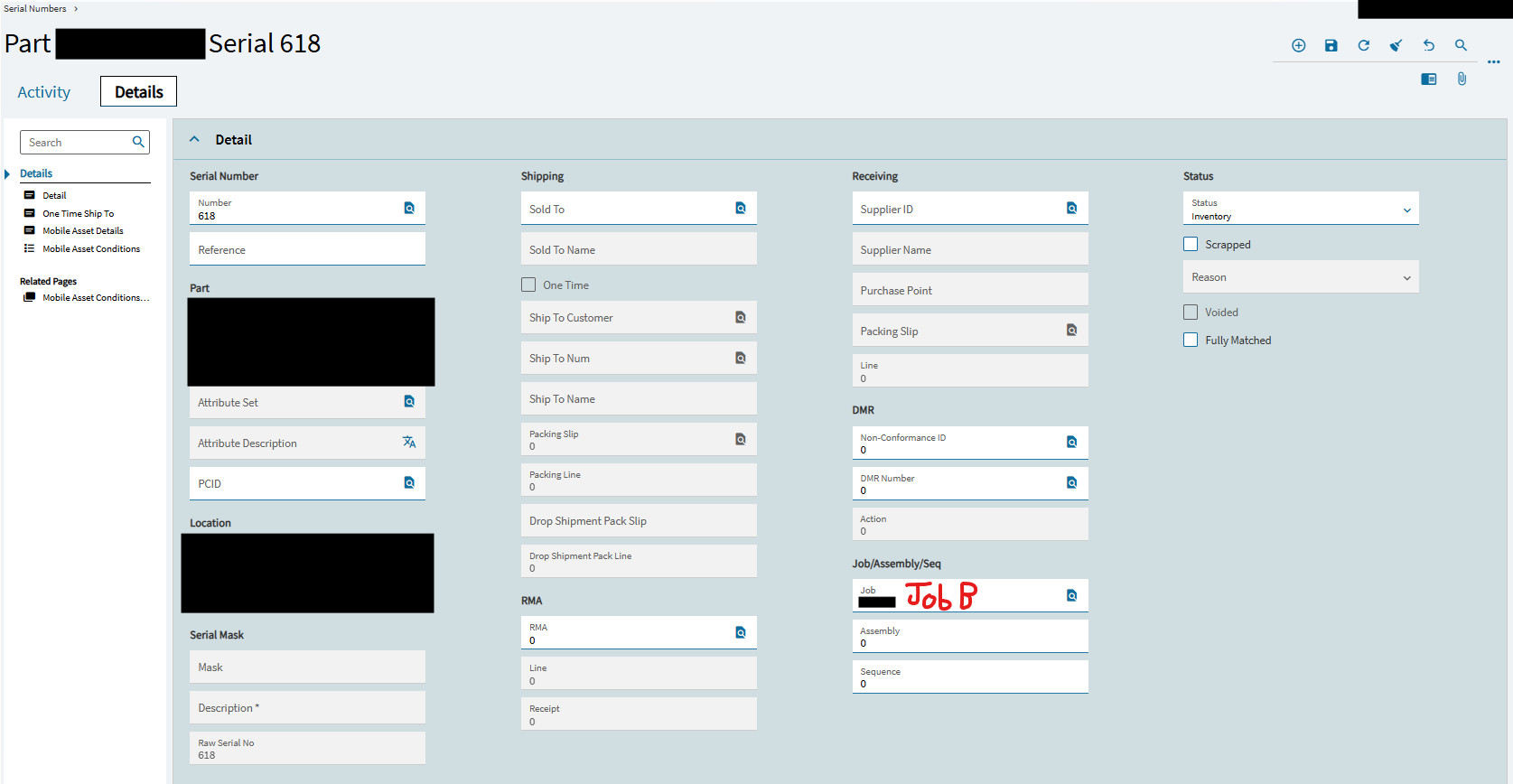
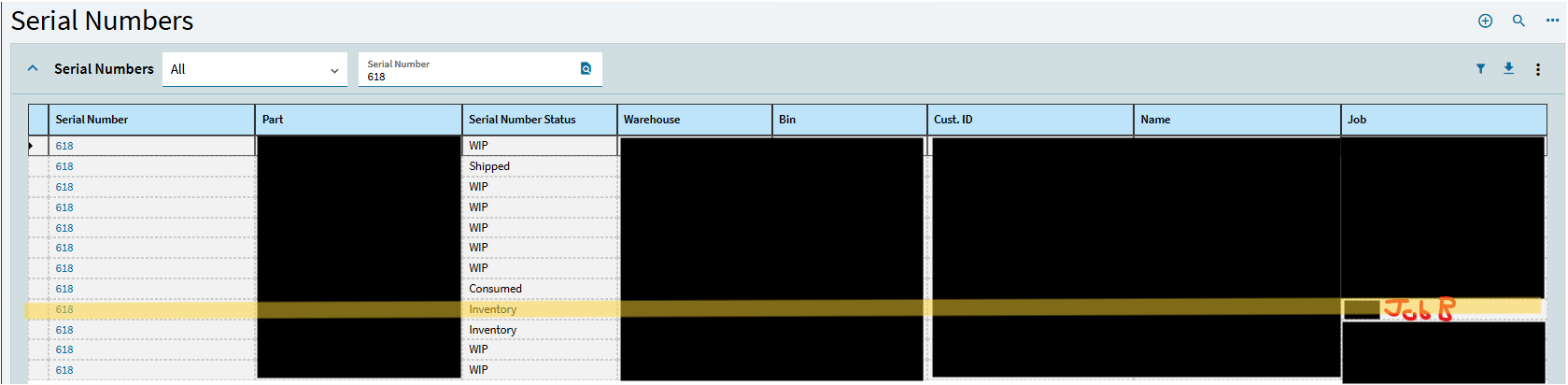
618 looks set up correctly in serial number maintenance. It’s tagged with the correct Job B, status is inventory since we’ve received it from Job B to inventory.
As far as I can tell, it shouldn’t be associated with Job A anymore.
We do have other part numbers which have their own SN 618s, but those are unrelated and the matching SNs are purely coincidental. Only the one entry is associated with the Job PN and matching Job B.