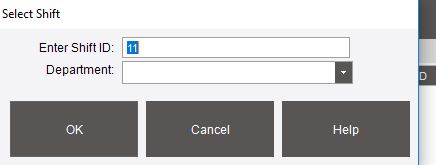
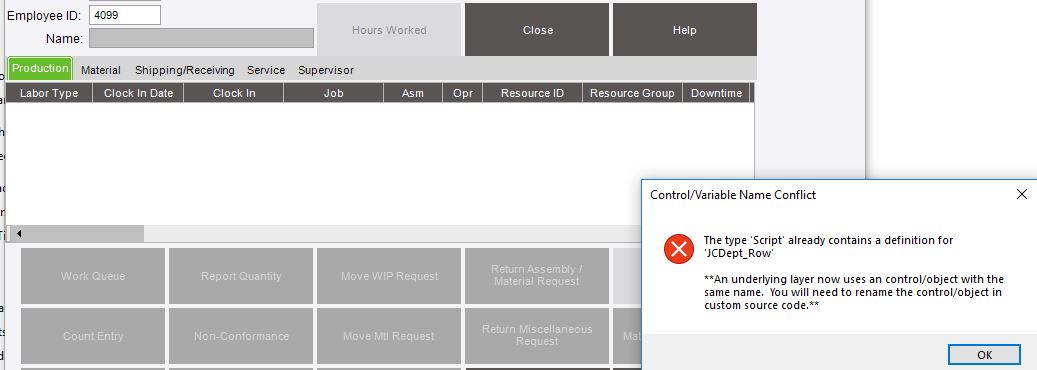
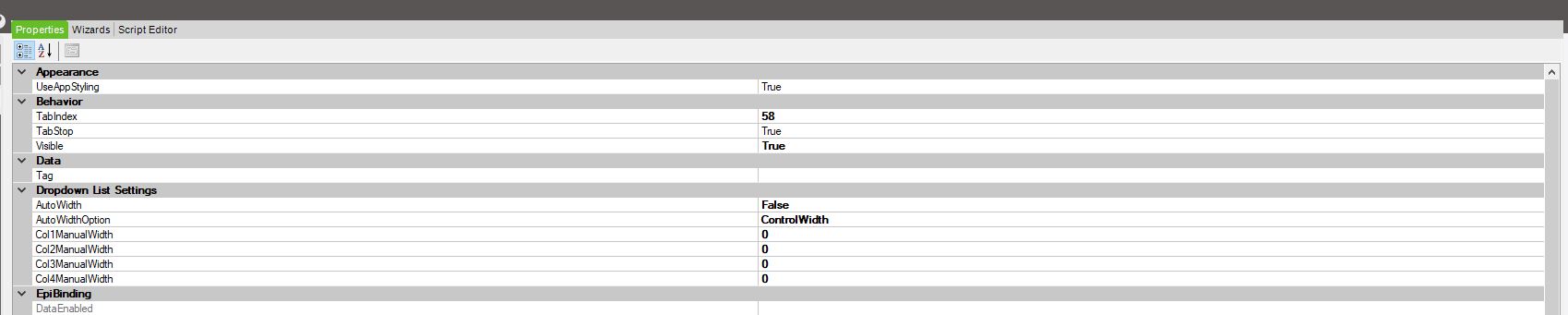
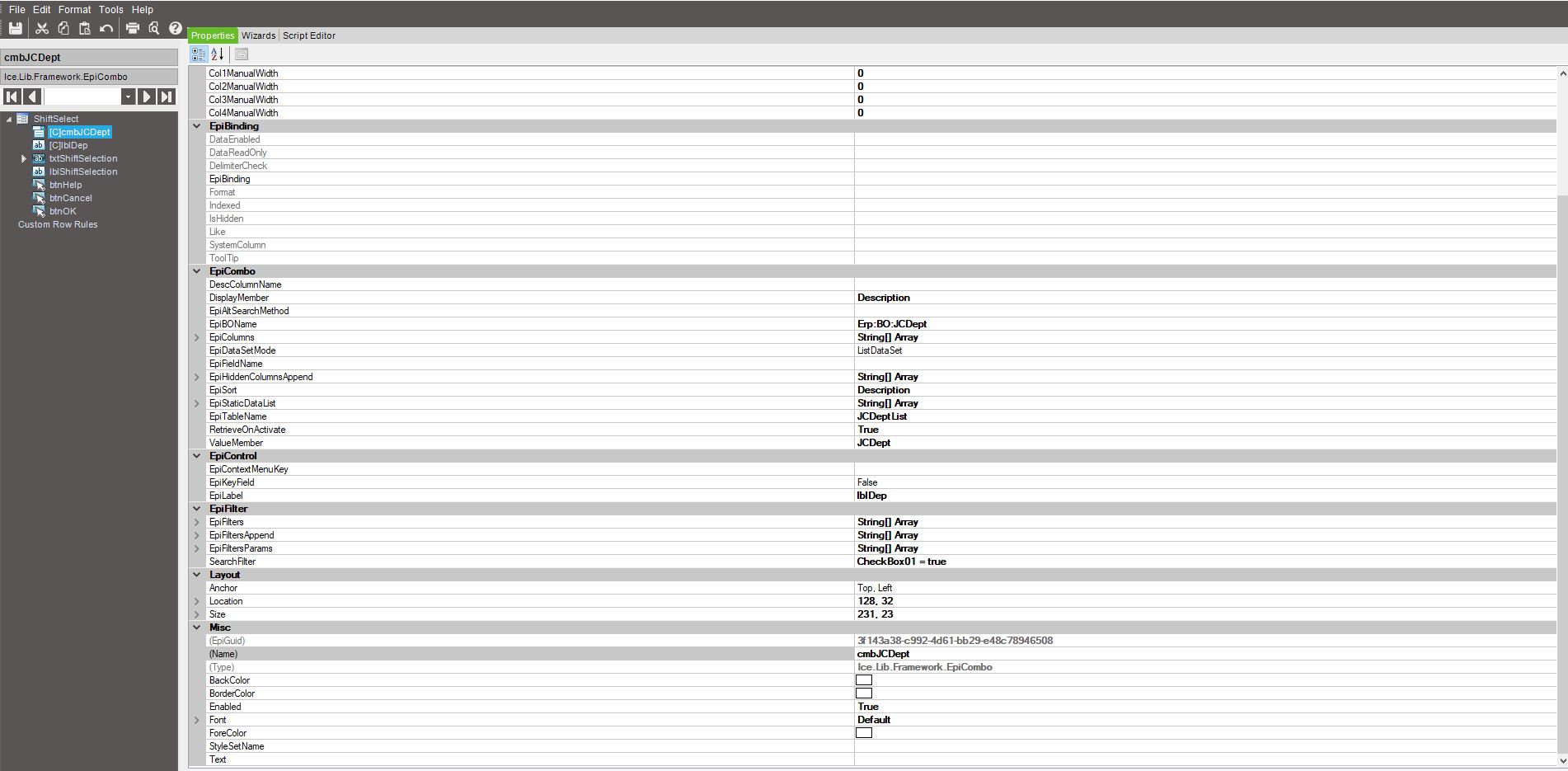
We are receiving this message the second time we clock in and the shift select menu comes up. It is customized with a combo box that retrieves from the Bo.JCDept to display departments.
I can’t figure out what the message is telling me. I tried to comment out all the code but that doesn’t help. It must be the object itself, but how do I avoid this?
Please see the photos attached.
This is the first time it is launched, it works fine:
Right now I have no code and it still throws the error:
Here is the code:
// **************************************************
// Custom code for ShiftSelect
// Created: 7/29/2016 11:52:05 AM
// **************************************************
using System;
using System.ComponentModel;
using System.Data;
using System.Diagnostics;
using System.Windows.Forms;
using Erp.Adapters;
using Ice.Lib;
using Ice.Adapters;
using Ice.Lib.Customization;
using Ice.Lib.ExtendedProps;
using Ice.Lib.Framework;
using Ice.Lib.Searches;
using Ice.UI.FormFunctions;
public class Script
{
	// ** Wizard Insert Location - Do Not Remove 'Begin/End Wizard Added Module Level Variables' Comments! **
	// Begin Wizard Added Module Level Variables **

	// End Wizard Added Module Level Variables **

	// Add Custom Module Level Variables Here **

	public void InitializeCustomCode()
	{
		// ** Wizard Insert Location - Do not delete 'Begin/End Wizard Added Variable Initialization' lines **
		// Begin Wizard Added Variable Initialization

		// End Wizard Added Variable Initialization

		// Begin Wizard Added Custom Method Calls

		// End Wizard Added Custom Method Calls
	}

	public void DestroyCustomCode()
	{
		// ** Wizard Insert Location - Do not delete 'Begin/End Wizard Added Object Disposal' lines **
		// Begin Wizard Added Object Disposal

		// End Wizard Added Object Disposal

		// Begin Custom Code Disposal

		// End Custom Code Disposal
	}

	private void ShiftSelect_Load(object sender, EventArgs args)
	{

	}
}