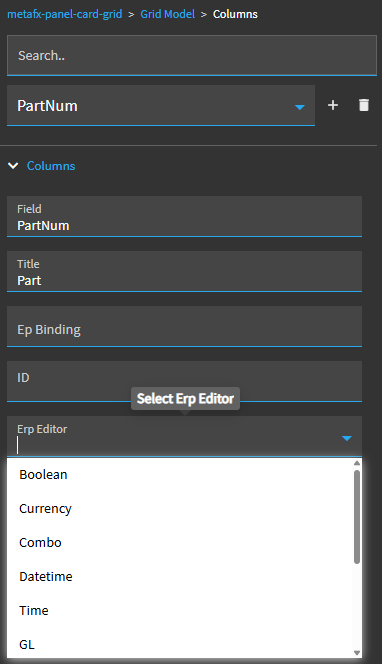
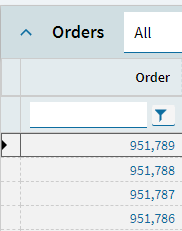
Where do I format column data in Kinetic dashboards? We have a request to add commas for large amounts on some columns and hide decimals for another, but I don’t see the format field in the grid properties fields in App Studio (like we would for a stand alone numeric field).
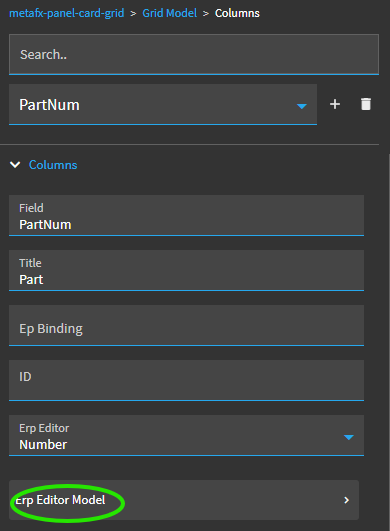
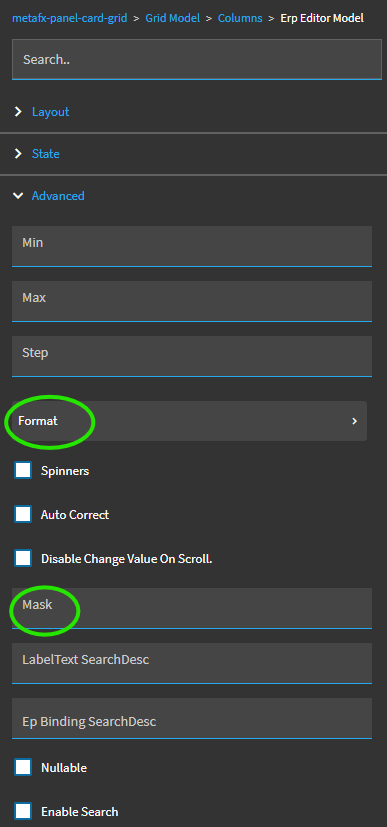
All kinds of settings in there to play with. Look under Advanced. There’s another format sub section and also a mask where you can put things like ->>>,>>>,>>9
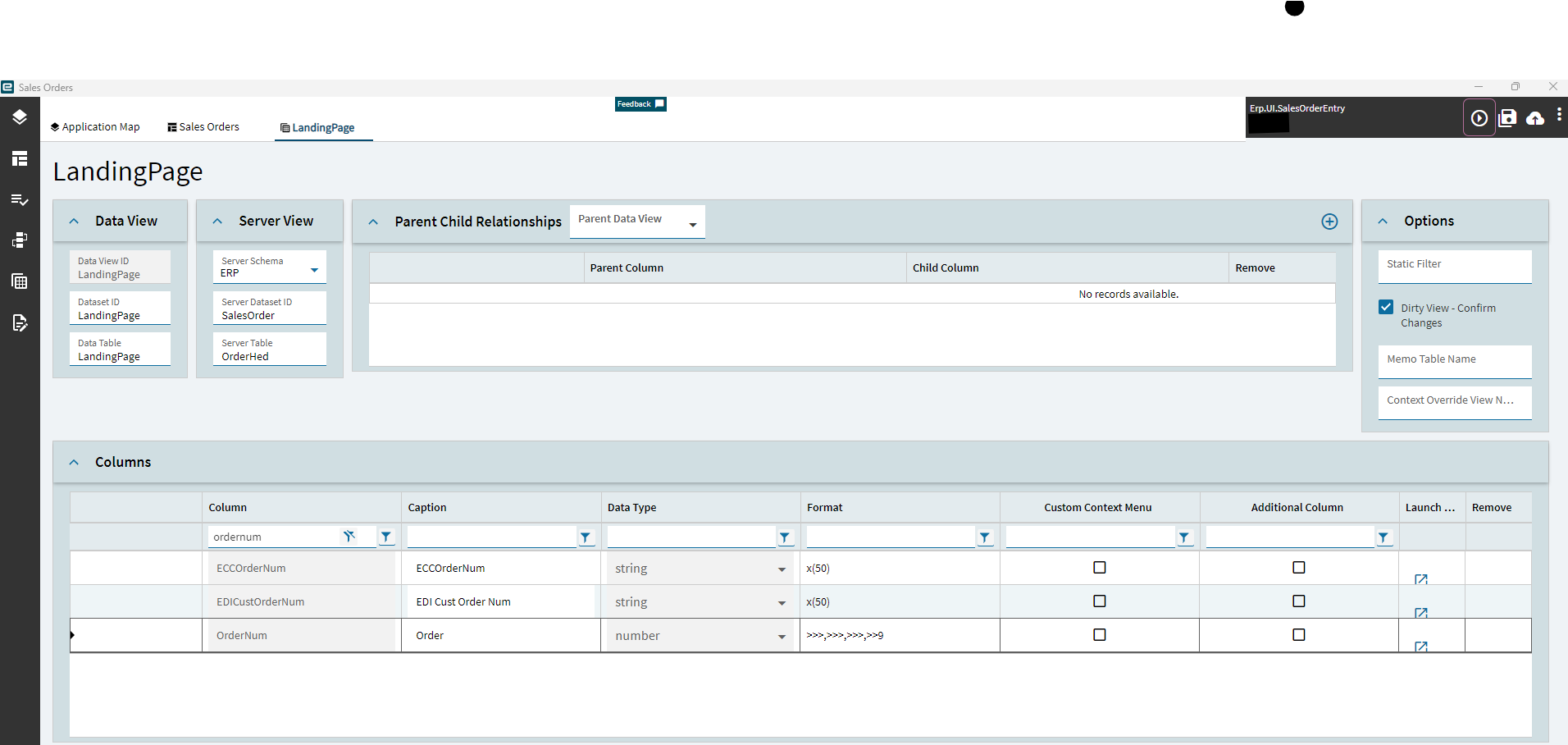
It might also be worth taking a look at the Data View and changing the format there. I changed the OrderNum in the landing page of Order Entry here for example.