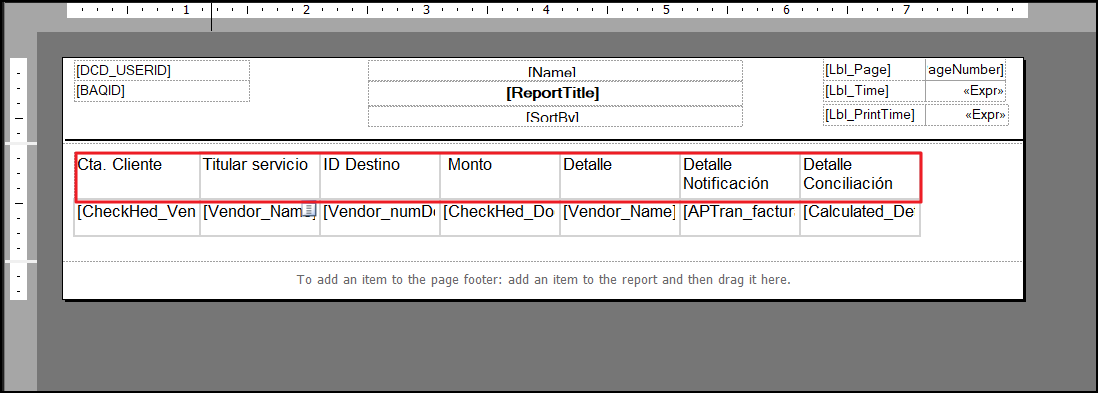
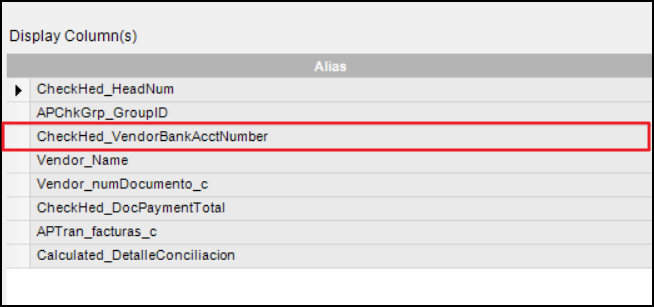
When I print the report in PDF, it prints everything correctly, with the headers configured. But for some reason, when I print the report in CSV format, it does not print the name that was placed in the design, but prints the full name of the column.
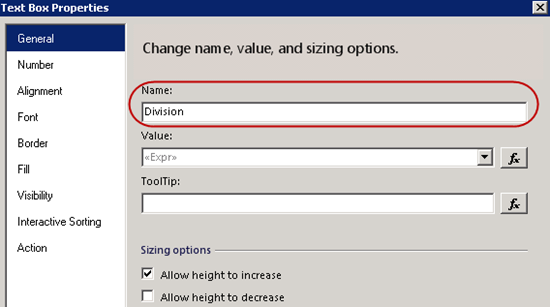
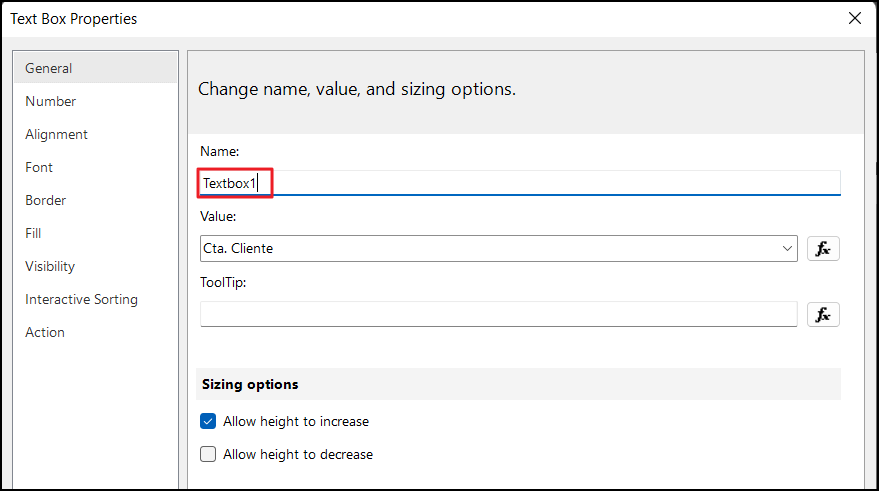
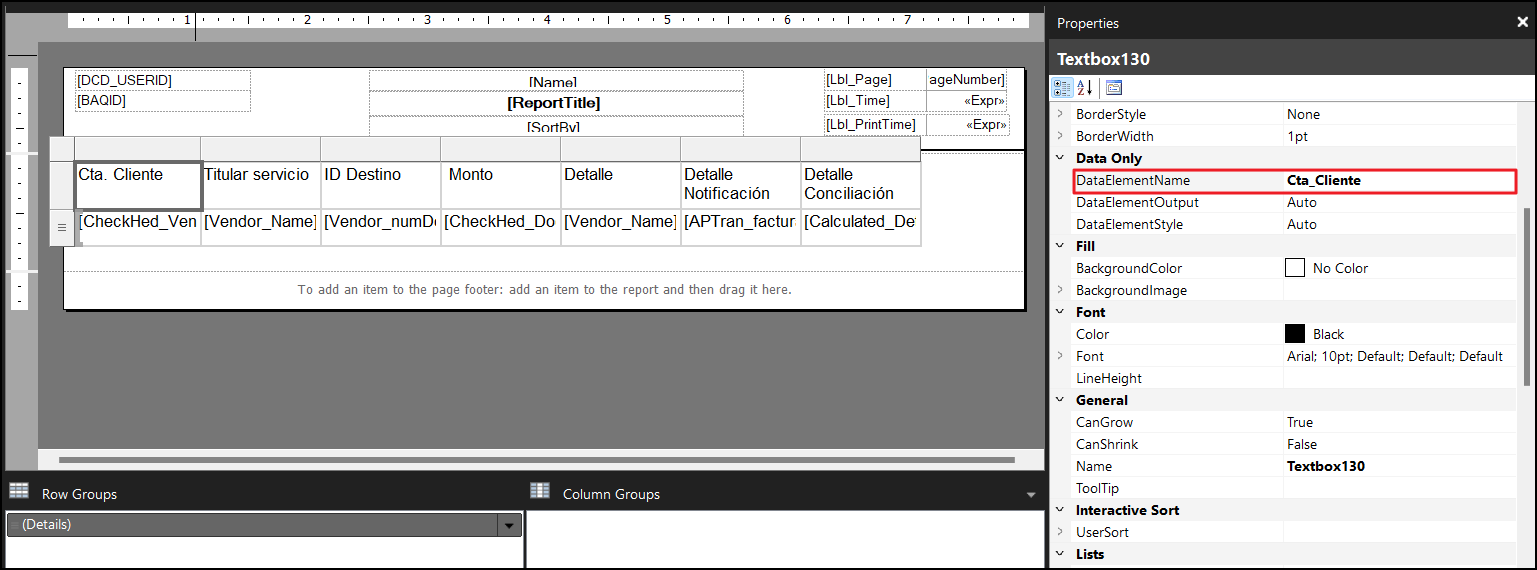
It’s in the properties window, once you have the textbox selected. I think SSRS uses this if it is set, but uses TextBox.Name if this isn’t set. I’m wondering whether you have DataElementName set?
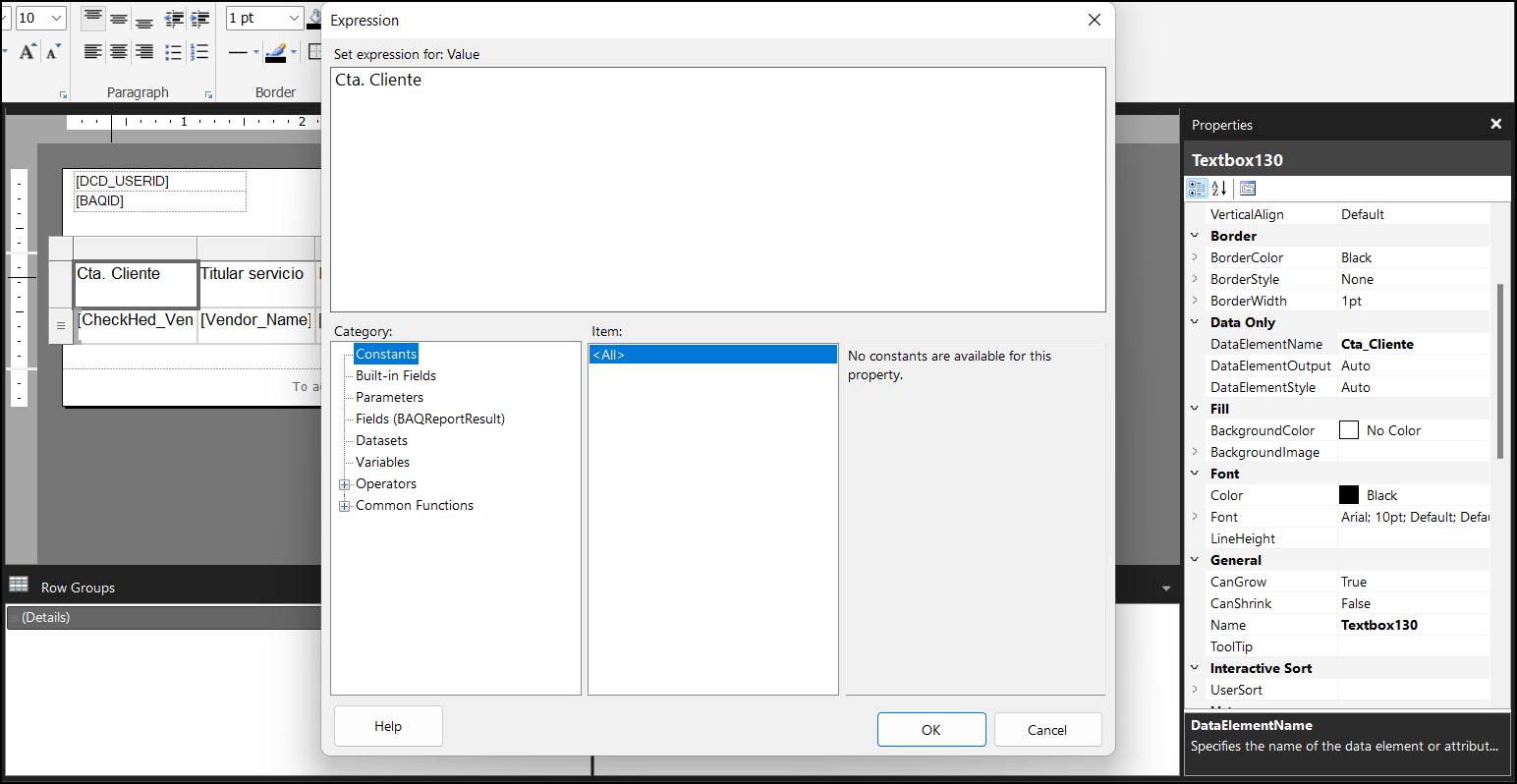
Try setting the DataElementName on this text box instead, rather than the header. It’s this name that’s being output currently, not the “Cta. Cliente” one.
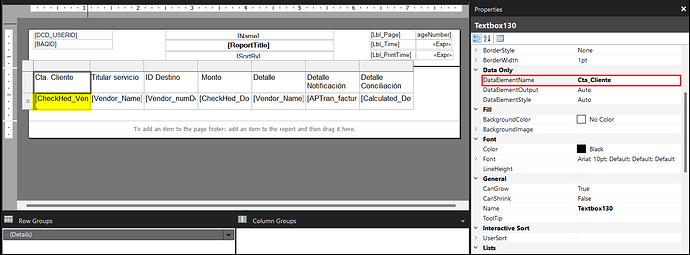
I think that entire header row is not being exported to CSV. What is being exported is the data row, the one with field names [CheckHed_Ven],[Vendor_Name]… etc etc.
You need to highlight and select the field that I show in my screenshot in yellow, and set DataElementName on that cell instead.




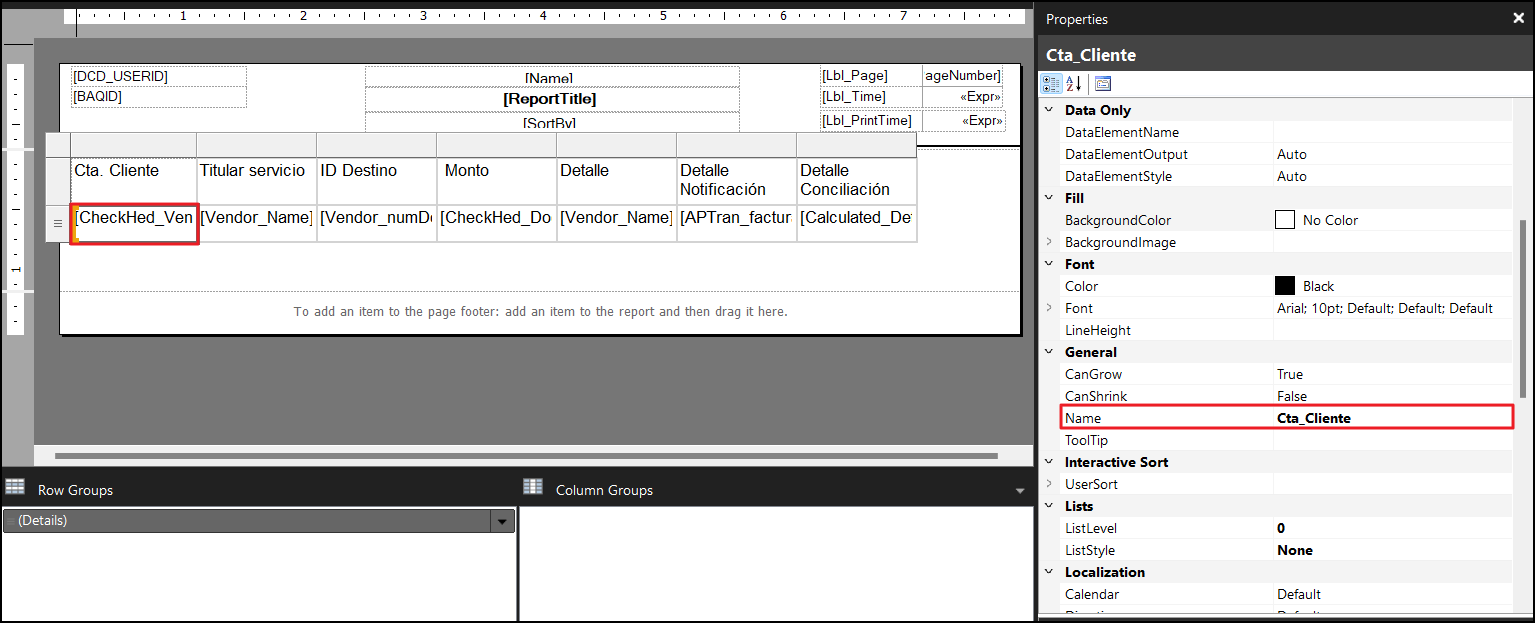

 … mostly, spaces aren’t tolerated but demonstrated that you can control the CSV header names.