Hi,
I have created 2 sheets on the part entry form, what I want to do is hide one or both depending on the product group entered on the part detail sheet.
I can’t seem to work out the code, or which wizard to use…
Thank you
Hi,
I have created 2 sheets on the part entry form, what I want to do is hide one or both depending on the product group entered on the part detail sheet.
I can’t seem to work out the code, or which wizard to use…
Thank you
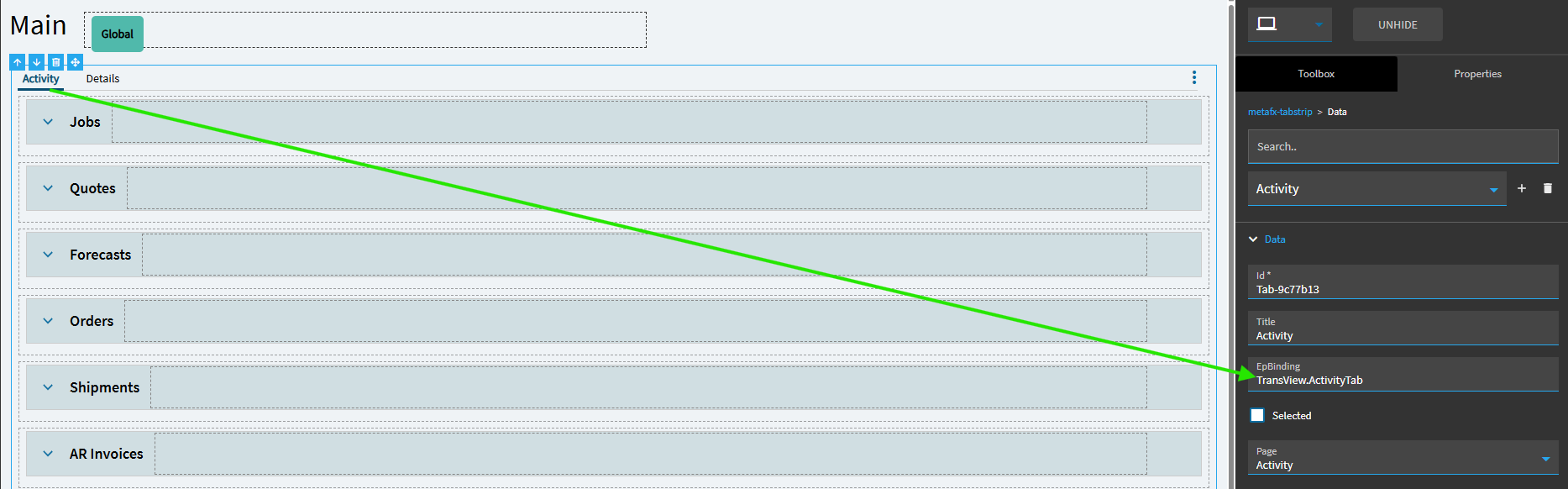
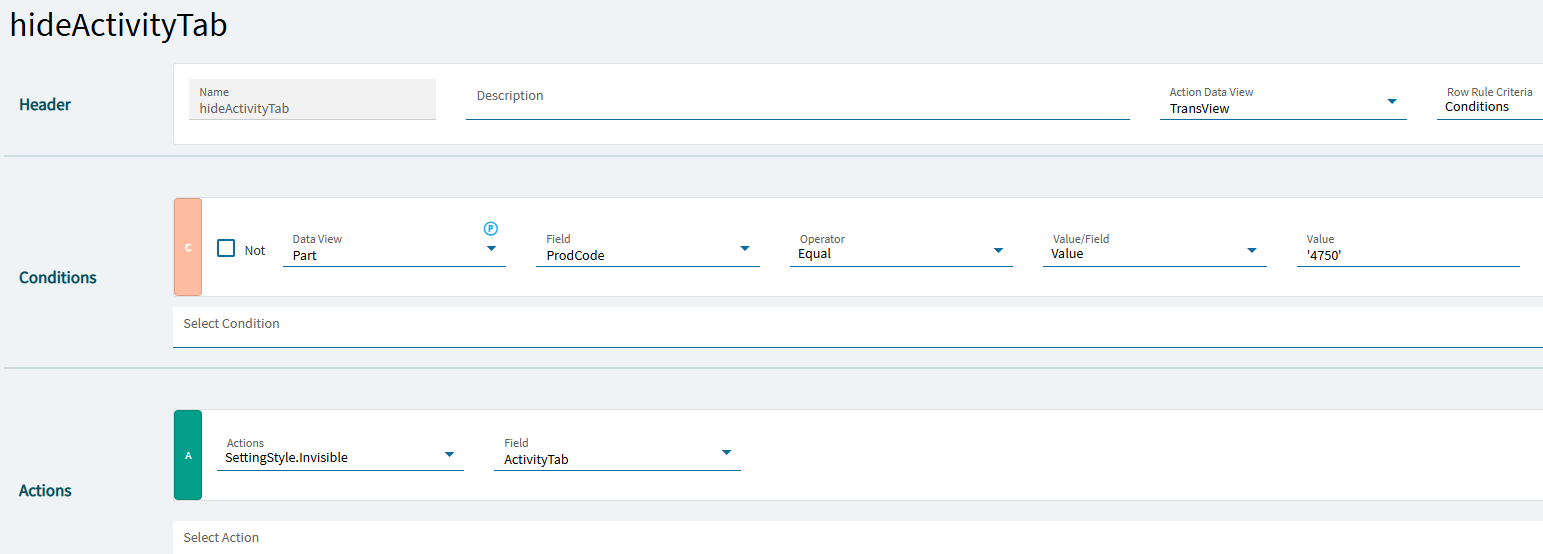
Hi, this is for a classic? screen customization we are using Epicor 10.2.600 I can’t see the forms you are showing, I think they are for Kinetic forms.
Wayne
Indeed, apologies for that. I didn’t catch you were on Classic.
I would think the approach would still be applicable, but unfortunately, I’m not familiar enough with the Classic developer screens to provide more guidance. Perhaps someone else will chime in with some more details.
Hi,
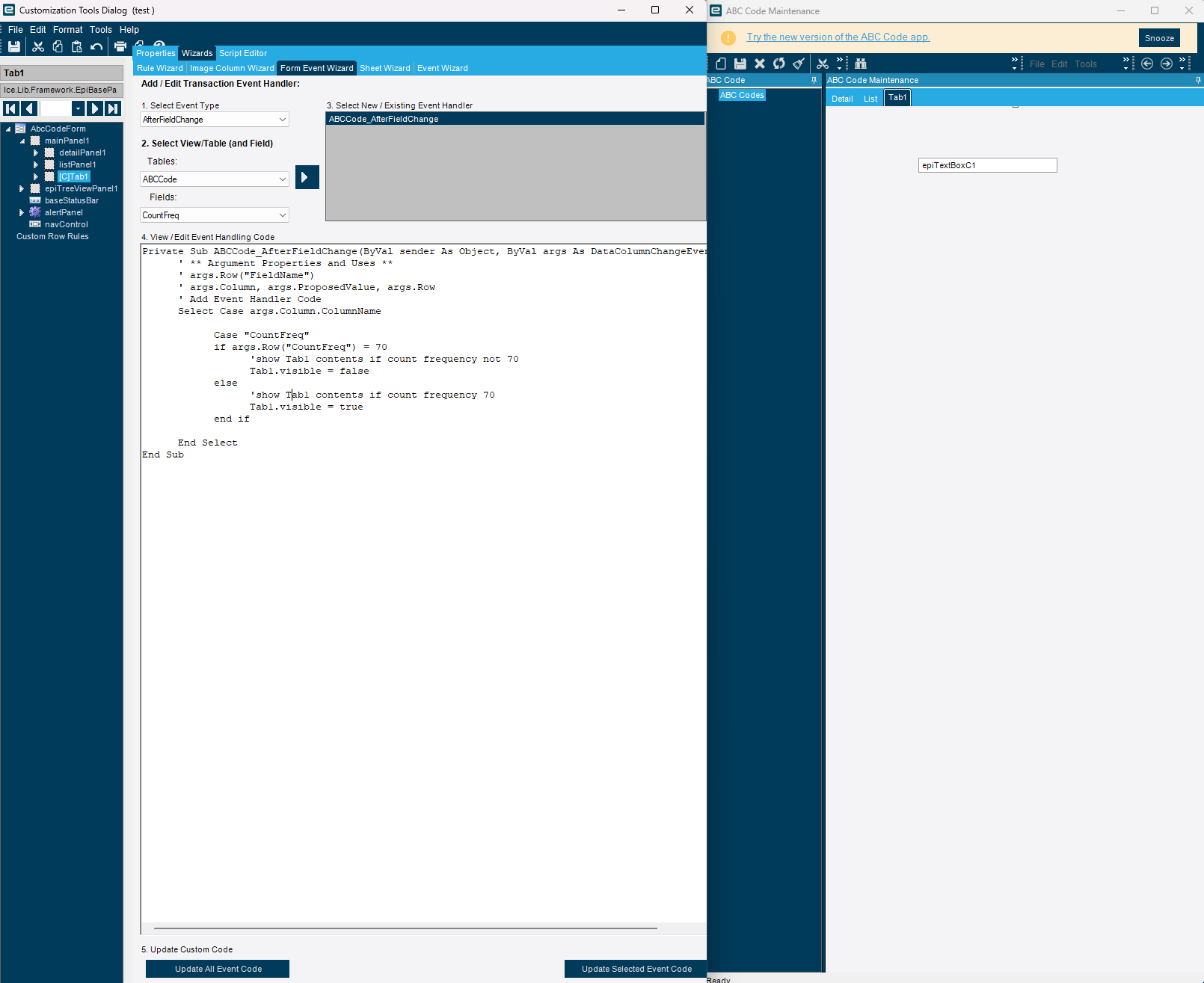
Basically you need to write your code to hide the tab in AfterFieldChange event.
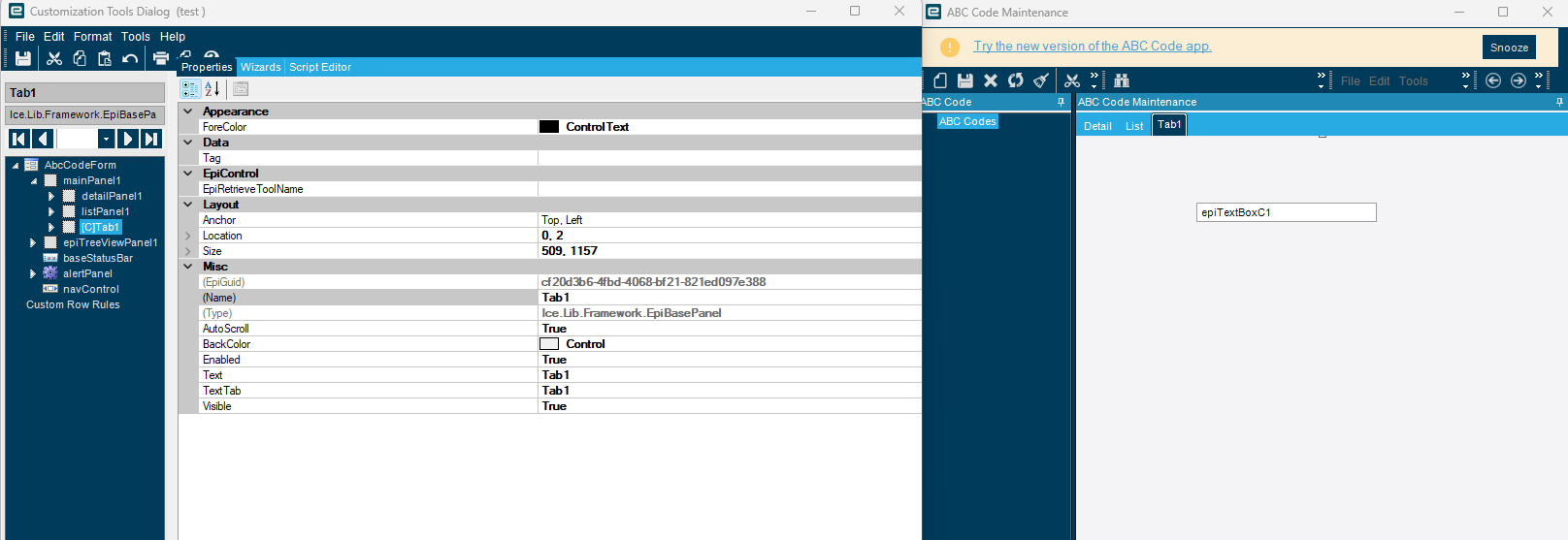
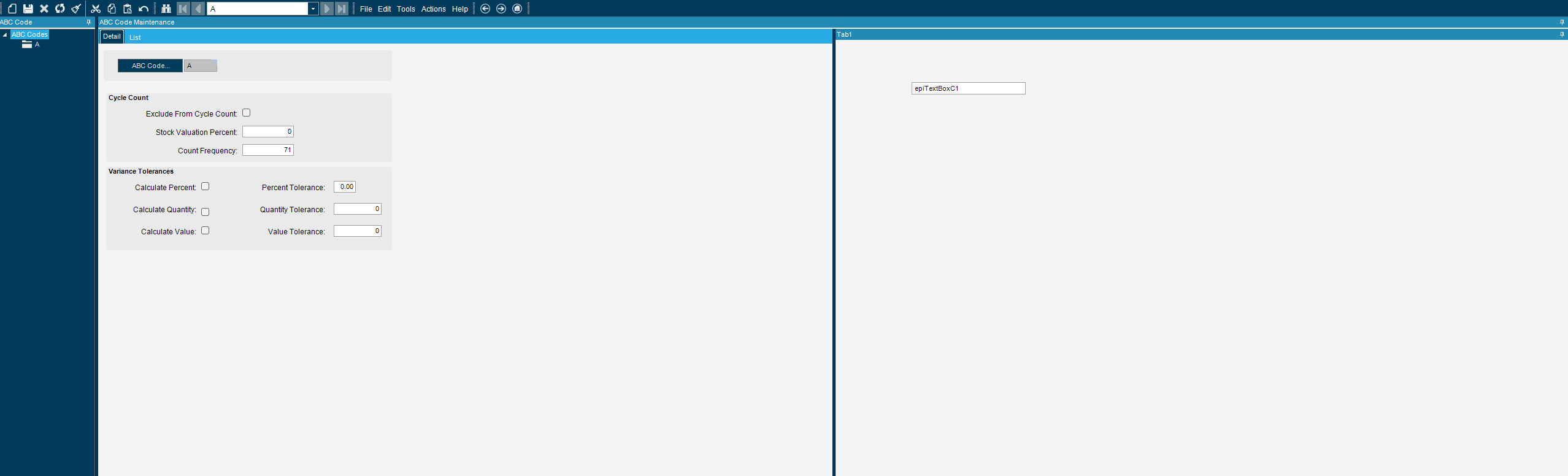
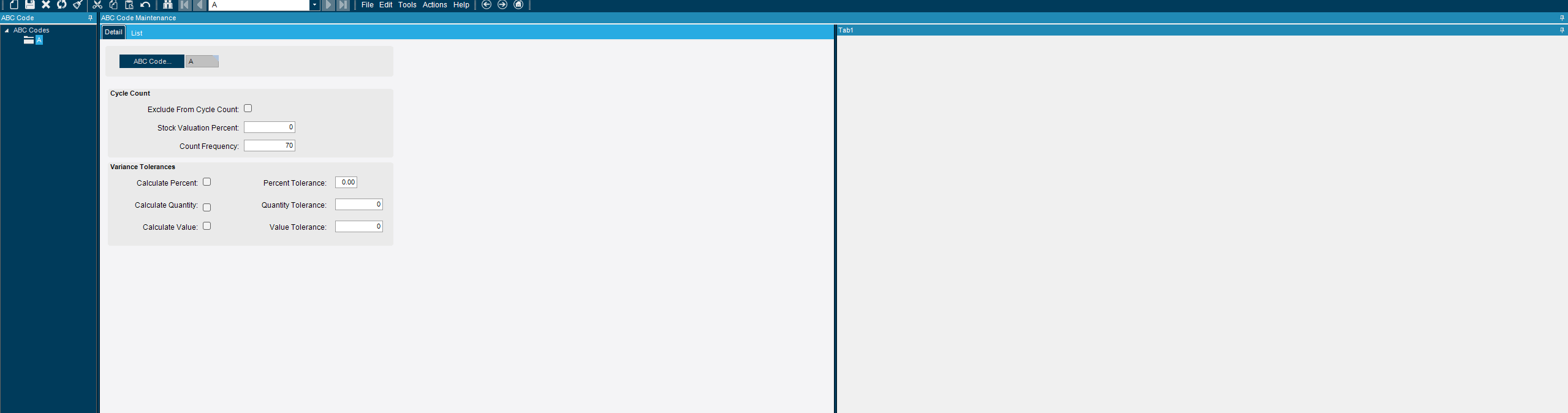
Tab1 as custom control
AfterFieldChange Event based on count frequency and using the visible property of the Tab1
testing results…
if condition variable (count frequency <> 70), then show Tab1
if condition variable (count frequency = 70), then hide Tab1
Note: The visible property is hiding all the contents and UI controls in the tab, but do not hide the tab header.
Hi, Does the afterfieldchange event happen even when you don’t change the field?
meaning when I load a part without changing the product group, the event will still occur?
Yes, loading the part will also trigger AfterFieldChange event because in this case the Part.ProductCode field will be changing from empty to some value.