I have an updateable BAQ with an advanced BPM to update a field. Everything works great except that when I run my BAQ, I set up a parameter of a date. I want to be able to get this parameter in the custom code.
I searched everywhere but I can’t seem to find a way to get it
Edit: I know that there is a way to add a calculated column and get the parameter there and then in the update BPM, use the ttResultsRow.(column name) but I was wondering if there was a way to get the parameter directly without integrating it in the result table
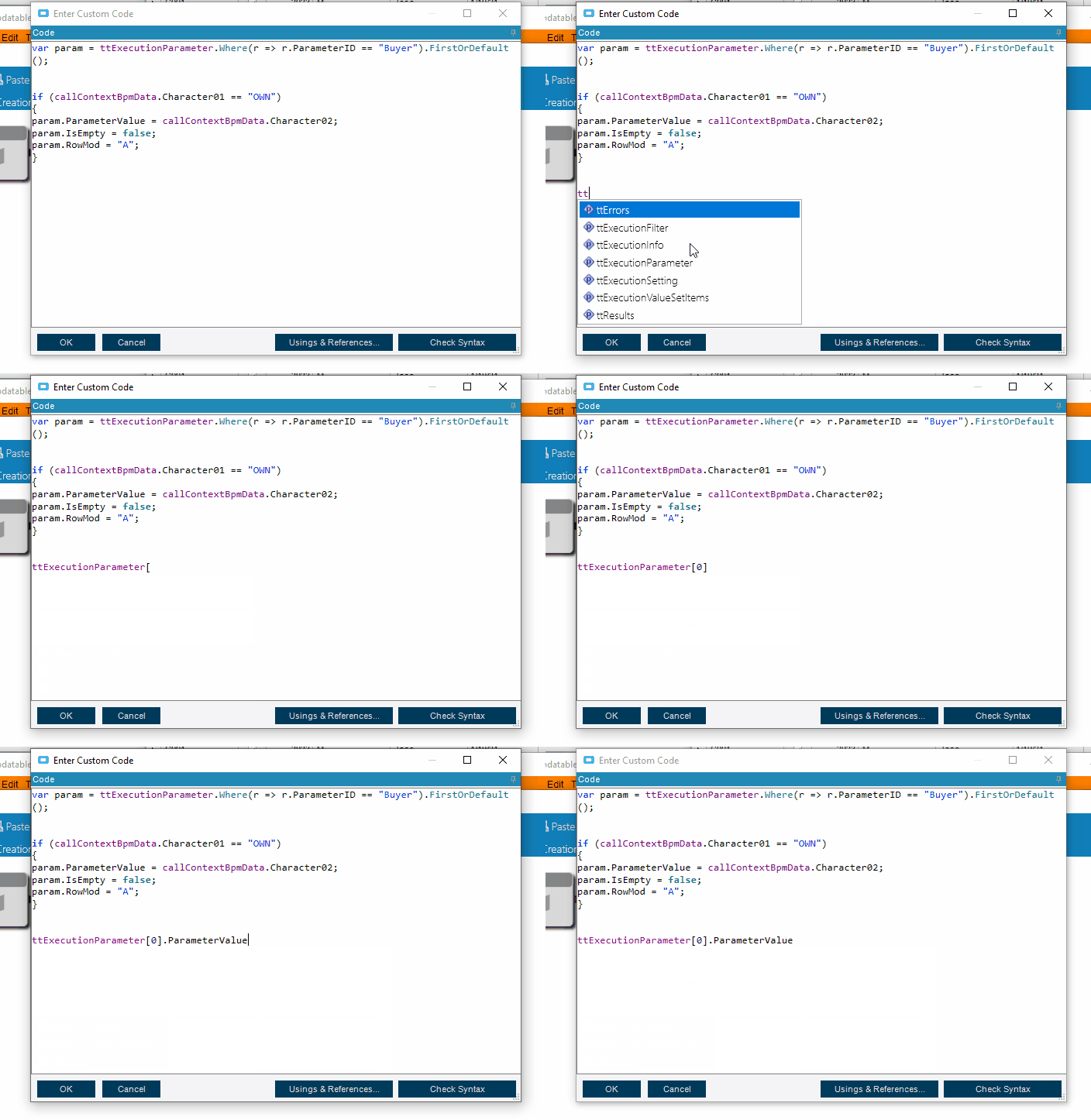
var param = ttExecutionParameter.Where(r => r.ParameterID == "Buyer").FirstOrDefault();
use the name of your parameter and this should get you the parameter. I pulled this from where I am setting the parameter in code, but it should pull the parameter that was set as well.
this is how you would get the value for the row (I just indexed into the first row, but use the above code to get the specific row.)
ttExecutionParameter[0].ParameterValue
or in the above case
param.ParamterValue
Don’t forget that in BPM land there is code completion if you use ctrl+Space to help you find what’s available. It’s not as good as Visual sturdio, but it’s a lot better than nothing.
ignore my typos… I made the gif and didn’t feel like making it again, you get the point. lol
Thank you , it’s really easy to understand ! However, I get ‘The name ttExecutionParameter’ doesn,t exist in the current context’ when trying to get the parameter with your first code
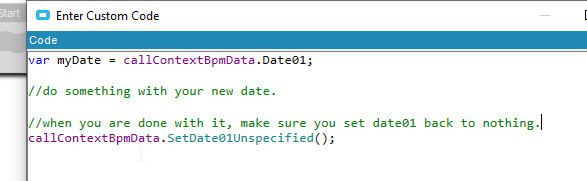
So the execution parameters are available on the get list method, so what you can do is set one of your BPM Context fields in the get list post processing, then you can use the BPM call context fields in your base processing.
Set this with post processing BPM on get list.
Then on your base processing on Update you can use this.
I can’t seem to be able to get the callContextBpmData that i stored in the GetList method to the Update method. It shows nothing when I try to print the data. I guess that’s because it’s different methods unfortunately
Yeah, it looks like the BPM all context doesn’t carry forward, which is a bummer. (Side not, it might work if you were to call the BAQ in code using the same adapter, but I haven’t tested that).
The bigger hammer then is this.
this.Session["myParam"] = yourValueHere;
You can make the variable name whatever you want inside the brackets.
You have to be extra careful with this because the session variables hang around all of Epicor in your session. So if you were to set this session variable on one screen, then close the screen, it will still be in memory and available until you log out of epicor. So when you are done with it, set it to blank.