How can I make the company logo appear as per the company I print the report on without creating two separate reports?
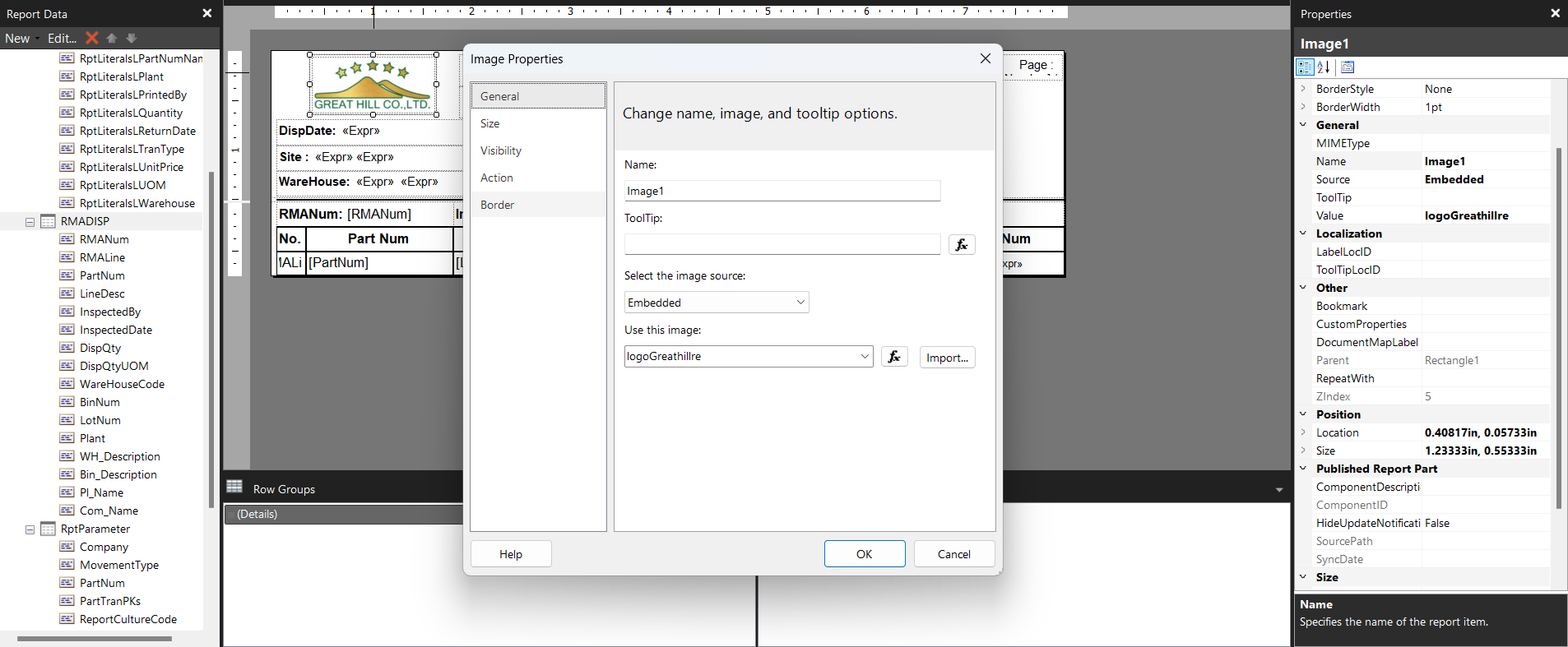
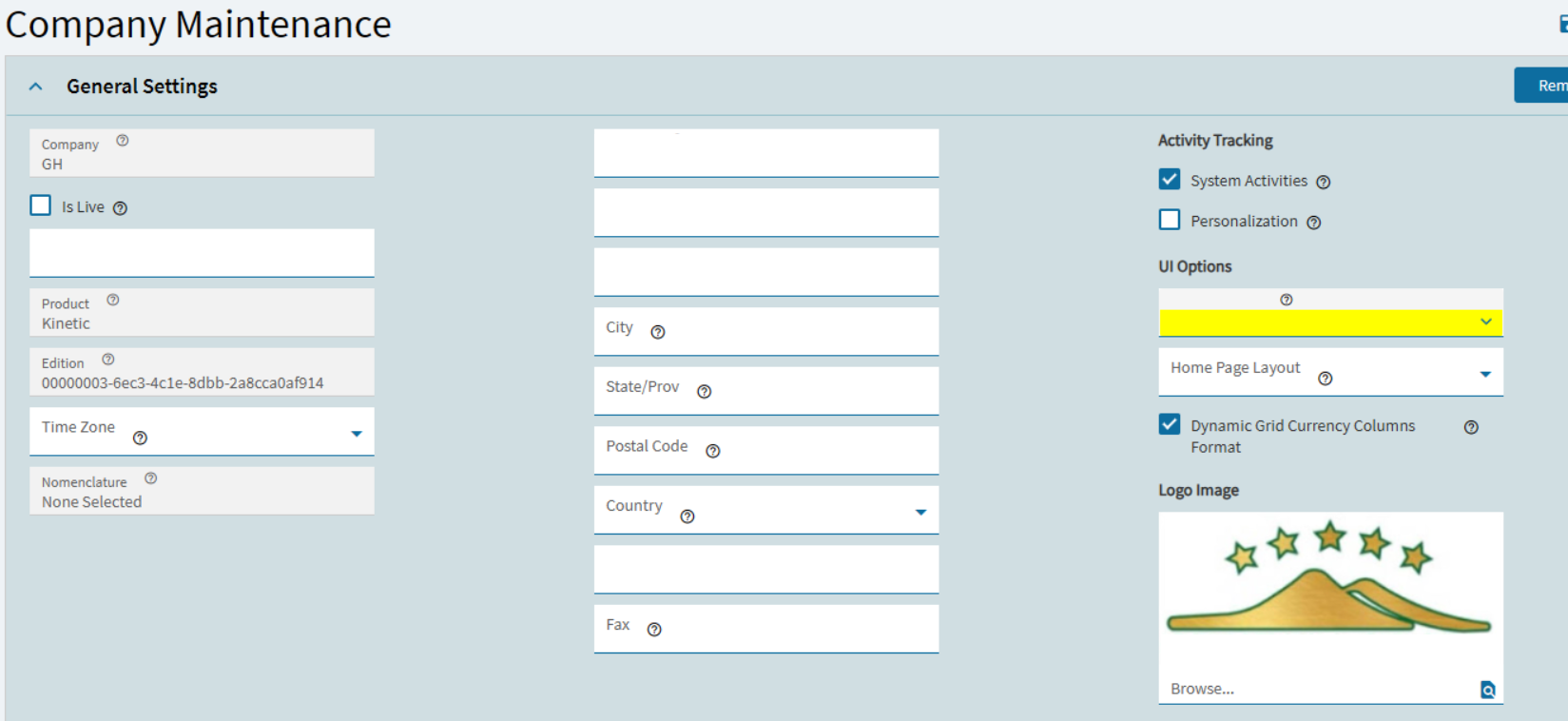
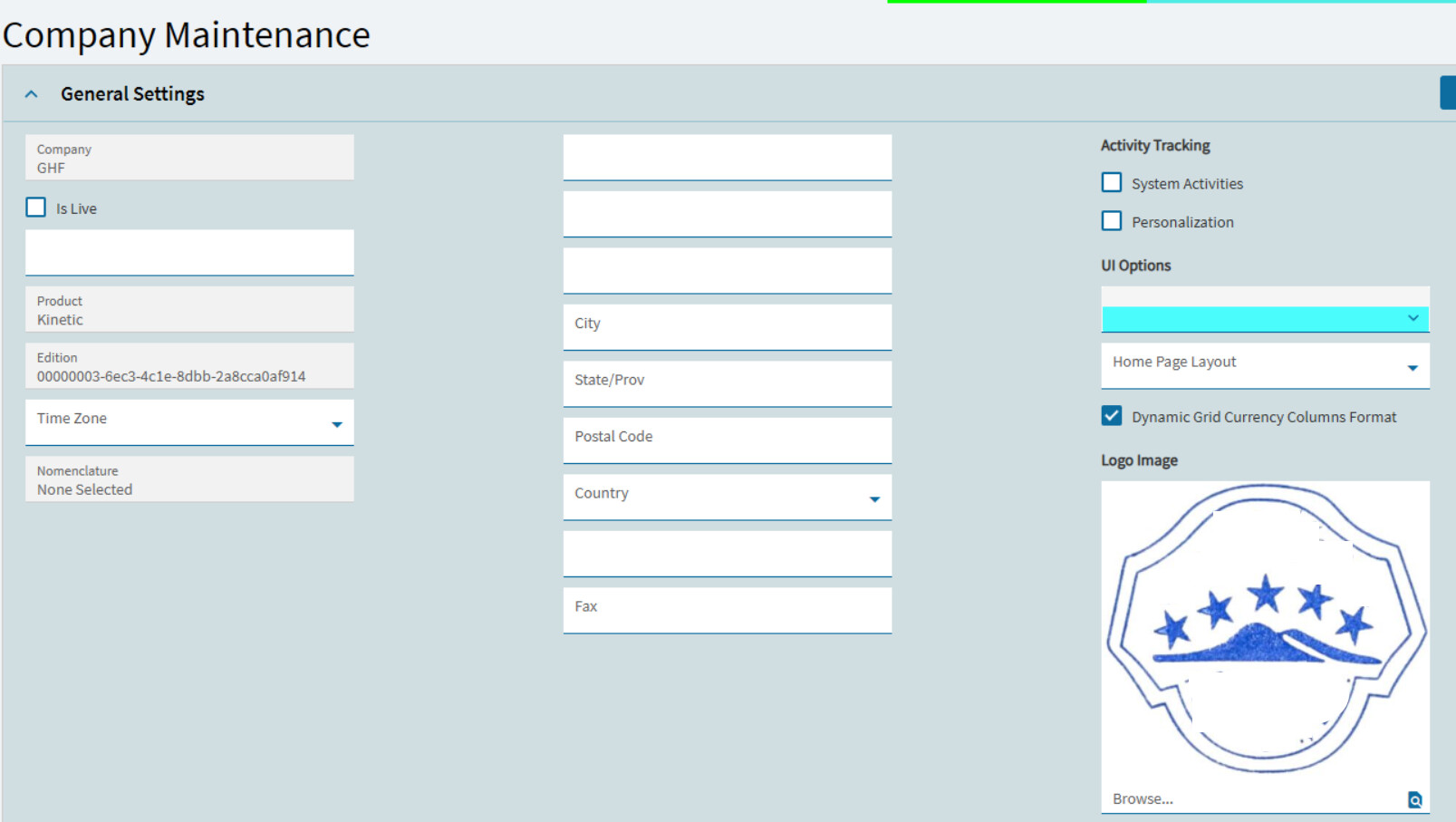
We do it based on company ID. The images are in a shared folder in SSRS and based on company ID it loads an image. You can also add images per company in report style maintenance.
What steps do I need to take?
There should be a write up here on using company logos. It is possible to do it, it’s can be a bit of the pain if the rdl is not setup for the report image.
@chaddb method for on prem is very practical, no having to deal with logos etc in Epicor and juggling the report style. If you store your logos on ssrs say for example each logo being named with the company name you could use logic on the rdl to determine which logo file to use based on the company id which would come through with the report data. With the relative path of the logo files to the rdl itself. Hope that makes sense. Of course you do not get that luxery with cloud
There have been several threads on this, including this one: