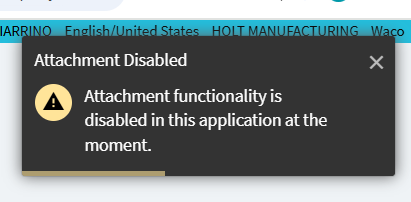
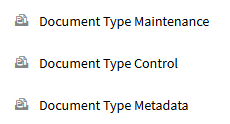
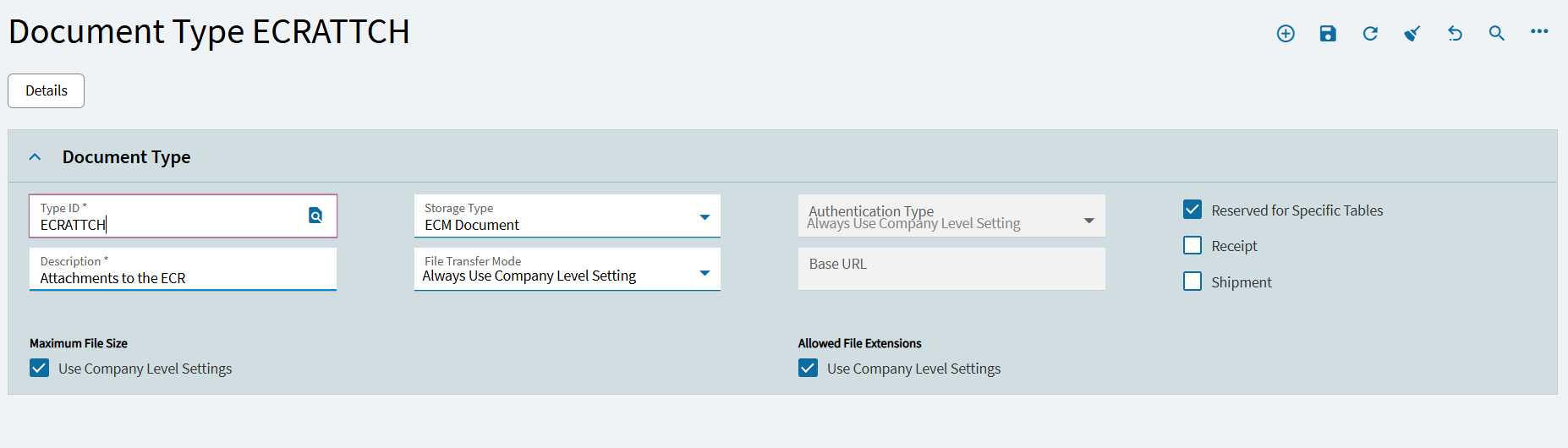
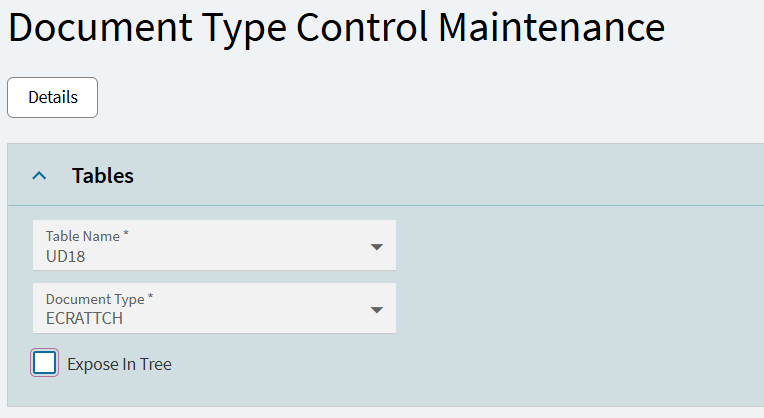
This is an insane thing to have to ask…How on earth do i enable attachments for an application? I assumed there was a toggle since there is one for DISABLING attachments but alas here we are. I just want the ECR to have attachments like this:
I’ve got the first two but we’ve never had to use Doc Type Metadata and we have plenty of apps that do attachments? I have no idea how to even get the column that its asking for in that or what the point of the DTM even is?
I don’t manage our ECM but all I know is that if we want to add a Doc Type in Epicor it needs to have a matching one in ECM. I poked around the ECM Admin panel but couldn’t find it. I’ll try to remember to look after my afternoon meetings.
SO I did manage to get this resolved sfter some trial and error. Bit of a weird solution so not going to go through writing it out since im pretty sure its not the correct way to do it
But I didnt have to do any of that setup stuff. it was all in application studio. used the file selector widget and stuff and once a file was uploaded (i had to make a button to do so) then the attachments were just there…
I’m trying to get the attachments to work on a UD form. The checkbox on the main load page doesn’t seem to have any effect. Anyone know the correct procedure to do this? I’m going to have to do it a couple times so I should know how it works.