Does anyone know how to create a schedule in the system agent to run on the 1st of every month?
DaveO
Does anyone know how to create a schedule in the system agent to run on the 1st of every month?
DaveO
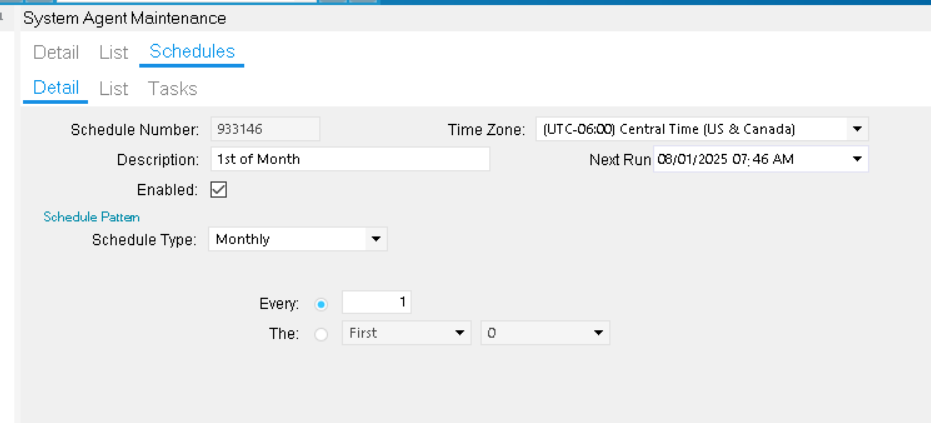
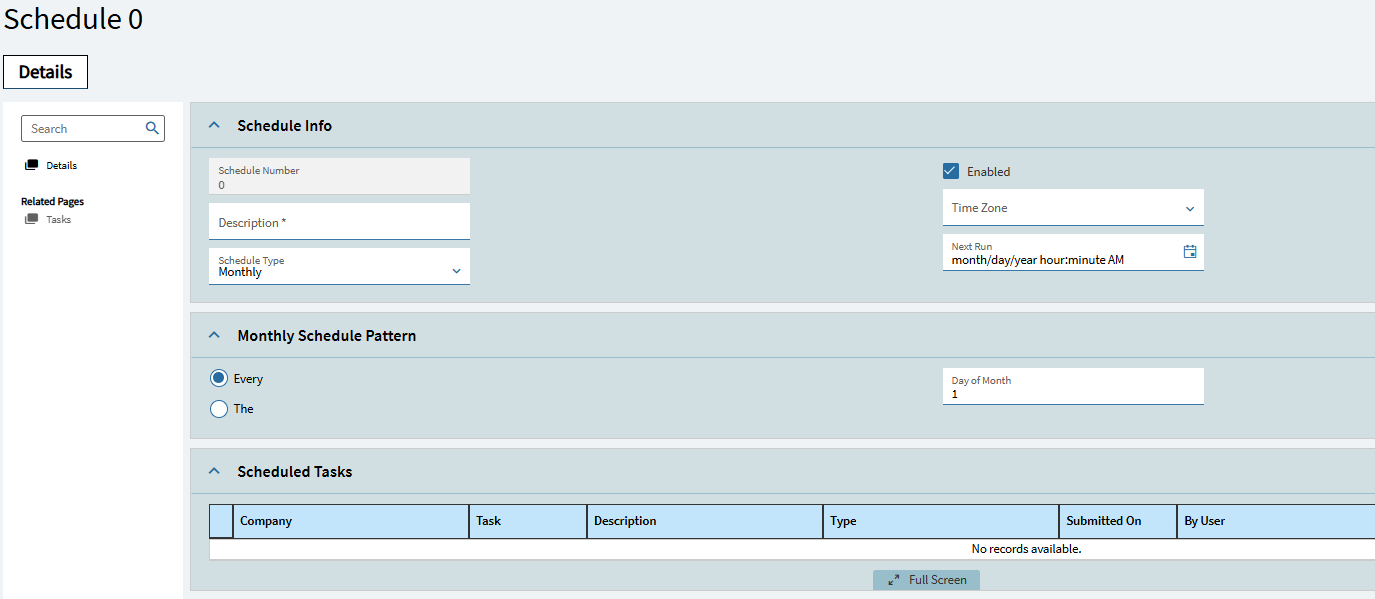
You can choose Monthly and then supply the day-number, this works for the 1st, what is unfortunate is you can’t schedule something to run on the last day of the month since every month has a different number of days, the ability to set dynamic dates would be nice.
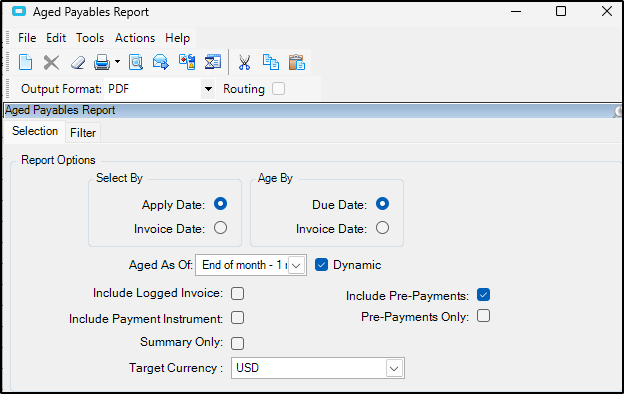
Depending on what you are needing to run you might be able to run your schedule on the 1st of the month at 12:01AM and then use the dynamic date features in the reports.
We use this for various point in time reports in A/R, A/P WIP
Here is for Aged receivables
Yes you can
I was able to get this done by setting up the Schedule to run monthly on Day 1. Then for the report set the dynamic date to “Start of Month -1mo” and “End of Month -1mo”. That allows me to run the report early in the morning of the first day of the month and report on the full previous month.
At least it looks like it’s working. I will update if it is not.
DaveO