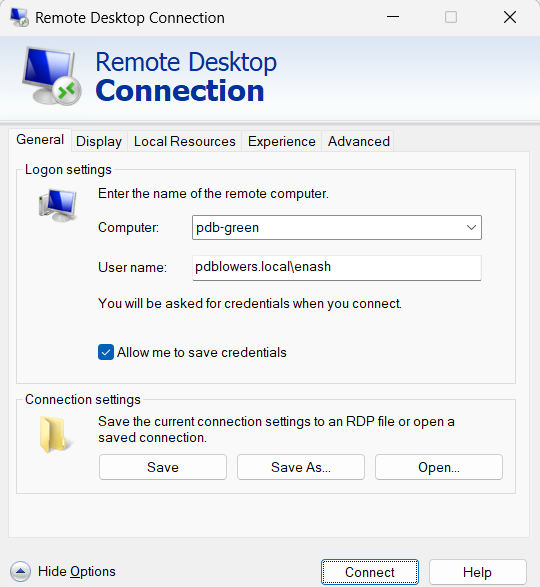
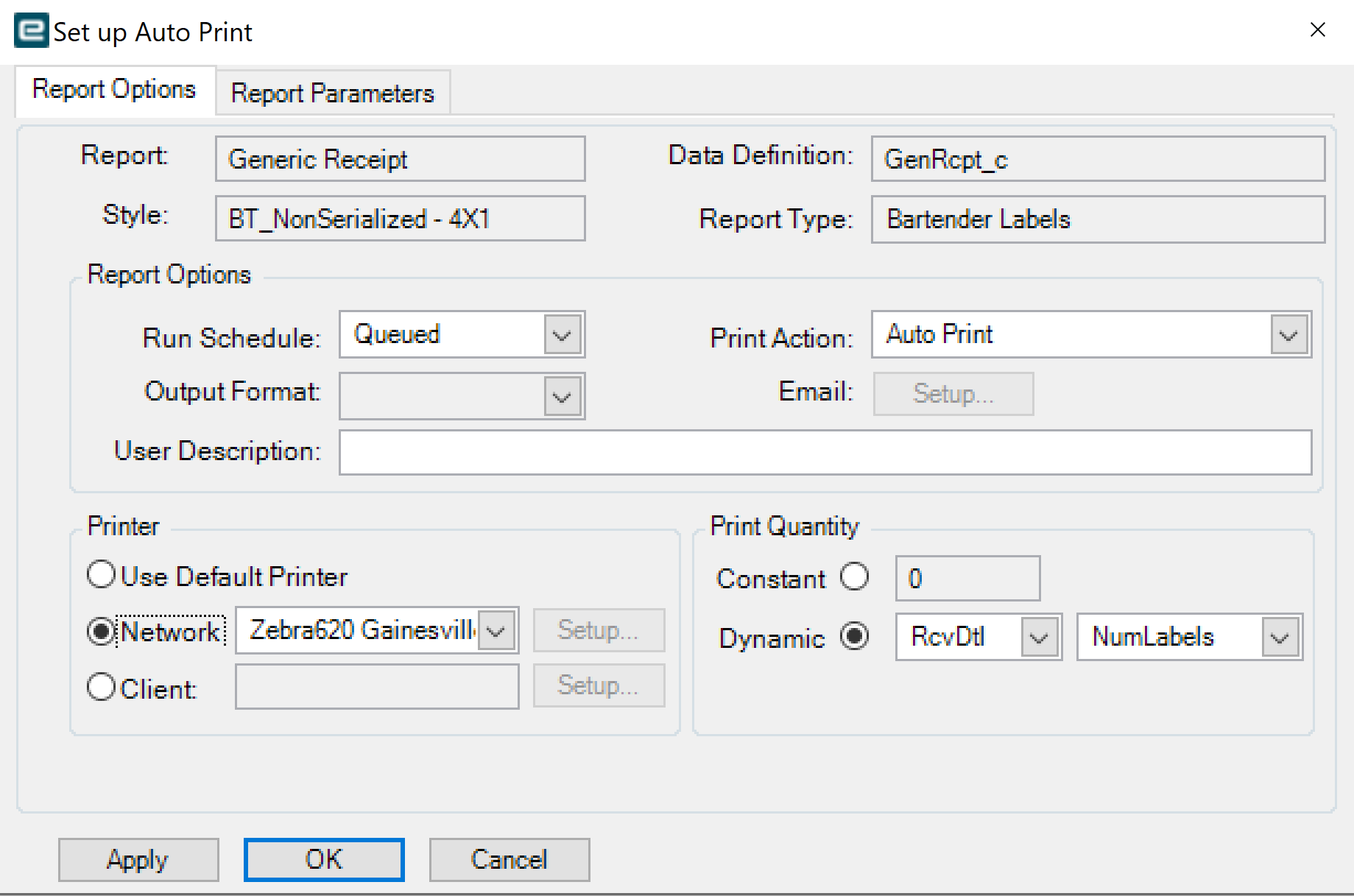
Would anyone be able to give me step by step instructions on how to get the auto print to work for a RDP user, as seen below? The RDP is sharing local printers. I have the Data Directive BPM working for the printer on prem and I have the condition set up in the same BPM for a warehouse location. I just need to know how to set up the auto print box, as seen below, to work with the RDP local printer.
If you are ‘printing’ to Bartender, you can add the printer in Printer Maintenance. It doesn’t need to work from the client, it just needs to include the printer name / path in the .bt file that gets created.
The file gets created ‘relative’ to the app server, but I assume you are getting a file? Then Bartender needs to access the file, and access the printer, and voila!