How to display additional column on Multi Resource Scheduling Board

Hello all,

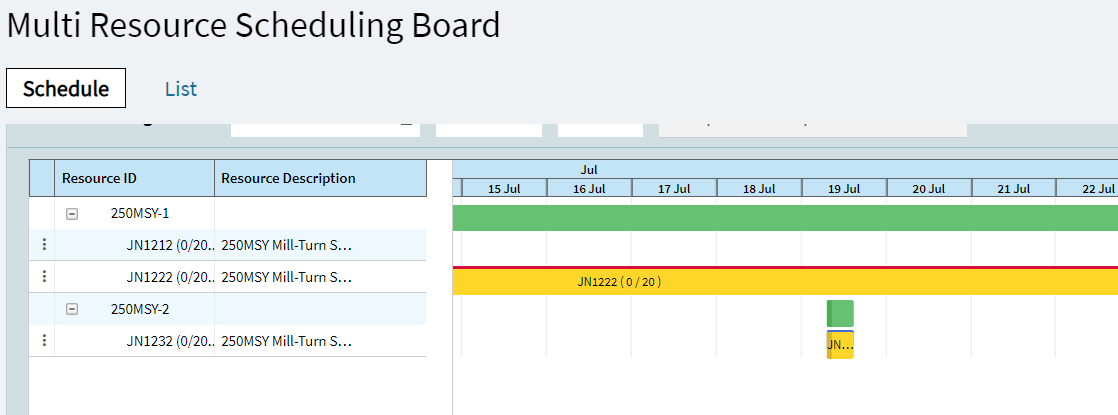
I’m looking to display additional columns on the Multi Resource Scheduling Board - ‘Schedule’ view.

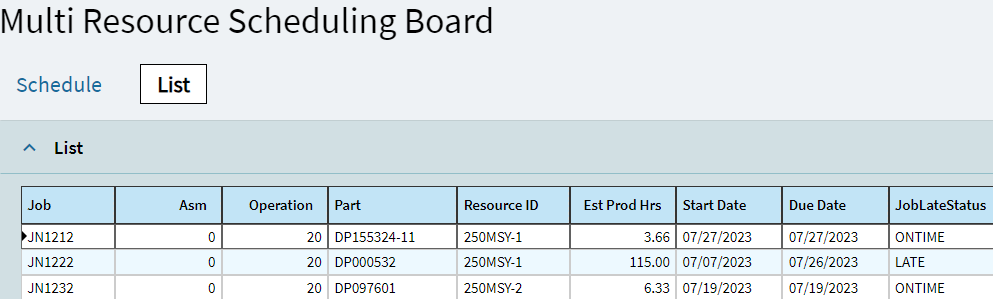
I need to show columns such as ‘Start Date’; ‘Due Date’ and ‘Job Late Status’. All of these exist in the ‘List’ view but requires the user switching back and forth repeatedly.

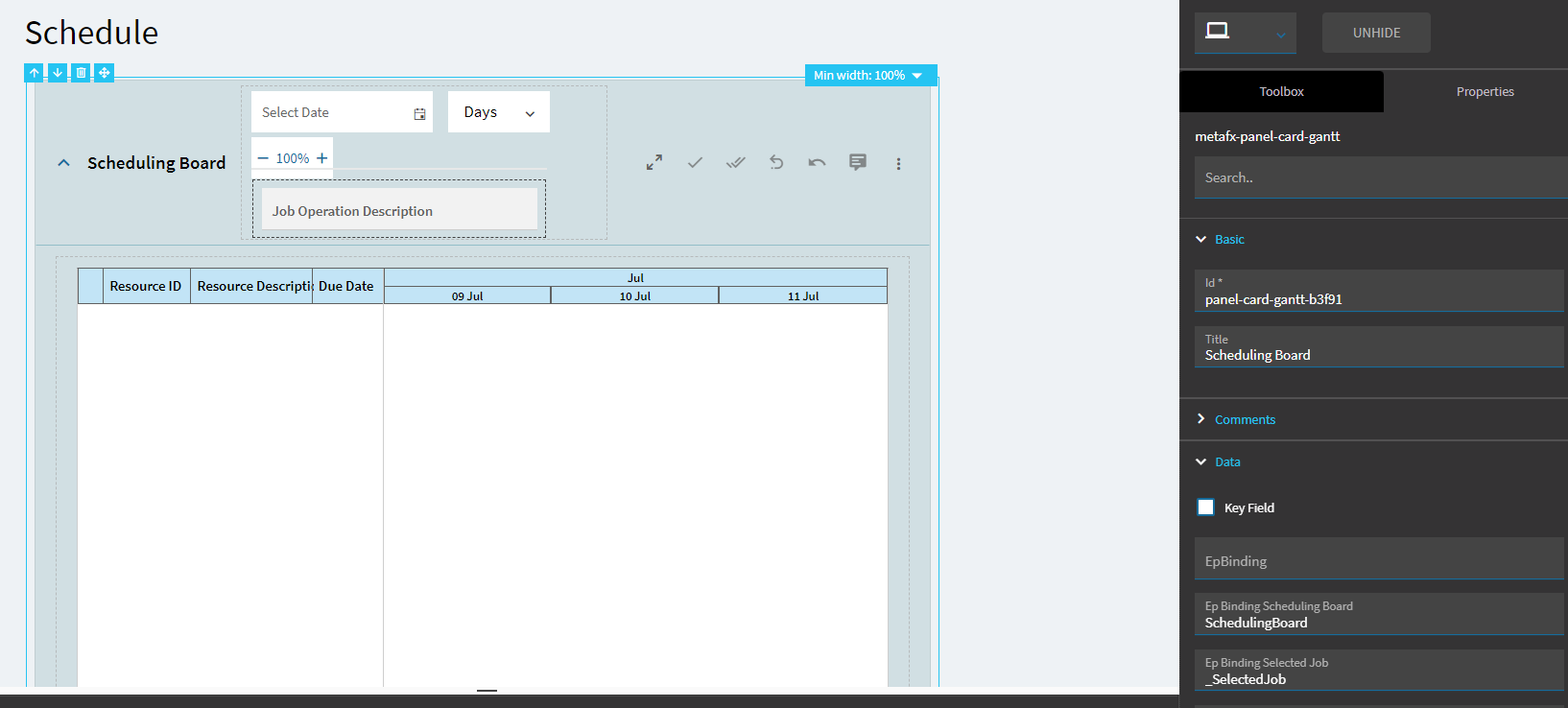
In the properties for the Panel Card Gantt View, I can see the gantt chart is bound to dataview ‘SchedulingBoard’.

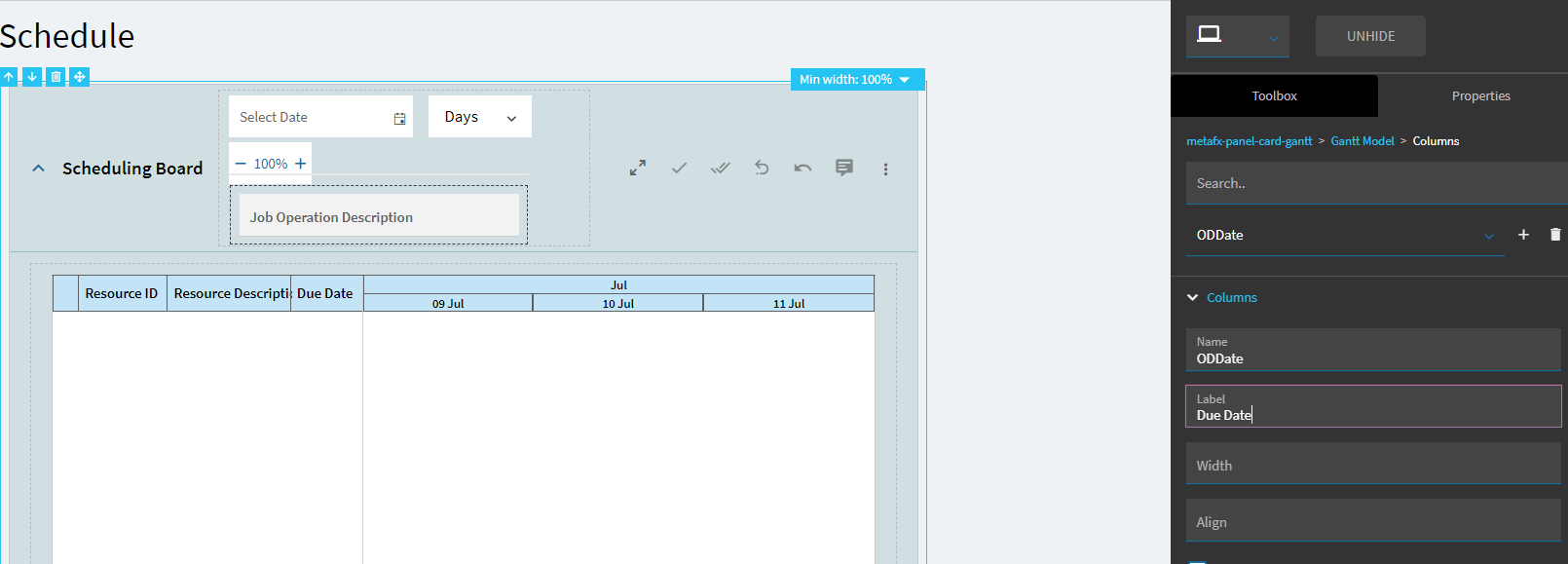
This dataview contains the Due Date column (‘ODDate’) , so I added a new column within the Gantt panel card properties as follows:

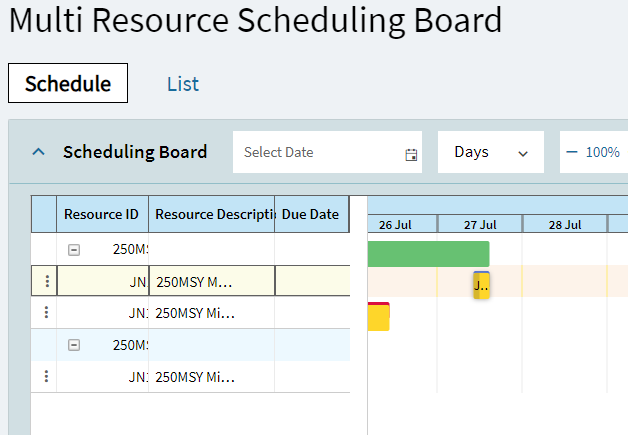
When I publish this, the ‘Due Date’ column appears, but without any data.

image

Does anyone know how to get this to work? Any help would be gratefully appreciated!

Thanks very much.

Investigated further. The ‘Resource Scheduling Board’ (non ‘multi’ version) already has some of these additional columns displayed.

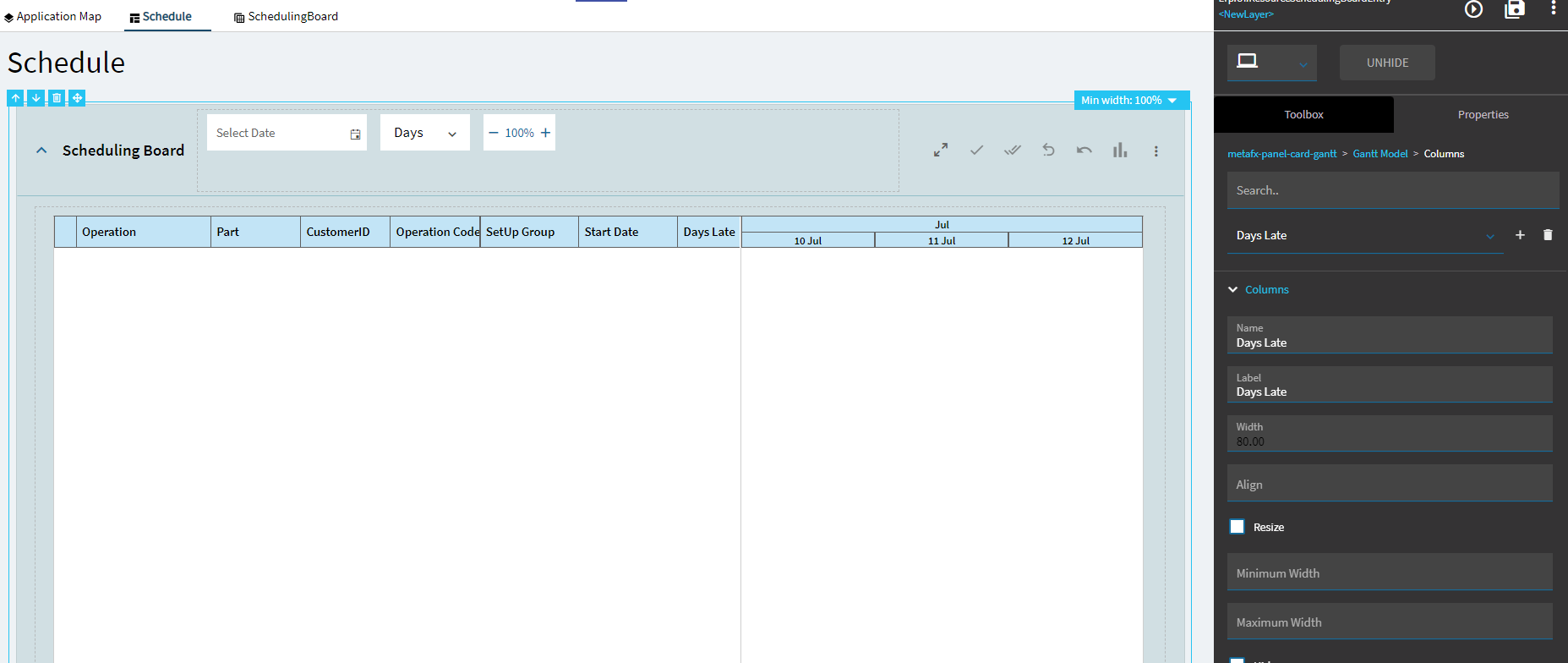
In this screen, the Gantt view panel is again bound to dataview ‘SchedulingBoard’. Below are the column properties for ‘Days Late’ for instance. The ‘name’ field shows the display name of the respective column in the dataview. However, if I try using this approach for my new column, it still doesn’t work.

I’m not sure how the data is being populated into the columns :thinking:
I did some futzing with it last night, and, it’s complicated.

I played with it for 30 minutes and I still don’t know much if anything.

Thanks for looking into it. I contacted one of Epicor’s tools consultants for some guidance and they had the same response you did… :smiling_face_with_tear:

Hopefully column personalisation will be added to this screen going forward, which would solve my issue.

Any chance you were able to figure out a solution? Having the same issue for Job Scheduling Board. Thanks!

EDIT: Tested in 2025.1.16 and adding columns are functional:
Added Part Desc, Labor Hours, and, from a post-process method call, Cust Name. It was really simple; All I had to do was add the desired field names from the SchedulingBoard data view to the Gantt Model > Columns settings

3 Likes

Thanks for the heads up Brian! Hadn’t retested this in a while.

I’ve now been able to add in additional columns in Multi Resource Scheduling with the same steps :raising_hands:

1 Like

Hello! I am new to App Studio. I am using Epicor Kinetic version 2024.2.12. I am trying to add the Customer Name column to my Job Scheduling Board Gantt chart, but when I click the View Schedule button in Preview, the layer does not return anything. Do you know why this is happening?