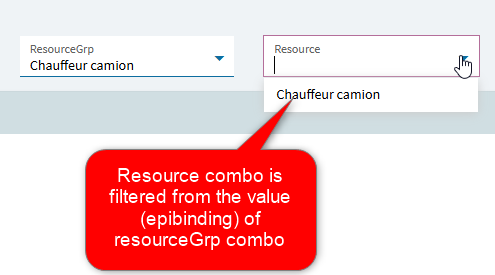
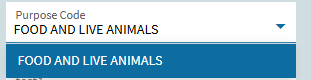
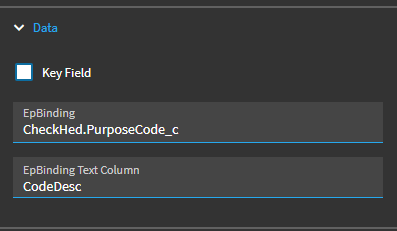
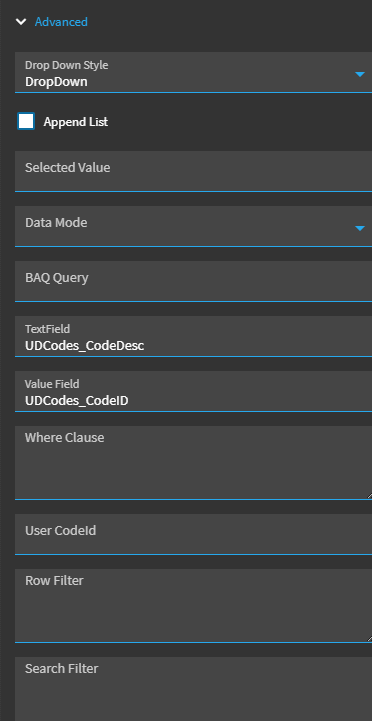
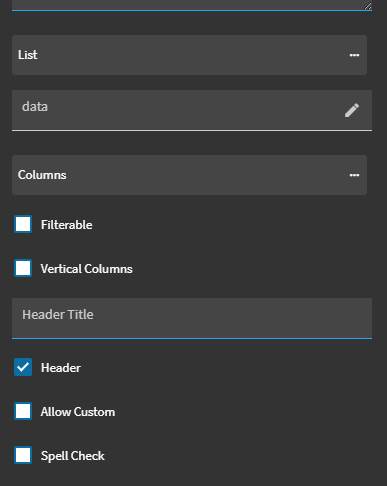
Hi everyone, I’m new to Application Studio and is wondering how can i filter a combo-box which is a dropdown list and populated by a BAQ? I want it to only show a certain rows based on another field’s value.
The purpose code field will only show certain codes based on the payment total value which is a field in the AP Payment Entry CheckHed.PaymentTotal.
If CheckHed.PaymentTotal <= 10,000, required drop-down list to show 71100
If MYR 10,001<= CheckHed.PaymentTotal < 200,001, required drop-down list to
show 09001, 11110, 11120, 11130
If CheckHed.PaymentTotal > 200,001, required drop-down list to show 00000
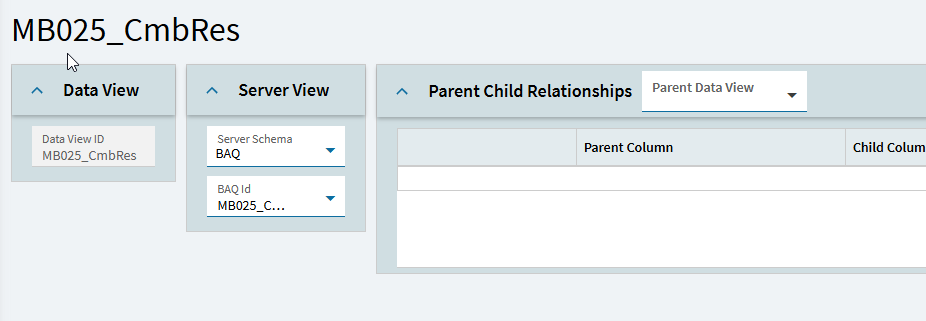
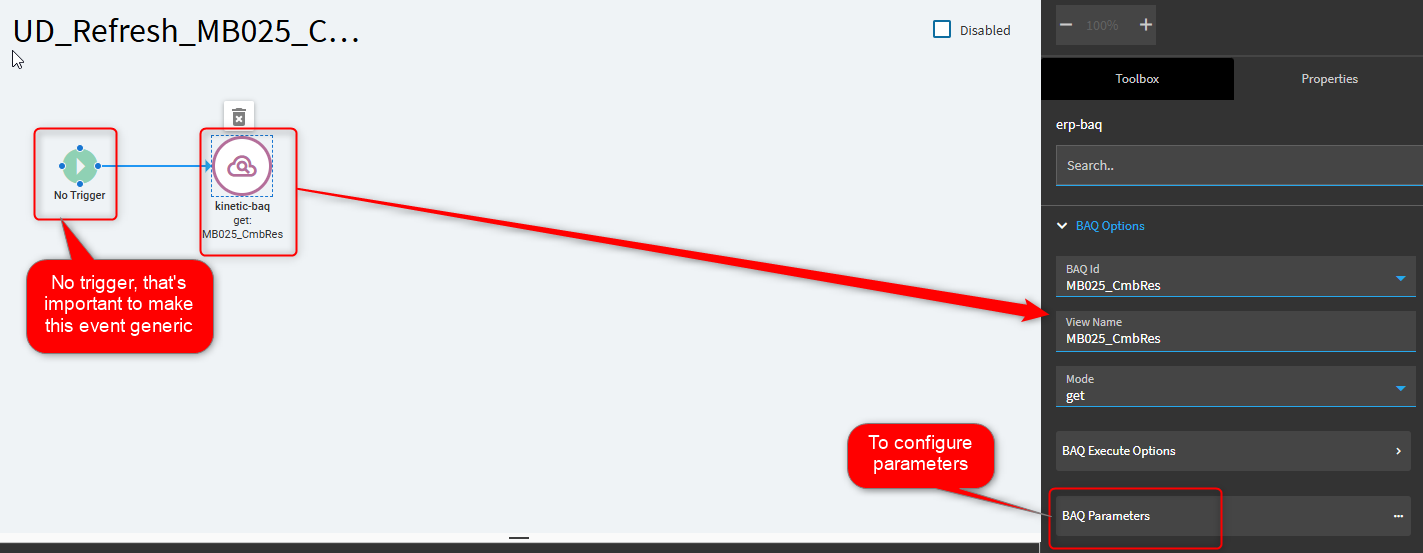
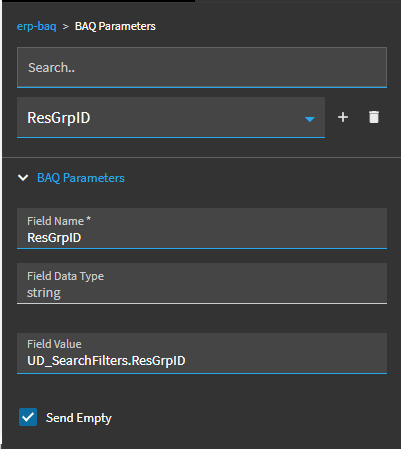
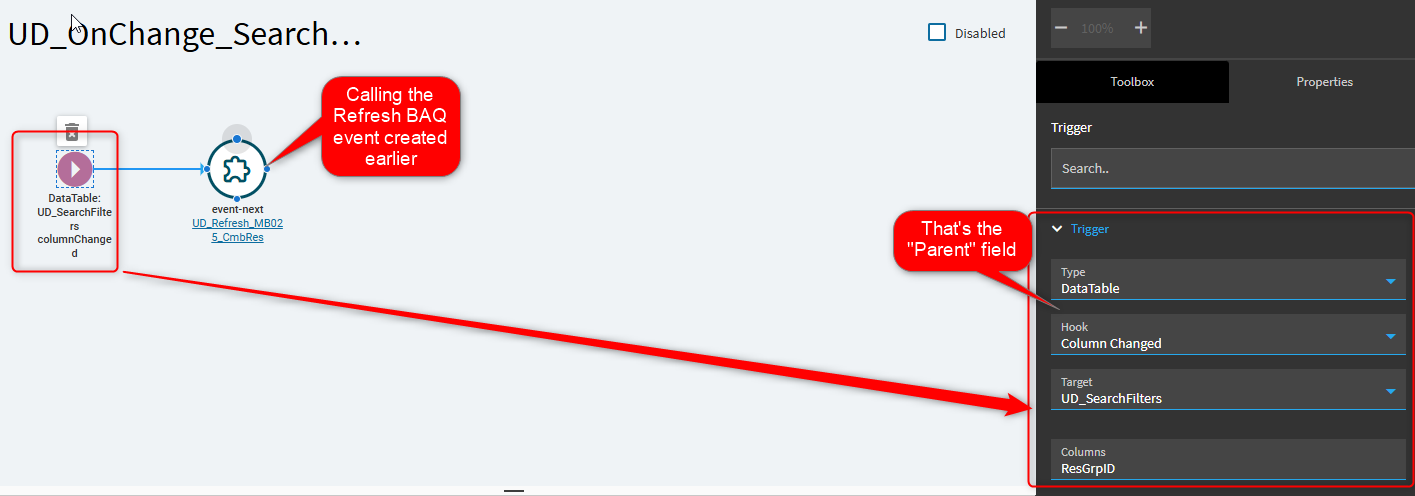
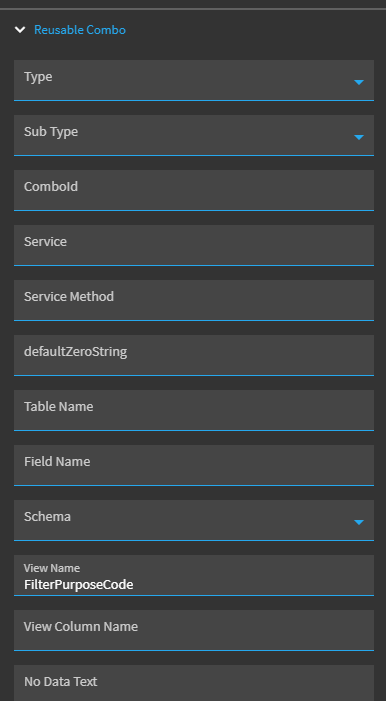
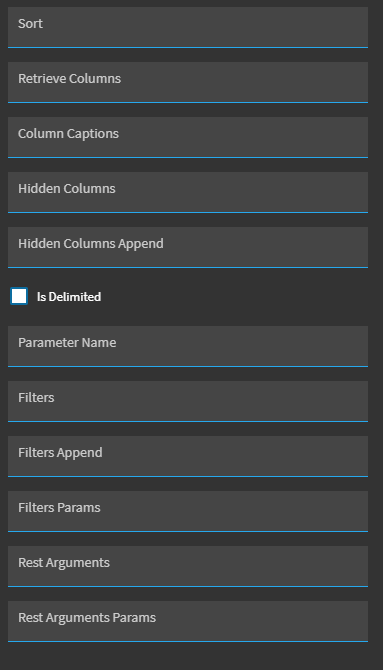
I have a parameter in the BAQ for the Payment Total but cant figure out how to pass the value from this AP Payment screen to the BAQ.
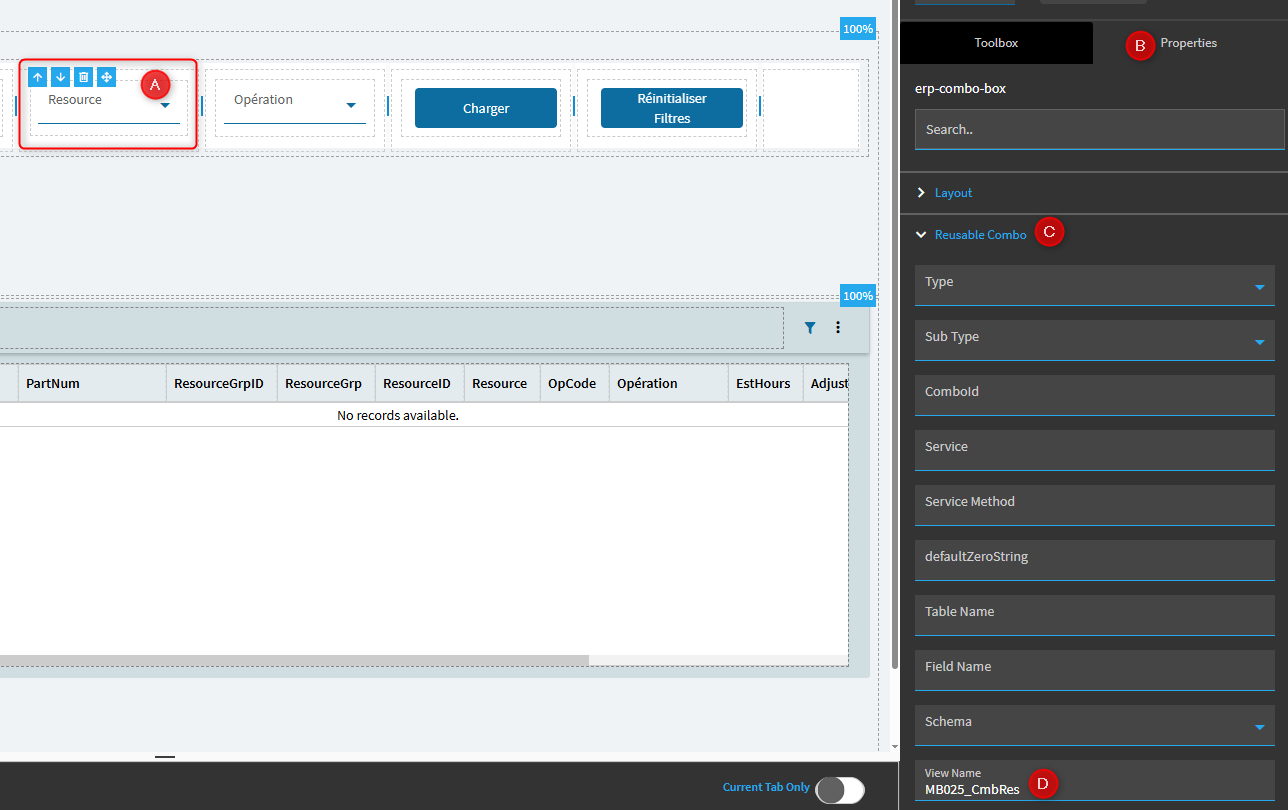
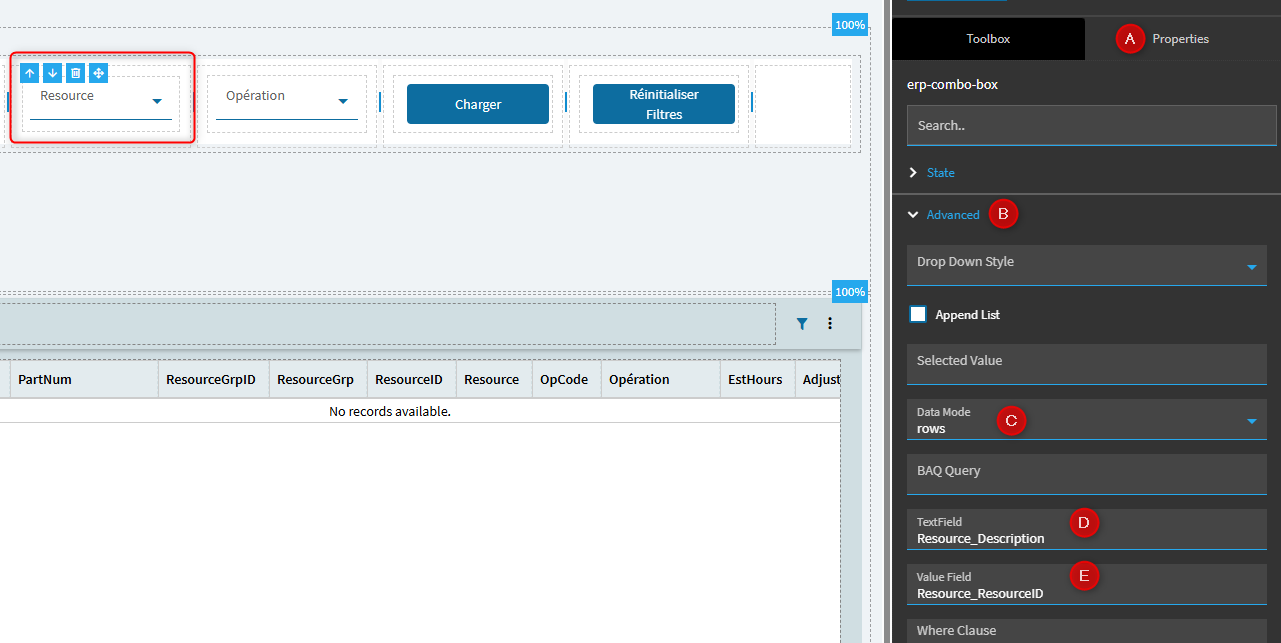
Alternatively, I can also populate the combo box with User Codes but have tried to use the filter fields in properties of the combo box but I’m not sure if the syntax is correct or it doesn’t work.
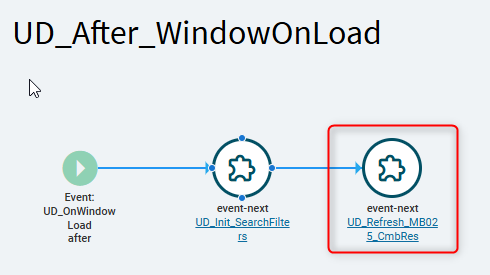
You should also call the refresh of the BAQ on load or something like that, for initialisation. I like to use after “WindowOnLoad” in my custom dashboards
Hi Mathieu, I’ve followed your steps and managed to get it to work but i have a question which is, is it possible for the combobox to auto load the saved data? Currently when the form loads or refresh its blank