We have Quarantined stock, which we do not want to be available for MRP or other usage. The stock is still part of our inventory valuation.
To handle this, I created a Quarantine warehouse, with ‘non-nettable’ bin locations.
We now need to complete a count for this stock. However, Epicor doesn’t include non-nettable bin locations in counts.
The existing bins also cannot be changed to ‘nettable’ if they contain on-hand stock.
One idea I was considering was to create a ‘duplicate’ of the Quarantine warehouse, with nettable bins. I would then temporarily move the quarantine stock to the new nettable bins, complete the count, and then move the stock back.
We do have parts in multiple bins but we don’t use the stock count functionality at all.
We count all our stocks against the bins and adjust accordingly. You can filter the Stock Status report if needed. I suggested this as I read your question that you just wanted to count what was in the quarantine warehouse but if it won’t work for you then fair enough.
@cpilinko Yes that’s correct. We have ‘main’ warehouses with our general stock bins. We then have ‘Quarantine’ warehouses containing all the same locations, just non-nettable.
Yes, you’re right. The backup option would be to use a printed stock report for counting and then use Quantity Adjustment. Might have to go with this.
I was hoping to make use of the Count Cycle process as we use it for all of our other warehouses. It’s useful for tracking qty/value variances and managing recounts, before we then post the adjustments to stock.
During the preparation process, when you’re selecting all the items to count, isn’t there an option to “include non-nettable”? I know it’s in the Cycle Count Schedule process, but I haven’t done a full physical in Kinetic yet and don’t have an environment to test it in.
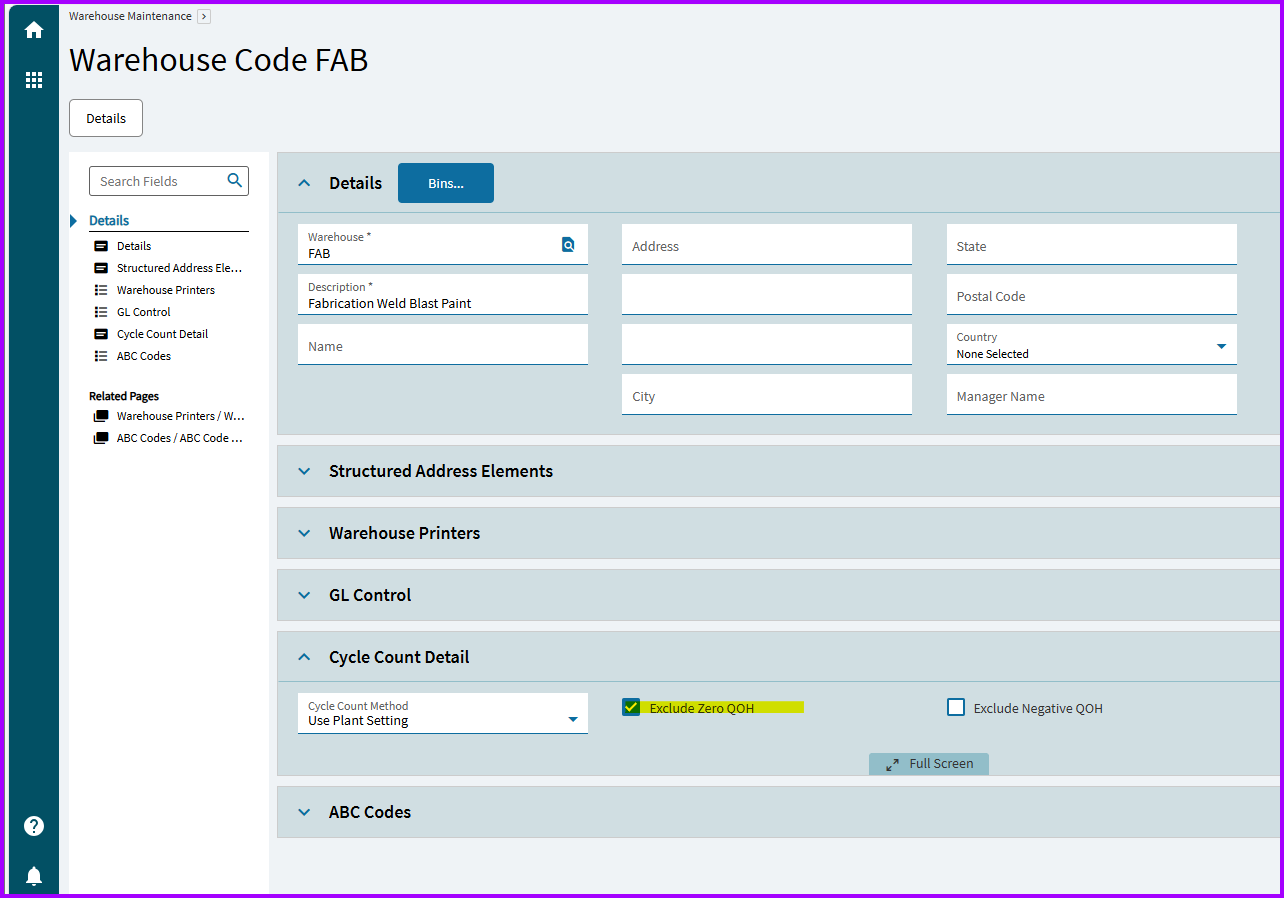
Unfortunately this isn’t an option when initiating a Full Physical Inventory count. The only options are to include parts that are ‘Non-Stock’ or have ‘Zero QOH’.
I raised a support ticket for clarification and the response was that this is by design. We would need to change the bins to ‘nettable’ for them to be included in the count.
In the end, we used a printed stock report for counting and used Quantity Adjustment to update Epicor.
I just verified in my test that non-nettable do get tags created. Can you create a nettable bin in that warehouse to see if it initializes a count? That might be the easist solution.
EDIT: Or if you have a bin that has 0 inventory, you can switch that to nettable and then switch it back after PI is done.