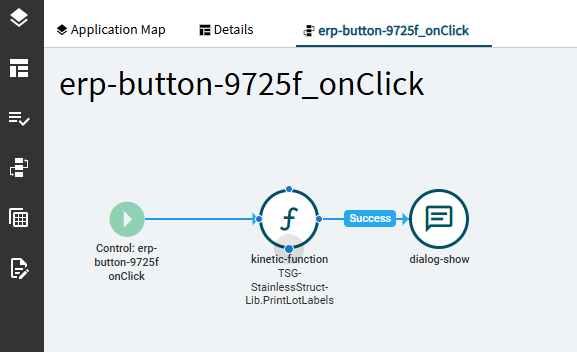
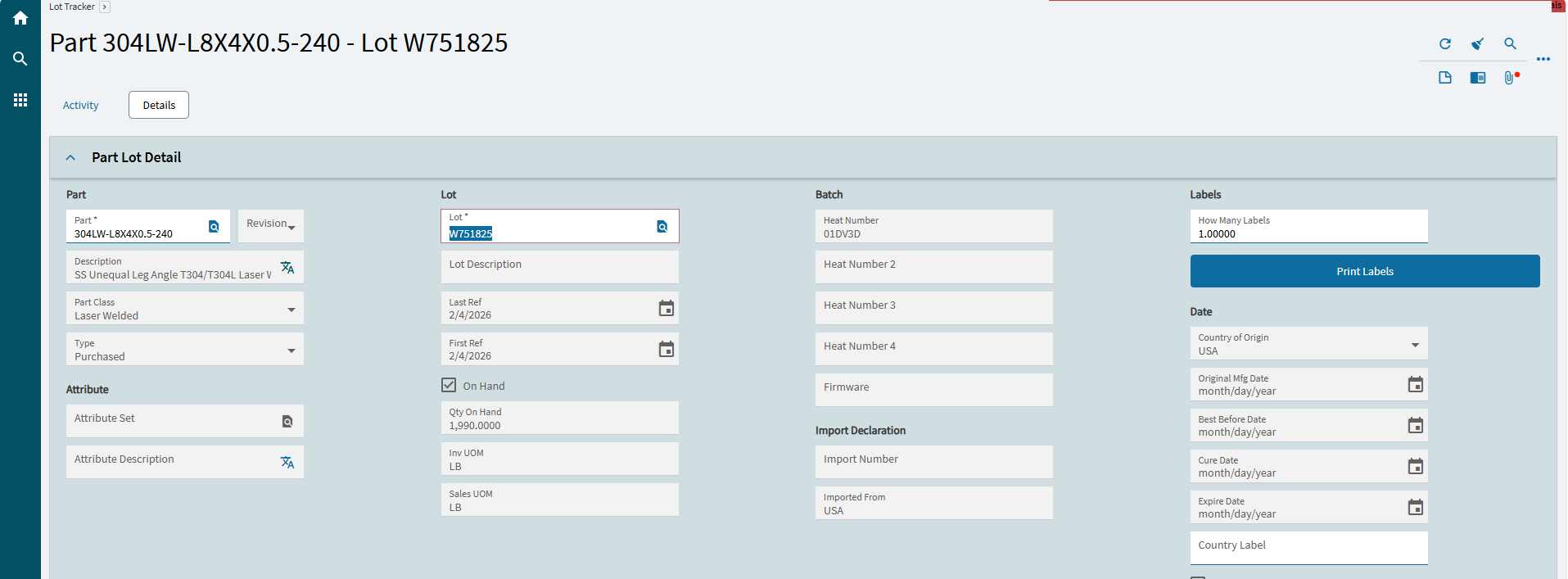
Hello all, we have this Lot Tracker with reprint tags

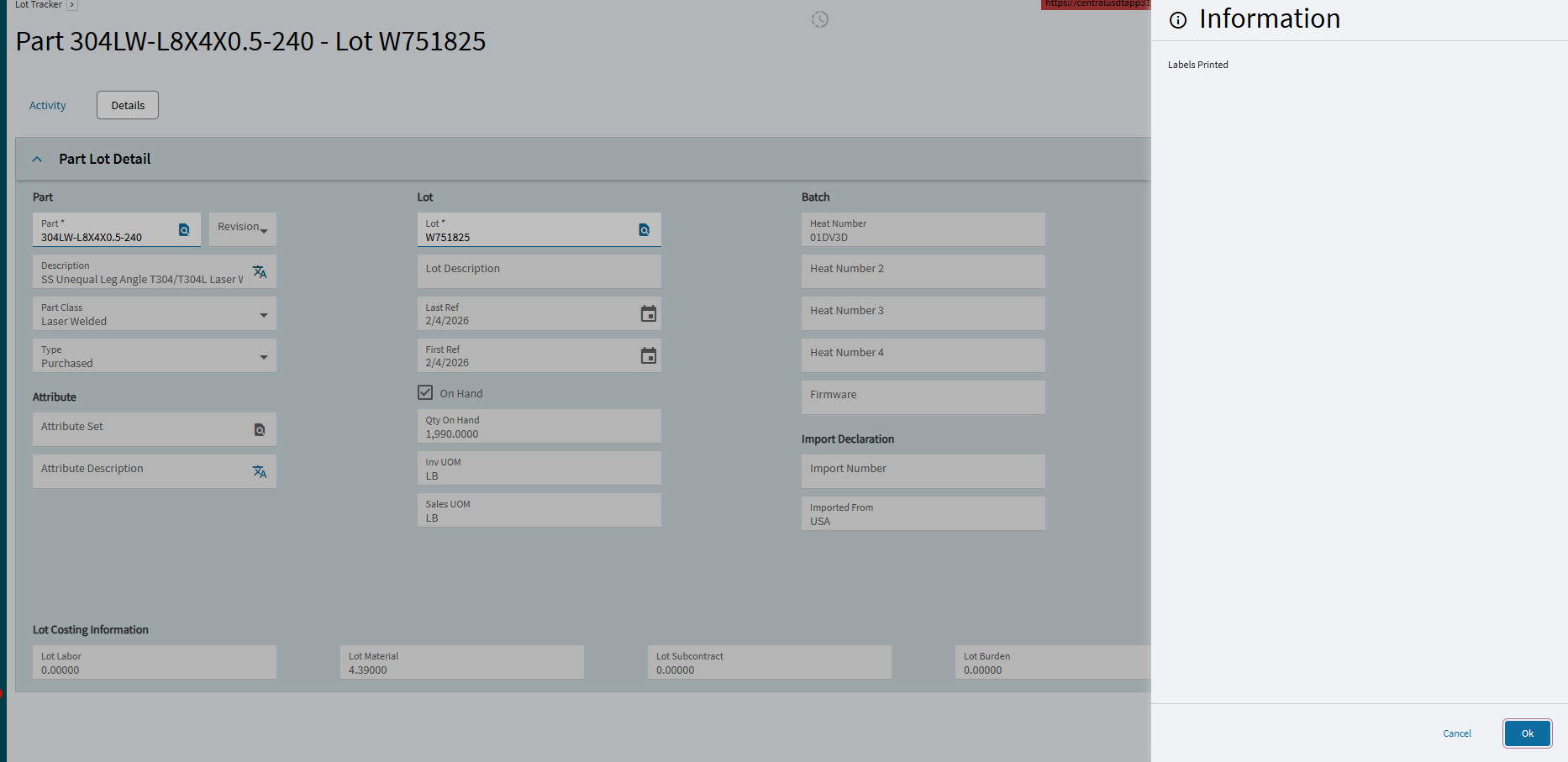
It says it printed but no output. Nothing shows on the printer.
Hello all, we have this Lot Tracker with reprint tags
It says it printed but no output. Nothing shows on the printer.
That looks like a customization so . . . you will have to get the person who created it to troubleshoot it, or else deconstruct it and figure out how it works.
Thank you Alisa. For some reason is there a way to reprint Tags from Epicor?
If this customisation worked previously then you may need to check the standard things
Just a few things to chec. Unfortunately we can’t see how the customisation works from. Here so we are trying to help with a shotgun approach.
Finally if using bartender you can use the history Explorer as a way of reprinting, and you get a preview of the label as well.
Oops and forgot if the customisation is using standard print functionality then you may see the report in system monitor.
You do not mention if this was in your live environment or not if not, and if the customisation writes out the file directly, then it might be an issue related to the Linux containers change.
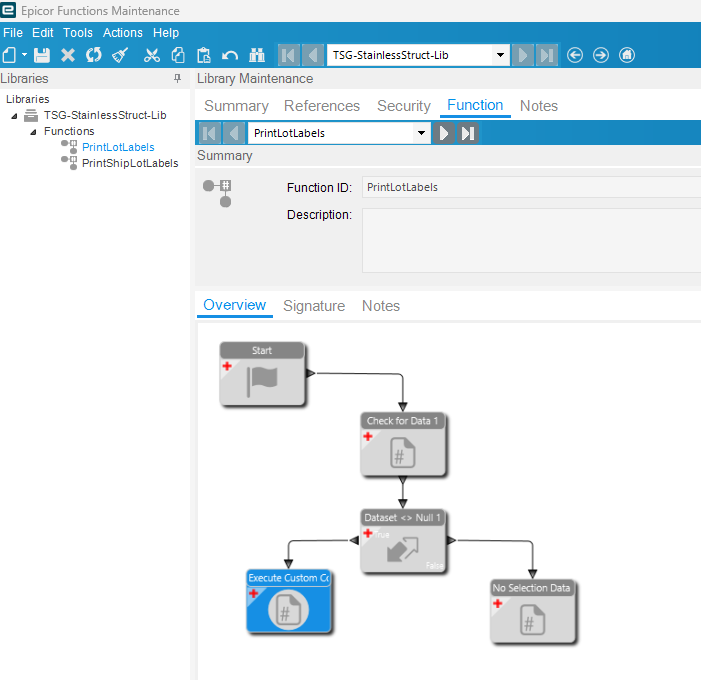
Functions. Maintenance. The library and functions will be in the request part of the funtion widget. Or on the widget label… Itself
Other thing to check if that function library is promoted.
Thank you Simon
You can’t edit functions in a promoted library. At this point I’d suggest you get your hands on the functions technical reference which is either available from the documents download in the help or Epicweb. They are excellent resources and will answer a lot of your questions, rather than a drip feed approach of responses.