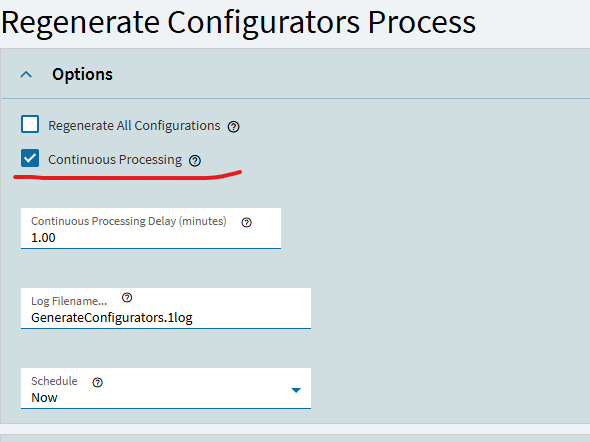
“Someone” started the Regenerate Configurators Process with Continuous Processing checked. Now this process is running, as it says on the tin, continuously.
How do we stop this task? We don’t have a need to run it every minute.
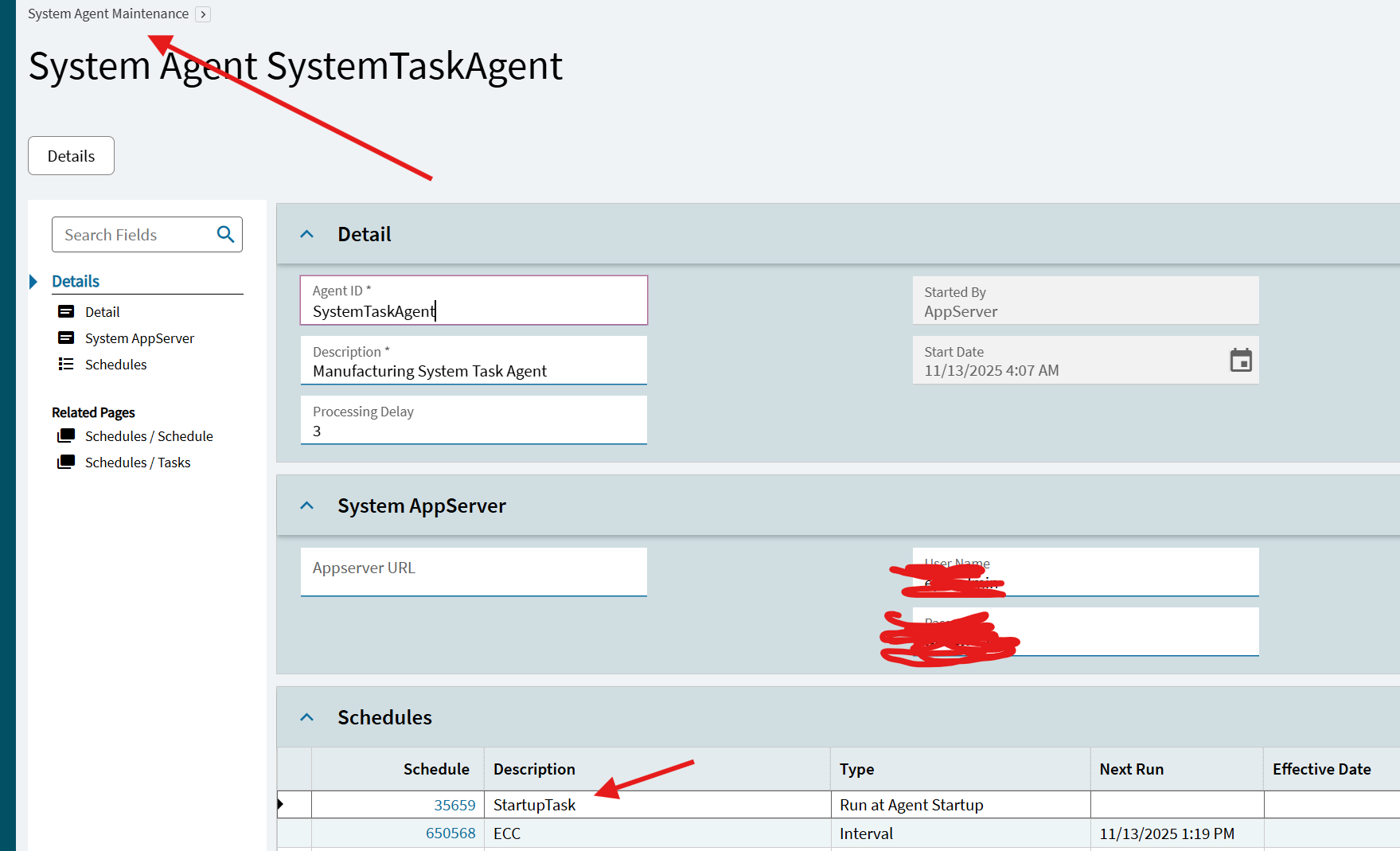
It should be a task under the Startup Schedule in your system agent. Navigate to System Agent, find the Startup Schedule, delete the task:
Thanks again @kve, that’s exactly what we needed.