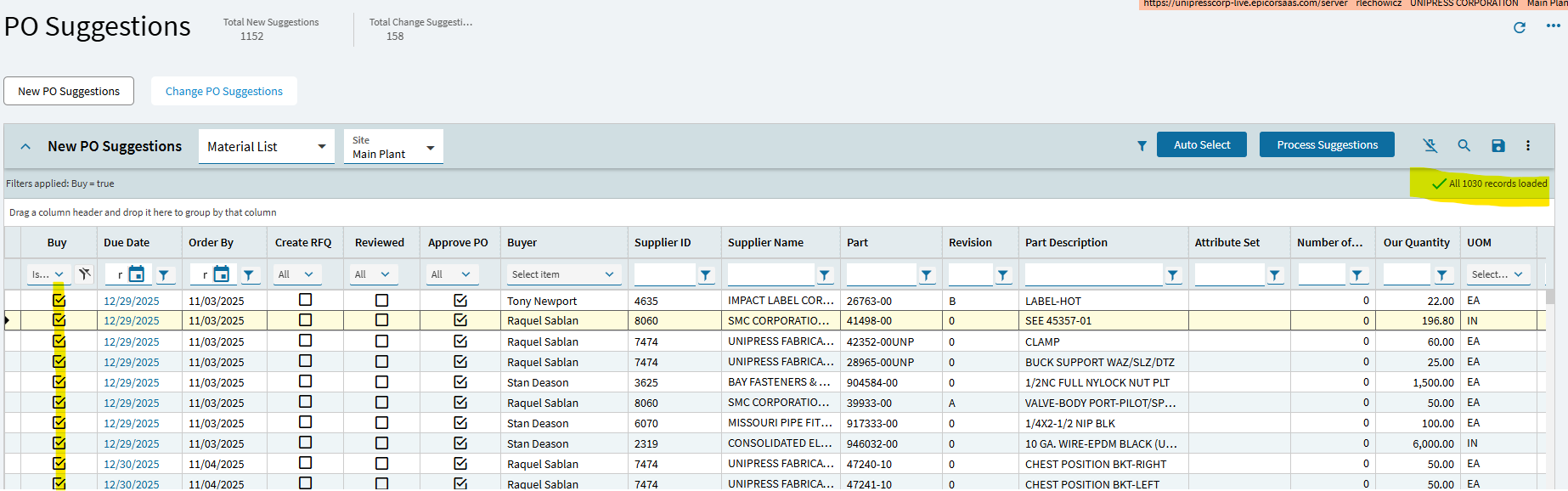
I had an employee hit Auto Select in PO Suggestions, 1030 records. I don’t see an option to unselect or clear the check boxes.
1 Like
Can’t they just refresh the page or close then reopen?
No, the buy value is saved on the record.
1 Like
I’ve tried everything I can think of.
Rerun generate suggestions. That will delete them all and create new ones.
3 Likes
You might have to explain to me how to do that.
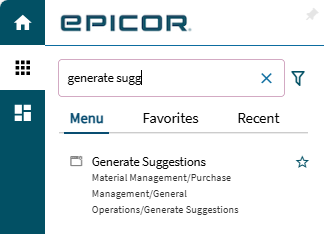
We’re currently using Epicor 10 and testing Kinetic and that’s the one thing I didn’t think of doing. It’s running right now, so hopefully that’ll do it. Thank you for the quick response.
Even in E10 it was called Generate Suggestions or you could run Process MRP again if you’re not doing suggestions. Something is creating the suggestions and it’s either of those.
2 Likes
Generate Suggestions didn’t uncheck the boxes. I’m running MRP now to see if that helps. Epicor support team said there is NO way to mass uncheck the boxes, that you have to do it manually. Epicor did say “Please use Epicor Ideas Portal to submit and vote for existing enhancements to increase its priority.”
1 Like

1 Like
Did you run it in Net-Change or Regenerative mode? Regenerative should wipe out all suggestions then recreate them from demand.
Thanks,
Nathan
2 Likes
I think it should in Regenerative mode. Net Change just looks for new but Regen is supposed to wipe and rebuild all. At least MRP does it to jobs.
1 Like
Great minds…
1 Like

1 Like
AND WE HAVE A WINNER. MRP, set to Regenerative Mode did it. No more checked buy boxes. You guys were more helpful than Epicor support.
4 Likes
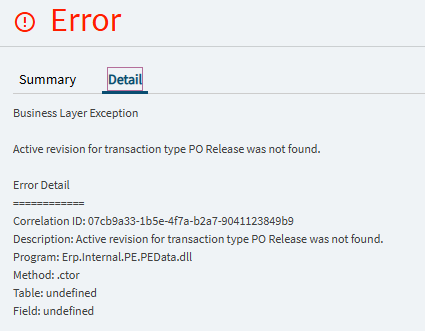
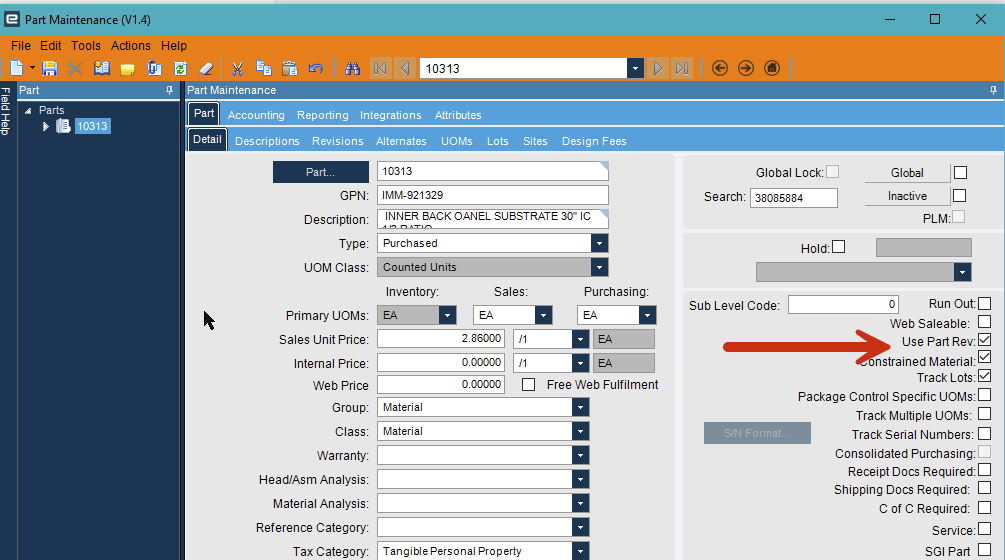
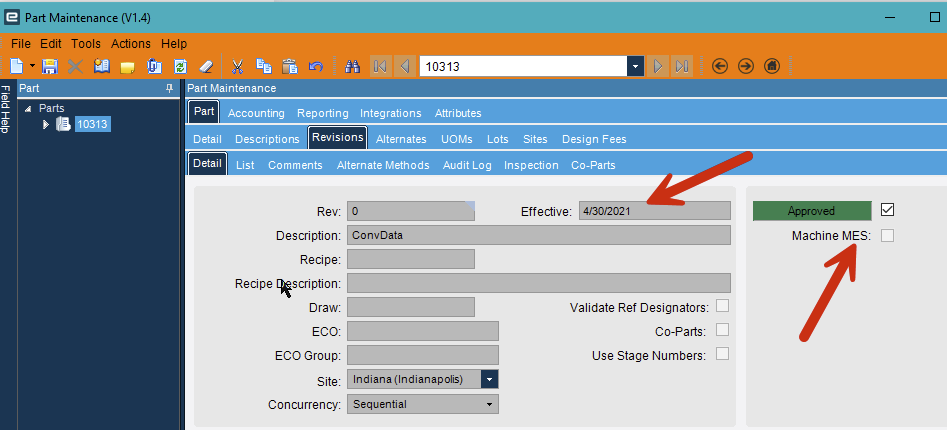
Since you guys have been most helpful, My company is currently testing in a live environment, with a November database upload. I’m going to be the one to help the rest of the office with Kinetic and now I’ve run into another problem. I’m trying to generate a PO from one vendor, for one part number and I’m getting the following error.