I have noticed you are using the dataview-current-set event action.
It is being used rather frequently in Epicor Kinetic events but Epicor provides minimal documentation on its purpose and when it should be used.
Could you please tell me, if you know, what is the purpose of this action and why is it used at all, if we can easily access and pass any dataview using {DataViewName} syntax?
It sets the dataview returned by the expressions above. You can use these expressions in events. For example, in condition action to refresh a grid AfterDelete. Like if the currentDataView is PartRev then refresh PartRev after delete. OR rest-erp action to pass the dirtyRows into a service using %currentDataView%.
What a run around… I create an app , cant do much with it. .Close and reopen App studio, Calls it a dashboard now, not an app…
Put grids on details, run, doesn’t show up. Have to put grid on top level have option to make updateable… progress…
Go back out of App studio, back in and open test app/dashboard… Everything GONE…
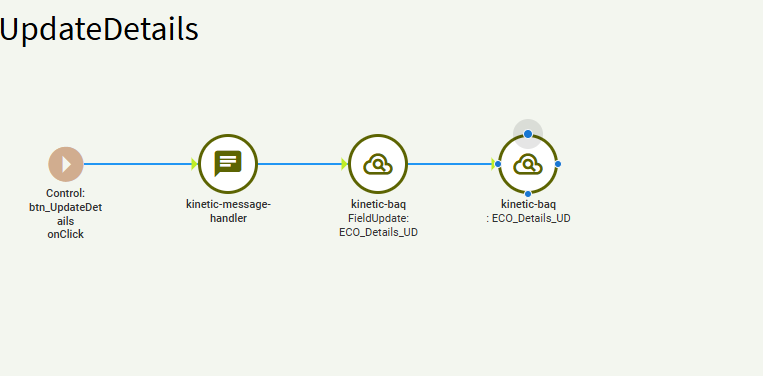
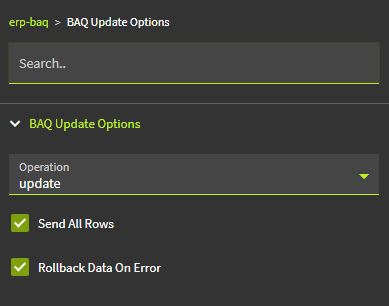
Ok, I have stepped back from the cliff… Wound up writing up my own event to update an updateable BAQ. Seem to need 2 calls to server. 1st to say a field is updated and 2, call the update ( Ignore the Message handler, artifact to verify it fires on clicking button from Actions menu)