I have been asked about putting a Click Here button on a report so when it gets clicked it goes to a specific web address. I’ve not seen this done, so wanted to ask here.
The idea is that when we generate a PO and we send it digitally, the supplier can click the Click Here and be taken directly to a special page giving them delivery instructions.
1 Like
I happen to be working in Report Builder, so I took a quick snip…
You can right-click on pretty much anything (Textbox, PlaceHolder, etc.) and open properties. Then, under “Action”, there is an option for “Go to URL”.
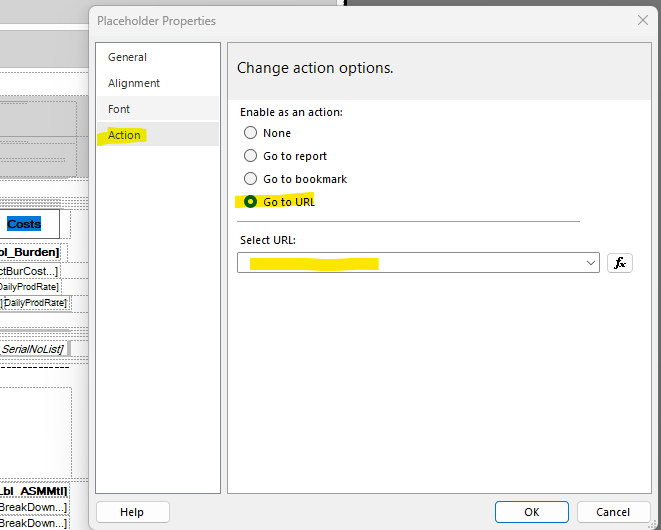
You can either put a stagnant value or an expression (which I would assume you’d use to insert a specific PONum to drive your target web address).
4 Likes
Didn’t know it was that easy!
I’ve never used this functionality… so… it may not be 
Fingers crossed for you!
1 Like
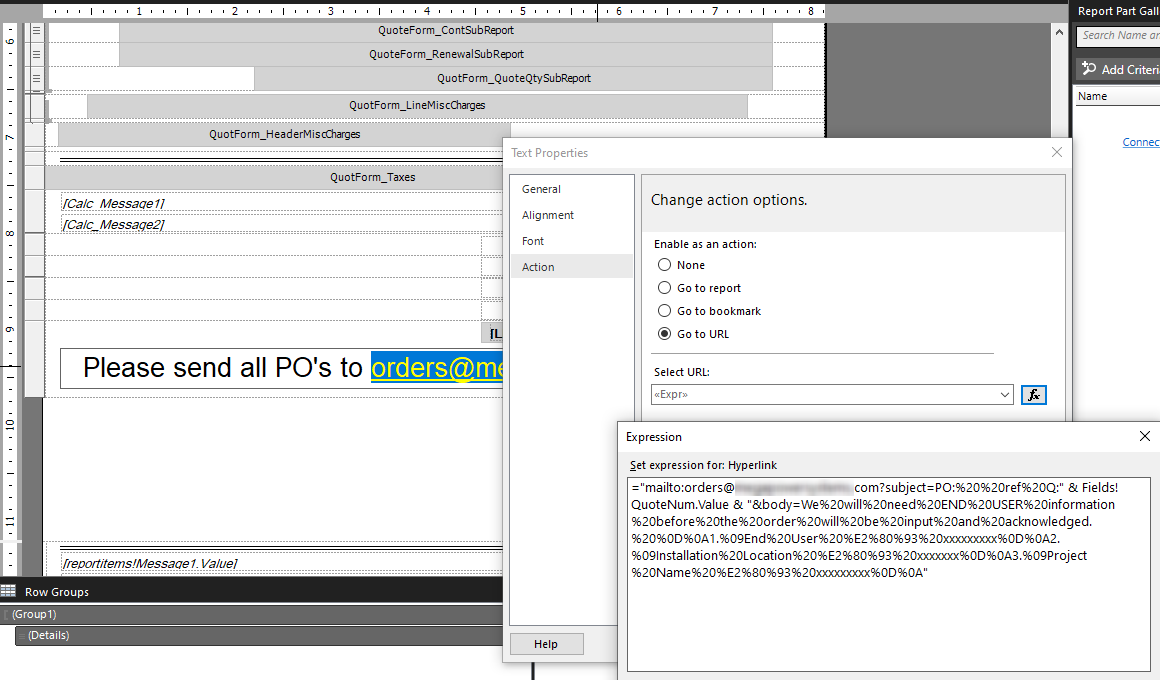
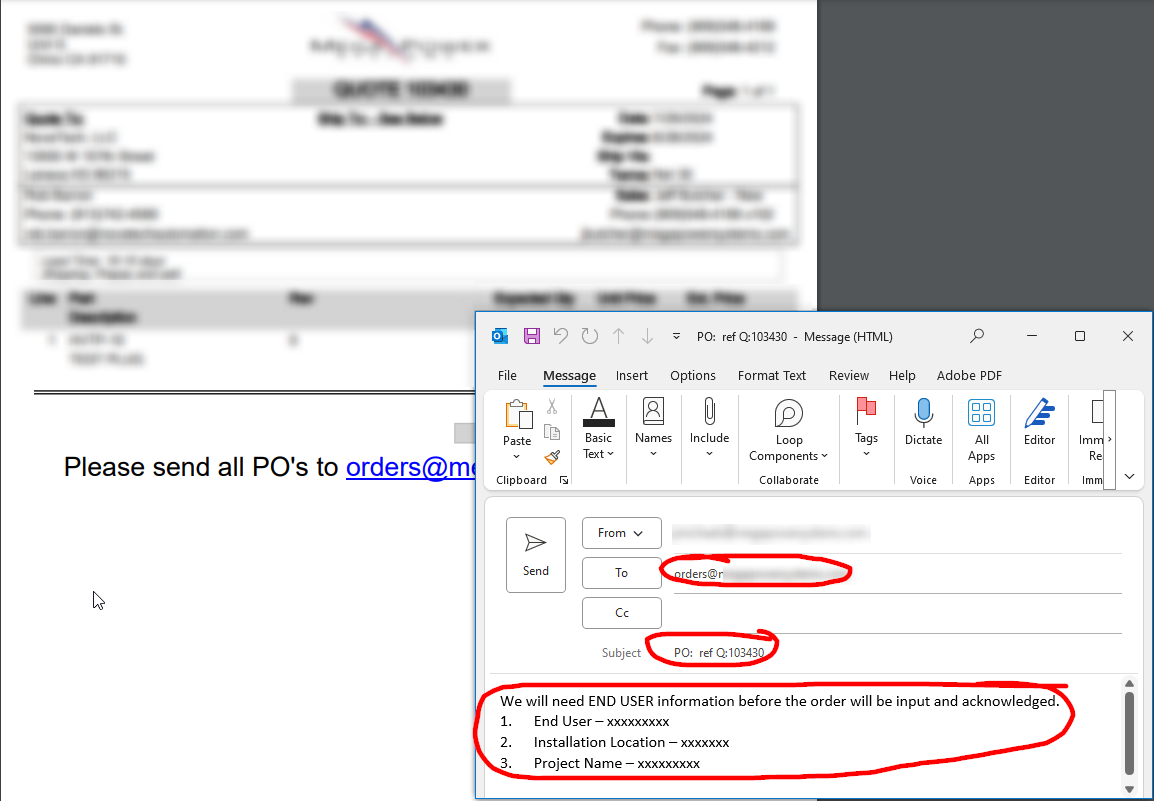
Nicely done! That expression looks like it was fun to write out.
Take a look at this doozy:
var lastOrderDateByCustomer = Db.Customer.Join(Db.OrderHed, c => c.CustNum, o => o.CustNum, (c, o) => new {CCompany =c.Company, c.CustID, OCompany = o.Company, o.OrderDate })
  .Where(x => x.CCompany == CompanyID && x.OCompany == CompanyID)
  .GroupBy(g => g.CustID)
  .Select( x => new { CustID = x.Key, MaxOrderDate = x.Select(o => o.OrderDate).Max() } )
  .OrderByDescending(x => x.MaxOrderDate);```