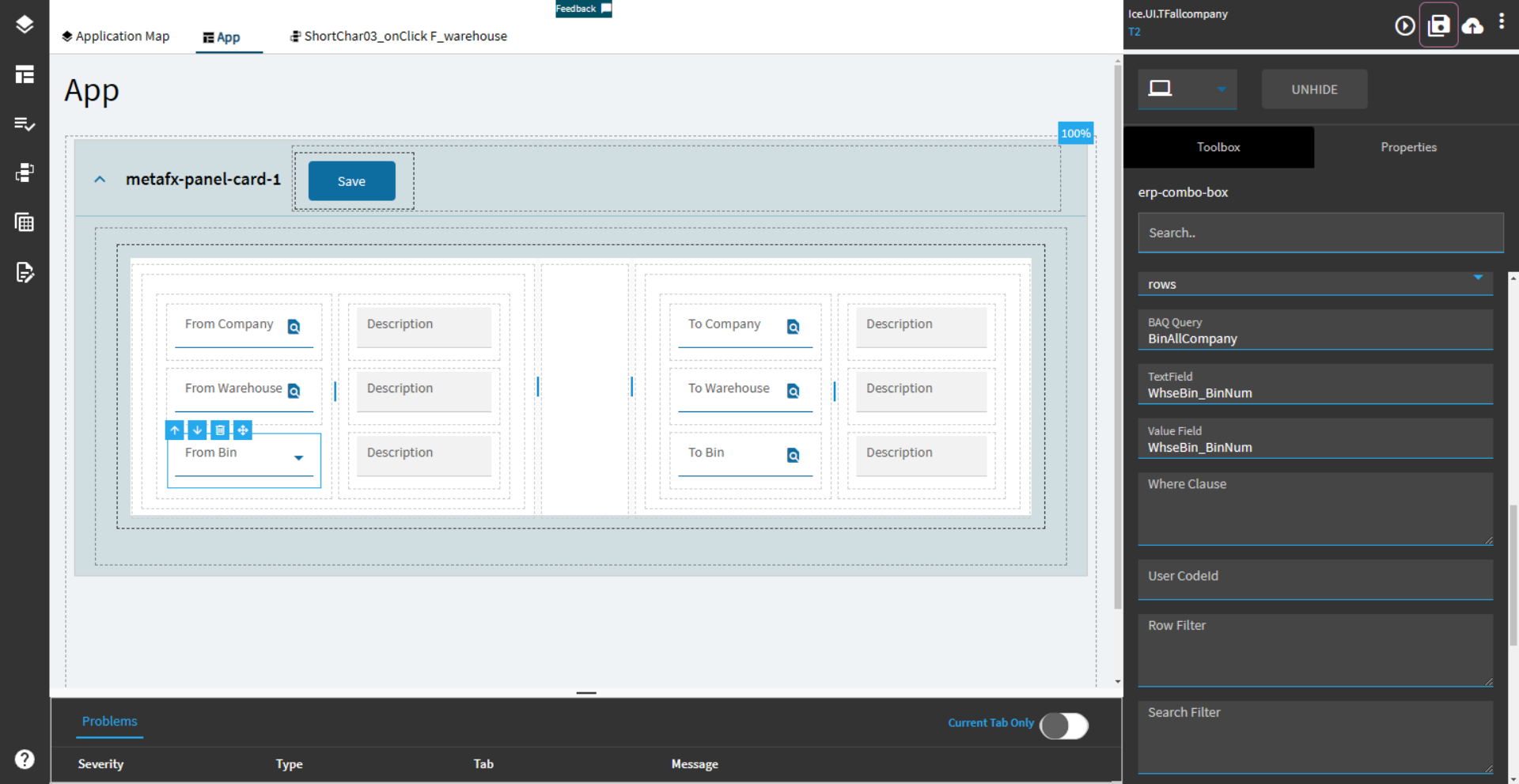
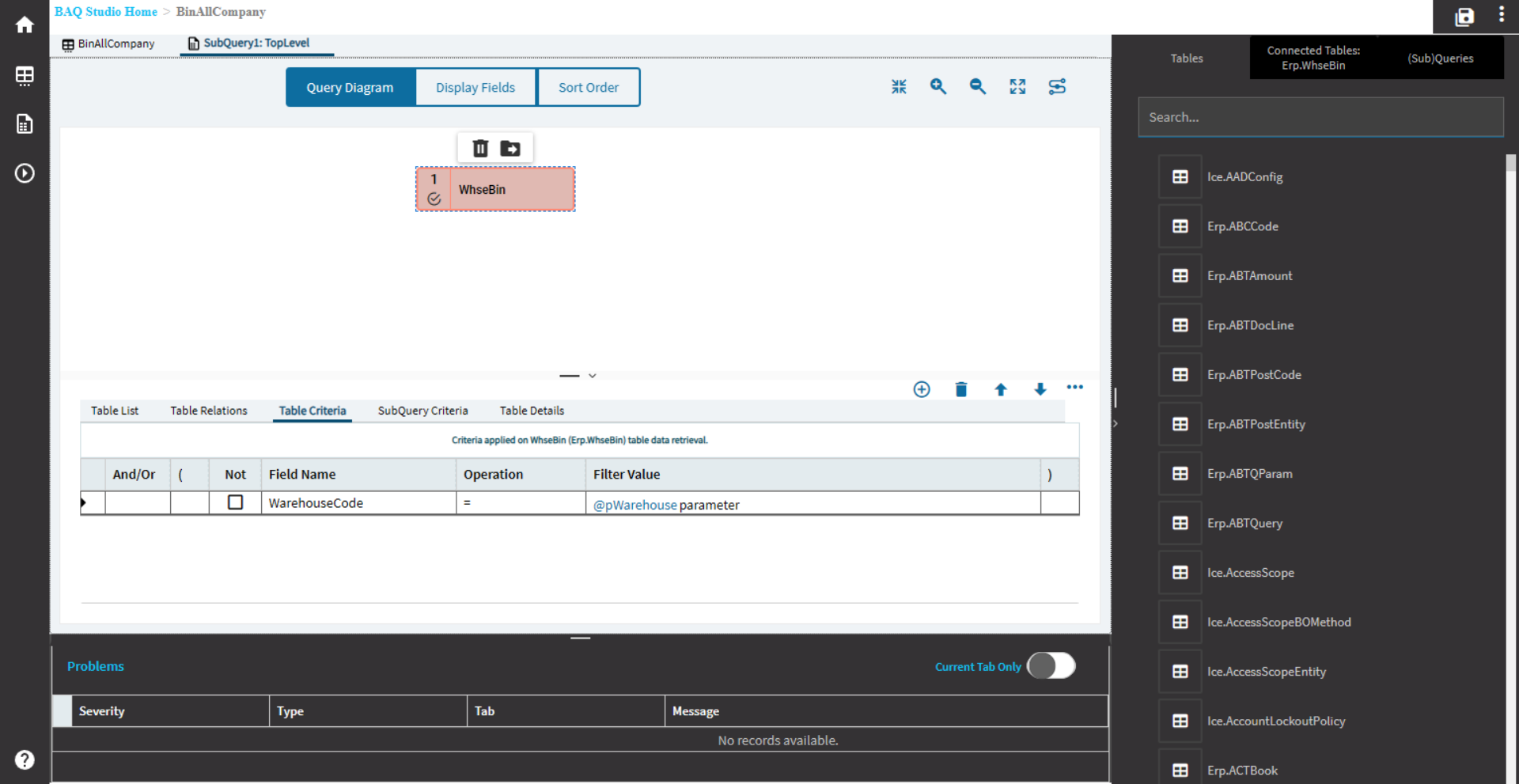
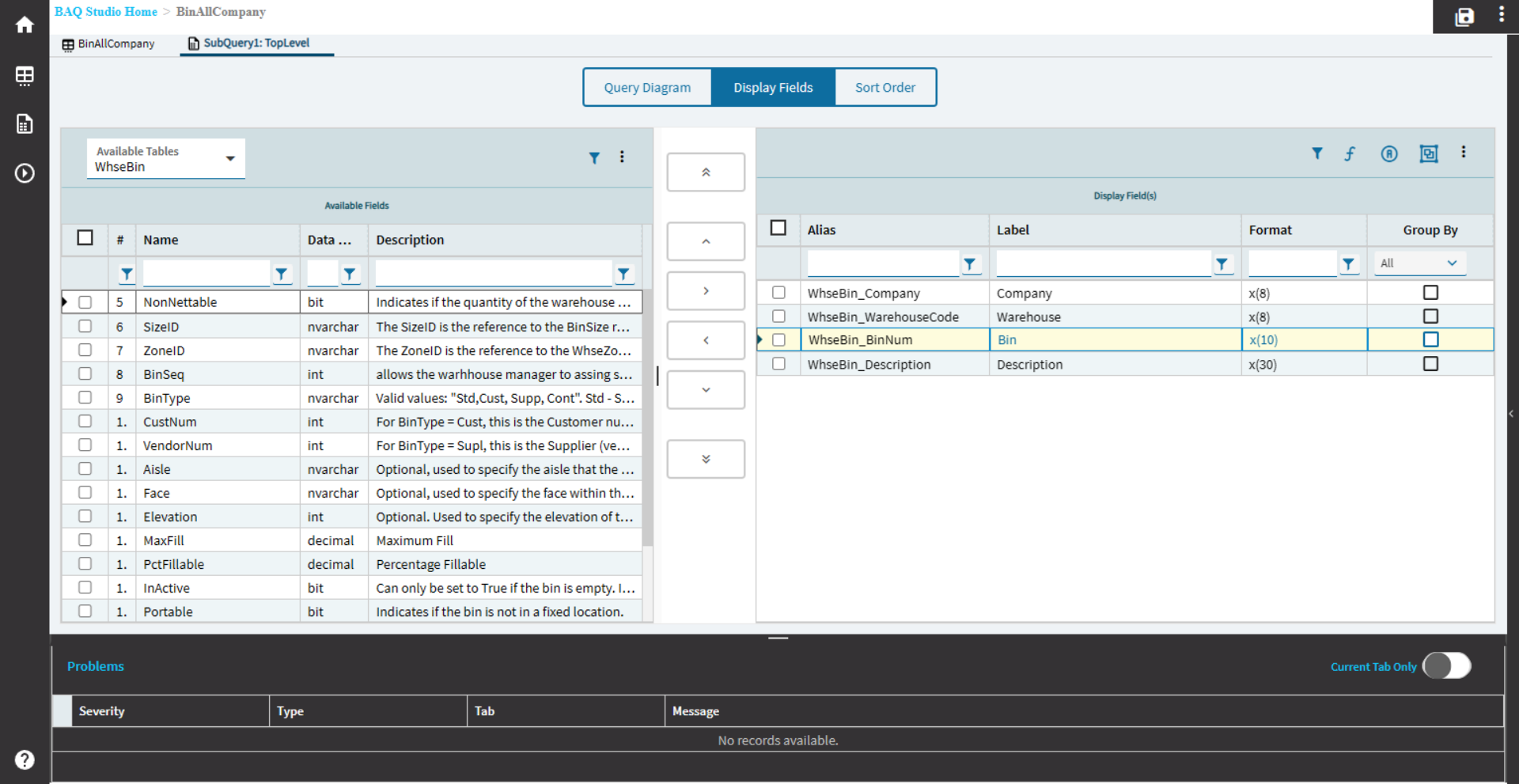
I’m not sure with your exact set-up. But when I do Warehouse/Bin combinations, I generally use (2) comboboxes.
They need to both be tied to the same dataview.
Warehouse combo set to the default subtype:

Bin combo set to the default subtype:

The only setting you really have to change is to add a Filters Param.
The base Bin combo already has a filter of: WarehouseCode = '?{WarehouseCodeColumn,''}',Replenishable = ?{ReplenishableColumn},ZoneID = '?{ZoneIDColumn,''}',InActive=false
So, the query it uses is already prepped for filtering by WarehouseCode in the below portion:
WarehouseCode = '?{WarehouseCodeColumn,''}'
The Filters Param is where we tell the query what to use for the WarehouseCodeColumn
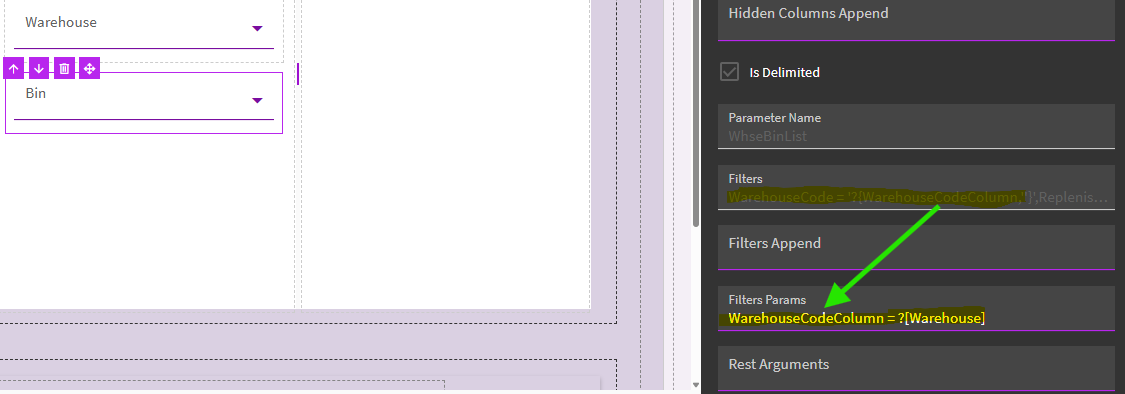
In my case, I have my warehouse combobox bound to TransView.Warehouse and my bin combobox bound to TransView.Bin.
So, for me, my Filters Params is set to WarehouseCodeColumn = ?[Warehouse]
Again, it already knows the dataview, it will use the same dataview your Bin combobox is bound to. I just need to point it to my Warehouse column.
The only other thing you need to remember is to use square brackets [] here, not curly braces {}.
~*~
Again, haven’t done this with a BAQ… but if possible, you could switch to two comboboxes… OR… perhaps the above may give you some clues to getting your set-up to work.