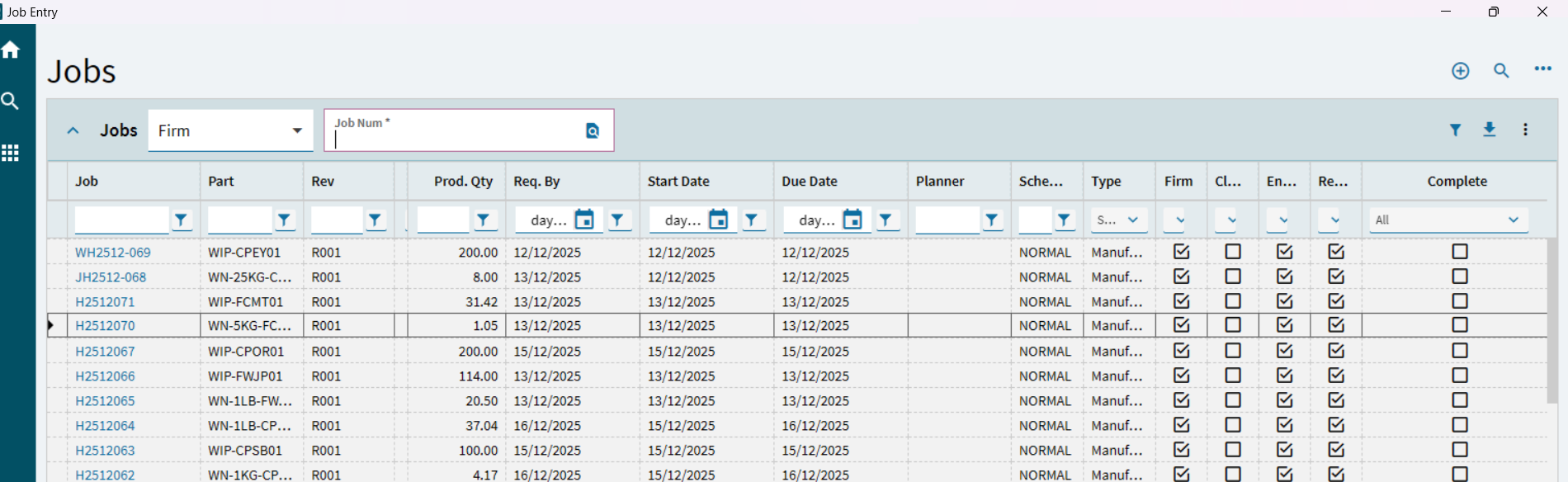
I need to add a Resource Group Description column to a Job Entry form. I need to create it in BPM, but which ERP.BO file should I use? Please help me.
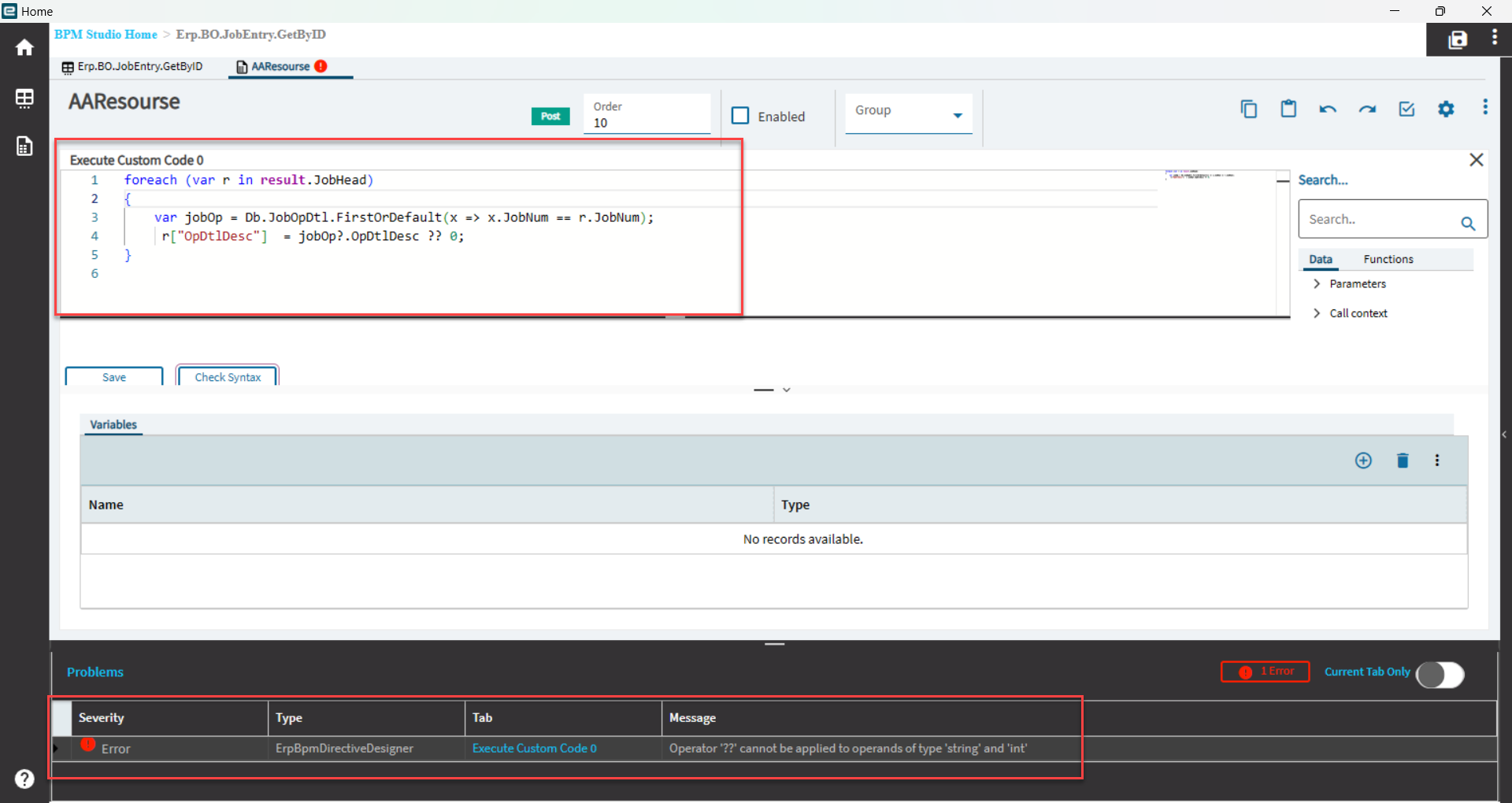

It looks right, but the error says you are mixing two differing data types.
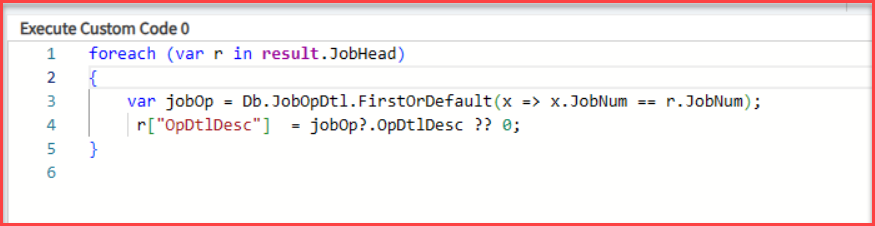
JobOp?.opDtlDesc is a string, but you have ?? 0, meaning if its null, provide a default of 0.
However, 0 is not a valid value for a string,
if you change it to:
r["OpDtlDesc"] = jobOp?.OpDtlDesc ?? "";
that will work.
1 Like
I’ve made the corrections, but the details aren’t showing. Did I retrieve data from the wrong table?
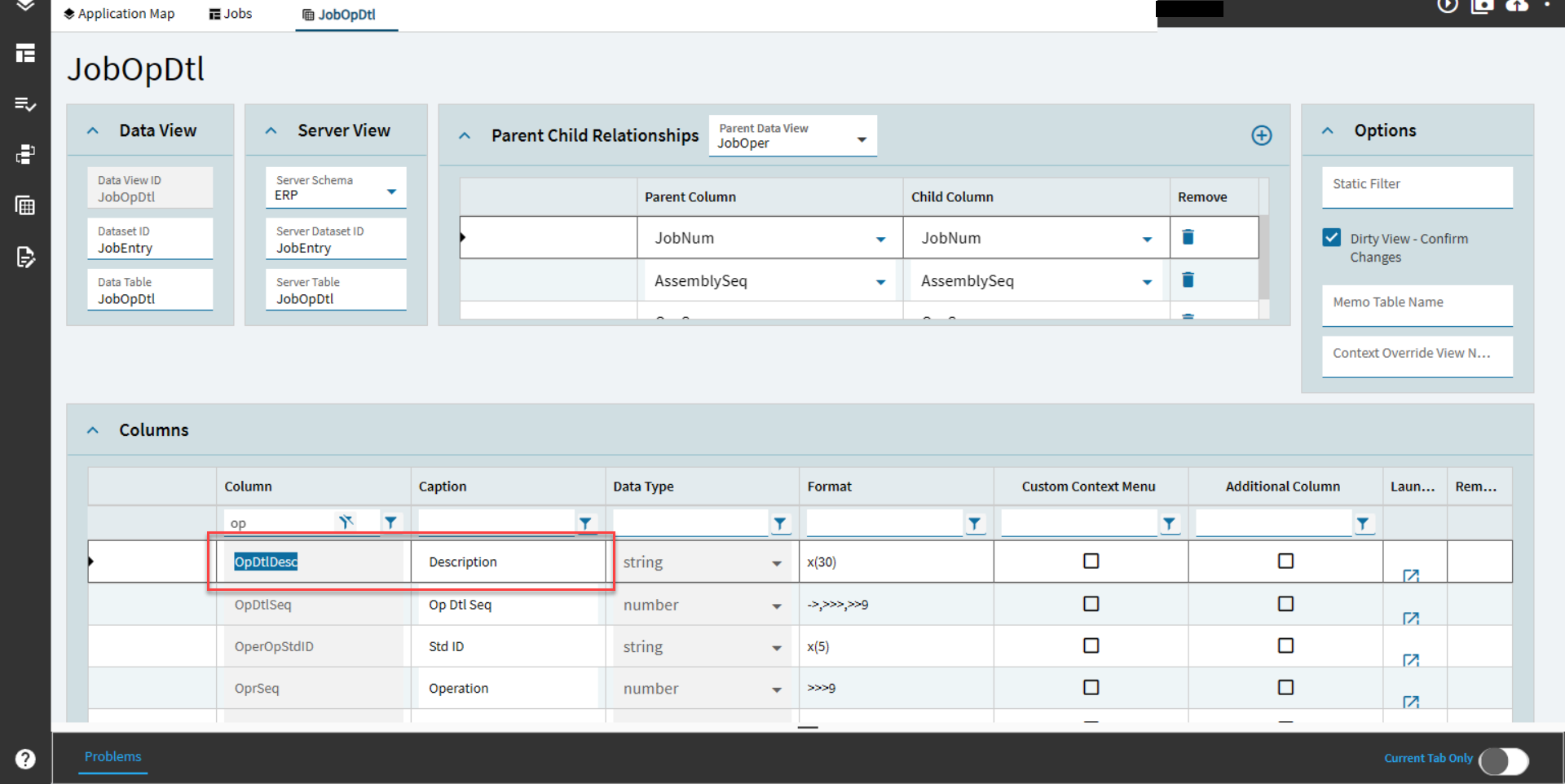
OpDtlDesc is this one:
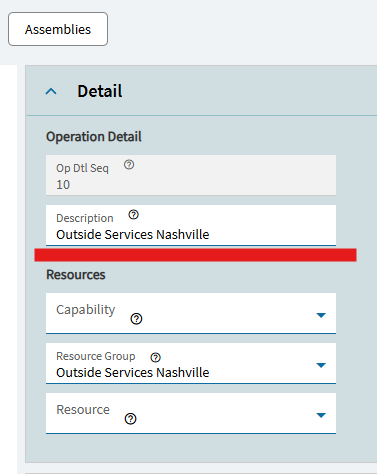
Use field help to see the right one.
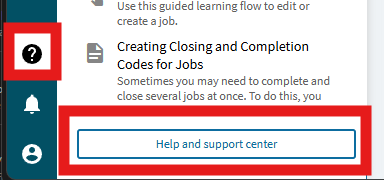
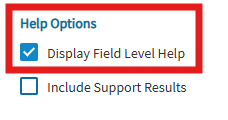
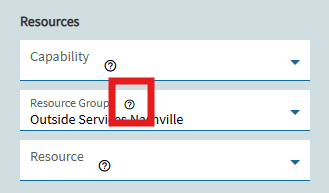
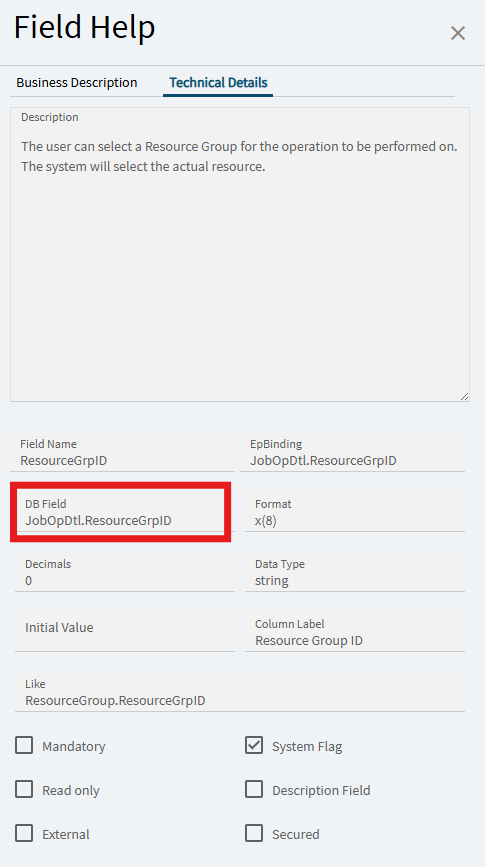
it shows there the correct field ot use, ResourceGrpID
2 Likes

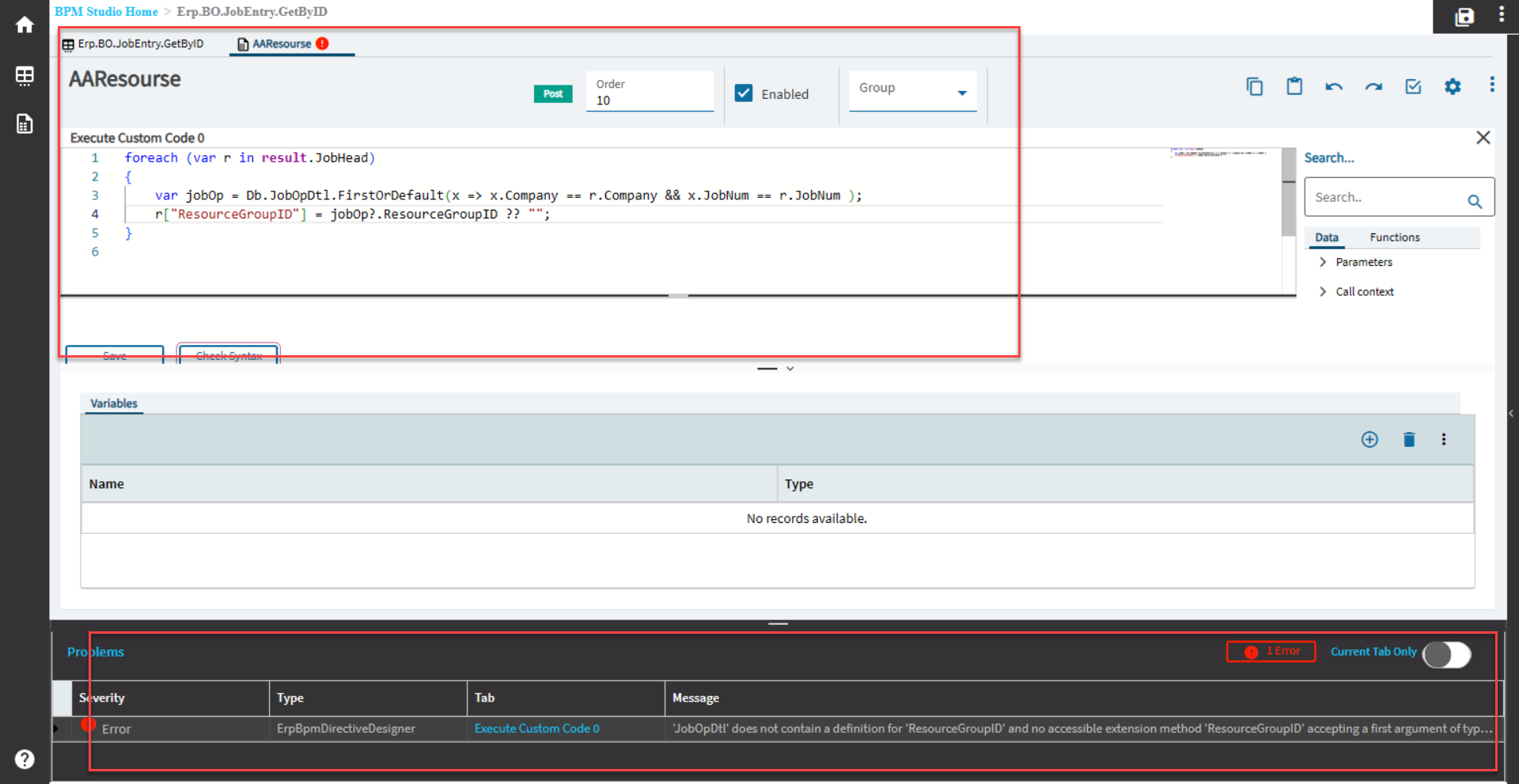
It is not “ResourceGroupID”, it is “ResourceGrpID”
Your final Post BPM on Erp.BO.JobEntry.GetByID should be something like this.
Note that is more complicated because there is possibility of multiple resource groups on one job (with multiple operations) - and resource group description is on another table “ResourceGroup”
foreach (var r in result.JobHead) {
  string rg = "";
  foreach (var jo in Db.JobOpDtl.Where(x => x.Company == r.Company && x.JobNum == r.JobNum)) {
    string rgd = Db.ResourceGroup.FirstOrDefault(x => x.Company == r.Company && x.ResourceGrpID == jo.ResourceGrpID).Description;
    if (!String.IsNullOrEmpty(rgd)) {
      if (String.IsNullOrEmpty(rg)) {
        rg = $"[{rgd}]";
      } else {
        rg += $", [{rgd}]";
      }
    }
  }
  r["ResourceGroupDesc"] = rg;
}
Output from this is “[Resource Group 1], [Resource Group 2], [Resource Group 3]” and so on. One for each job operation
1 Like
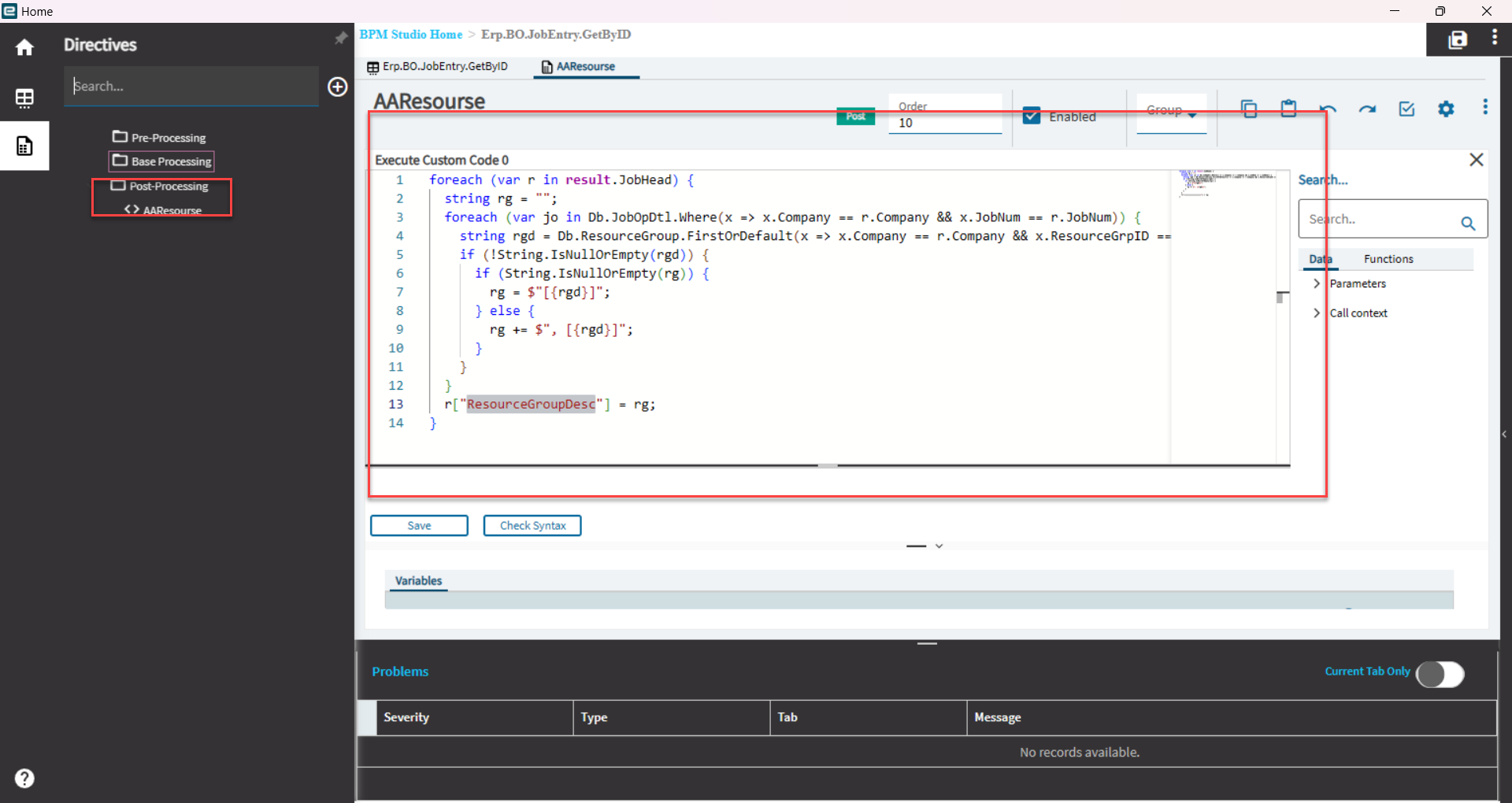
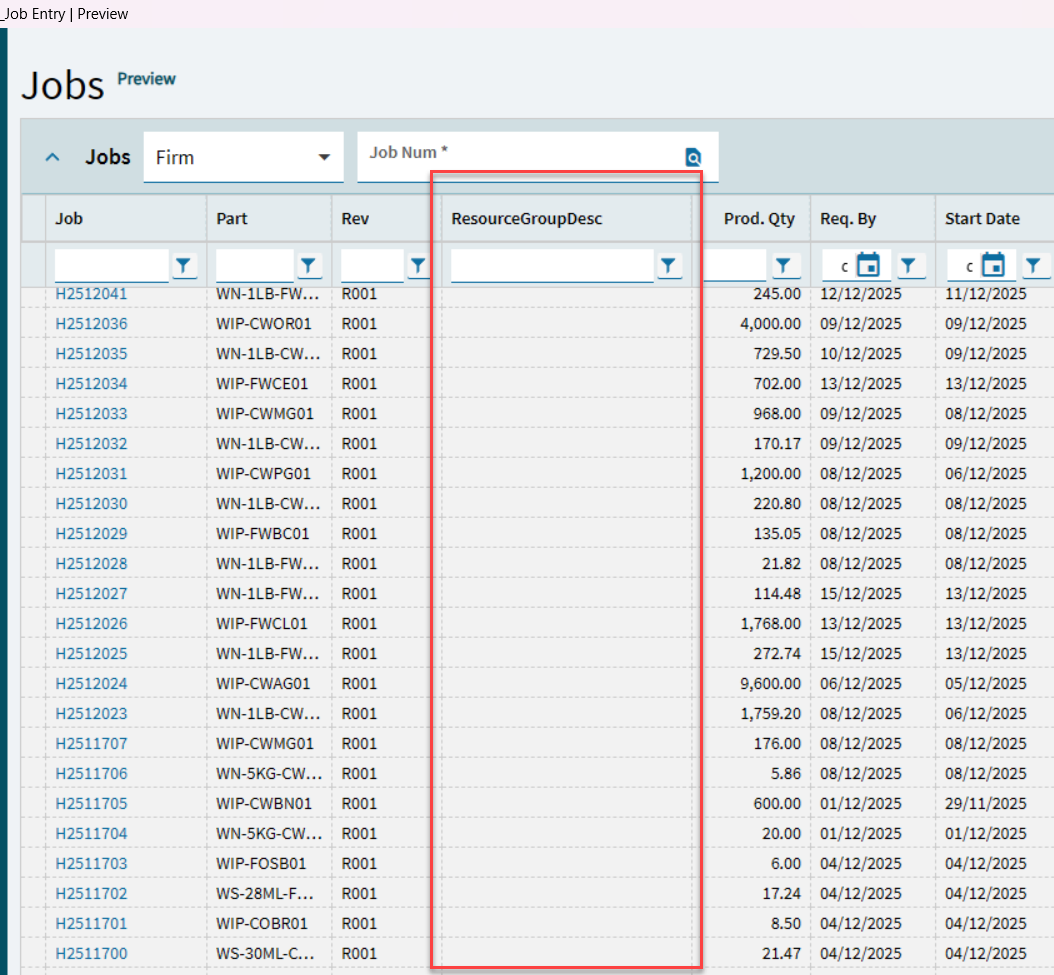
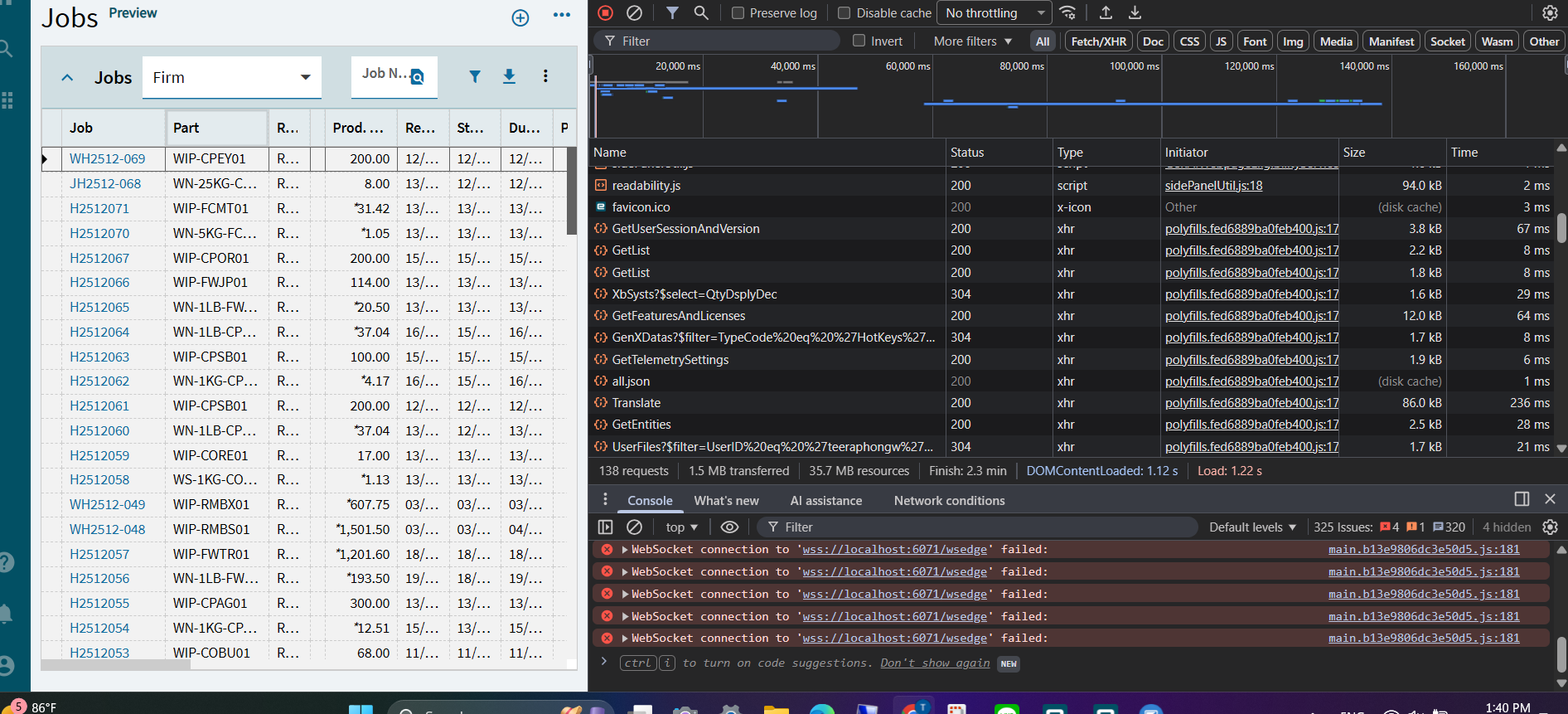
Looks right. If you check web browser f12 dev tools do you see it in network tab?
No information available. GetID
Hi there.
So, before when I looked, I did not check to see that you were working in the right BO. (it’s my fault, because you did ask that!)
To determine which BO you need to work in, on web browser (not in smart client)
Login, Go to your Epicor home screen.
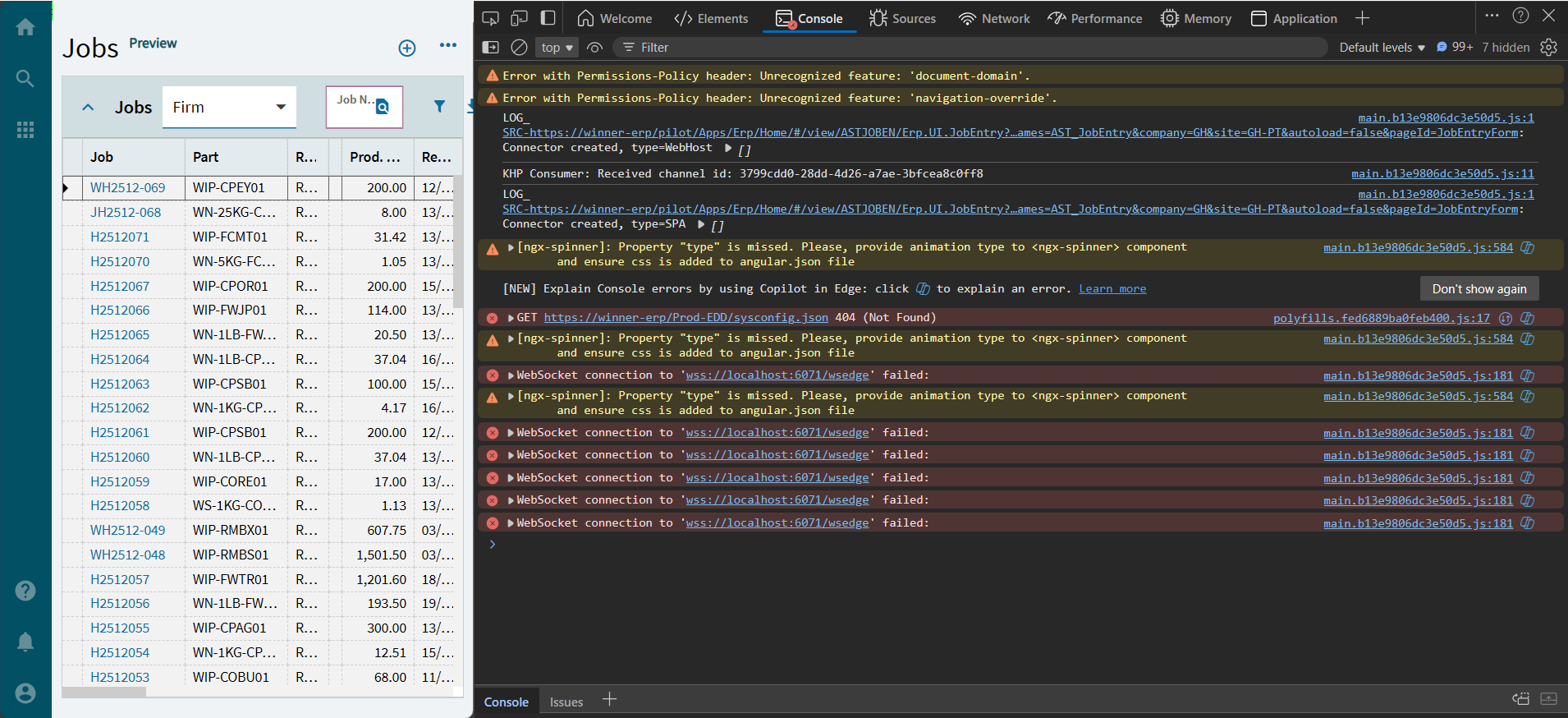
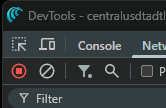
From here (again, in web browser, not smart client), press F12 to see dev tools window.
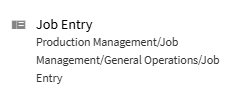
Then, use the menu to go to Job Entry.
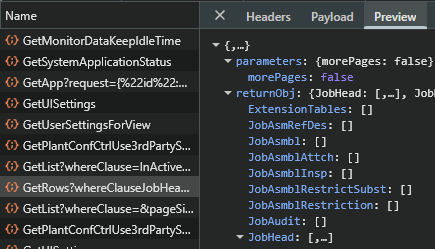
You will see the network calls that take place in dev tools - you need to check the “Preview” for each one to see where the data you want is.
In this case, it is a call to GetRows, not GetByID. (GetByID pulls one single record, GetRows pulls many)
So, your BO needs to be on ERP.BO.JobEntry.GetRows, and we probably need to change it a little.
Actually, it does not need to be changed, I just tried it, and the code above works.

2 Likes
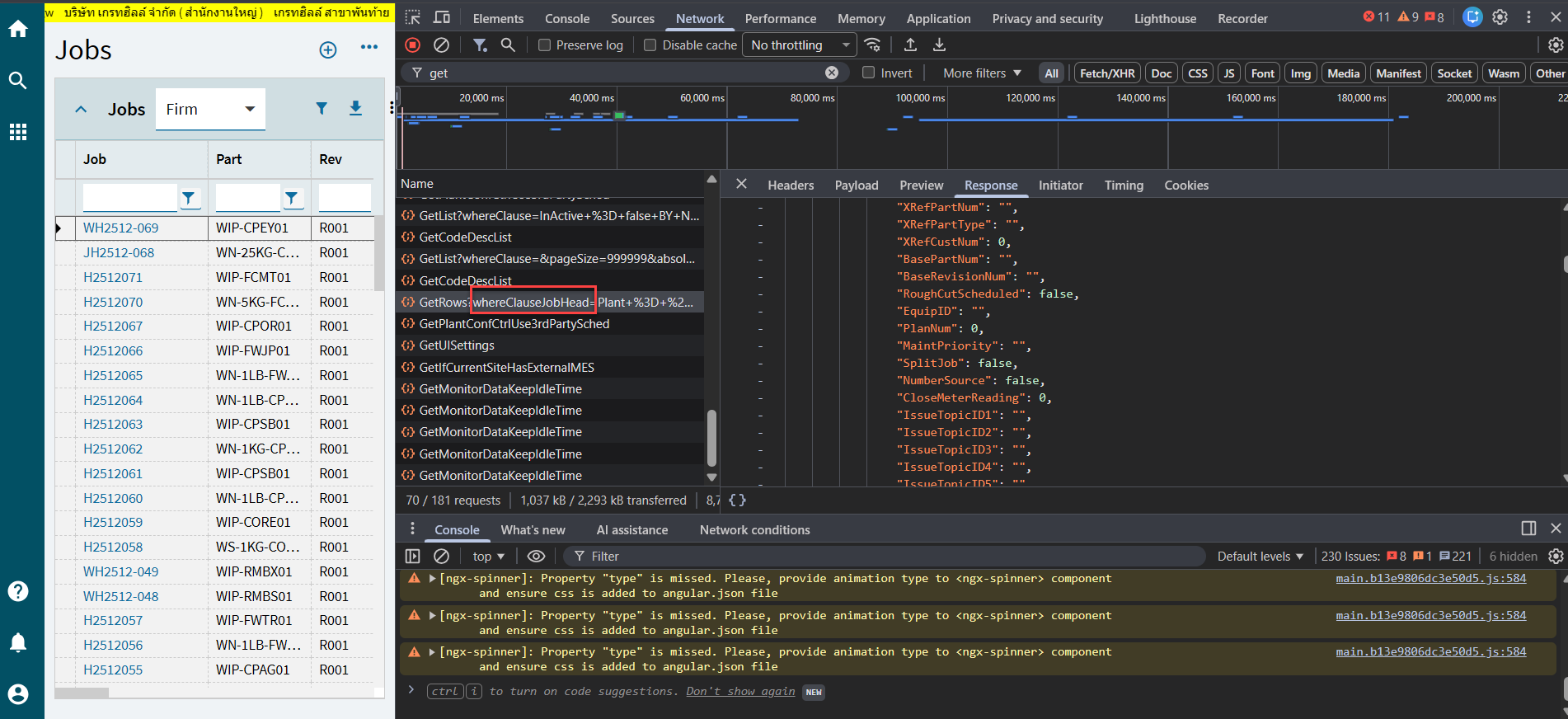
Where you are is the right place.
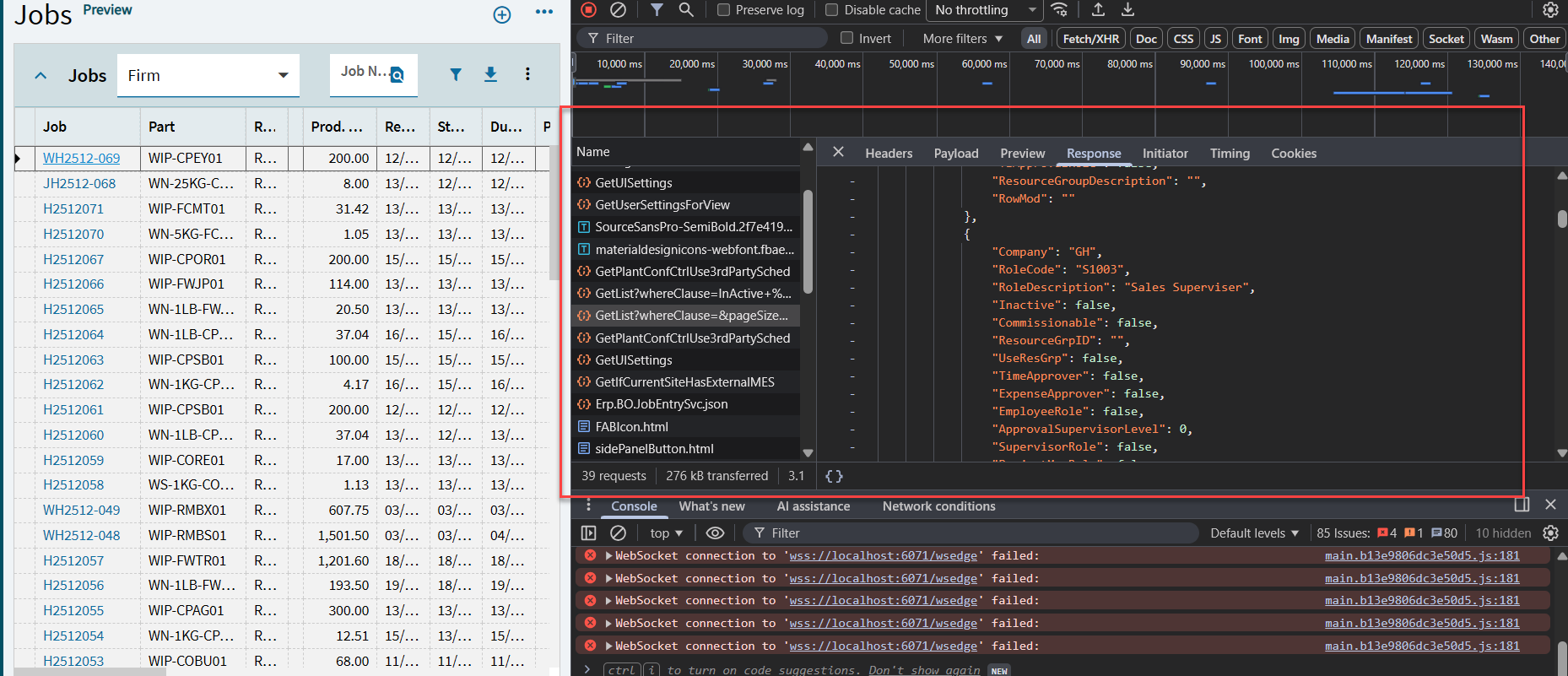
But you are in “Response” - don’t look here. It is the correct data, but harder to see here.
Look in “Preview” -
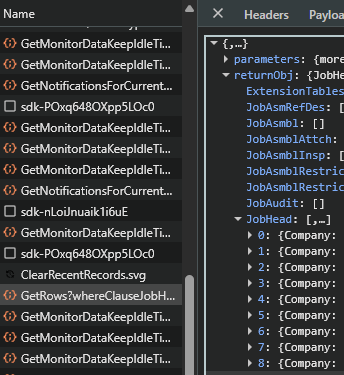
You see all the rows here for JobHead, 0,1,2… if you press the arrow ->, the data inside should match what you see in your job list.
This is how you know its the correct call to edit.
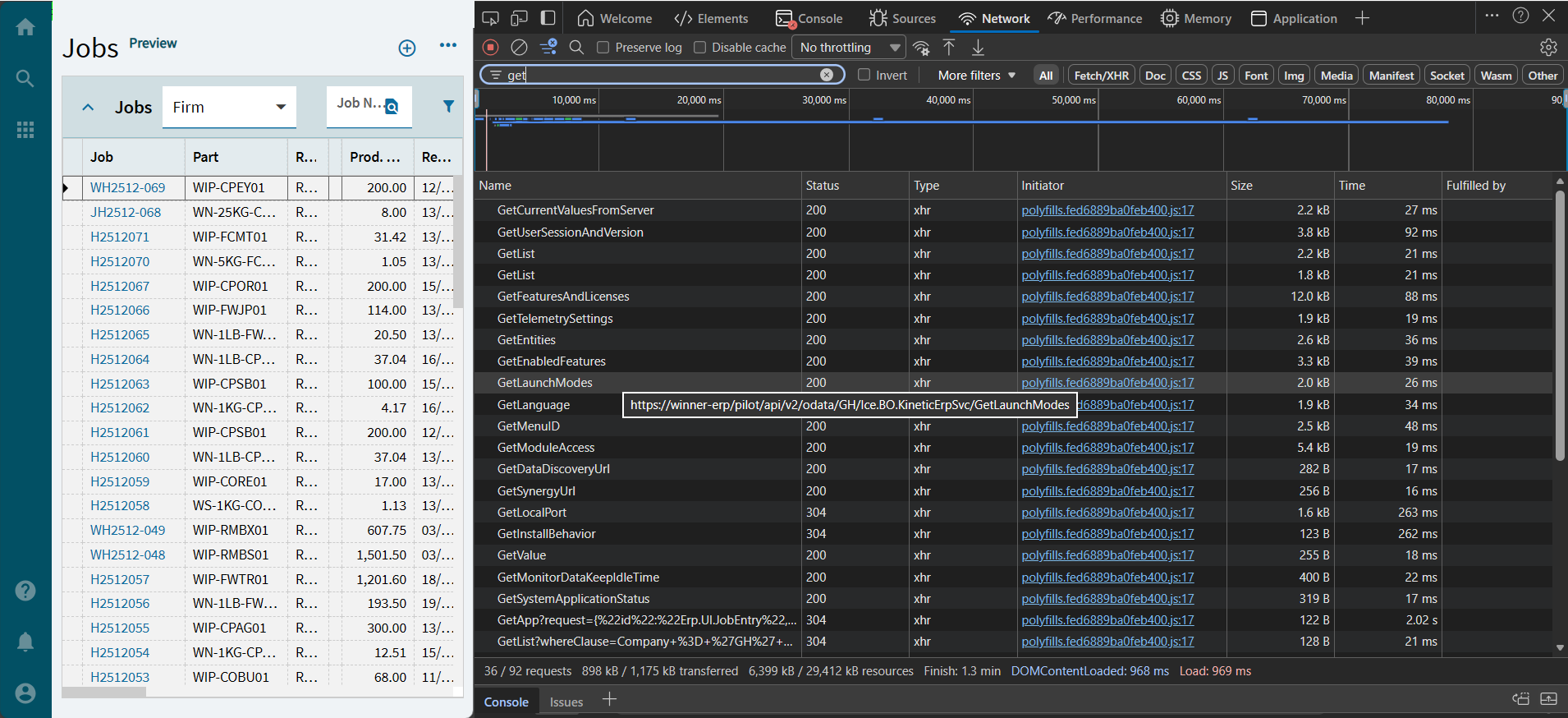
To see the BO, hover your mouse over the call name, where it says “GetRows?whereClauseJobH…” - it shows - like this

It tells you the BO and Method here - Erp.BO.JobEntry - GetRows
1 Like
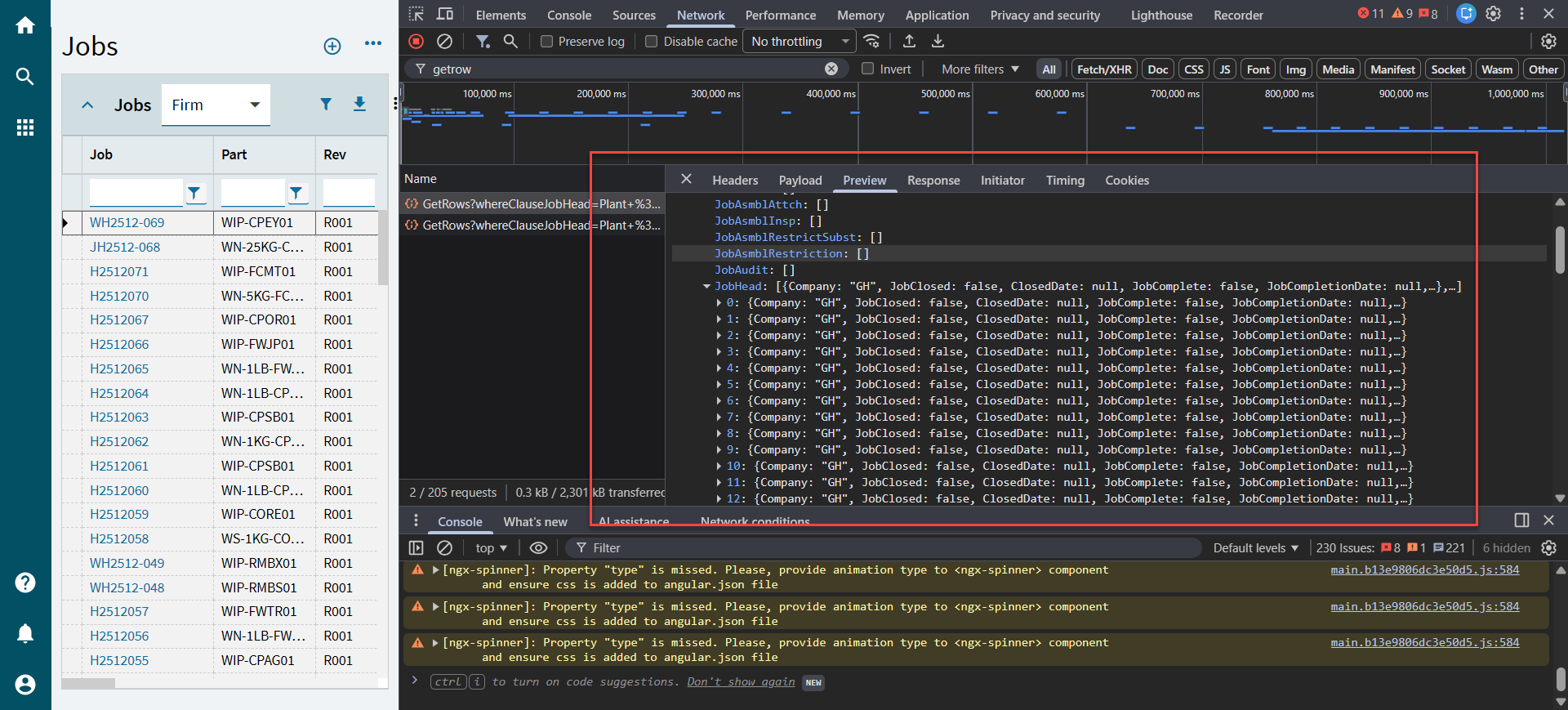
Yes, so now press the arrow next to 0
→ 0: {Company:
You should see the same data as in your Jobs grid.
1 Like
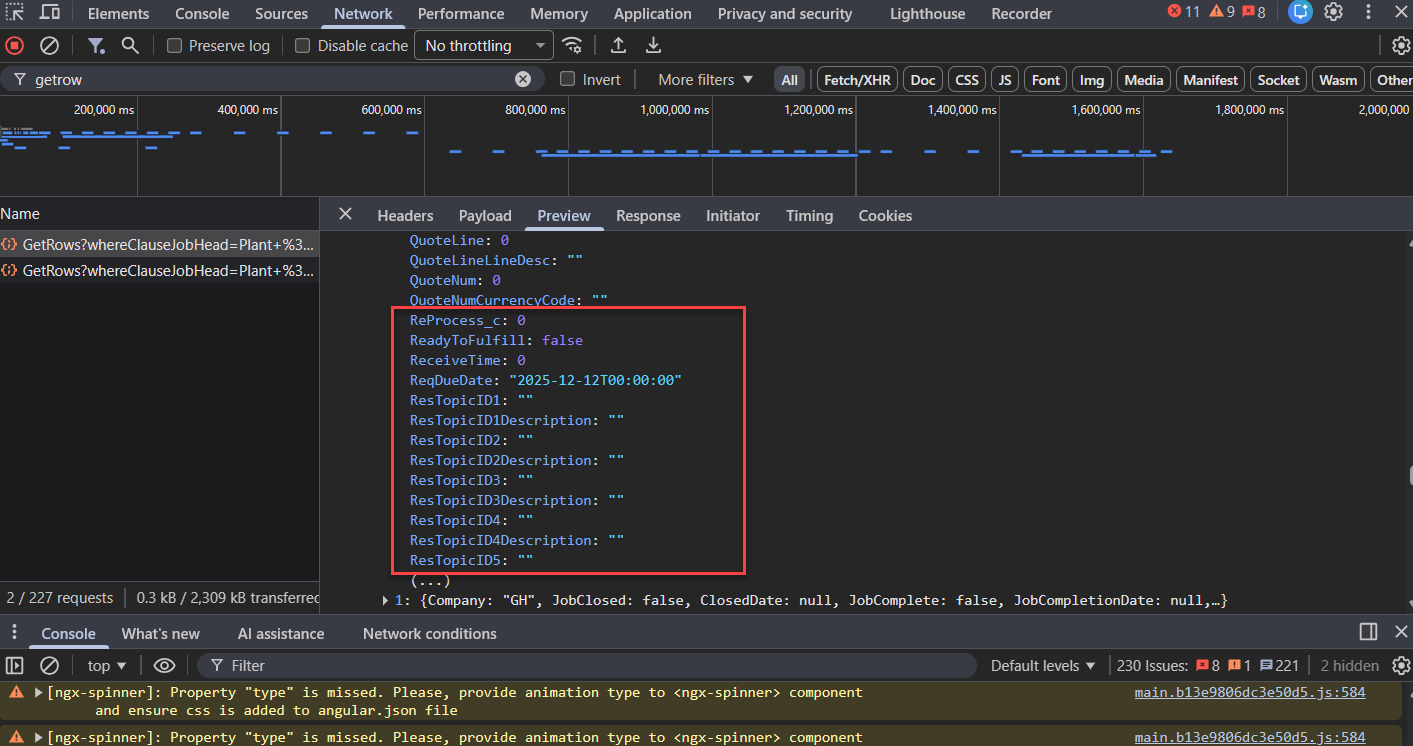
Did you add the BPM on to ERP.BO.JobEntry GetRows Post?
With the code from here: I need to add a Resource Group Description column to a Job Entry form. I need to create it in BPM, but which ERP.BO file should I use? Please help me - #7 by GabeFranco
1 Like