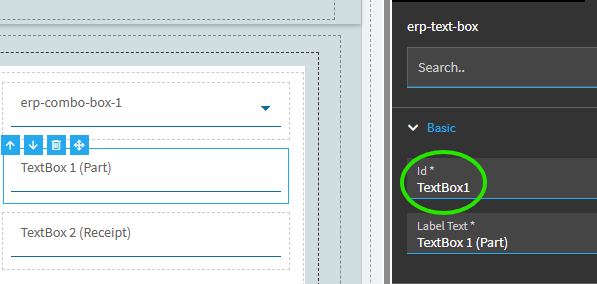
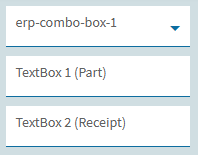
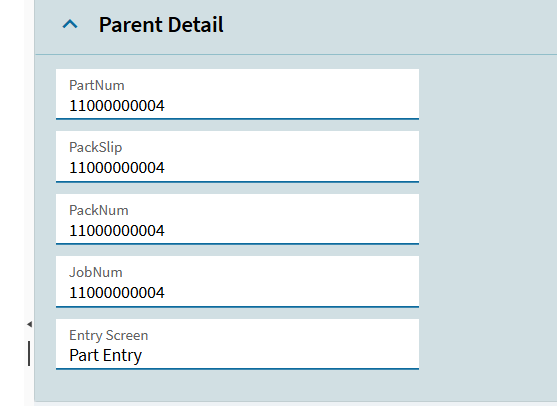
We have created 4 text Box and given Same Ep Binding means I want to Store different data in one field and based on my Drop dowm selection i want to Hide the Text Box.
For Example :
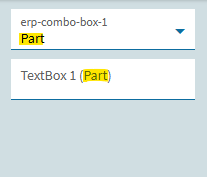
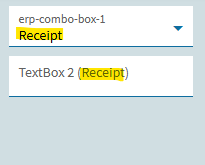
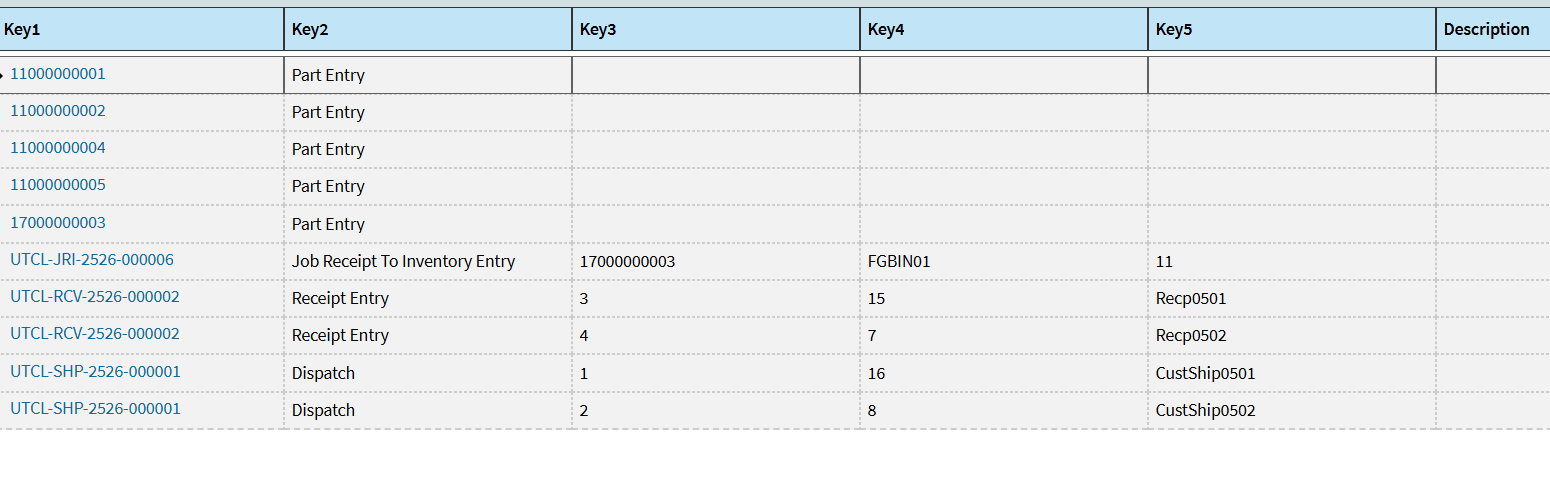
I have created a UD form and in Key1 I am storing Screen Type Part Entry,Receipt Entry etc and I have Created a Text Box on Form to store PartNum and PackSlip in Table but both Text Box have same Binding so when I select Parte Entry Screen type I want to hide Text Box PackSlip
The only ‘standard’ (non-code) method that I am aware of for doing this requires setting up an additional data view for the second scenario but that would result in its own compromises.
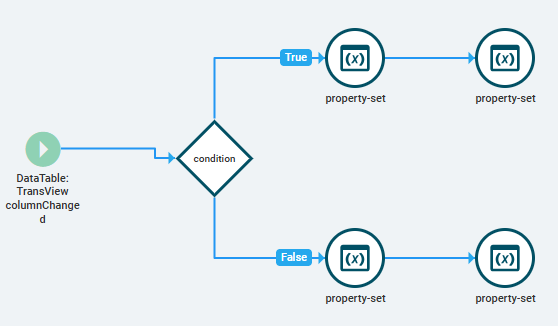
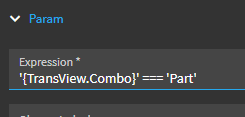
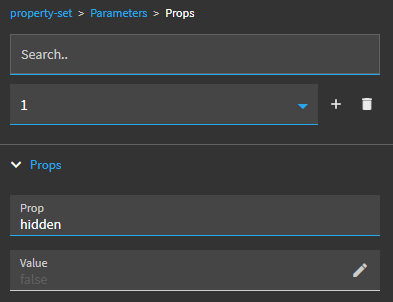
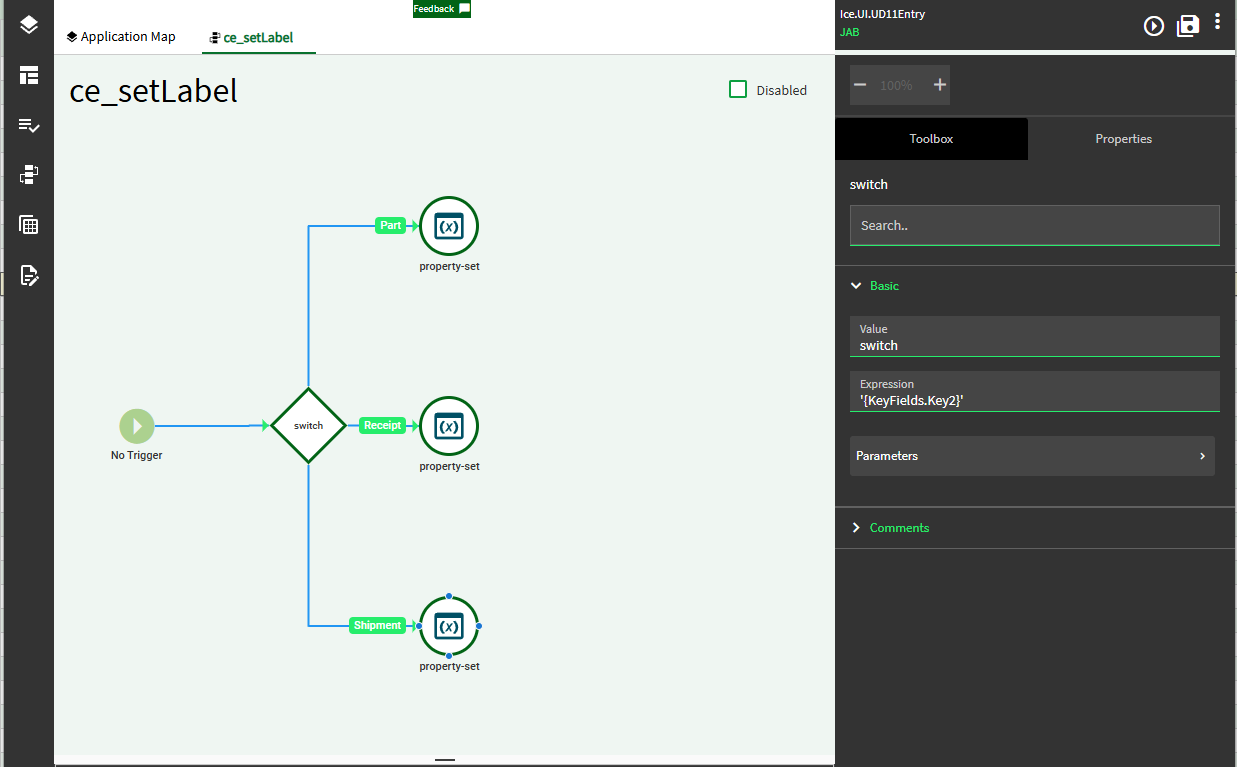
I Have Created a Event On-Grid Clik and used condition widget where it check if Key2 field has Part Entry,receipt Entry , Customer Ship Entry and Job Receiot to Inventory Entry and added a Property set Widget after condition
example
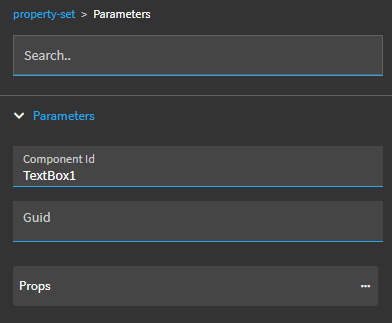
if the I click on Key1 field on Grid and its screen Type is Part Entry than I have set Property set of txtPartNum hidden false and for other the hidden is true same goes to other conditions.