We have one vendor that has some weird rules around how we process it, so I needed to make a specific document type just for that vendor. I would like the classification engine be able to detect that vendor and set the document type to this different type, and everyone else gets the generic one.
The problem that I’m running across is that all documents are 100% matches for both of them. So it can pick wrong quite confidently. And after classification it does the data collection based on that type. So if you switch the document type in data verify, it loses most of the fields. If it’s classified correctly the first time, it reads the document very well.
I did add a classification model yesterday and am working on training that (at least the new way can learn as you go). And hopefully that will help. Initial test seem like it might get there.
My question though, is are there any tips on making what it’s looking for more specific so that the match isn’t 100% for both of them? I don’t really know what the classification is looking for exactly.
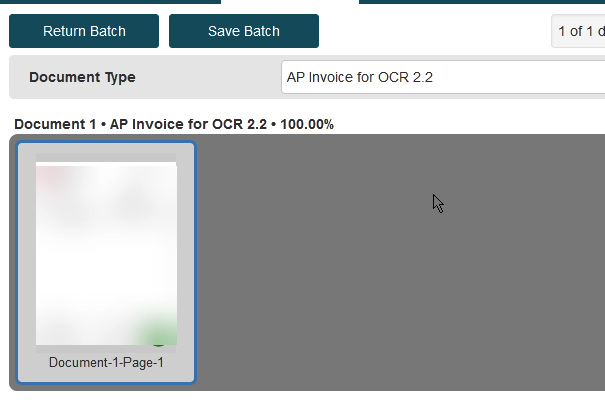
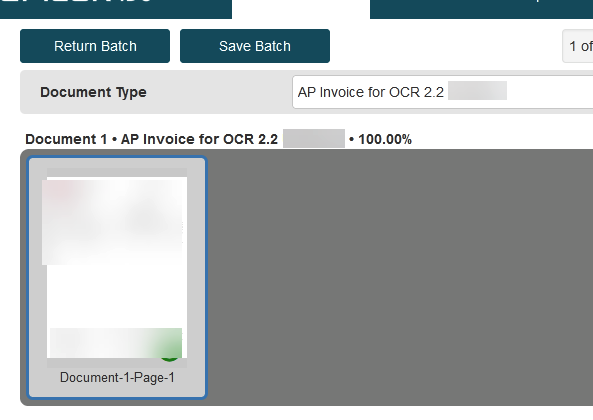
Both of these screen shots are with the same document.
This one is a different type, but the type name is the vendor company so I blurred it.
@utaylor , There are lots of things that I can key off of, but I don’t know how to make the classification engine recognize them.
Yeah, @gpayne , I have some vendor specific DFDs set up for invoice number format checking which works great and some things that you can adjust, but that feature only lets you adjust certain things. I have to change some things drastically enough that I can’t do enough with just the vendor specifc DFDs.
So I wrote all of that up, but looking closer, I could probably accomplish what I needed with the vendor specific DFD. I used some of the functionality that is grayed out, but I could probably accomplish that by adjusting formulas instead.
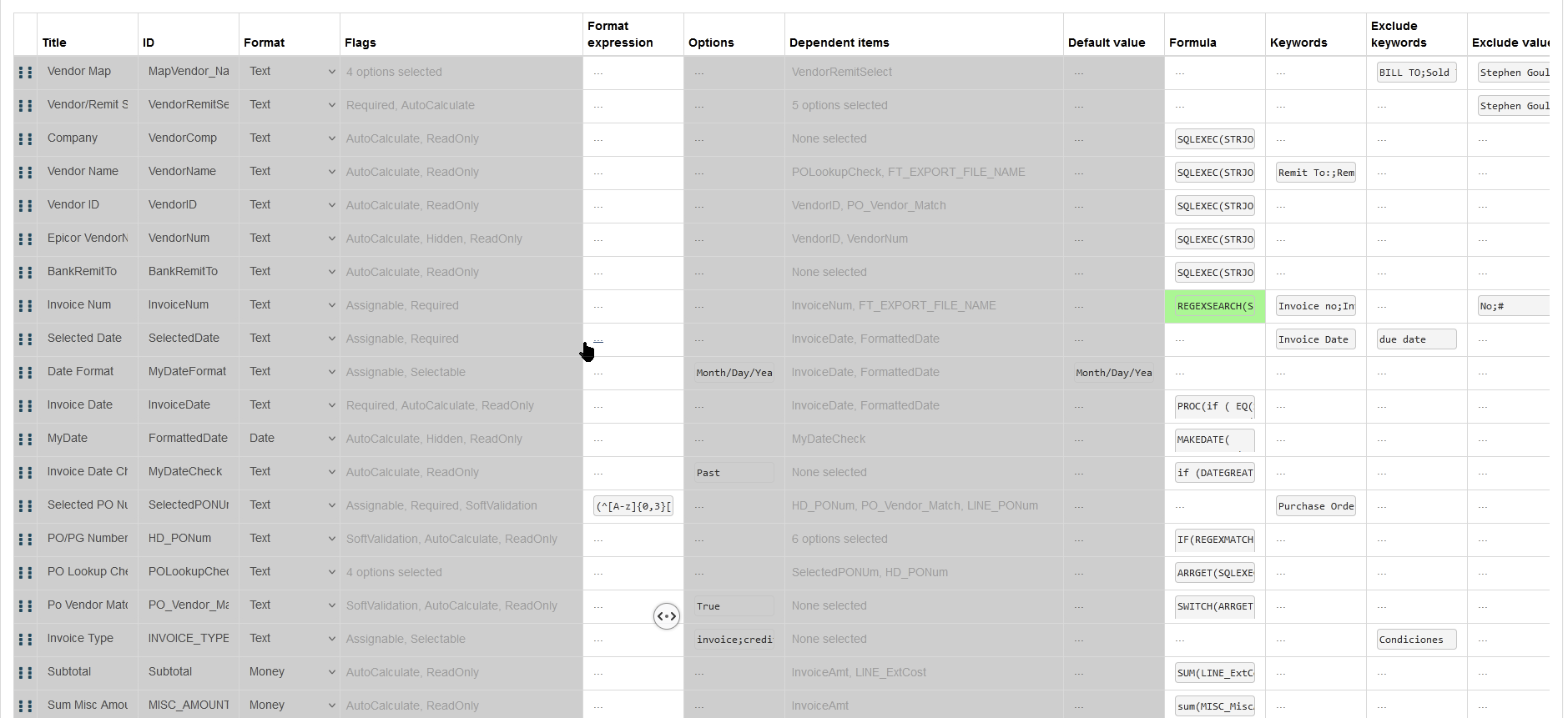
This is editing a vendor specific DFD. You can see that only certain things are changeable, so you’re a bit limited but can still do a lot.
I would look at using a remit to address as a vendor map and paste in the vendor name from Epicor. Otherwise using 9.34 version allows for not using a classification model, the enhanced Azure ocr will do a better job on identifying fields, which may lead to better splitting of invoices.
Yeah, we have a connected table that combines vendor name, Vendor ID, remit to address and other fields, and that’s used as a selector. Then it’s separated into different read only fields. We map on the remit to, like you said and match that to the selector combined field. That part is working well now. (We had issues with selecting the vendor, then selecting the remit to, and that just wasn’t great).
With this specific vendor, their invoice just has a TON of text (in Spanish to make it even better) on the form and so it’s hard to get OCR to ignore the extra junk. It is electronically generated and sent though, so the format is very consistent and specific. I just made the same changes that I did in the totally specific form into a vendor specific DFD and added strictPositioning for some of the fields, so let’s hope that will get the constancy we need.
We are on version 9.34 (cloud). I was looking at that just yesterday. I was trying to figure out how to see if we are using the azure OCR or not. I unchecked the “extract PDF information” checkbox on the import, but other than that, couldn’t really figure out how to know if that’s all I need to do. Any tips?
The cloud will natively use Azure without any settings. May want to look at changing the locale for the document type to Spanish. Also extract vector data should not be used with the Azure OCR engine. Best of luck.